Character Animation Controller Gamepad API
A character controller in the context of the Gamepad API is a mechanism for controlling the movement and actions of a character within a 3D environment using a gamepad or controller device.
I develop 3D apps and games for websites to improve user engagement. Founder of Indie Forge Studio. Contact me if you need help with:
- Web apps
- 3D games
- Technical SEO
- Landing pages
- Content updates
Frequently Asked Questions
How do you control 3D character animations with an Xbox controller in the browser?
Use the Gamepad API (navigator.getGamepads()) to read Xbox controller input. Map button presses and joystick values to AnimationMixer actions — for example, pressing A plays a jump animation, moving the left stick plays a walk animation. Poll gamepad state each frame in the render loop.
What is the Gamepad API and how does it work with Three.js?
The Gamepad API is a browser-native JavaScript API that provides access to connected game controllers. Call navigator.getGamepads() each frame to read button states and axis values. Combine it with Three.js AnimationMixer to trigger model animations and control character movement in 3D space.
How do you load and animate a 3D character model in Three.js?
Use GLTFLoader to load a .glb model file that contains both the mesh and its animations. Create an AnimationMixer from the loaded model, then use mixer.clipAction(clip) to access individual animation clips (walk, run, idle). Call action.play() to start and mixer.update(delta) each frame to advance playback.
Can you switch between multiple animations on a 3D model?
Yes. Store references to each clipAction when the model loads. To switch animations, call currentAction.stop() on the old animation and newAction.play() on the new one. For smooth blending between animations, use action.crossFadeFrom(oldAction, duration) which interpolates between poses over the specified time.
STEP-BY-STEP CODE BREAKDOWN
Clear explanation of the full working code — perfect for beginners
1. HTML Setup + Instructions
Basic page layout with instructions for the player and a loading message.
<div id="info">
    🎮 Plug in Xbox Controller<br>
    Left Stick = Move + Rotate<br>
    RT = Jump
</div>
<div id="loading">Loading character...</div>
2. Three.js Scene & Renderer Setup
Create the 3D scene, camera, renderer, lights, and a grid floor.
const scene = new THREE.Scene();
const camera = new THREE.PerspectiveCamera(75, window.innerWidth / window.innerHeight, 0.1, 1000);
camera.position.set(0, 4, 8);

const renderer = new THREE.WebGLRenderer({ antialias: true });
renderer.setSize(window.innerWidth, window.innerHeight);
document.body.appendChild(renderer.domElement);

const clock = new THREE.Clock();

// Lights
scene.add(new THREE.AmbientLight(0xffffff, 2.5));
const dirLight = new THREE.DirectionalLight(0xffffff, 3);
dirLight.position.set(5, 10, 5);
scene.add(dirLight);
scene.add(new THREE.HemisphereLight(0xffffff, 0x444444, 1.5));
scene.add(new THREE.GridHelper(200, 50));
3. Load the 3D Character Model
Load the GLB model, scale it, center it on the ground, and improve its materials.
const loader = new GLTFLoader();
loader.load('https://www.shanebrumback.com/models/glb/swat/swat-character.glb', (gltf) => {
    currentModel = gltf.scene;
    scene.add(currentModel);
    currentModel.scale.set(0.04, 0.04, 0.04);

    // Center model on ground
    const box = new THREE.Box3().setFromObject(currentModel);
    currentModel.position.sub(box.getCenter(new THREE.Vector3()));
    currentModel.position.y += box.getSize(new THREE.Vector3()).y / 2;

    // Fix materials
    currentModel.traverse((child) => {
        if (child.isMesh && child.material) {
            child.material.metalness = 0.0;
            child.material.roughness = 0.85;
        }
    });
});
4. Setup Animation System
Create AnimationMixer and prepare all animations (idle, walk, jump).
mixer = new THREE.AnimationMixer(currentModel);

gltf.animations.forEach(clip => {
    const action = mixer.clipAction(clip);
    const name = clip.name.toLowerCase();
    actions[name] = action;

    if (name.includes("jump")) {
        jumpAction = action;
        action.setLoop(THREE.LoopOnce);
        action.clampWhenFinished = true;
    }
});

playAnimation("idle");  // Start with idle pose
5. Play Animation Function
Helper function to smoothly switch between animations (idle ↔ walk ↔ jump).
function playAnimation(name) {
    if (!modelLoaded) return;
    name = name.toLowerCase();
    let key = Object.keys(actions).find(k => k.includes(name));
    if (!key) return;

    const action = actions[key];
    if (activeAction === action) return;

    if (activeAction) activeAction.fadeOut(0.2);
    action.reset().fadeIn(0.2).play();
    activeAction = action;
}
6. Main Gamepad Input Function
This is the heart of the controller — reads stick, trigger, moves character, and controls animations.
function updateGamepad() {
    const gp = navigator.getGamepads()[0];
    if (!gp || !modelLoaded) return;

    const x = gp.axes[0];
    const y = gp.axes[1];
    const jumpPressed = gp.buttons[7].pressed;

    // Jump logic
    if (jumpPressed && !lastJumpPressed && !isJumping) { ... }

    // Movement logic
    if (Math.abs(x) > 0.1 || Math.abs(y) > 0.1) {
        // Rotate + Move character
        // Play walk animation
    } else {
        playAnimation("idle");
    }

    // Camera follow
    camera.position.lerp(...);
    camera.lookAt(currentModel.position);

    requestAnimationFrame(updateGamepad);
}
7. Animation Loop
Runs every frame: updates animations and renders the scene.
function animate() {
    requestAnimationFrame(animate);

    if (mixer) mixer.update(clock.getDelta());

    // Return to idle after jump finishes
    if (isJumping && !jumpAction.isRunning()) {
        isJumping = false;
        playAnimation("idle");
    }

    renderer.render(scene, camera);
}
animate();
FULL COPY & PASTE TEMPLATE
Complete working version with proper model loading (recommended):
<!DOCTYPE html>
<html lang="en">
<head>
    <meta charset="utf-8" />
    <meta name="viewport" content="width=device-width, initial-scale=1" />
    <title>Xbox Controller Character Demo</title>
    <style>
        body { margin: 0; overflow: hidden; background: #000; }
        canvas { display: block; }
        #info { position: fixed; top: 10px; left: 10px; color: white; background: rgba(0,0,0,0.7); padding: 12px; border-radius: 6px; z-index: 100; }
        #loading { position: fixed; top: 50%; left: 50%; transform: translate(-50%, -50%); color: white; background: rgba(0,0,0,0.8); padding: 15px 25px; border-radius: 8px; z-index: 200; font-family: sans-serif; }
    </style>
</head>
<body>
    <div id="info">
        🎮 Plug in Xbox Controller<br>
        Left Stick = Move + Rotate<br>
        RT = Jump
    </div>
    <div id="loading">Loading character...</div>

    <script async src="https://cdn.jsdelivr.net/npm/three@latest/build/three.min.js"></script>
    <script type="importmap">
    {
        "imports": {
            "three": "https://cdn.jsdelivr.net/npm/three@0.160/build/three.module.js",
            "three/addons/": "https://cdn.jsdelivr.net/npm/three@0.160/examples/jsm/"
        }
    }
    </script>

    <script type="module">
        import * as THREE from 'three';
        import { GLTFLoader } from 'three/addons/loaders/GLTFLoader.js';

        const scene = new THREE.Scene();
        const camera = new THREE.PerspectiveCamera(75, window.innerWidth / window.innerHeight, 0.1, 1000);
        camera.position.set(0, 4, 8);

        const renderer = new THREE.WebGLRenderer({ antialias: true });
        renderer.setSize(window.innerWidth, window.innerHeight);
        renderer.outputEncoding = THREE.sRGBEncoding;
        renderer.toneMappingExposure = 1.5;
        renderer.physicallyCorrectLights = true;
        document.body.appendChild(renderer.domElement);

        const clock = new THREE.Clock();

        // Lights
        scene.add(new THREE.AmbientLight(0xffffff, 2.5));
        const dirLight = new THREE.DirectionalLight(0xffffff, 3);
        dirLight.position.set(5, 10, 5);
        scene.add(dirLight);
        const hemi = new THREE.HemisphereLight(0xffffff, 0x444444, 1.5);
        hemi.position.set(0, 20, 0);
        scene.add(hemi);
        scene.add(new THREE.GridHelper(200, 50));

        let currentModel = null;
        let mixer = null;
        let actions = {};
        let activeAction = null;
        let jumpAction = null;
        let isJumping = false;
        let modelLoaded = false;

        const loader = new GLTFLoader();

        loader.load('https://www.shanebrumback.com/models/glb/swat/swat-character.glb',
            (gltf) => {
                currentModel = gltf.scene;
                scene.add(currentModel);

                currentModel.scale.set(0.04, 0.04, 0.04);

                const box = new THREE.Box3().setFromObject(currentModel);
                const center = box.getCenter(new THREE.Vector3());
                currentModel.position.sub(center);
                currentModel.position.y += box.getSize(new THREE.Vector3()).y / 2;

                currentModel.traverse((child) => {
                    if (child.isMesh && child.material) {
                        const mat = child.material;
                        mat.metalness = 0.0;
                        mat.roughness = 0.85;
                        if (mat.map) mat.map.encoding = THREE.sRGBEncoding;
                        mat.needsUpdate = true;
                    }
                });

                mixer = new THREE.AnimationMixer(currentModel);

                gltf.animations.forEach(clip => {
                    const action = mixer.clipAction(clip);
                    const name = clip.name.toLowerCase();
                    actions[name] = action;
                    if (name.includes("jump")) {
                        jumpAction = action;
                        action.setLoop(THREE.LoopOnce);
                        action.clampWhenFinished = true;
                    }
                });

                playAnimation("idle");
                modelLoaded = true;
                document.getElementById('loading').style.display = 'none';

                if (navigator.getGamepads()[0]) updateGamepad();
            },
            undefined,
            (error) => {
                console.error('Error loading model:', error);
                document.getElementById('loading').innerHTML = 'Failed to load character 😢';
            }
        );

        function playAnimation(name) {
            if (!modelLoaded) return;
            name = name.toLowerCase();
            let key = Object.keys(actions).find(k => k.includes(name));
            if (!key) return;
            const action = actions[key];
            if (activeAction === action) return;
            if (activeAction) activeAction.fadeOut(0.2);
            action.reset().fadeIn(0.2).play();
            activeAction = action;
        }

        let lastJumpPressed = false;

        function updateGamepad() {
            const gp = navigator.getGamepads()[0];
            if (!gp || !modelLoaded || !currentModel) {
                requestAnimationFrame(updateGamepad);
                return;
            }

            const x = gp.axes[0];
            const y = gp.axes[1];
            const jumpPressed = gp.buttons[7].pressed;
            const deadZone = 0.1;

            if (jumpPressed && !lastJumpPressed && !isJumping && jumpAction) {
                isJumping = true;
                if (activeAction) activeAction.fadeOut(0.1);
                jumpAction.reset().fadeIn(0.1).play();
                activeAction = jumpAction;
            }
            lastJumpPressed = jumpPressed;

            if (Math.abs(x) > deadZone || Math.abs(y) > deadZone) {
                const speed = 0.08;
                const angle = Math.atan2(x, y);
                currentModel.rotation.y = THREE.MathUtils.lerp(currentModel.rotation.y, angle, 0.15);

                const forward = new THREE.Vector3(0, 0, 1).applyQuaternion(currentModel.quaternion);
                const newPosition = currentModel.position.clone().add(forward.multiplyScalar(speed));

                const half = 100;
                if (newPosition.x >= -half && newPosition.x <= half && newPosition.z >= -half && newPosition.z <= half) {
                    currentModel.position.copy(newPosition);
                }
                if (!isJumping) playAnimation("walk");
            } else if (!isJumping) {
                playAnimation("idle");
            }

            const offset = new THREE.Vector3(0, 4, 8);
            camera.position.lerp(currentModel.position.clone().add(offset), 0.1);
            camera.lookAt(currentModel.position);

            requestAnimationFrame(updateGamepad);
        }

        window.addEventListener("gamepadconnected", () => {
            if (modelLoaded) updateGamepad();
        });

        function animate() {
            requestAnimationFrame(animate);
            if (mixer && modelLoaded) mixer.update(clock.getDelta());

            if (isJumping && jumpAction && !jumpAction.isRunning()) {
                isJumping = false;
                playAnimation("idle");
            }
            renderer.render(scene, camera);
        }

        animate();

        window.addEventListener("resize", () => {
            camera.aspect = window.innerWidth / window.innerHeight;
            camera.updateProjectionMatrix();
            renderer.setSize(window.innerWidth, window.innerHeight);
        });
    </script>
</body>
</html>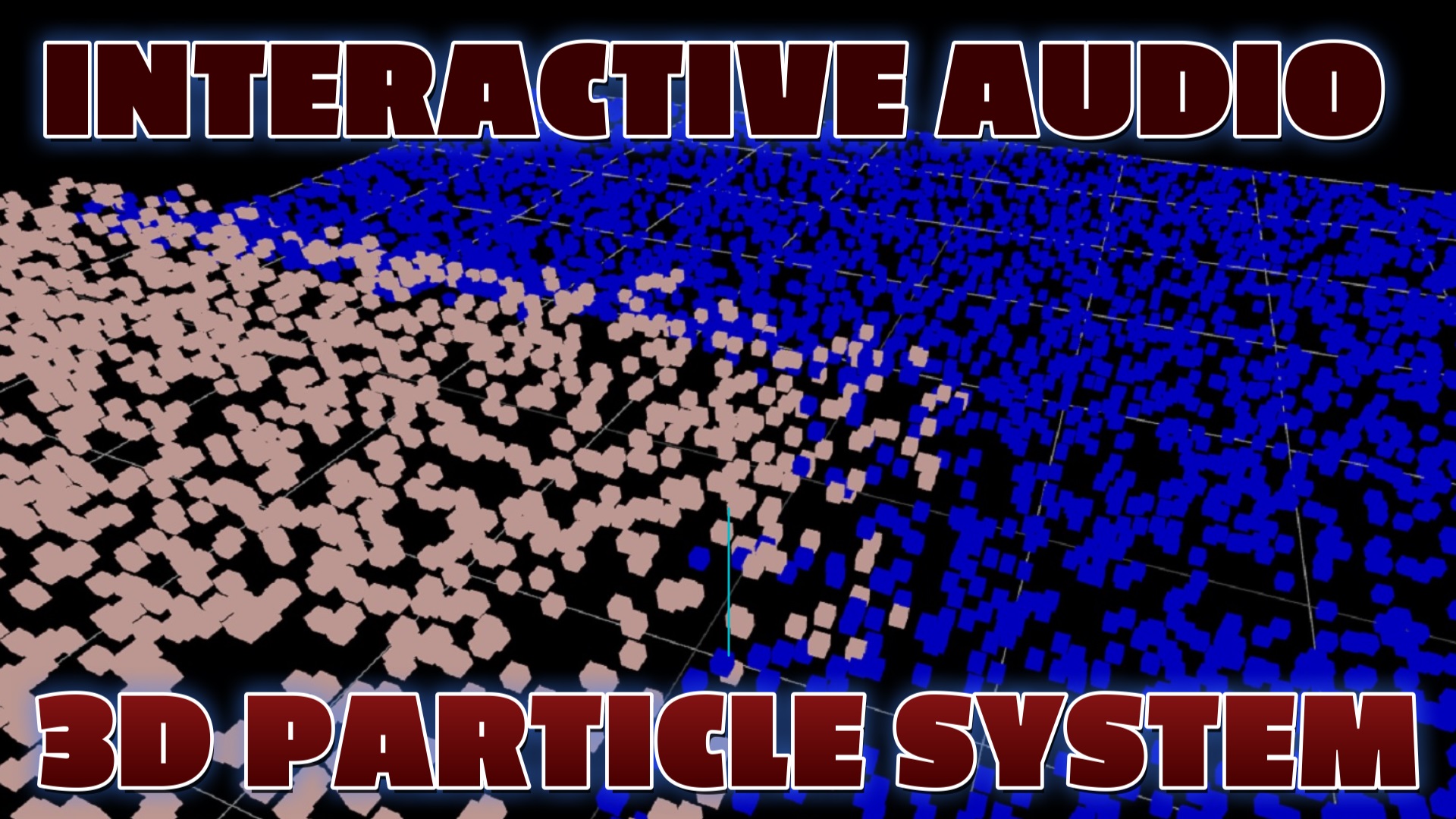
Interactive Audio Particle System
Three.js, JavaScript, HTML and CSS
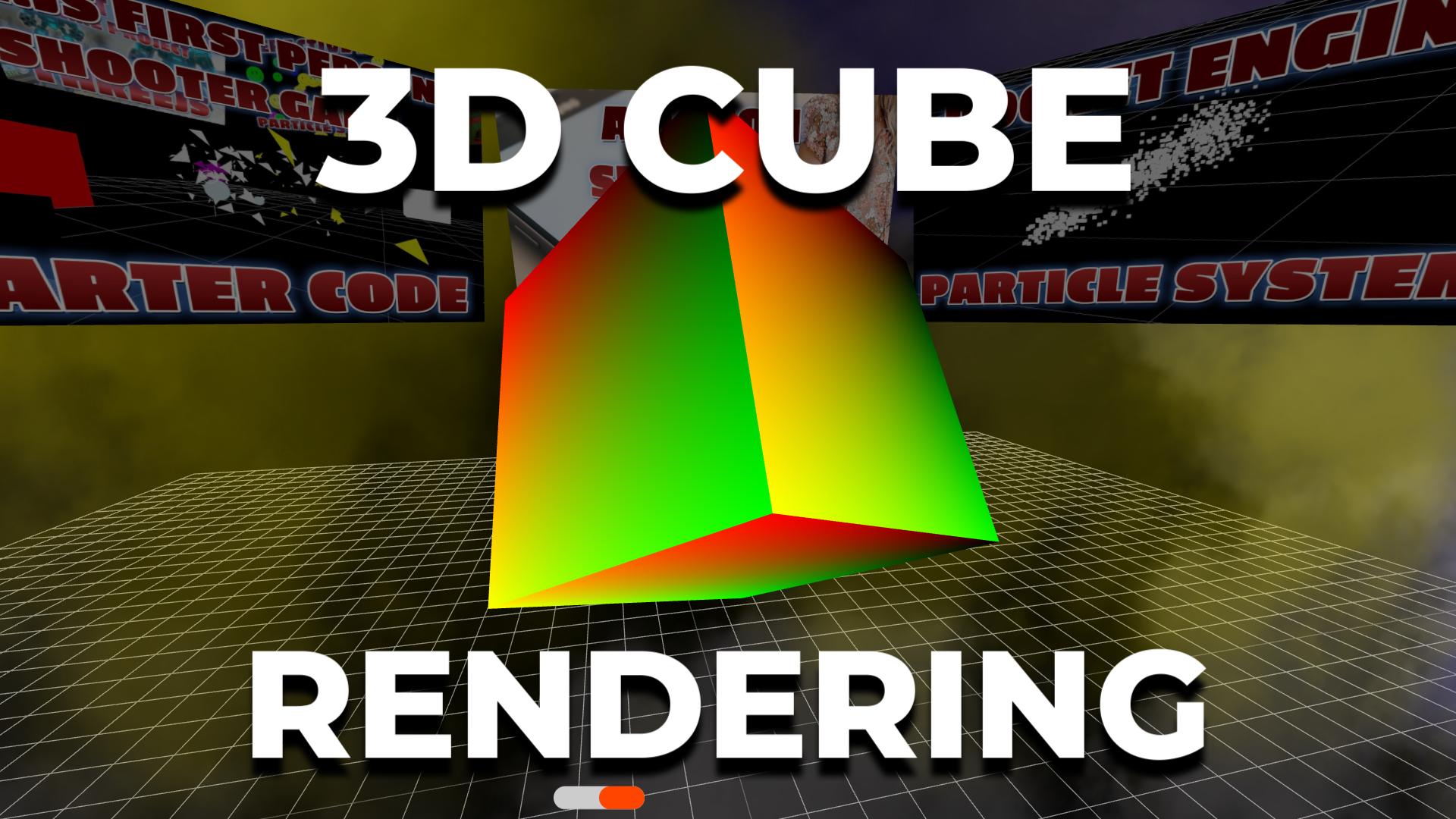
Rendering 3D Cubes with Three.js
Three.js, JavaScript, HTML & CSS