FIRST PERSON
SHOOTER GAME
Build a complete browser-based FPS from scratch with Three.js — pointer lock controls, projectile physics, collision detection, and particle explosions.
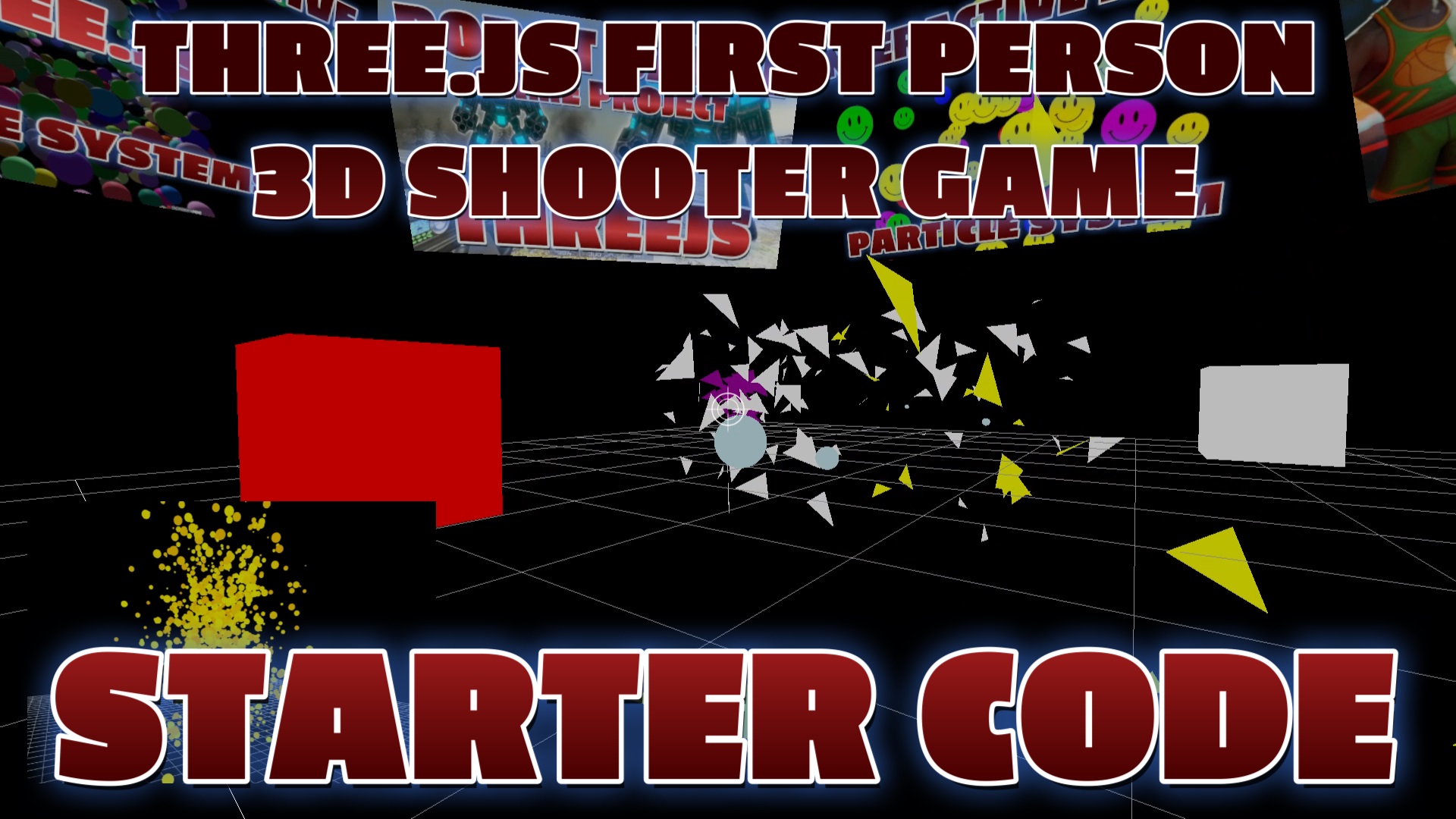
LIVE DEMO
Click to play the game running in the background. ESC to return to the tutorial.
Desktop: WASD — Move | Mouse — Look | Click/Space — Fire | M — Music
Mobile: Landscape only | Left Joystick — Move | Right Button — Fire | Touch Drag — Aim
Frequently Asked Questions
How do I make a first person shooter in the browser with Three.js?
Use PointerLockControls for mouse-look, add WASD keyboard movement, create a weapon model attached to the camera, use Raycaster for shooting (cast ray from camera center on click), and add enemy objects with hit detection. Three.js handles all the 3D rendering while you code the game logic.
What is PointerLockControls in Three.js?
PointerLockControls locks the mouse cursor and gives you raw mouse movement data for looking around — exactly like an FPS game. Import it from three/examples/jsm/controls/PointerLockControls, attach it to your camera, and call controls.lock() on a user click to activate.
How do I add shooting mechanics to a Three.js FPS?
On mouse click, cast a Raycaster from the camera center (direction the player is looking). Check intersections with enemy objects. If hit, apply damage or destroy the enemy. Add muzzle flash (sprite at gun tip), bullet trail (line geometry), and hit particles for visual feedback.
Can I build a multiplayer FPS with Three.js?
Yes. Use WebSockets (Socket.io or native WebSocket API) to sync player positions, rotations, and actions between clients. Each player sends their position 10-20 times per second. The server validates hits and broadcasts game state. Games like Super Soldier Battle prove this works in production.
Introduction
First Person Shooters are one of the most popular game genres, and building one in the browser is a fantastic way to learn real-time 3D programming. This tutorial walks you through creating a complete FPS game using Three.js that works on both desktop and mobile devices — from locking the mouse cursor for immersive camera control on PC, to virtual joystick and fire button touch controls on phones and tablets.
The game features WASD movement with boundary collision (or touch joystick on mobile), a projectile system that fires spheres from the camera's position in the direction you're looking, moving enemy cubes that patrol the arena, and a full explosion system with colored triangle shrapnel that flies outward on impact. On mobile, the game requires landscape orientation and provides a virtual joystick for movement plus a dedicated fire button — making it fully playable without a keyboard or mouse.
Everything runs in a single JavaScript module using Three.js ES modules with import maps. No build tools, no bundlers — just clean, readable code you can drop into any project and start customizing immediately.
What You'll Learn
- Setting up PointerLockControls for immersive first-person camera movement (desktop)
- Building mobile touch controls: virtual joystick, fire button, and touch-to-look aiming
- Detecting mobile devices and requiring landscape orientation for gameplay
- Building a projectile system that fires from the camera in the look direction
- Implementing WASD keyboard movement with boundary collision detection
- Creating enemy cubes with autonomous patrol movement and inter-cube collision avoidance
- Raycaster-based hit detection between projectiles and targets
- A triangle-based particle explosion system with physics and rotation
- Audio integration with background music, laser sounds, and explosion effects
- Making a single codebase work on both PC and mobile browsers
Prerequisites
Basic knowledge of Three.js (scene, camera, renderer) and JavaScript ES modules. You should be comfortable with vectors and 3D coordinate systems. No game engine experience required — this tutorial builds everything from first principles using only Three.js.
SEE 3D AND 2D BROWSER GAMES IN ACTION
My free browser games are full Three.js 3D experiences — no download, they run right in your browser.