HOW TO LOAD A
THREE.JS SCENE
AND DRAW A DONUT
Complete beginner tutorial with live rotating donut demo and full working code.
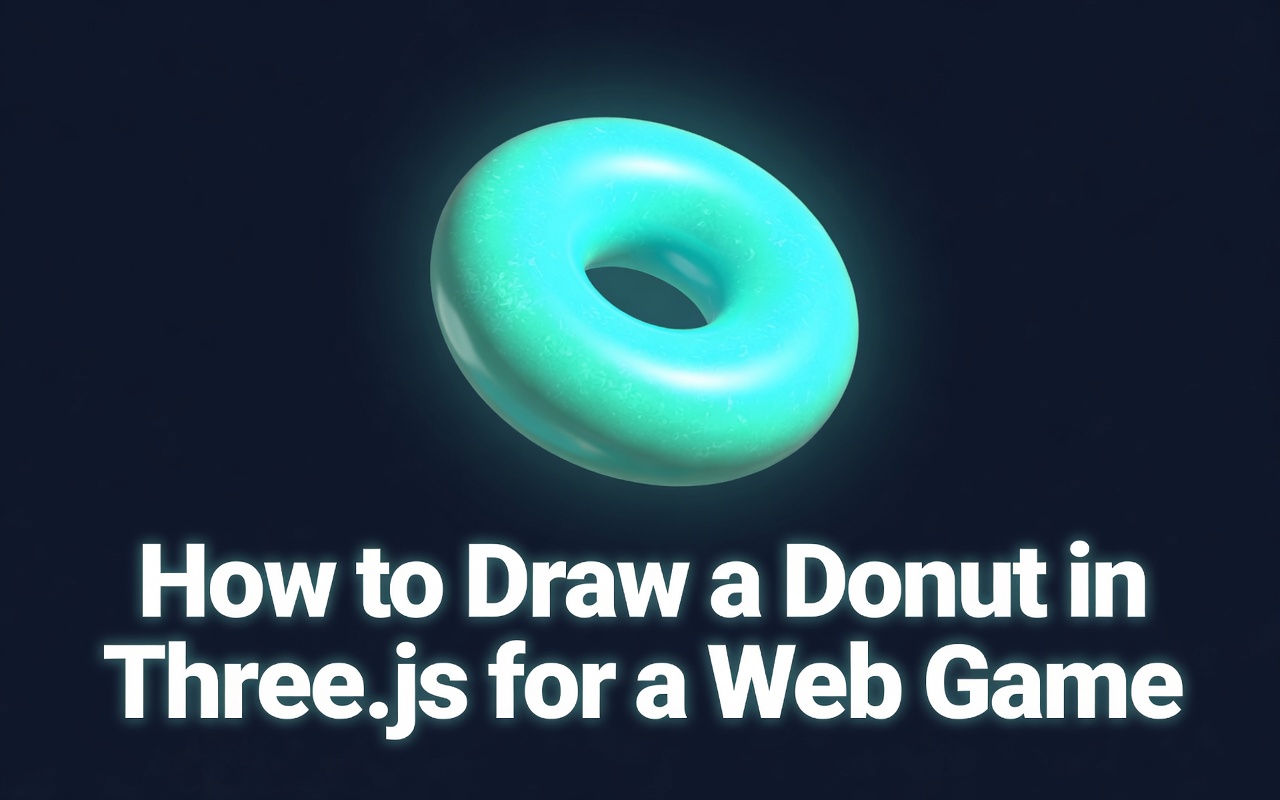
LIVE DEMO
The glowing donut behind this page is the live demo. Click and drag anywhere to orbit the camera around it. Scroll to keep reading — the donut follows you down the page.
Frequently Asked Questions
How do I create a donut (torus) shape in Three.js?
Use new THREE.TorusGeometry(radius, tube, radialSegments, tubularSegments) to create the donut geometry. Combine it with a material like MeshStandardMaterial or MeshPhongMaterial, create a Mesh, and add it to the scene. Typical values are radius=1, tube=0.4, radialSegments=16, tubularSegments=100.
What is the difference between TorusGeometry and TorusKnotGeometry?
TorusGeometry creates a simple ring/donut shape. TorusKnotGeometry creates a more complex knotted tube that winds around itself. A torus is a basic ring; a torus knot is a mathematical knot that wraps around the ring multiple times based on p and q parameters.
How do I add texture to a Three.js donut?
Load a texture with new THREE.TextureLoader().load('texture.jpg'), then apply it to the material: new THREE.MeshStandardMaterial({ map: texture }). You can also add normalMap for surface detail and roughnessMap for realistic reflections on the donut surface.
Can I load a 3D donut model from Blender into Three.js?
Yes. Export your Blender donut as a .glb or .gltf file, then use GLTFLoader in Three.js to load it: new GLTFLoader().load('donut.glb', (gltf) => scene.add(gltf.scene)). This preserves materials, textures, and animations from Blender.
Introduction
Three.js is one of the most powerful JavaScript libraries for creating 3D graphics directly in the browser. In this tutorial, you'll learn how to set up a Three.js scene and create a beautiful rotating donut using TorusGeometry.

Shop great deals on gaming supplies and accessories on Amazon. As an Amazon Associate I earn from qualifying purchases.
Full Working Code (Copy & Paste)
Paste this into a file named index.html and open it, or press Launch to run it now.
<!DOCTYPE html>
<html><head>
<script src="https://cdnjs.cloudflare.com/ajax/libs/three.js/r134/three.min.js"></script>
</head><body style="margin:0;background:#0f172a;">
<div id="demo" style="width:100vw;height:100vh;"></div>
<script>
const scene = new THREE.Scene();
scene.background = new THREE.Color(0x0f172a);

const camera = new THREE.PerspectiveCamera(75, window.innerWidth/window.innerHeight, 0.1, 1000);
camera.position.z = 35;

const renderer = new THREE.WebGLRenderer({ antialias: true });
renderer.setSize(window.innerWidth, window.innerHeight);
document.getElementById('demo').appendChild(renderer.domElement);

const geometry = new THREE.TorusGeometry(10, 4, 16, 100);
const material = new THREE.MeshPhongMaterial({ color: 0x4ade80, shininess: 120 });
const torus = new THREE.Mesh(geometry, material);
scene.add(torus);

scene.add(new THREE.AmbientLight(0xffffff, 0.6));
const light = new THREE.PointLight(0x2ad1d6, 2);
light.position.set(25, 30, 40);
scene.add(light);

function animate() {
    requestAnimationFrame(animate);
    torus.rotation.x += 0.008;
    torus.rotation.y += 0.012;
    renderer.render(scene, camera);
}
animate();
</script></body></html>
Step-by-Step Explanation
1. Include Three.js
<script src="https://cdnjs.cloudflare.com/ajax/libs/three.js/r134/three.min.js"></script>2. Create Scene, Camera & Renderer
const scene = new THREE.Scene();
scene.background = new THREE.Color(0x0f172a);

const camera = new THREE.PerspectiveCamera(75, window.innerWidth / window.innerHeight, 0.1, 1000);
camera.position.z = 35;

const renderer = new THREE.WebGLRenderer({ antialias: true });
renderer.setSize(window.innerWidth, window.innerHeight);
document.getElementById('demo').appendChild(renderer.domElement);
3. Create the Donut
const geometry = new THREE.TorusGeometry(10, 4, 16, 100);
const material = new THREE.MeshPhongMaterial({ color: 0x4ade80, shininess: 120 });
const torus = new THREE.Mesh(geometry, material);
scene.add(torus);
4. Add Lighting
scene.add(new THREE.AmbientLight(0xffffff, 0.6));

const light = new THREE.PointLight(0x2ad1d6, 2);
light.position.set(25, 30, 40);
scene.add(light);
5. Animation Loop
function animate() {
    requestAnimationFrame(animate);
    torus.rotation.x += 0.008;
    torus.rotation.y += 0.012;
    renderer.render(scene, camera);
}
animate();