INTERACTIVE
AUDIO DRIVEN
PARTICLE SYSTEMS
Build a particle system that reacts in real-time to music using Three.js AudioAnalyser and frequency data.
Frequently Asked Questions
How do you connect Web Audio API to Three.js particles?
Create a THREE.AudioListener attached to the camera, load audio with THREE.Audio, then wrap it with THREE.AudioAnalyser. Each frame, call analyser.getFrequencyData() to get a Uint8Array of frequency amplitudes (0-255). Map these values to particle positions, sizes, or colors in your animation loop.
What is AudioAnalyser in Three.js and how does it work?
THREE.AudioAnalyser wraps the Web Audio API AnalyserNode. It performs a Fast Fourier Transform (FFT) on the audio signal every frame, splitting it into frequency bins. getFrequencyData() returns amplitudes per bin, and getAverageFrequency() returns a single average energy value you can use to drive animations.
How do you make particles react to music in real-time?
In your animation loop, read frequency data from AudioAnalyser each frame. Use the average frequency or individual bins to control particle properties — scale them up on bass hits, change colors on high frequencies, or adjust velocity based on overall energy. Update the particle BufferGeometry attributes and mark them as needsUpdate.
What is the best FFT size for audio visualization?
For particle systems, FFT size 256 or 512 works well — it provides enough frequency detail (128 or 256 bins) without excessive computation. Smaller FFT sizes update faster but have less frequency resolution. Larger sizes (1024+) give more detail but introduce latency. Match the FFT size to your visual complexity needs.
LIVE DEMO
Click Play to start the audio and watch the particles react to the music frequency in real-time.
Introduction
Three.js has revolutionized web development by bringing 3D graphics and animations to the browser. One of its most captivating features is the ability to create particle systems that respond dynamically to audio — combining the visual allure of particle effects with the real-time responsiveness of sound data.
This tutorial walks through building a complete audio-reactive particle system from scratch. You'll learn how to load audio, analyze its frequency spectrum, and map that data to particle behavior — creating a mesmerizing display that dances with the music.
How AudioAnalyser Works
At the heart of this demo is THREE.AudioAnalyser — a built-in Three.js class that wraps the Web Audio API's AnalyserNode. It samples the audio signal and breaks it into frequency bins using a Fast Fourier Transform (FFT).
Each frame, analyser.getFrequencyData() returns a Uint8Array where each value (0—255) represents the amplitude of a specific frequency band. We average all bins to get a single "energy" value that drives the particle animation.
Particle Behavior & Color Mapping
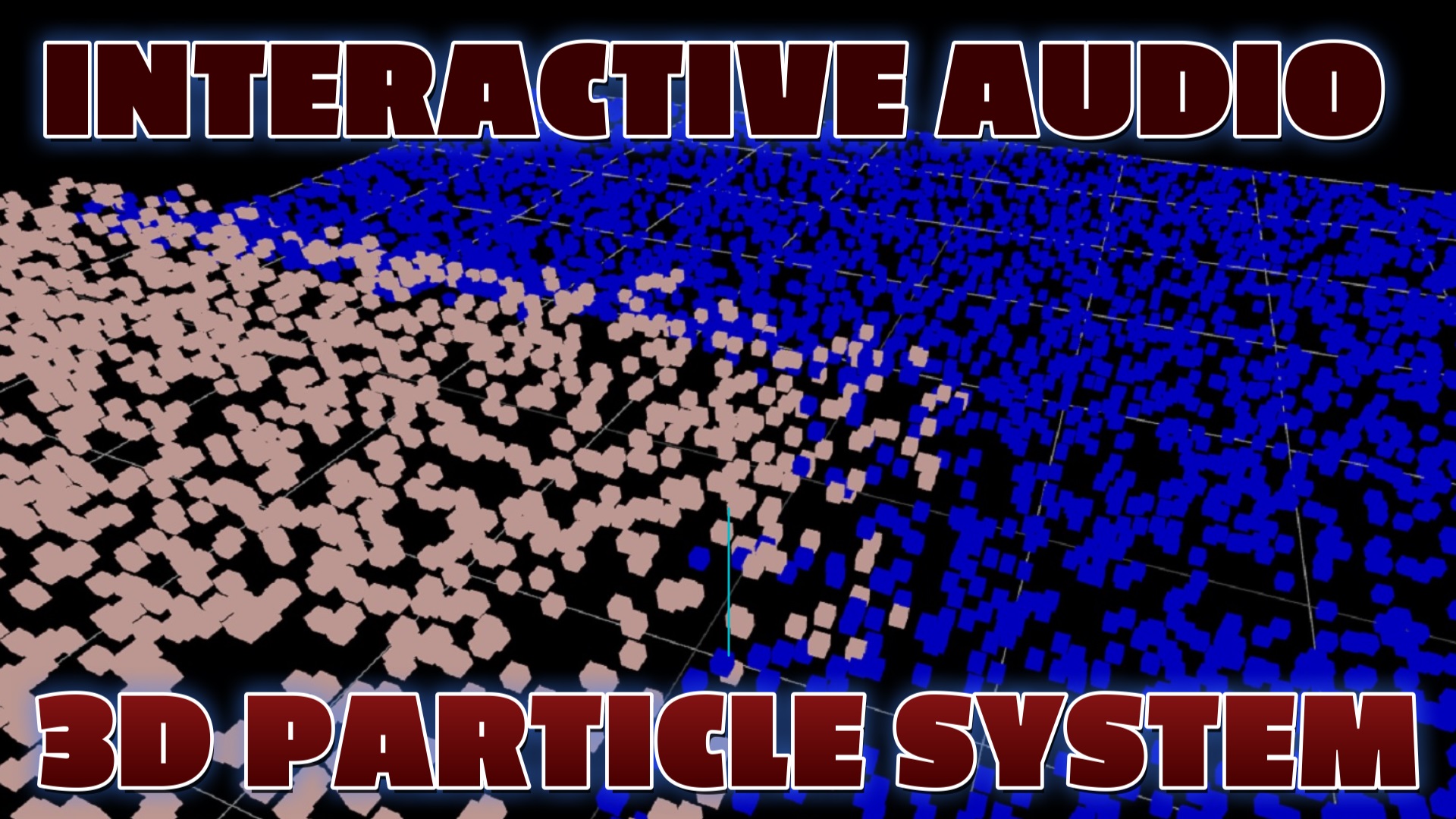
Each particle starts at Y=0 on a grid. When the audio energy exceeds a threshold, particles rise on the Y-axis using linear interpolation (lerp) for smooth movement. When energy drops, they smoothly return to their original position.
Color is mapped using THREE.Color().setHSL() — at low frequencies particles are blue, and as energy increases they shift toward bright orange. This creates a vivid visual representation of the audio spectrum.
Use Cases
Audio-reactive particle systems have many practical applications:
- Music visualizers — create stunning visuals that sync with any audio track
- Game effects — sync explosions, ambient effects, or UI feedback to game audio
- Live events — real-time visual displays for concerts or DJ sets
- Marketing — captivating product showcases with audio-driven animations
Conclusion
Three.js makes it surprisingly straightforward to bridge audio and 3D visuals. By combining THREE.AudioLoader, THREE.PositionalAudio, and THREE.AudioAnalyser, you can build rich interactive experiences that respond to sound in real-time.
The techniques shown here — frequency averaging, lerp-based animation, and HSL color mapping — are reusable patterns you can apply to any audio-reactive project.