AUDIO DRIVEN
SPHERE PARTICLES
Colorful 3D spheres that bounce at different heights in real-time response to music using Three.js AudioAnalyser.
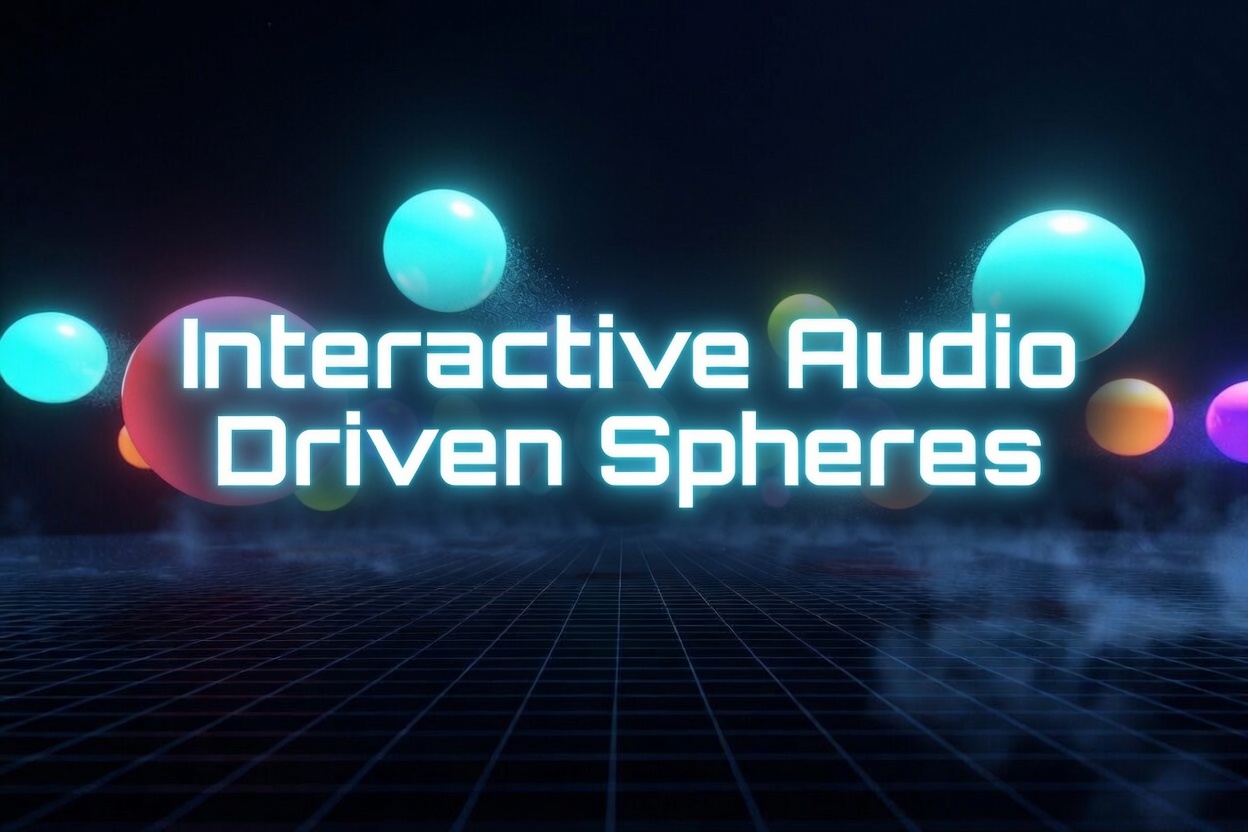
LIVE DEMO
Click Play — each sphere bounces to a different beat of the music!
Frequently Asked Questions
How do you create audio-reactive 3D spheres in Three.js?
Create an array of SphereGeometry meshes positioned on a grid. Connect audio to THREE.AudioAnalyser. Each frame, read frequency data and map values to each sphere's Y position (bounce height). Apply sine waves with per-sphere phase offsets for organic movement that follows the music.
How does Three.js AudioAnalyser map music to 3D objects?
AudioAnalyser performs FFT on the audio stream and returns frequency amplitudes as numbers 0-255. You assign different frequency bins to different spheres — low frequencies drive some spheres, high frequencies drive others. Normalize the values and use them as scale multipliers or position offsets in the render loop.
Can you build a music visualizer in the browser with Three.js?
Yes. Three.js has built-in audio support through AudioListener, Audio, and AudioAnalyser classes that wrap the Web Audio API. Combined with 3D geometry and real-time rendering, you can build full music visualizers that run at 60fps in any modern browser without plugins or downloads.
How do you give each sphere a unique bounce pattern?
Assign each sphere a unique phase offset, amplitude multiplier, and speed value when creating it. In the animation loop, calculate bounce height as: baseHeight + sin(time * speed + phase) * amplitude * frequencyValue. This makes every sphere react to the same music data but with individual timing and intensity.
Introduction
Audio visualization is one of the most satisfying things to build in 3D. This tutorial creates 500 colorful spheres that bounce in real-time to music using Three.js's built-in AudioAnalyser. Each sphere has its own unique bounce height, speed, and phase — creating an organic, living particle field that reacts to every beat and frequency in the audio.
The technique combines Three.js's audio system (AudioListener, PositionalAudio, AudioAnalyser) with simple sine-wave animation driven by frequency data. The result is a visually stunning effect that's surprisingly simple to implement — under 100 lines of core logic.
What You'll Learn
- Setting up Three.js AudioListener and PositionalAudio
- Reading real-time frequency data with AudioAnalyser
- Creating hundreds of spheres with unique bounce properties using userData
- Driving animation with sine waves multiplied by audio frequency
- Dynamic color changes using HSL color space and emissive glow
- OrbitControls with auto-rotate for cinematic camera movement
- Fog, shadows, and lighting for a polished visual presentation
Prerequisites
Basic Three.js knowledge (Scene, Camera, Renderer). Understanding of the animation loop (requestAnimationFrame). No audio programming experience needed — Three.js handles all the Web Audio API complexity for you.