LOADING & ANIMATING
3D CHARACTERS
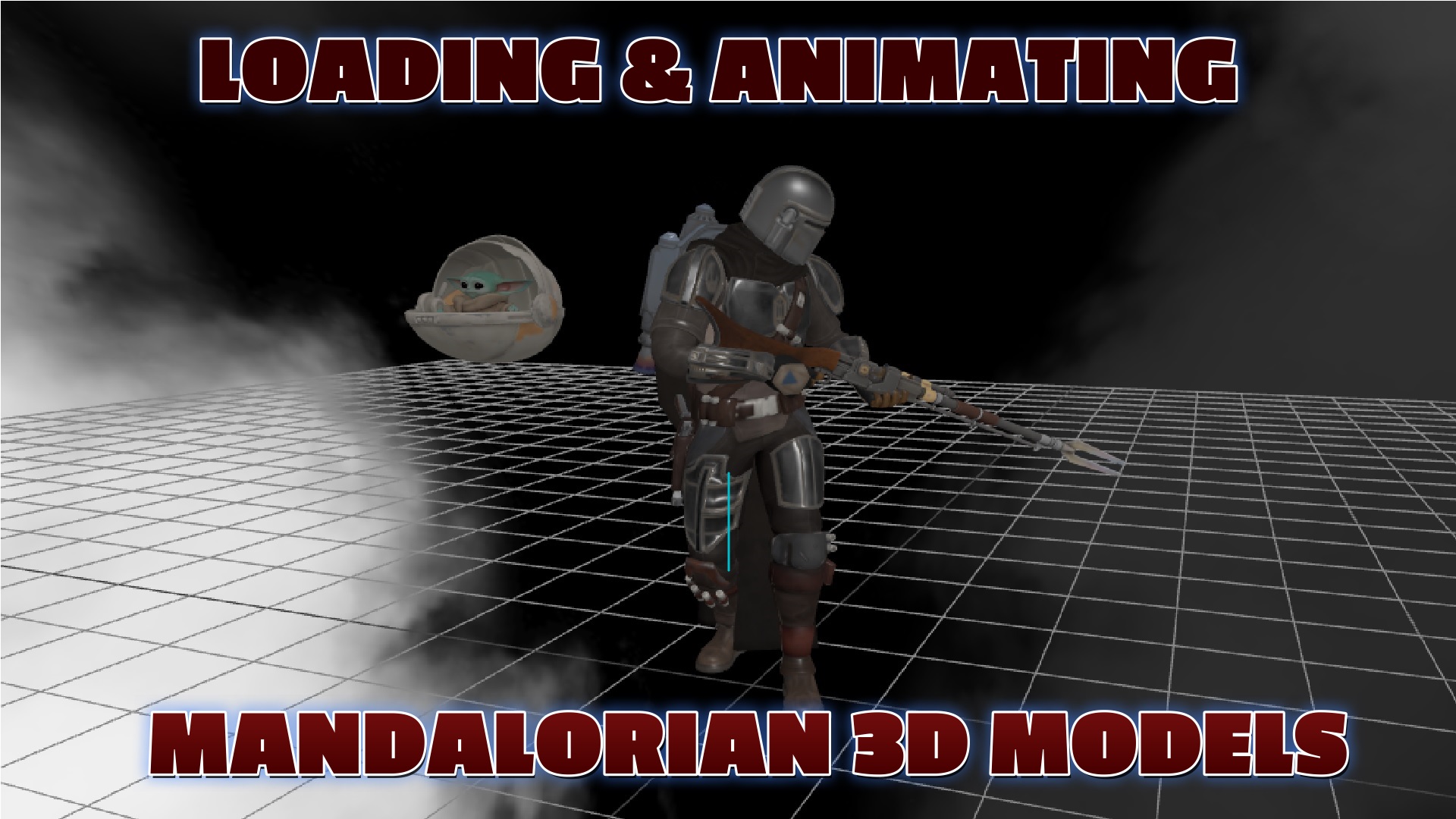
Learn how to load and animate the Mandalorian character from Star Wars using Three.js GLTFLoader and AnimationMixer.
Frequently Asked Questions
How do you load a GLTF 3D model in Three.js?
Import GLTFLoader from Three.js addons, then call loader.load(url, callback). In the callback, add gltf.scene to your Three.js scene. The GLTF file contains the mesh geometry, materials, textures, and optionally skeletal animations — all loaded in one call.
How do you play animations on a loaded 3D character?
Create a THREE.AnimationMixer passing the loaded model. Access animation clips from gltf.animations array, then call mixer.clipAction(clip).play() to start playback. In your render loop, call mixer.update(deltaTime) every frame to advance the animation based on elapsed time.
Where can you find free 3D character models for Three.js?
Sketchfab offers thousands of free downloadable GLTF models including characters, environments, and props. Other sources include Mixamo (animated characters), ReadyPlayerMe (avatars), TurboSquid, and CGTrader. Always check the license — many Sketchfab models are CC-BY licensed for free use with attribution.
What is the difference between GLB and GLTF file formats?
GLTF is a JSON file that references external binary data and texture files separately. GLB is the binary version that bundles everything into a single file. GLB is preferred for web delivery because it is one file, loads faster, and is typically smaller. Both work identically with Three.js GLTFLoader.
LIVE DEMO
The Mandalorian character is animated in the background. Orbit with mouse drag, zoom with scroll wheel.
What You'll Learn
- Loading GLTF/GLB 3D models with Three.js GLTFLoader
- Playing skeletal animations with AnimationMixer
- Setting up OrbitControls for camera interaction
- Adding lighting to bring characters to life
- Handling model scaling and positioning in the scene
SEE 3D AND 2D BROWSER GAMES IN ACTION
My free browser games are full Three.js 3D experiences — no download, they run right in your browser.