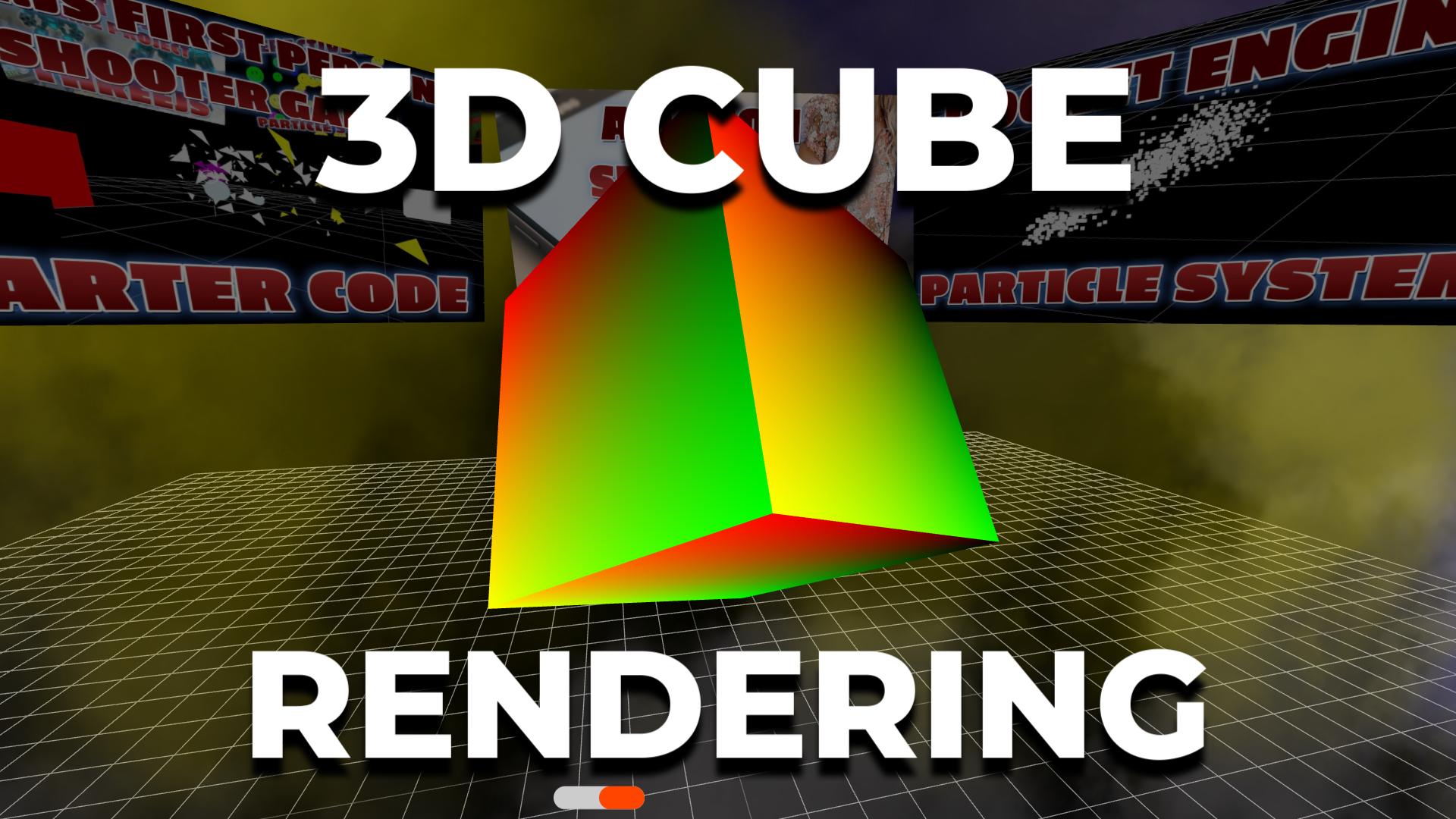
RENDERING A
3D CUBE
Create and render a rotating 3D cube in the browser using Three.js — the foundation of every 3D web project.
Frequently Asked Questions
What do you need to create a basic Three.js scene?
Every Three.js scene requires three things: a Scene (the container for all objects), a Camera (defines what you see — typically PerspectiveCamera), and a WebGLRenderer (draws the scene to a canvas element). Add at least one light and one mesh (geometry + material) to see something on screen.
How does the Three.js animation loop work?
The animation loop uses requestAnimationFrame to call a render function approximately 60 times per second. Inside this function, you update object properties (rotation, position, scale), then call renderer.render(scene, camera). This creates smooth animation by redrawing the scene every frame with incremental changes.
What is BoxGeometry in Three.js?
BoxGeometry creates a rectangular box (cube) shape defined by width, height, and depth parameters. Combined with a Material (like MeshStandardMaterial for realistic lighting or MeshBasicMaterial for flat color), it forms a Mesh that can be added to the scene, positioned, rotated, and animated.
How do you make a cube rotate in Three.js?
In your animation loop function, increment the mesh's rotation properties each frame: cube.rotation.x += 0.01 and cube.rotation.y += 0.01. The values are in radians. Smaller values create slower rotation. Since the loop runs ~60 times per second, 0.01 radians per frame creates a smooth, visible spin.
Introduction
The humble 3D cube is where every Three.js developer starts. It's the "Hello World" of 3D web development — simple enough to understand in minutes, but it teaches you the core concepts that power every Three.js application: scenes, cameras, renderers, geometry, materials, lighting, and the animation loop.
In this tutorial, you'll create a smooth rotating cube with realistic lighting using Three.js. The entire demo runs in under 50 lines of JavaScript and works in any modern browser with no build tools or plugins required. Once you understand how this cube works, you have the foundation to build anything — from particle systems to full 3D games.
Three.js abstracts away the complexity of raw WebGL (which requires hundreds of lines just to draw a triangle) and gives you a clean, intuitive API. You define what you want to see, and Three.js handles the GPU-level rendering for you.
What You'll Learn
- Setting up a Three.js scene, camera, and WebGL renderer
- Creating 3D geometry with BoxGeometry
- Applying materials that respond to light (MeshPhongMaterial)
- Adding ambient and directional lighting
- Building the animation loop with requestAnimationFrame
- Handling window resize for responsive 3D
Prerequisites
Basic HTML and JavaScript. If you know what a <script> tag does and how to create a variable, you're ready. No 3D or WebGL experience needed.
SEE 3D AND 2D BROWSER GAMES IN ACTION
My free browser games are full Three.js 3D experiences — no download, they run right in your browser.