ANIMATING & INTERACTING
WITH 3D MINECRAFT MODELS
Load, animate, and click on 3D Minecraft models using Three.js — GLTFLoader, AnimationMixer, Raycaster, and OrbitControls in one complete example.
Frequently Asked Questions
How do you load a Minecraft 3D model in Three.js?
Use GLTFLoader to load .glb or .gltf files. Call new GLTFLoader().load(url, callback) and in the callback, add gltf.scene to your Three.js scene. Minecraft-style voxel models exported from tools like Blockbench work perfectly with this approach.
How does AnimationMixer work for playing model animations?
AnimationMixer is the Three.js playback engine for skeletal animations. Create it with new THREE.AnimationMixer(model), then call mixer.clipAction(gltf.animations[0]).play() to start an animation clip. Call mixer.update(delta) in your render loop to advance the animation each frame.
How do you detect mouse clicks on 3D objects with Raycaster?
Create a THREE.Raycaster and a THREE.Vector2 for mouse coordinates. On click, normalize mouse position to -1 to 1 range, call raycaster.setFromCamera(mouse, camera), then raycaster.intersectObjects(scene.children, true). The returned array contains all objects hit by the ray.
What is the GLTF format and why is it used for 3D web models?
GLTF (GL Transmission Format) is the standard file format for 3D models on the web. It supports meshes, materials, textures, skeletal animations, and scene hierarchy in a single file. The binary version (.glb) is compact and loads fast. Most 3D tools like Blender and Blockbench can export to GLTF.
Introduction
Three.js is an incredibly powerful JavaScript library for creating 3D graphics in the browser. Unlike raw WebGL which requires hundreds of lines of boilerplate, Three.js abstracts the complexity into a clean API that lets you focus on building experiences rather than fighting the graphics pipeline.
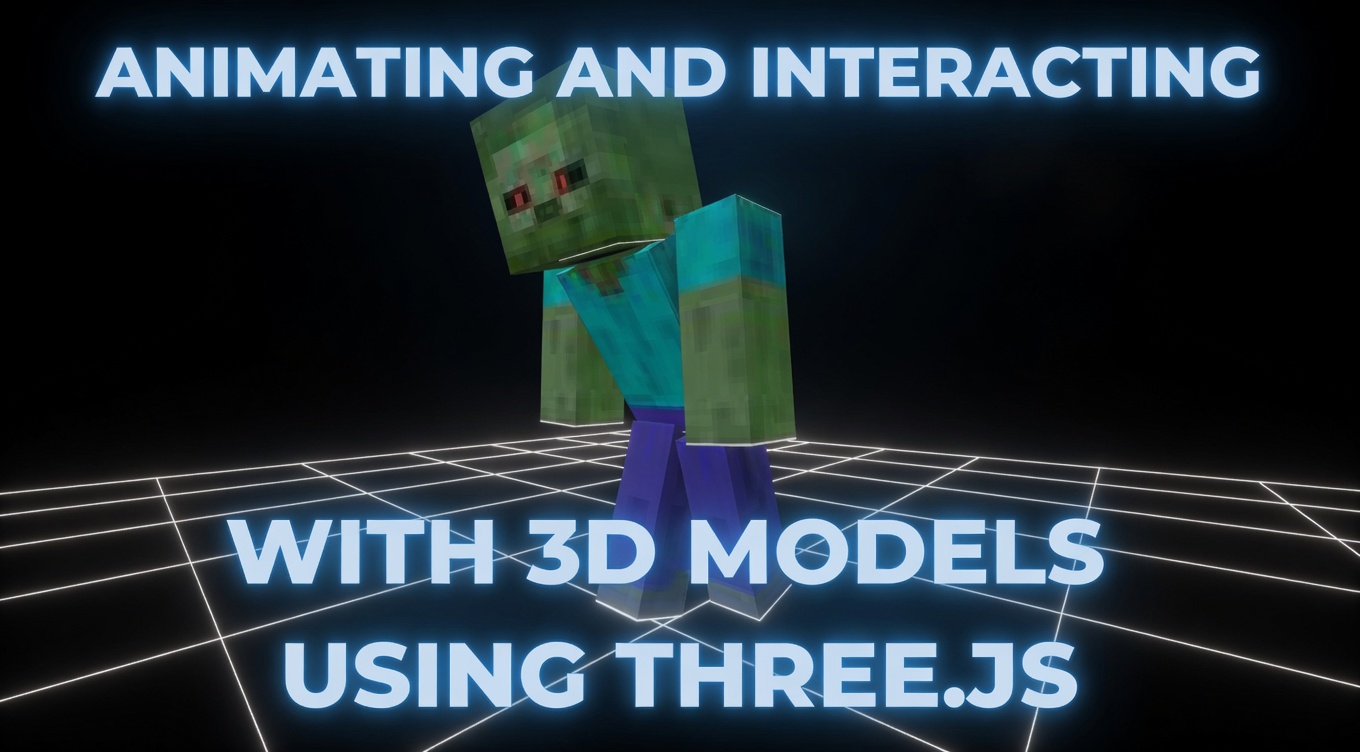
This tutorial covers one of the most important patterns in interactive 3D development: loading an external 3D model (GLTF format), playing its skeletal animations, and detecting when the user clicks on it using raycasting. You'll build a complete working example that loads a Minecraft zombie, auto-frames the camera around it, plays its walk animation, and responds to mouse clicks — all in under 100 lines of code.
These techniques are the foundation of product configurators, virtual showrooms, character selectors, and browser-based games. Once you understand this pattern, you can apply it to any 3D model from Sketchfab, Blender, or any GLTF-compatible tool.
What You'll Learn
- Loading 3D models from GLTF/GLB files using GLTFLoader
- Playing skeletal animations with AnimationMixer and clipAction
- Auto-framing the camera using bounding box calculations
- Detecting mouse clicks on 3D objects with Raycaster
- Adding orbit camera controls with OrbitControls (drag to rotate, scroll to zoom)
- Proper scene lighting with ambient + directional lights
- Handling window resize to keep the scene responsive
Prerequisites
Basic HTML/JavaScript knowledge and familiarity with Three.js fundamentals (Scene, Camera, Renderer). You should understand what a .glb file is. If you're brand new to Three.js, start with the Rendering a 3D Cube tutorial first.
SEE 3D AND 2D BROWSER GAMES IN ACTION
My free browser games are full Three.js 3D experiences — no download, they run right in your browser.