EXPLORING THE
VERSATILITY OF THREE.JS
How Three.js turns the browser into a 3D game platform: what WebGL gives you, how to handle controls on every device, how to keep a game fast, and how to publish it so anyone can play from a link.
By Shane Brumback · Updated November 3, 2026
Why Build Games for the Browser?
A browser game has the shortest path from "I heard about this" to "I am playing it": one click. There is no store review, no installer and no update to download. Fix a bug, upload the files and every player has the new version on their next visit.
Three.js is what makes that practical in 3D. It wraps WebGL, the GPU graphics API available in all modern desktop and mobile browsers, and gives you scenes, cameras, lights, materials, model loaders and post-processing in a library you load like any other script. My own games, including Super Soldier Battle, Zombie Attack and Space Wow, all run this way.
The Versatility of Three.js
The same library covers very different game styles, which is why it is worth learning once and reusing everywhere:
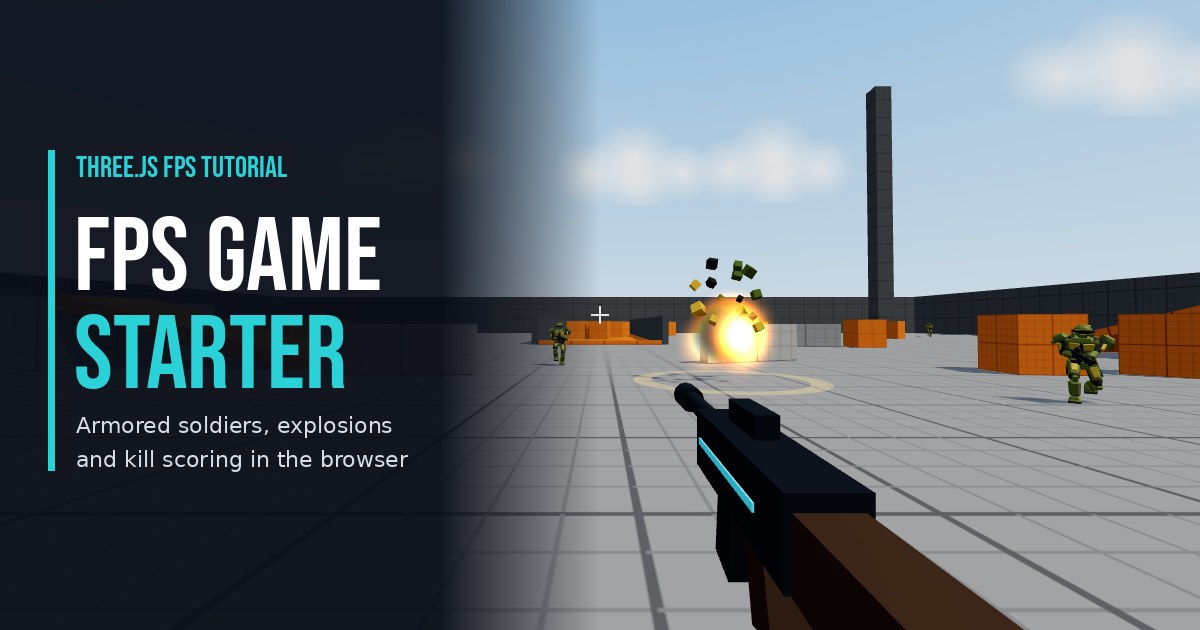
- First person shooters with pointer lock and raycast hits, like my FPS Game Starter.
- Third person and character games with animated glTF models, like the rigged Super Soldier.
- Arcade and space shooters built from particles, bloom and simple collisions.
- Educational worlds such as Planet Quest, where the game teaches as you explore.
- Board and puzzle games with a 3D presentation, like AI Tic-Tac-Toe.
- Open worlds with procedural terrain and terrain LOD.
Three.js or a Full Game Engine?
Engines such as Unity, Godot and Unreal can export to the web, and they shine for large teams and content-heavy projects. The trade-off is size and control: a web export carries the engine runtime, which can mean a long first download, and you work inside the engine's way of doing things.
Three.js starts tiny and grows only as you add code. You write plain JavaScript, use any npm package, mix in HTML and CSS for UI and deploy like a website. For games that live on the web first, where a fast start and an easy share matter most, that is usually the better fit. Babylon.js and PlayCanvas are other strong web-native options; I use Three.js because its community, examples and flexibility suit how I build.
If you are deciding where to begin, Learning Three.js and Game Programming lays out a step-by-step path, and Programming 3D Games With Three.js shows how the pieces of a game fit together.
What WebGL Gives You (and What It Does Not)
WebGL hands your JavaScript direct access to the GPU, so a browser can draw thousands of objects with real lighting, shadows and shaders. Three.js uses WebGL 2 by default, and newer releases also include a WebGPURenderer for browsers that support WebGPU, with WebGL 2 as a fallback.
What the browser does not give you is a game engine. Physics, networking, saving and UI are up to you. Small libraries fill those gaps well: a physics engine such as Rapier or cannon-es, three-mesh-bvh for fast raycasts against level geometry, and plain HTML and CSS for menus and HUDs, which are often easier than drawing UI in 3D. For the bigger picture, see the advantages of WebGL and Three.js for online games.
Controls for Every Device
A browser game may be opened on a laptop, a phone or a TV with a controller, so plan input from day one. Keep a single input state object and let every device write into it:
const input = { forward: 0, right: 0, fire: false };

addEventListener('keydown', e => {
  if (e.code === 'KeyW') input.forward = 1;
  if (e.code === 'KeyD') input.right = 1;
});
addEventListener('keyup', e => {
  if (e.code === 'KeyW') input.forward = 0;
  if (e.code === 'KeyD') input.right = 0;
});

function pollGamepad() {
  const pad = navigator.getGamepads?.()[0];
  if (!pad) return;
  const dead = v => (Math.abs(v) < 0.15 ? 0 : v);
  input.forward = -dead(pad.axes[1]);
  input.right = dead(pad.axes[0]);
  input.fire = pad.buttons[7]?.pressed ?? false;
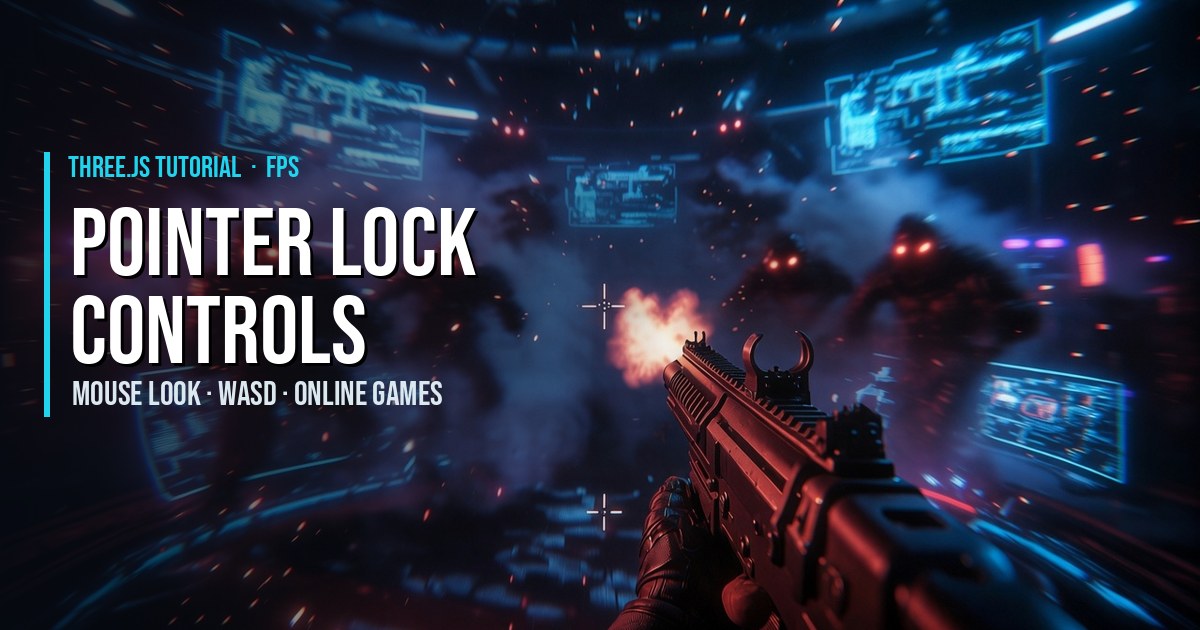
}- Desktop: WASD plus mouse look with Pointer Lock controls. My FPS controls article covers pitch clamping and momentum.
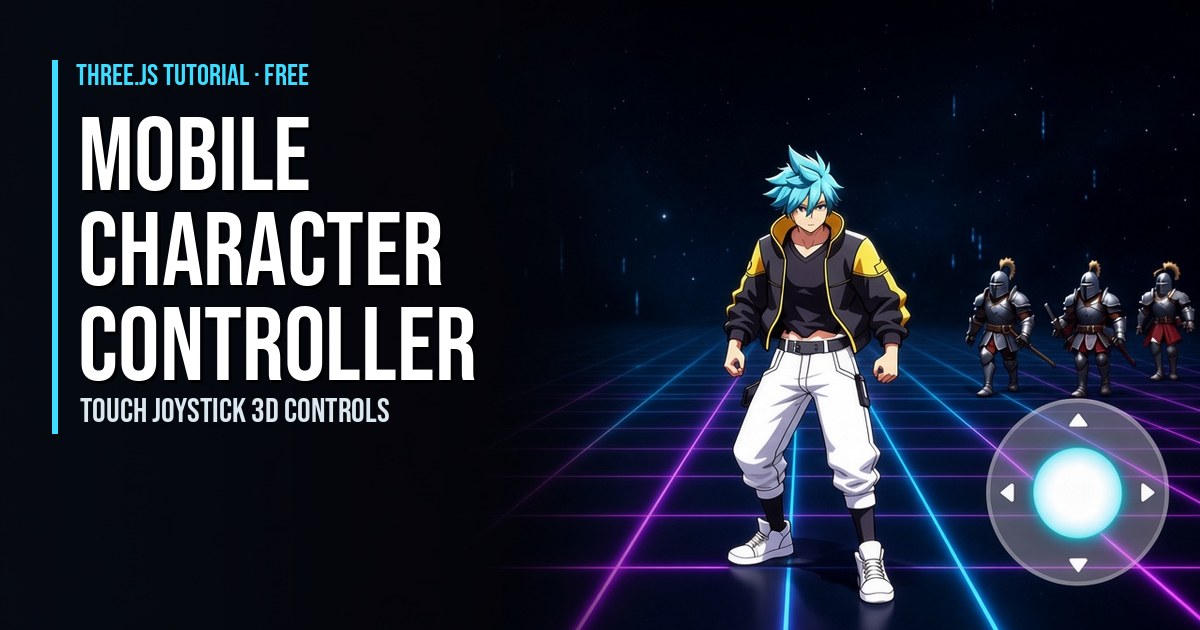
- Mobile: an on-screen touch joystick and big buttons, with
touch-action: noneon the game canvas so the page does not scroll. - Gamepad: the browser Gamepad API with dead zones, polled once per frame.
Performance: Budgets Beat Guesswork
A browser game has to share a phone GPU with the operating system and other tabs, so set budgets early and measure against them with renderer.info and the browser Performance panel.
- Cap the pixel ratio.
renderer.setPixelRatio(Math.min(devicePixelRatio, 2))prevents rendering 9x the pixels on high-density phones. - Cut draw calls. Use
InstancedMeshfor repeated objects like trees, crates and bullets, and merge static geometry. My fires in two draw calls tutorial shows the idea. - Limit dynamic lights and shadows. Every shadow-casting light renders the scene again. Bake lighting into textures where you can.
- Reuse objects. Pool bullets, particles and enemies instead of creating and destroying them, which avoids garbage collection stutter.
- Use level of detail. Far objects need fewer triangles.
THREE.LODand chunked terrain keep big worlds fast. - Clean up. Call
dispose()on geometries, materials and textures you no longer need.
Assets: Small Files, Fast Starts
Load time is the first thing a player experiences. Use glTF/GLB for models because it is compact and loads straight into Three.js. Compress meshes with Draco or meshopt and textures with KTX2 (Basis Universal) so the GPU receives compressed data. Keep textures at the size they appear on screen: 1024 or 2048 pixels is usually enough.
Show something within a second or two: a menu, a loading bar driven by LoadingManager, or a playable first area while the rest streams in. Pre-compile shaders with renderer.compileAsync before the game starts so the first explosion does not hitch.
Audio and Game Feel
Sound is half of game feel. Three.js includes AudioListener, Audio and PositionalAudio, built on the Web Audio API, so a gunshot or engine can come from its place in the world. Browsers block audio until the player interacts, so start the audio context from your Play button. Keep short effects in a compressed format and reuse buffers rather than loading the same file twice.
Combine sound with small visual cues, such as a brief camera shake, a particle burst or a flash of bloom, and even a simple prototype feels responsive.
Multiplayer and Saving
Browsers speak WebSockets and WebRTC, so real-time multiplayer is possible without plugins. Keep the server authoritative for anything that matters, such as hits and scores, and send small state updates many times a second rather than whole objects. For single-player progress, localStorage or IndexedDB is enough. Super Soldier Battle uses a server for its leaderboard and match state; you can read about that in the development logs.
Publishing Your Game
- Host static files on a CDN. A Three.js game is HTML, JavaScript and assets, so any static host works. I serve this site from Amazon S3 behind CloudFront.
- Use HTTPS. Pointer lock, gamepads, fullscreen and audio all behave best on a secure origin.
- Cache-bust on release. Add a version query string or hashed file names so players get updates.
- Make it findable. Give the game page real HTML text, a title, a description, Open Graph tags and a screenshot, because search engines and social previews cannot see inside a canvas.
- Test on real phones. Emulators hide thermal throttling and touch quirks.
- Share it. Post a short gameplay clip and the link. Portals such as itch.io accept HTML5 games too.
Browser Game Launch Checklist
- Runs at a steady frame rate on a mid-range phone.
- First screen appears within a few seconds on mobile data.
- Keyboard, touch and gamepad all work, with on-screen hints.
- Audio starts only after a user gesture, as browsers require.
- Pause on tab blur using the
visibilitychangeevent. - A fallback message if WebGL is unavailable.
- Title, description, Open Graph image and a crawlable text description on the page.
Frequently Asked Questions
Can Three.js make full 3D games that run in a browser?
Yes. Three.js renders real-time 3D with WebGL in every modern browser, and with input handling, collision and game logic you can build shooters, racers, puzzle games and open worlds that play instantly from a link.
Do Three.js browser games work on mobile phones?
Yes. WebGL is supported by modern mobile browsers. Add touch controls, cap the pixel ratio, keep draw calls and texture sizes modest and test on real devices to keep the frame rate steady.
How do I make a Three.js game load faster?
Use GLB models compressed with Draco or meshopt, KTX2 textures, sensible texture sizes and a loading screen. Show the menu first and stream the rest, and pre-compile shaders before gameplay starts.
Does Three.js include physics?
No. Three.js handles rendering. For physics use a library such as Rapier or cannon-es, or write simple collision checks with bounding boxes, spheres and raycasts for lighter games.
Can I make a multiplayer game with Three.js?
Yes. Use WebSockets or WebRTC for networking and keep an authoritative server for important state like hits and scores. Three.js only draws the result, so any networking approach works.
Where should I host a Three.js browser game?
Any static host works because the game is HTML, JavaScript and assets. A CDN such as CloudFront in front of S3, or services like GitHub Pages, Netlify or itch.io, serve games quickly over HTTPS.
Keep Reading: Three.js Game Articles
 THREE.JS ARTICLE
Learning Three.js and Game Programming
A roadmap, tools and first projects.
 THREE.JS ARTICLE
Programming 3D Games With Three.js
Scenes, characters, input and the game loop.
Browse every article or all free Three.js tutorials.
SEE 3D AND 2D BROWSER GAMES IN ACTION
My free browser games are full Three.js 3D experiences — no download, they run right in your browser.
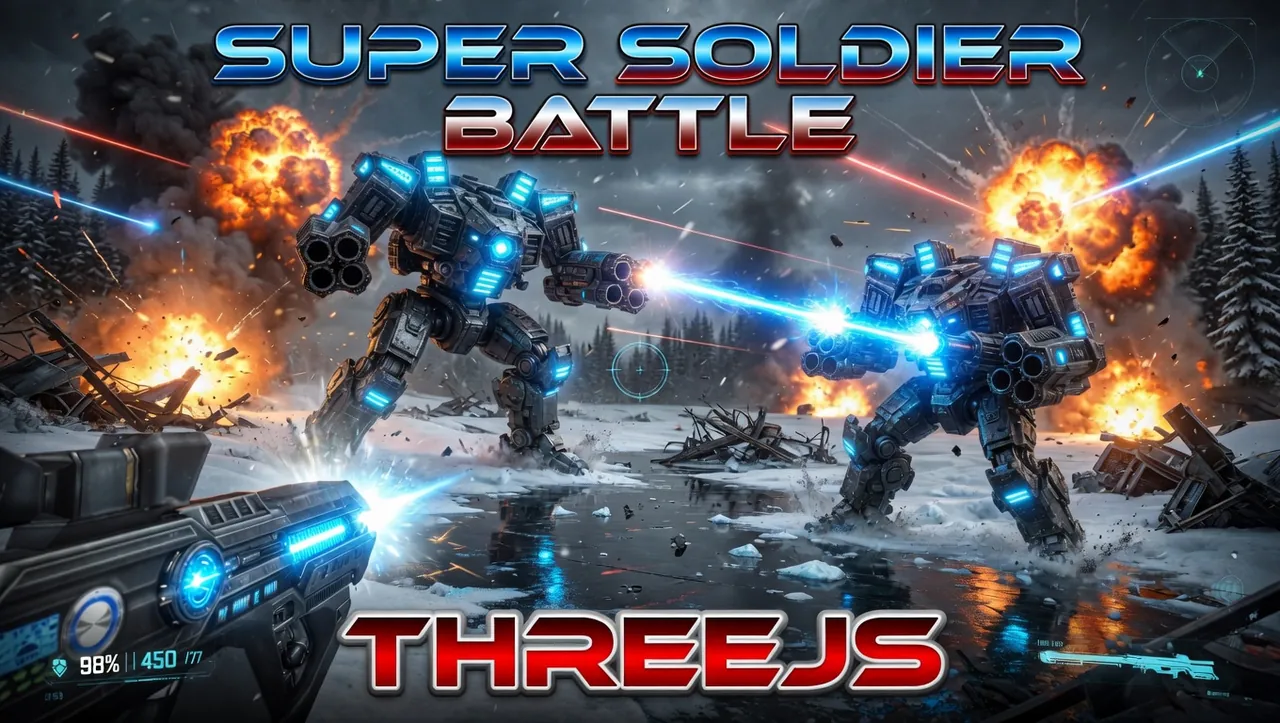
Super Soldier Battle
Free 3D multiplayer FPS built with Three.js and WebGL. Destroy the enemy bots and turrets, climb the leaderboard.
Play now →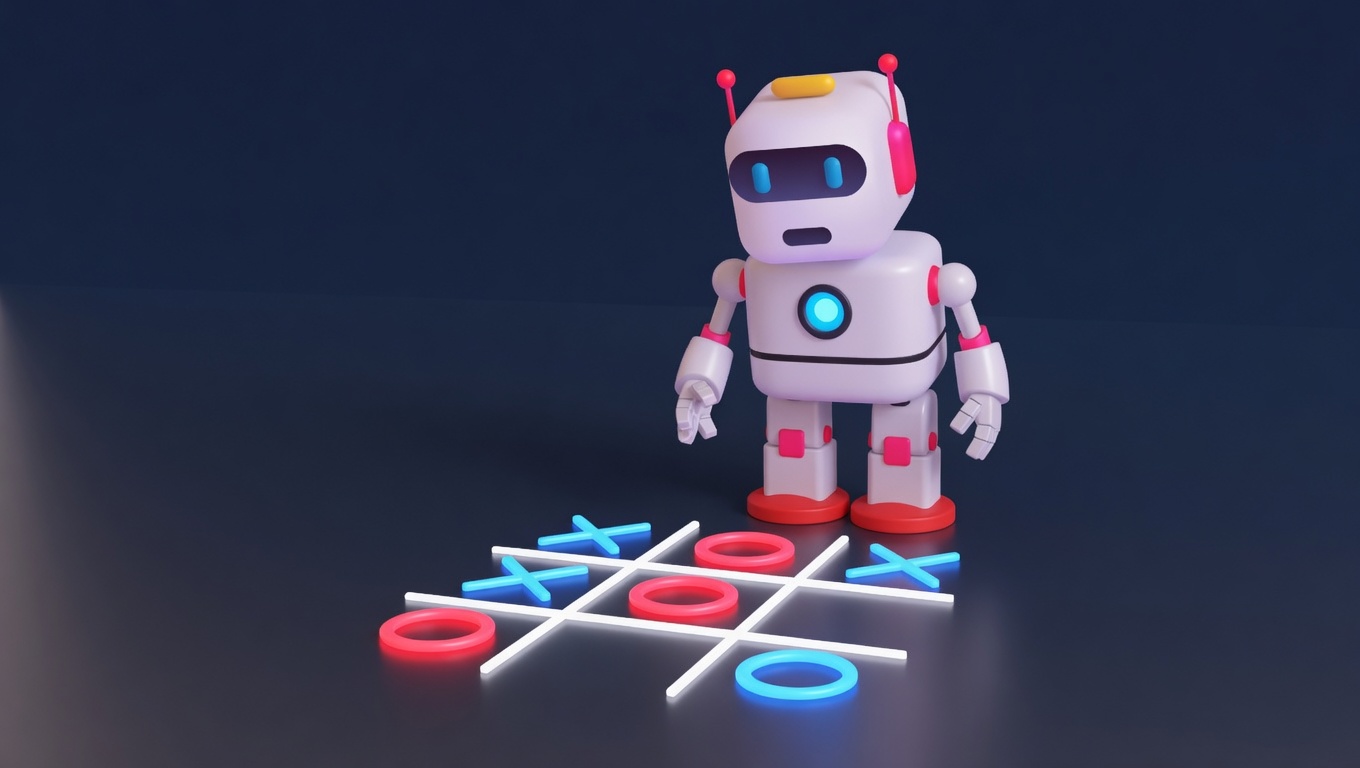
AI Tic-Tac-Toe
Play the classic game against an AI opponent right in your browser. Free, no download, with an online leaderboard.
Play now →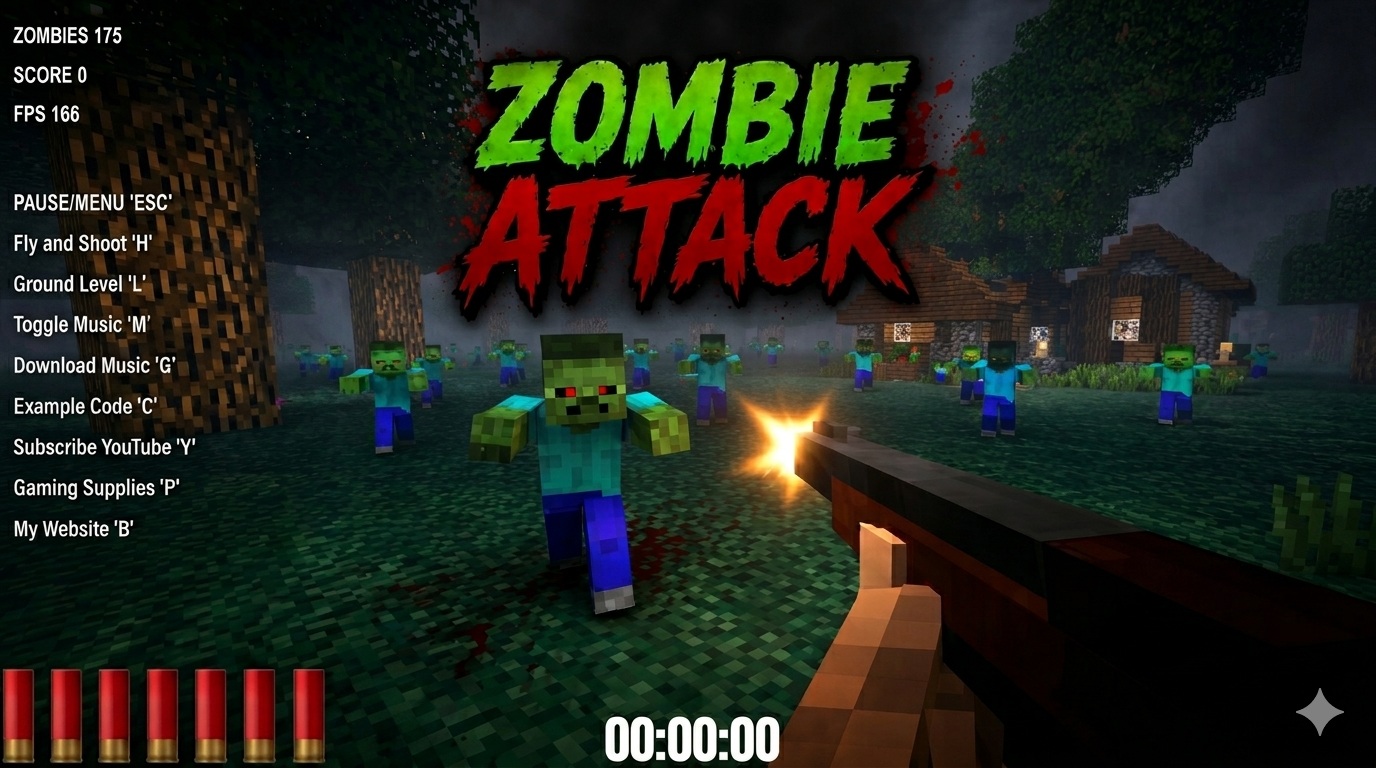
Zombie Attack
Survive waves of zombies in this free 3D browser shooter built with Three.js. No download, plays instantly.
Play now →
Space Wow
Blast through space in this free 3D Three.js arcade shooter. Free, no download, plays right in your browser.
Play now →Three.js Game Tutorials
Free tutorials for the systems every browser game needs.
Building a Three.js Game?
I build browser games and interactive 3D experiences with Three.js. Tell me about your project.
Contact Me →