SpaceX Gear & Books
The SpaceX Falcon 9 Launch Pad in 3D
Step into a Three.js-powered educational 3D game world of SpaceX's Falcon 9 launch pad. Walk the complex in an over-the-shoulder third-person view and get an interactive, hands-on STEM look at how a launch site works.
The world recreates the pad with detailed graphics and animations, plus interactive elements and information about the rocket and the mission — bringing the launch site to life in a way that is both visually striking and educational.
It is an ongoing project, so some functionality is still being built. Whether you are a space enthusiast or just curious about the tech, it is a unique way to explore a simulated launch environment right in your browser.
 Educational
3D Anatomy Games
Tap real 3D body systems to learn the parts, then take a short quiz in your browser.Play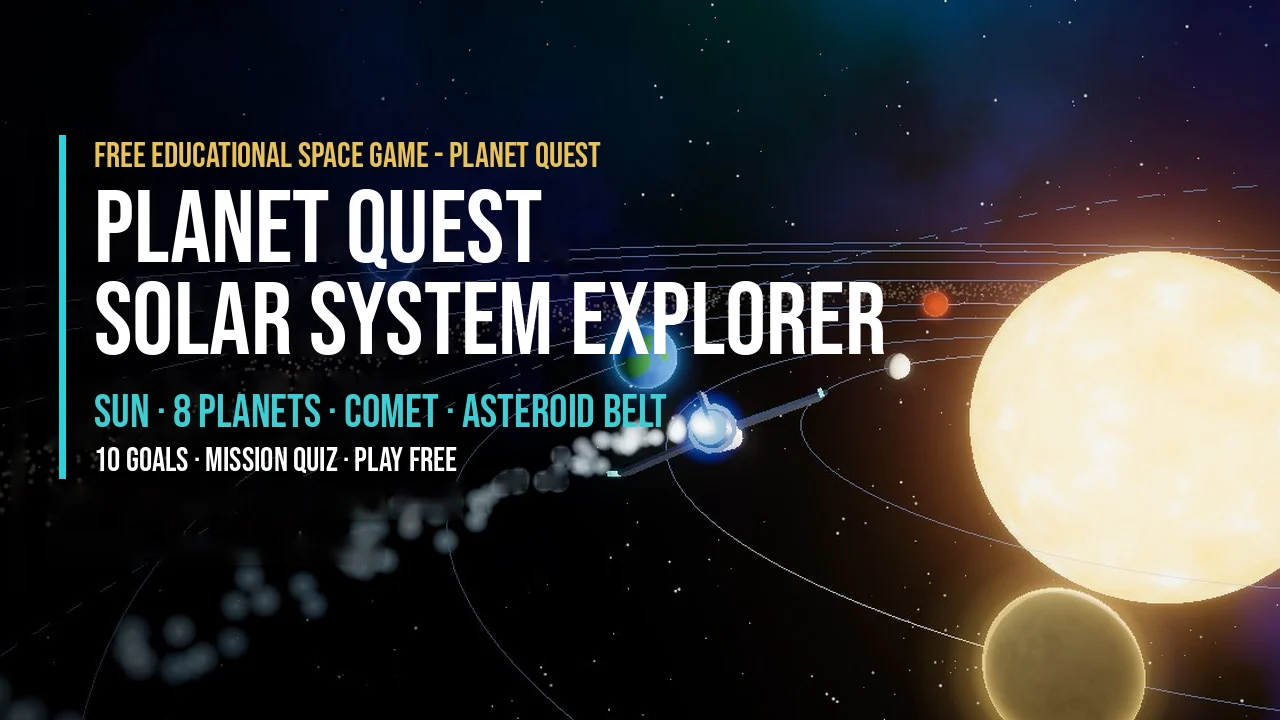 Educational
Planet Quest: Solar System Explorer
Pilot your ship past the Sun, all 8 planets and a comet, then unlock the Mission Quiz.Play Educational
More Educational Games
Browse every educational Three.js game on the Indie Forge Studio games page.PlayBuilt with Three.js & WebGL
Three.js is a powerful library for building 3D animations and interactive experiences on the web, built on top of the WebGL standard for browser 3D graphics.
Its high-level API makes it ideal for detailed, accurate representations of real-world objects like the Falcon 9 launch pad, and it runs across desktop and mobile so anyone can explore the world from any device.
Backed by thorough documentation and a large developer community, Three.js shows just how far interactive 3D on the web can go.
What You'll Explore
Walk up to each landmark in this Three.js launch complex and an info card with a real photo pops up to explain what it is and how it helps a launch.
- Falcon 9 rocket – the reusable two-stage rocket and its LOX/RP-1 propellants
- Transporter-erector & launch mount – how the rocket is rolled out and stood upright
- Lightning protection towers – the towers and wires that shield the pad from strikes
- Liquid oxygen (LOX) sphere – super-cold oxygen storage
- Tank farm – RP-1 fuel, helium and nitrogen
- Rail tank cars – how gases and cryogenic liquids reach a spaceport
- Flame trench – where the engine blast goes at liftoff
- Integration hangar – where Falcon 9 is assembled lying down
- Workshops & storage – the buildings that keep a busy pad running
- Dragon spacecraft – the capsule that flies cargo and astronauts to the ISS
- Tesla Model 3 – an electric car parked on the pad
Frequently Asked Questions
What is the SpaceX Falcon 9 Launch Complex 3D world?
It is a free educational 3D game world built with Three.js by Shane Brumback (Indie Forge Studio). You walk a model of a SpaceX Falcon 9 launch complex in an over-the-shoulder third-person view — the launch tower, pad, the Falcon 9 on the pad, and the surrounding site — to learn how a rocket launch site works. It is a fan-made STEM education experience and is not affiliated with SpaceX.
Is the SpaceX Falcon 9 Launch Complex an educational 3D game world?
Yes. It is an educational 3D game world for STEM learning: students, teachers and space enthusiasts explore a Falcon 9 launch complex in an over-the-shoulder third-person view and learn how the pad, rocket and support systems fit together. It runs free in the browser with Three.js / WebGL.
Do I need to download or install anything?
No. It runs in any modern desktop browser that supports WebGL (Chrome, Edge, Firefox, Safari). There is nothing to download or install.
Is it free? Do I need an account?
It is free. Sign in with Google, then press Play Multiplayer. That gives you a player nickname for the live multiplayer list. No payment is required.
How do I move and look around?
Press Play to lock the mouse pointer. Use W, A, S, D or the arrow keys to move and the mouse to look around. Press Esc to release the mouse and open the menu.
What can I explore in the launch complex?
The Falcon 9 launch pad and tower with the rocket standing on it, a SpaceX Crew Dragon 2 capsule exhibit and a Tesla Model 3 parked on site. Info labels pop up when you get close to the main exhibits.
Can I play with other people?
Yes. Signed-in explorers show up in the Active Players list, and other players appear in the world as animated avatars.
Does it work on phones and tablets?
It is built for desktop with a keyboard and mouse. On small phone screens the page shows the game information and asks you to open the 3D world on a desktop or laptop, which gives the best controls and performance.
What technology is it built with?
It is a Three.js game: Three.js on top of WebGL for real-time 3D, compressed GLB 3D models (meshopt geometry and WebP textures), PointerLockControls for mouse-look movement with an over-the-shoulder third-person camera, and AWS serverless services for sign-in and the multiplayer player list.
Is this the real SpaceX launch site?
No. It is a stylized 3D recreation for learning and fun. It is not an official SpaceX product, and it does not show real-time launch operations.
Is this a Three.js game I can play in my browser?
Yes. It is a free 3D browser game made with Three.js and WebGL. Open the page in a desktop browser, sign in, press Play and you are walking the Falcon 9 launch complex in an over-the-shoulder third-person view. Nothing is installed.
How long does the 3D world take to load?
About 17 MB of compressed 3D models and textures load the first time, usually in a few seconds on broadband. A progress bar shows the download, Play turns on only after the whole launch complex is loaded and drawn, and the files are cached so later visits load almost instantly.
Other Educational Three.js 3D Game Worlds
Virtual WorldsPlanet Quest: Solar System Explorer
Free educational space game: pilot your ship past the Sun, all 8 planets and a comet, dodge the asteroid belt and unlock the Mission Quiz.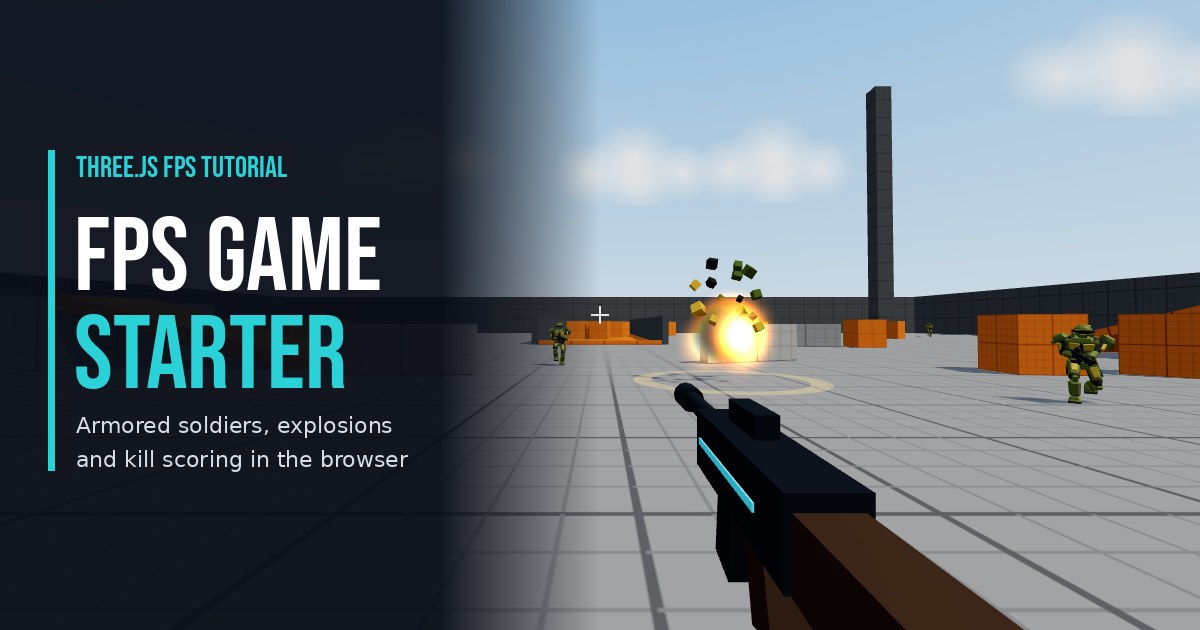 Instructional game