MULTI-COLOR
CLOUD PARTICLES
Build an animated cloud of colored smoke particles in the browser with Three.js — layered, camera-facing sprites that drift and rotate for a soft volumetric look.
LIVE DEMO
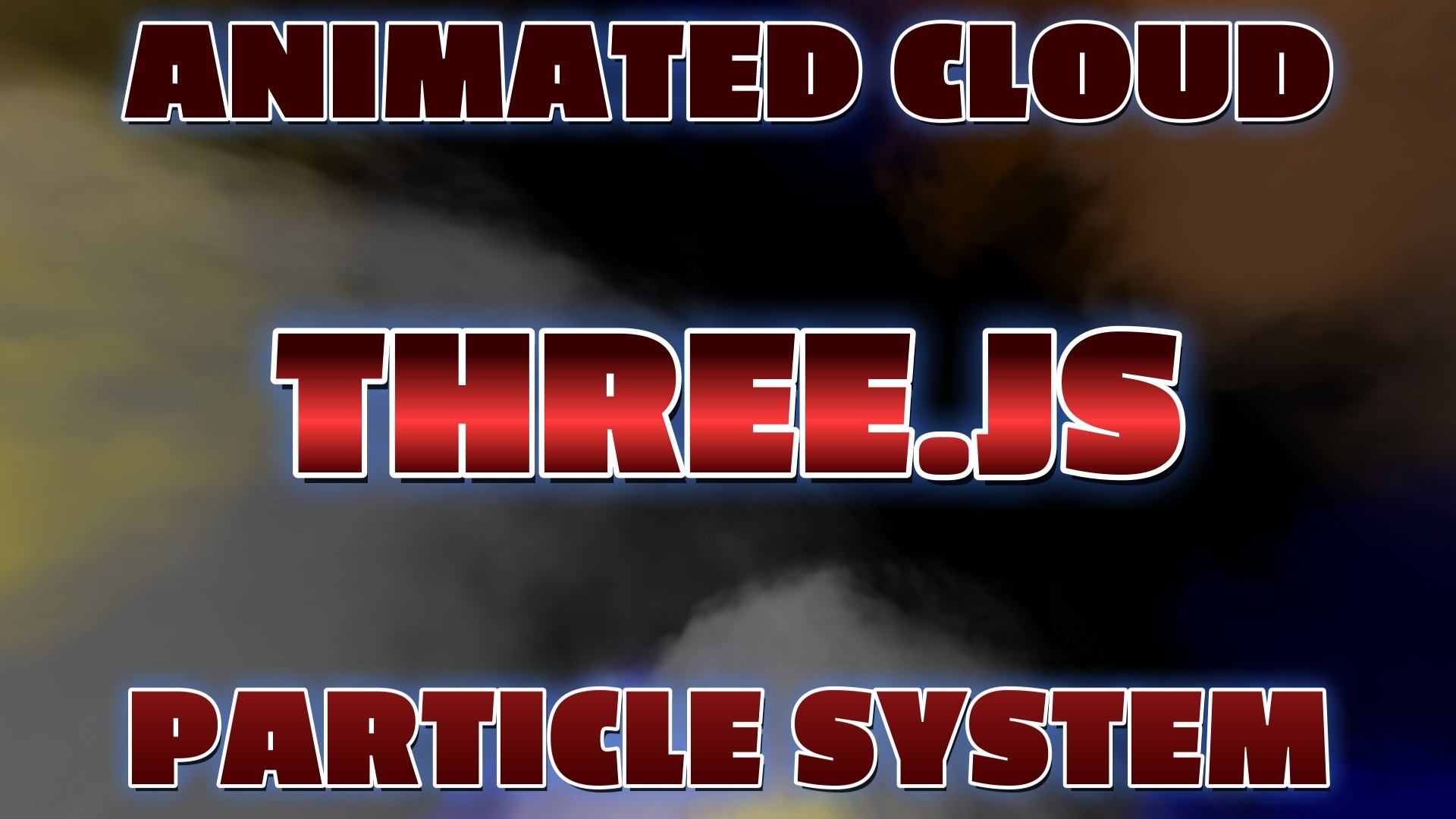
The drifting multi-color smoke cloud behind this page is the live demo. Click and drag with the mouse to orbit the camera around it. Scroll to keep reading — on mobile just swipe to scroll.
Introduction
Soft, billowing clouds are one of the most satisfying effects you can add to a 3D scene. Instead of GPU points, this free tutorial builds the cloud from many textured, camera-facing planes — each one a soft smoke PNG tinted a different color. Layered and semi-transparent, they blend together into a glowing volumetric cloud.
You will scatter the planes at random positions, tint them from a small color palette (blue, white, orange), face each one toward the camera, and spin them slowly in the animation loop. It is a short script — copy it, paste it, and it runs.
Frequently Asked Questions
How do you make a cloud particle system in Three.js?
Load a soft smoke PNG texture, then scatter many transparent planes (PlaneGeometry with a MeshPhongMaterial that uses the smoke texture) at random positions. Give each plane a slow rotation and face it toward the camera. Layered semi-transparent smoke sprites blend together to look like a volumetric cloud.
How do you make the cloud multiple colors?
Tint each smoke plane's material with a different color using the material's color property. Cycling through an array of colors (for example blue, white, and orange) as you create the planes produces a multi-color cloud where the overlapping tinted sprites blend into new hues.
Why use textured planes instead of GPU points for smoke?
Soft, billowing smoke needs a large soft-edged texture on each particle. Textured, camera-facing planes (billboards) give you that soft look and per-particle color and opacity control. THREE.Points is faster for tiny hard dots, but textured planes look far more like real smoke and clouds.
How do you keep the smoke planes facing the camera?
Call planeMesh.lookAt(camera.position) when you create each plane (and again each frame if the camera moves) so the flat plane always faces the viewer. This billboard technique hides the fact that each particle is a flat plane and keeps the cloud looking full from every angle.
Is this Three.js cloud tutorial free?
Yes. This is a completely free tutorial. The full source code is on the page, you can copy it, and the cloud rotating behind this page is the live demo. No sign-in or membership is required.
How To Add The Code
Follow these steps to get the cloud running on your own page. You need a plain HTML file, a soft smoke PNG (any white smoke sprite works), and an internet connection — Three.js loads from a CDN.
- 1Create an HTML file. Make
index.htmlwith the standard tags and load Three.js from a CDN before your script. - 2Set up the scene, camera & renderer. Use a wide field of view so the cloud fills the frame, and enable
alpha: truefor a transparent background. - 3Add lights. Ambient light plus a few colored point lights (white, red/pink, blue) give the smoke its multi-color glow.
- 4Load the smoke texture. Use
TextureLoaderto load a soft smoke PNG that every plane will share. - 5Create the tinted planes. In a loop, make ~25
PlaneGeometrymeshes with a transparentMeshPhongMaterialusing the smoke map, cycling through a color array. - 6Scatter and face the camera. Give each plane a random position and call
lookAt(camera.position)so it billboards toward the viewer. - 7Animate. Rotate each plane slowly on its own axis inside
requestAnimationFramefor a soft drifting cloud. - 8Open it in your browser. Double-click the file (or serve it locally) and the colored cloud comes to life.
The Full Code
Paste this entire block into a file named index.html, put a soft smoke PNG next to it named smoke.png, and open it in any modern browser.
<!DOCTYPE html>
<html lang="en">
<head>
  <meta charset="utf-8">
  <meta name="viewport" content="width=device-width, initial-scale=1">
  <title>Three.js Multi-Color Cloud Particle System</title>
  <style> body { margin: 0; background: #000; } </style>
</head>
<body>

  <!-- 1. Load Three.js from a CDN -->
  <script src="https://cdn.jsdelivr.net/npm/three@latest/build/three.min.js"></script>

  <!-- 2. The cloud particle system -->
  <script>
    // Scene, camera, renderer
    const scene = new THREE.Scene();
    const camera = new THREE.PerspectiveCamera(
      75, window.innerWidth / window.innerHeight, 1, 4000
    );
    camera.position.z = 20;

    const renderer = new THREE.WebGLRenderer({ antialias: true, alpha: true });
    renderer.setPixelRatio(window.devicePixelRatio);
    renderer.setSize(window.innerWidth, window.innerHeight);
    renderer.setClearColor(0x000000);
    document.body.appendChild(renderer.domElement);

    // Lights give the smoke its multi-color glow
    scene.add(new THREE.AmbientLight(0x555555));
    const white = new THREE.PointLight(0xffffff, 120, 450);
    white.position.set(200, 300, 100); scene.add(white);
    const pink = new THREE.PointLight(0xd8547e, 250, 450);
    pink.position.set(200, 300, 100); scene.add(pink);
    const blue = new THREE.PointLight(0x3677ac, 250, 450);
    blue.position.set(300, 300, 200); scene.add(blue);

    // Load a soft smoke texture (any white smoke PNG works)
    const smoke = new THREE.TextureLoader().load('smoke.png');

    // Build the cloud from tinted, camera-facing planes
    const colors = ['blue', 'white', 'orange'];
    const planes = [];

    for (let i = 0; i < 25; i++) {
      const geometry = new THREE.PlaneGeometry(15, 15);
      const material = new THREE.MeshPhongMaterial({
        map: smoke,
        transparent: true,
        opacity: 0.5,
        depthTest: false,
        color: colors[i % colors.length]
      });
      const plane = new THREE.Mesh(geometry, material);

      // Random position, then face the camera (billboard)
      plane.position.set(
        Math.random() * 30 - 15,
        Math.random() * 30 - 15,
        -2
      );
      plane.lookAt(camera.position);

      // Slow, per-plane rotation speed
      plane.userData.speed = Math.random() * 0.0025;
      scene.add(plane);
      planes.push(plane);
    }

    // Animation loop
    function animate() {
      requestAnimationFrame(animate);
      for (const plane of planes) {
        plane.rotateOnAxis(new THREE.Vector3(0, 0, 1), plane.userData.speed);
      }
      renderer.render(scene, camera);
    }
    animate();

    // Keep it sharp on resize
    window.addEventListener('resize', () => {
      camera.aspect = window.innerWidth / window.innerHeight;
      camera.updateProjectionMatrix();
      renderer.setSize(window.innerWidth, window.innerHeight);
    });
  </script>
</body>
</html>
What To Try Next
- Add more planes (50—100) and lower each one's
opacityfor a denser, softer cloud. - Swap the color palette — try purples and teals for a nebula, or grays for storm smoke.
- Drift the planes slowly along an axis each frame so the cloud flows like wind.
- Animate the point-light positions to make the colors shimmer across the cloud.
SEE 3D AND 2D BROWSER GAMES IN ACTION
Built with Three.js and JavaScript — free, no download, plays right in your browser.
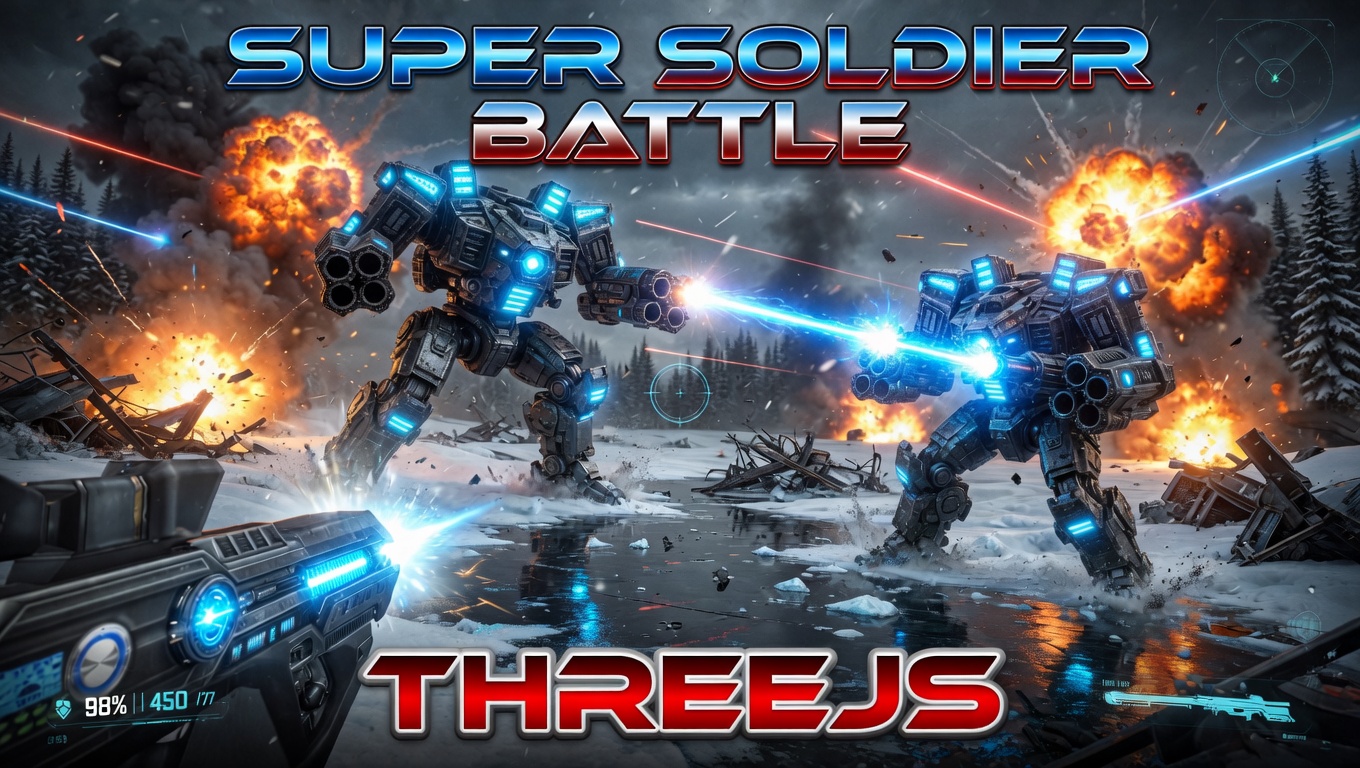
Super Soldier Battle
Free 3D multiplayer FPS built with Three.js and WebGL. Destroy the enemy bots and turrets, climb the leaderboard.
Play now →
AI Tic-Tac-Toe
Play the classic game against an AI opponent right in your browser. Free, no download, with an online leaderboard.
Play now →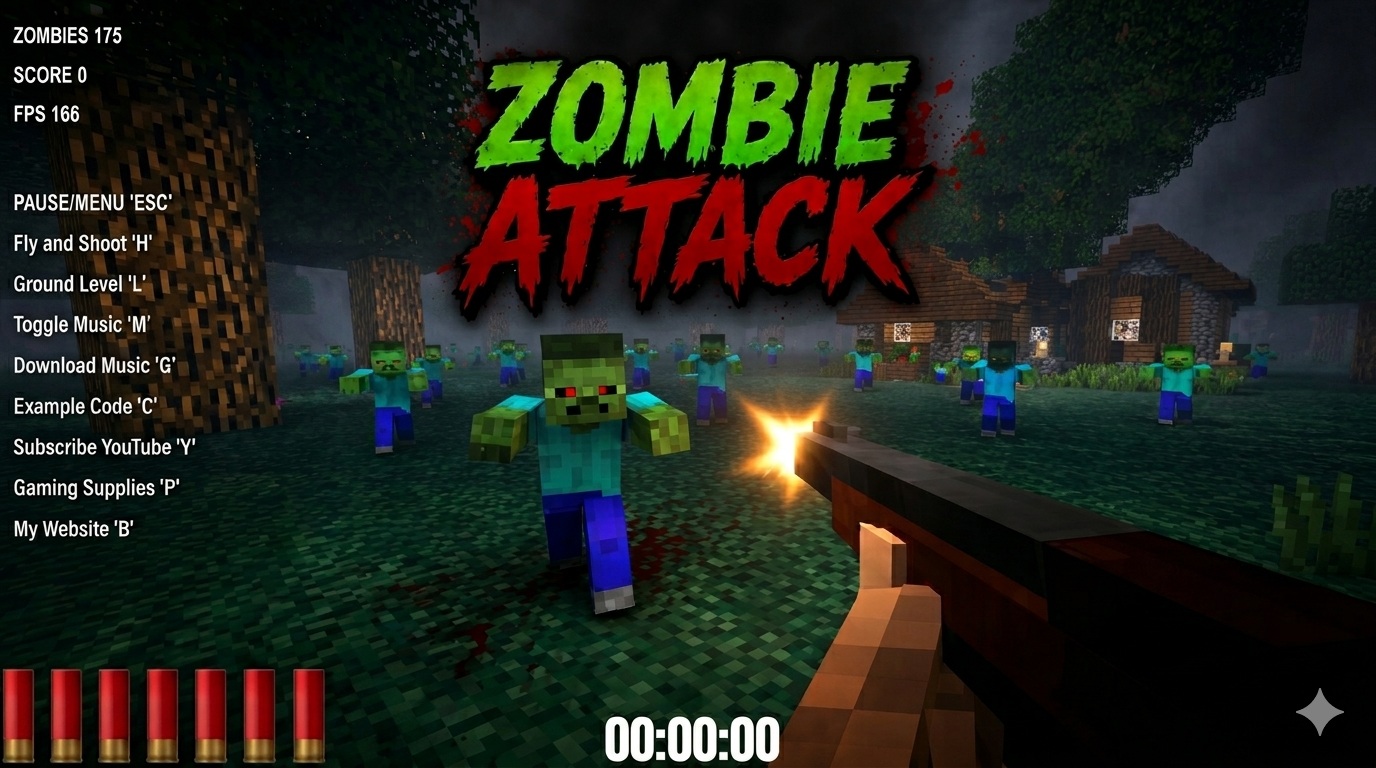
Zombie Attack
Survive waves of zombies in this free 3D browser shooter built with Three.js. No download, plays instantly.
Play now →
Space Wow
Blast through space in this free 3D Three.js arcade shooter. Free, no download, plays right in your browser.
Play now →