FIRE FOUNTAIN
PARTICLE SYSTEM
By Shane Brumback · · Free Three.js tutorial
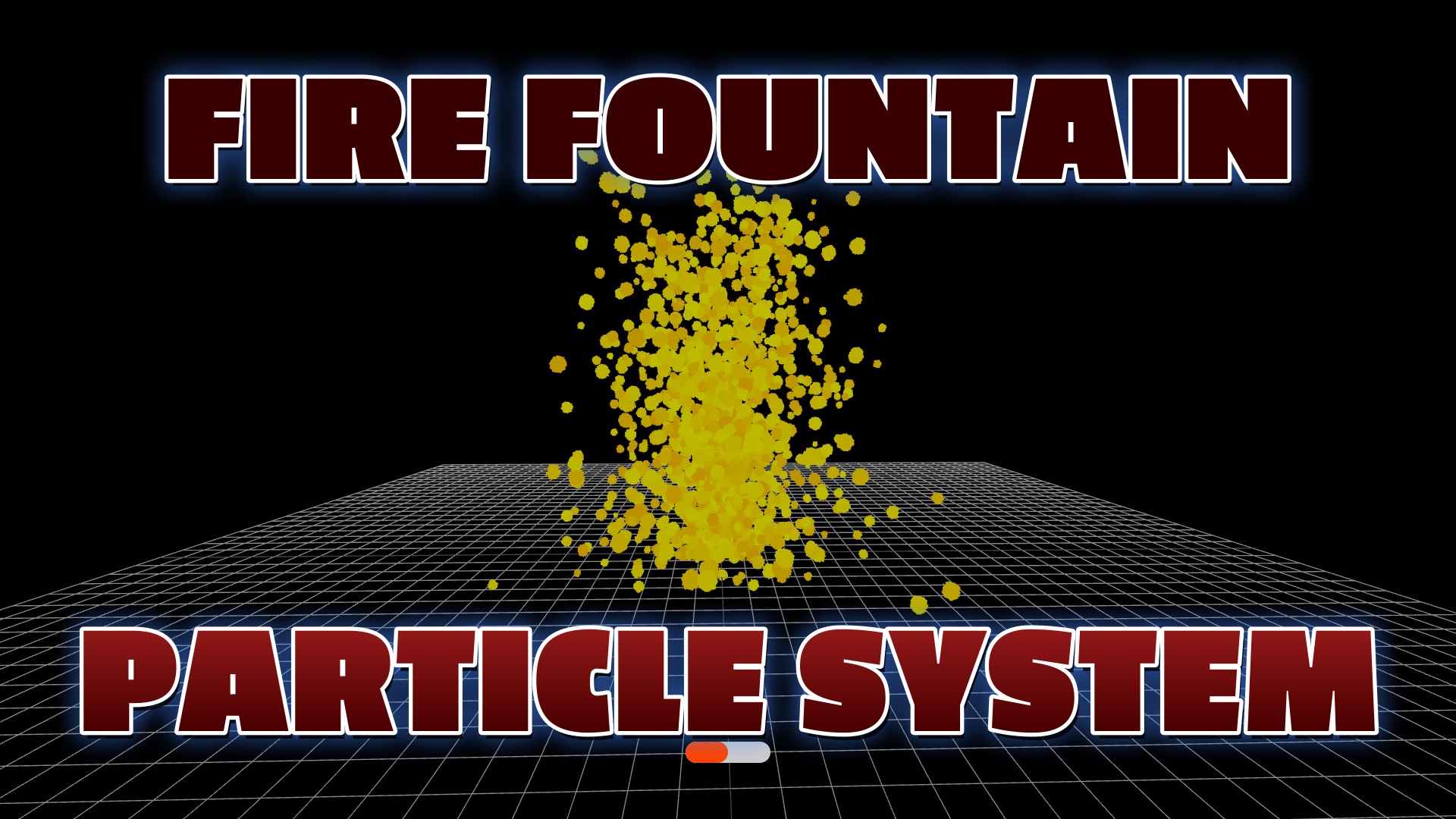
Build a realistic fire fountain particle system with Three.js — sphere particles, velocity physics, gravity simulation, and interactive sliders for real-time control.
LIVE DEMO
The fire fountain is running in the background right now. Launch the full-screen demo to orbit the scene and use the sliders to adjust the simulation in real-time.
Orbit: drag · Zoom: scroll · Esc to exit
WANT TO BLOW SOMETHING UP?
Switch gears from fountains to a full 3D rockfire explosion in Three.js — flying debris, fire, smoke, a shockwave, and a scorch crater that grows with the blast. The whole effect in one copy-paste file, with a live demo you can orbit.
See the Rockfire Explosion Tutorial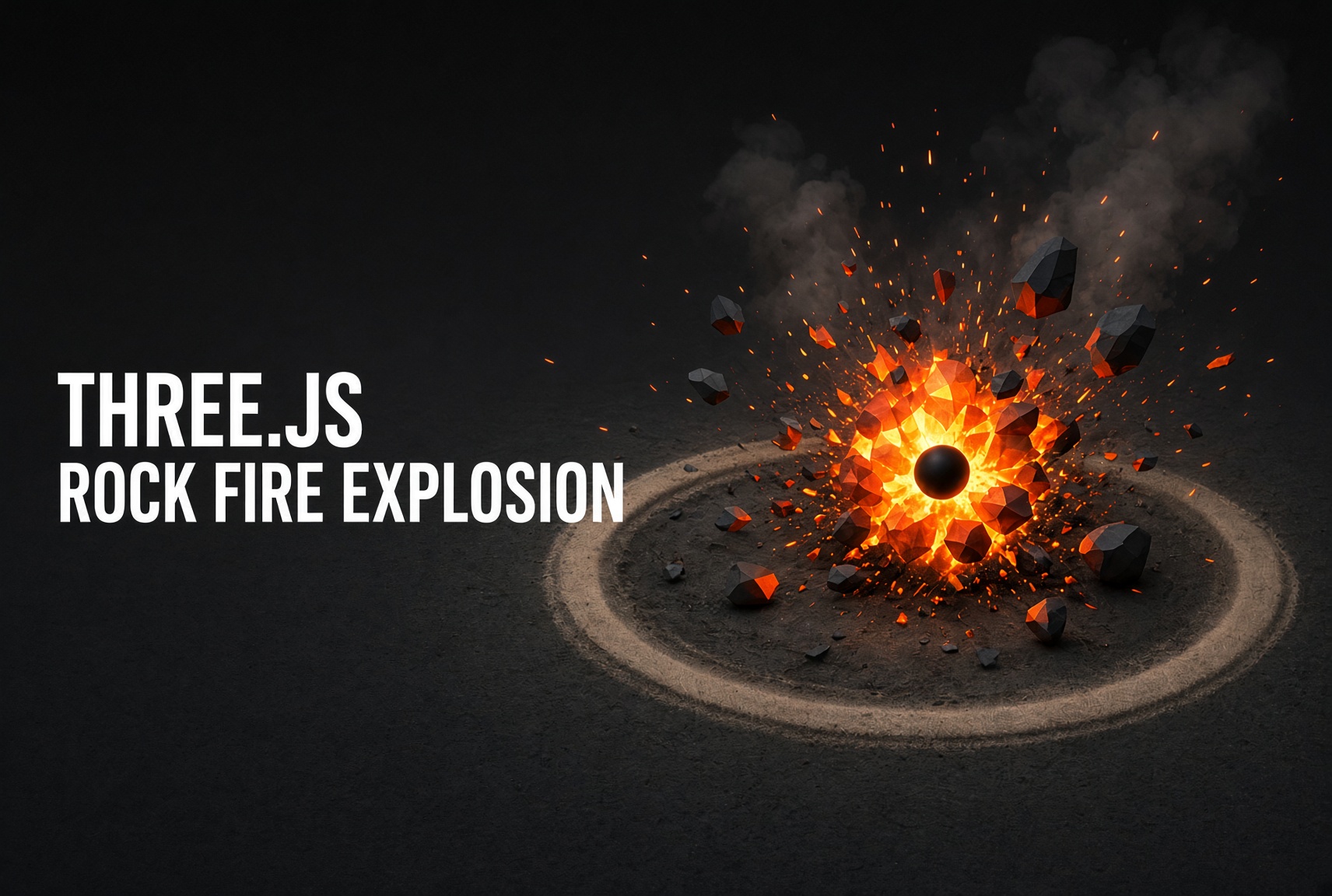
WANT A RIGGED CHARACTER YOU CAN DRIVE?
Load a free rigged super soldier GLB in Three.js and give it a full keyboard controller — WASD to move, Shift to run, Space to jump, F to fire. A complete, playable character controller you can copy and launch.
See the Super Soldier (WASD) Tutorial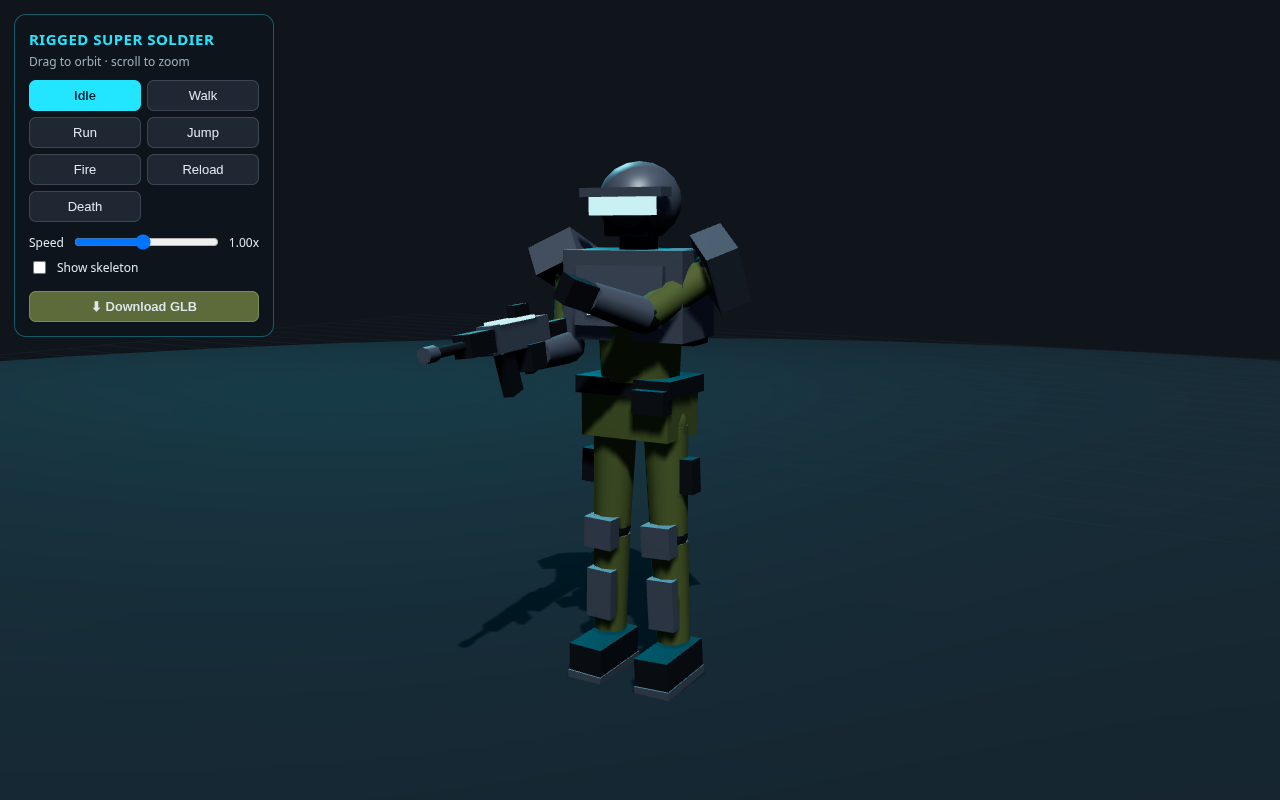
MAKE A RIGGED 3D MODEL — NO CODE
Go from a text prompt to a rigged, animated 3D capybara walking in Three.js — using Grok Bot to generate the model, with no modeling and no code. A full step-by-step walkthrough with a live demo.
See the Rigged Capybara Tutorial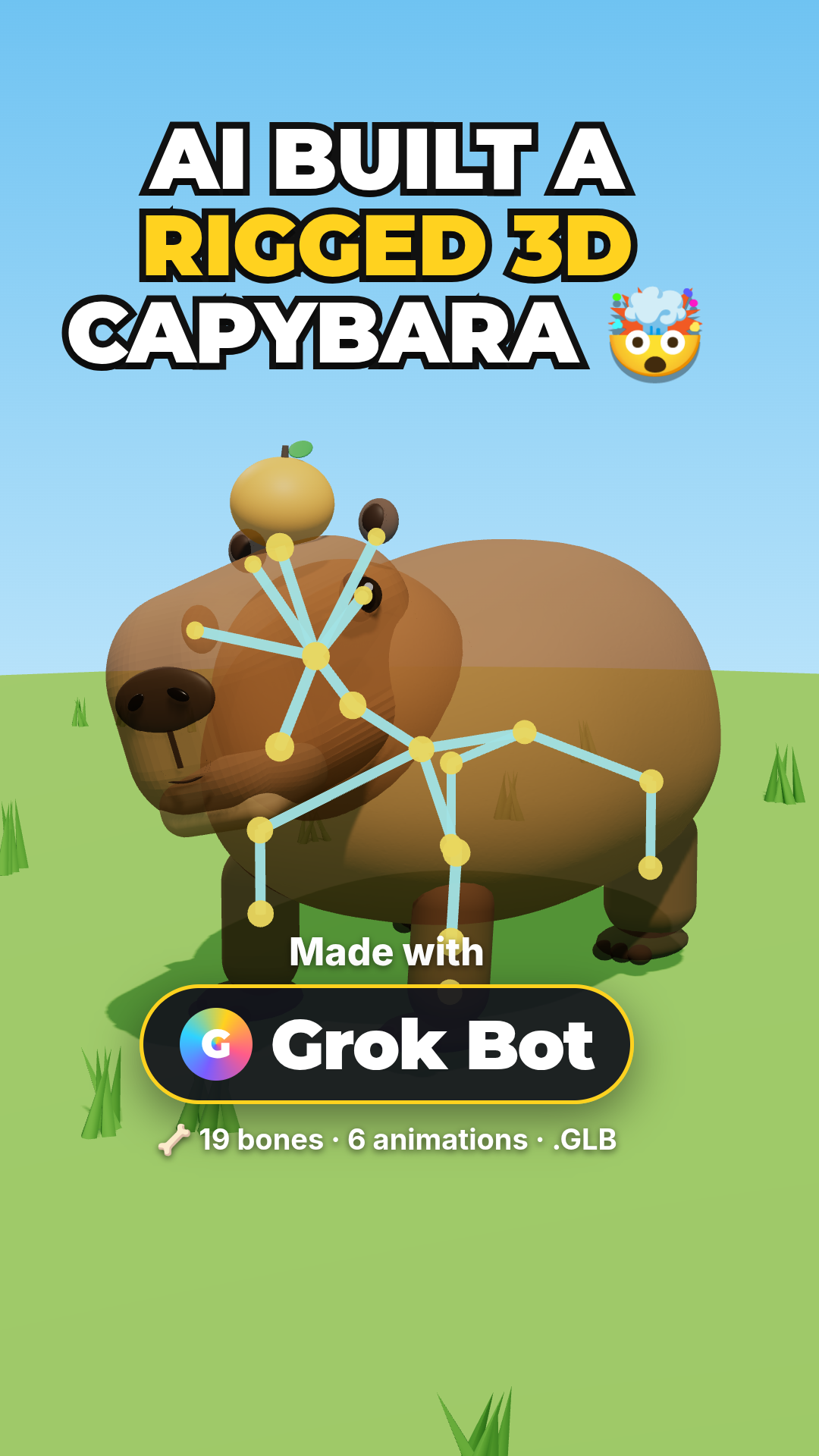
Frequently Asked Questions
How do I create a fire particle system in Three.js?
Create a BufferGeometry with many vertices, assign random positions and velocities, use a PointsMaterial with an additive blending fire texture, then animate particles upward with gravity and fade-out in the render loop. Reset particles when they die to create a continuous fountain effect.
What is the best blending mode for fire particles in Three.js?
Use THREE.AdditiveBlending on your PointsMaterial. This makes overlapping particles appear brighter (light adds together), creating a realistic glowing fire effect. Combine with depthWrite: false and transparent: true for proper layering.
How do I make particles fade out as they rise?
Track each particle's age or lifetime in an attribute array. In your animation loop, reduce opacity based on age. Use a custom ShaderMaterial for per-particle opacity, or use size attenuation so particles shrink as they age, giving the appearance of fading.
How many particles can Three.js handle for a fire effect?
Modern GPUs handle 10,000-100,000 point particles easily at 60fps. For a fire fountain, 1,000-5,000 particles gives a good look. Use BufferGeometry (not regular Geometry) and update positions via the position attribute buffer for best performance.
Introduction
Three.js is a powerful JavaScript library for creating stunning 3D visualizations. One exciting application is fire fountain particle systems — realistic, dynamic fire effects that simulate flames erupting upward in a fountain-like manner.
This tutorial creates hundreds of sphere particles with random velocities, simulates gravity pulling them back down, and resets them at the origin to create a continuous flowing fountain. Interactive sliders let you adjust height, velocity, particle count, and radius in real-time.
How It Works
- Particle Creation: 1,000 sphere meshes with random radii and yellow-to-orange gradient colors
- Velocity Physics: Each particle gets random X, Y, Z velocity — Y is upward thrust, X/Z create spread
- Gravity Simulation: Each frame subtracts a random friction value from Y velocity, pulling particles down
- Reset Loop: When particles fall below reset height, they teleport back to origin with fresh velocity
- OrbitControls: Auto-rotating camera with drag/zoom for exploring the effect from any angle
- Interactive Sliders: Real-time adjustment of fountain height, velocity ranges, particle count, and size
DEMO VIDEO
Code Breakdown
Here is the whole fountain in plain English. Beginners: read the bold summaries to follow the flow. Developers: the gray notes after each snippet explain the why — the physics, the reset trick, and the performance choices.
1. Scene, camera, renderer & orbit controls
const scene = new THREE.Scene();
const camera = new THREE.PerspectiveCamera(75, innerWidth/innerHeight, 0.1, 1000);
camera.position.set(20, 30, 35);

const renderer = new THREE.WebGLRenderer({ antialias: true });
renderer.setSize(innerWidth, innerHeight);
document.body.appendChild(renderer.domElement);

const controls = new THREE.OrbitControls(camera, renderer.domElement);
controls.autoRotate = true;
controls.target.set(0, 5, 0);
In plain English: the standard Three.js starting point — a scene to hold objects, a camera to view them, a renderer that draws to the canvas, and OrbitControls so you can drag to spin and scroll to zoom. Developer note: the camera is pulled back and up (20, 30, 35) and the orbit target is lifted to y=5 so the framing sits on the fountain’s plume rather than the ground, and autoRotate gives a gentle idle spin.
2. A pool of gradient-colored particles
const colorStart = new THREE.Color(0xffff00);   // yellow core
const colorEnd   = new THREE.Color(0xffa500);   // orange tips

for (let i = 0; i < 1000; i++) {
  const r = Math.random() * 0.5 + 0.1;
  const geo = new THREE.SphereGeometry(r);
  const mat = new THREE.MeshBasicMaterial({
    color: colorStart.clone().lerp(colorEnd, Math.random())
  });
  const p = new THREE.Mesh(geo, mat);
  // ...give it a velocity (next step)...
  particles.push(p);
  scene.add(p);
}
In plain English: we build 1,000 little spheres of random size and give each a color blended somewhere between yellow and orange, so the fountain reads as fire instead of one flat color. Developer note: colorStart.clone().lerp(colorEnd, Math.random()) picks a random point along the yellow→orange gradient per particle. MeshBasicMaterial is unlit, so the spheres glow at full brightness with no lighting cost — ideal for a fire look.
3. Launch velocity: up hard, out gently
p.velocity = new THREE.Vector3(
  (Math.random() - 0.5) * 0.5,   // X: small sideways spread
  Math.random() * 1.9 + 0.1,     // Y: strong upward thrust
  (Math.random() - 0.5) * 0.5    // Z: small sideways spread
);
In plain English: every particle is shot mostly straight up with just a little sideways drift, which is what makes it fountain upward in a tight column instead of spraying everywhere. Developer note: the (Math.random() - 0.5) trick centers the X/Z spread around zero (equal chance left or right), while Y is always positive and much larger — the ratio of up-thrust to sideways-spread is what tunes the plume’s shape.
4. Gravity + the reset loop (the heart of it)
function animate() {
  requestAnimationFrame(animate);
  for (const p of particles) {
    p.velocity.y -= 0.01 + Math.random() * 0.1;   // gravity pulls Y down
    p.position.add(p.velocity);                    // move by velocity
    if (p.position.y < 0) {                        // fell to the floor?
      p.position.set(0, 0, 0);                     // teleport back to the source
      p.velocity.set((Math.random()-0.5)*0.5, Math.random()*2, (Math.random()-0.5)*0.5);
    }
  }
  controls.update();
  renderer.render(scene, camera);
}
animate();
In plain English: each frame we pull every particle’s upward speed down a bit (gravity), move it, and — the key trick — when one falls back below the ground we snap it to the origin with a fresh velocity so it shoots up again. That recycling is what makes the fountain flow forever. Developer note: reusing the same 1,000 meshes instead of creating/destroying particles keeps memory flat and avoids garbage-collection hitches. The small random term on gravity (0.01 + Math.random()*0.1) makes particles fall at slightly different rates so the plume shimmers instead of moving as one rigid blob.
5. Stay responsive on resize
window.addEventListener('resize', () => {
  camera.aspect = innerWidth / innerHeight;
  camera.updateProjectionMatrix();
  renderer.setSize(innerWidth, innerHeight);
});
In plain English: when the window changes size, we match the camera and canvas to it so the fountain never looks stretched. Developer note: you must call camera.updateProjectionMatrix() after changing aspect — without it the new aspect ratio is ignored and the scene distorts.
The Full Code
Copy this into a file named index.html and open it in any modern browser — or hit Launch. Three.js loads from a CDN, so it runs as-is.
<!DOCTYPE html>
<html><head>
<style>body{margin:0;overflow:hidden;background:#000}</style>
<script src="https://cdn.jsdelivr.net/npm/three@latest/build/three.min.js"></script>
<script src="https://cdn.jsdelivr.net/npm/three@latest/examples/js/controls/OrbitControls.js"></script>
</head><body>
<script>
const scene = new THREE.Scene();
const camera = new THREE.PerspectiveCamera(75, innerWidth/innerHeight, 0.1, 1000);
camera.position.set(20, 30, 35);

const renderer = new THREE.WebGLRenderer({antialias:true});
renderer.setSize(innerWidth, innerHeight);
document.body.appendChild(renderer.domElement);

const controls = new THREE.OrbitControls(camera, renderer.domElement);
controls.autoRotate = true;
controls.target.set(0, 5, 0);

scene.add(new THREE.GridHelper(100, 50));

const particles = [];
const colorStart = new THREE.Color(0xffff00);
const colorEnd = new THREE.Color(0xffa500);

for (let i = 0; i < 1000; i++) {
    const r = Math.random() * 0.5 + 0.1;
    const geo = new THREE.SphereGeometry(r);
    const mat = new THREE.MeshBasicMaterial({
        color: colorStart.clone().lerp(colorEnd, Math.random())
    });
    const p = new THREE.Mesh(geo, mat);
    p.velocity = new THREE.Vector3(
        (Math.random() - 0.5) * 0.5,
        Math.random() * 1.9 + 0.1,
        (Math.random() - 0.5) * 0.5
    );
    particles.push(p);
    scene.add(p);
}

function animate() {
    requestAnimationFrame(animate);
    for (const p of particles) {
        p.velocity.y -= 0.01 + Math.random() * 0.1;
        p.position.add(p.velocity);
        if (p.position.y < 0) {
            p.position.set(0, 0, 0);
            p.velocity.set(
                (Math.random()-0.5)*0.5,
                Math.random()*2,
                (Math.random()-0.5)*0.5
            );
        }
    }
    controls.update();
    renderer.render(scene, camera);
}
animate();

window.addEventListener('resize', () => {
    camera.aspect = innerWidth/innerHeight;
    camera.updateProjectionMatrix();
    renderer.setSize(innerWidth, innerHeight);
});
</script></body></html>
SEE 3D AND 2D BROWSER GAMES IN ACTION
My free browser games are full Three.js 3D experiences — no download, they run right in your browser.