ROCKET ENGINE
EXHAUST PARTICLES
Build a streaming rocket engine exhaust plume in the browser with Three.js — a thousand recycling particles in one BufferGeometry, orbited by the camera.
LIVE DEMO
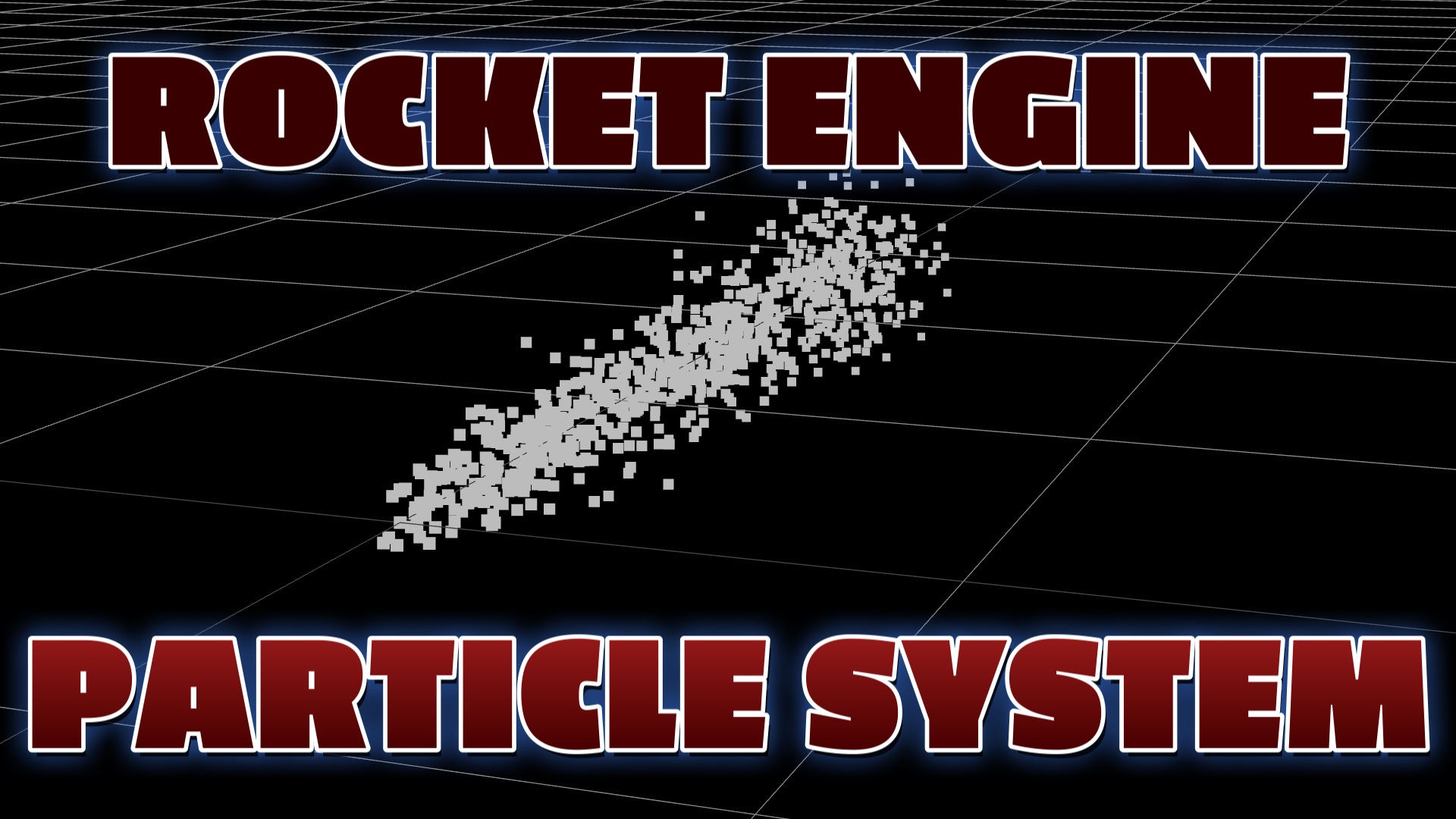
The streaming exhaust plume behind this page is the live demo. Click and drag with the mouse to orbit the camera around it. Scroll to keep reading — on mobile just swipe to scroll.
Introduction
A rocket exhaust plume is a perfect first particle system: it is just a stream of points flowing away from a nozzle. This free tutorial stores every particle in a single BufferGeometry and renders them as one THREE.Points object, so the whole plume draws in one GPU call.
Each frame you push every particle along the exhaust direction with a random speed, add a little sideways spread so the plume widens, and recycle particles back to the nozzle when they reach the end. An OrbitControls camera slowly circles the plume. Copy it, paste it, and it runs.
Frequently Asked Questions
How do you make a rocket exhaust particle system in Three.js?
Store hundreds of particle positions in a single BufferGeometry and render them with a PointsMaterial as one THREE.Points object. Each frame, push every particle along the exhaust direction (the -z axis) at a random speed and add a little random x/y spread so the plume widens. When a particle passes the end of the plume, reset it to the nozzle to create a continuous stream.
How do you keep the exhaust stream continuous?
Recycle particles. When a particle's z position moves past a threshold (the end of the plume), snap it back to the emitter's origin. Because this happens every frame with staggered random speeds, particles constantly flow out and reset, producing an endless exhaust stream without ever creating new objects.
Why use BufferGeometry and THREE.Points for exhaust?
BufferGeometry stores all particle positions in one typed array and THREE.Points draws them in a single GPU draw call, so a thousand exhaust particles render at 60fps. Updating the position array each frame and setting needsUpdate = true is far faster than moving a thousand individual meshes.
How do you rotate the camera around the rocket exhaust?
Add OrbitControls attached to the renderer or the page body. Enable autoRotate for a hands-off cinematic spin, or let the user click and drag to orbit. Call controls.update() each frame in the animation loop so the camera motion stays smooth.
Is this Three.js rocket exhaust tutorial free?
Yes. This is a completely free tutorial. The full source code is on the page, you can copy it, and the exhaust plume rotating behind this page is the live demo. No sign-in or membership is required.
How To Add The Code
Follow these steps to get the exhaust plume running on your own page. You only need a plain HTML file and an internet connection — Three.js and OrbitControls load from a CDN.
- 1Create an HTML file. Make
index.htmlwith the standard tags and an import map sothreeandOrbitControlsresolve. - 2Set up the scene, camera & renderer. Position the camera slightly off-axis so you can see the plume, and enable
alpha: true. - 3Add OrbitControls. Attach them to the camera and renderer, turn on
autoRotatefor a cinematic spin, and callcontrols.update()each frame. - 4Build the particle BufferGeometry. Create a
Float32Arraywith three values per particle and start them all at the nozzle origin. - 5Create the Points system. Pair the geometry with a
PointsMaterialand add theTHREE.Pointsobject to the scene. - 6Animate the exhaust. Each frame, move every particle along -z at a random speed, add small x/y spread, and reset it to the nozzle when it passes the end of the plume.
- 7Flag the update & render. Set
geometry.attributes.position.needsUpdate = true, then render insiderequestAnimationFrame. - 8Open it in your browser. Double-click the file (or serve it locally) and the exhaust plume streams out and loops.
The Full Code
Paste this entire block into a file named index.html and open it in any modern browser.
<!DOCTYPE html>
<html lang="en">
<head>
  <meta charset="utf-8">
  <meta name="viewport" content="width=device-width, initial-scale=1">
  <title>Three.js Rocket Engine Exhaust</title>
  <style> body { margin: 0; background: #000; } </style>
  <script type="importmap">
  {
    "imports": {
      "three": "https://cdn.jsdelivr.net/npm/three@0.160/build/three.module.js",
      "three/addons/": "https://cdn.jsdelivr.net/npm/three@0.160/examples/jsm/"
    }
  }
  </script>
</head>
<body>

  <script type="module">
    import * as THREE from 'three';
    import { OrbitControls } from 'three/addons/controls/OrbitControls.js';

    // Scene, camera, renderer
    const scene = new THREE.Scene();
    const camera = new THREE.PerspectiveCamera(
      75, window.innerWidth / window.innerHeight, 0.1, 1000
    );
    camera.position.set(2, 1, 2);

    const renderer = new THREE.WebGLRenderer({ antialias: true, alpha: true });
    renderer.setPixelRatio(window.devicePixelRatio);
    renderer.setSize(window.innerWidth, window.innerHeight);
    renderer.setClearColor(0x000000);
    document.body.appendChild(renderer.domElement);

    // Orbit camera that slowly circles the plume
    const controls = new OrbitControls(camera, renderer.domElement);
    controls.autoRotate = true;
    controls.dampingFactor = 0.1;

    scene.add(new THREE.GridHelper(100, 150));

    // Build the exhaust particles in one BufferGeometry
    const COUNT = 1000;
    const geometry = new THREE.BufferGeometry();
    const positions = new Float32Array(COUNT * 3); // all start at origin
    geometry.setAttribute('position', new THREE.BufferAttribute(positions, 3));

    const material = new THREE.PointsMaterial({ color: 0xffffff, size: 0.05 });
    const exhaust = new THREE.Points(geometry, material);
    scene.add(exhaust);

    // Animate the exhaust stream
    function updateExhaust() {
      const pos = geometry.attributes.position.array;
      for (let i = 0; i < COUNT; i++) {
        const j = i * 3;
        const speed = Math.random() * 0.5;
        pos[j + 2] -= speed;                       // flow along -z
        pos[j]     += (Math.random() - 0.5) * 0.08; // x spread
        pos[j + 1] += (Math.random() - 0.5) * 0.08; // y spread
        if (pos[j + 2] < -2) {                     // recycle to nozzle
          pos[j] = 0; pos[j + 1] = 0; pos[j + 2] = 0;
        }
      }
      geometry.attributes.position.needsUpdate = true;
    }

    function animate() {
      requestAnimationFrame(animate);
      updateExhaust();
      controls.update();
      renderer.render(scene, camera);
    }
    animate();

    window.addEventListener('resize', () => {
      camera.aspect = window.innerWidth / window.innerHeight;
      camera.updateProjectionMatrix();
      renderer.setSize(window.innerWidth, window.innerHeight);
    });
  </script>
</body>
</html>
What To Try Next
- Give the material a warm color (orange to yellow) or use
vertexColorsto fade from white-hot at the nozzle to cool at the tip. - Load a soft glow PNG as the point texture with
mapandblending: THREE.AdditiveBlendingfor a fiery plume. - Emit the particles from your mouse position so you can "aim" the thruster.
- Widen the spread further from the nozzle so the plume flares out like a real rocket.
SEE 3D AND 2D BROWSER GAMES IN ACTION
Built with Three.js and JavaScript — free, no download, plays right in your browser.
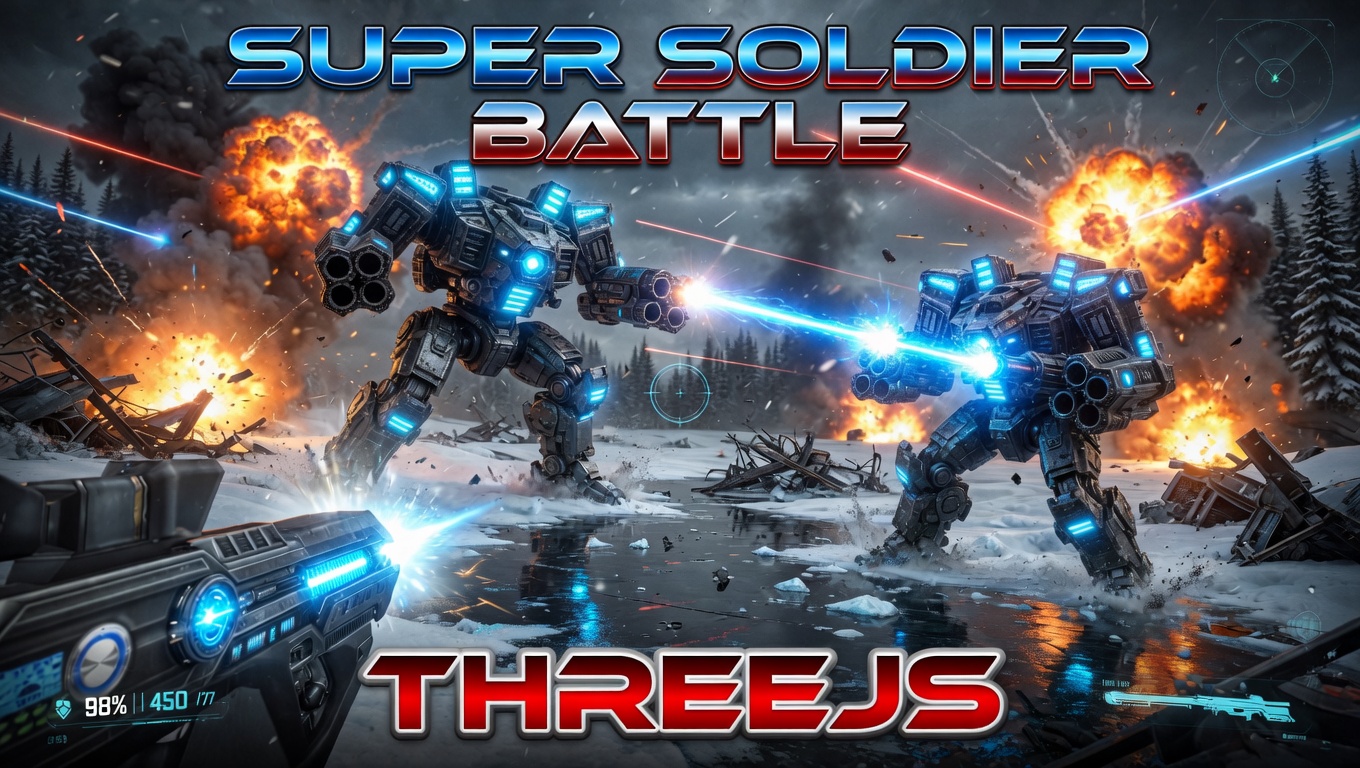
Super Soldier Battle
Free 3D multiplayer FPS built with Three.js and WebGL. Destroy the enemy bots and turrets, climb the leaderboard.
Play now →
AI Tic-Tac-Toe
Play the classic game against an AI opponent right in your browser. Free, no download, with an online leaderboard.
Play now →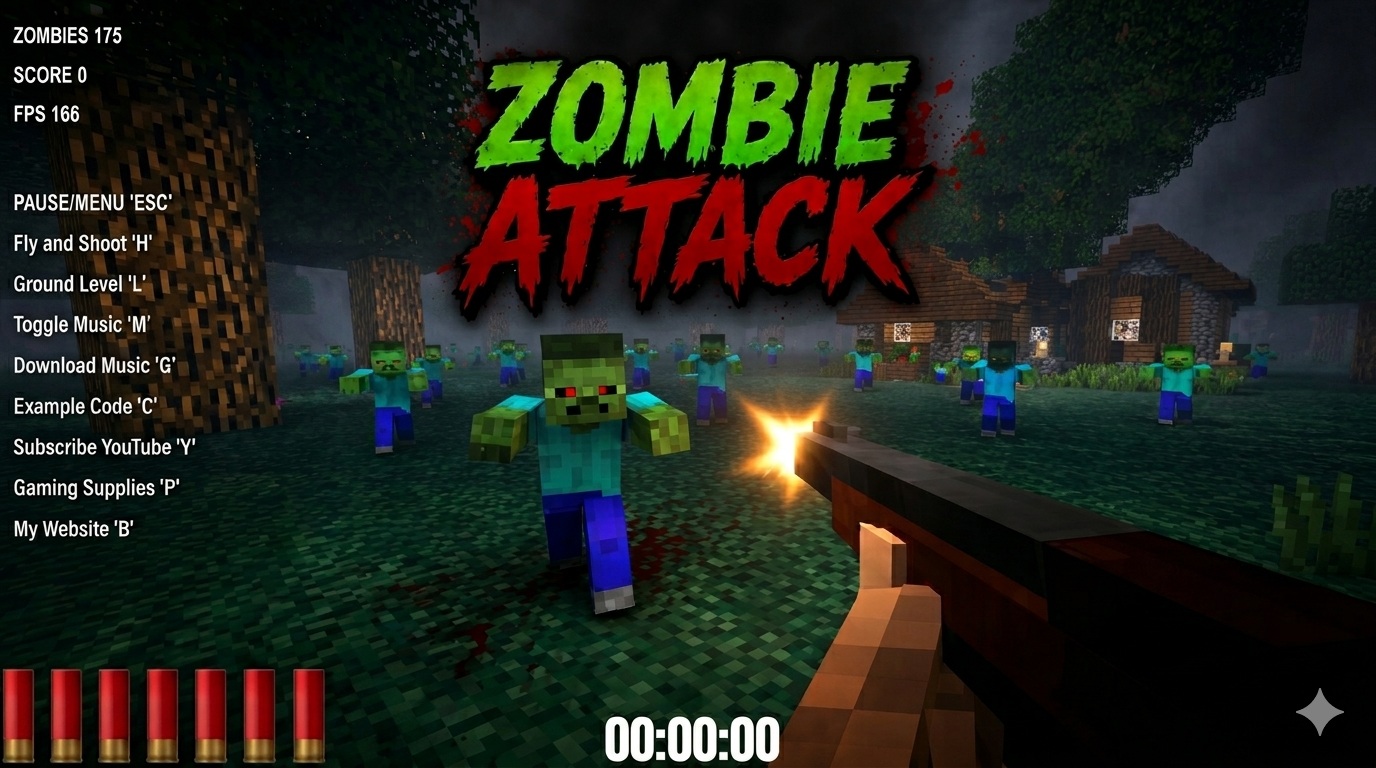
Zombie Attack
Survive waves of zombies in this free 3D browser shooter built with Three.js. No download, plays instantly.
Play now →
Space Wow
Blast through space in this free 3D Three.js arcade shooter. Free, no download, plays right in your browser.
Play now →