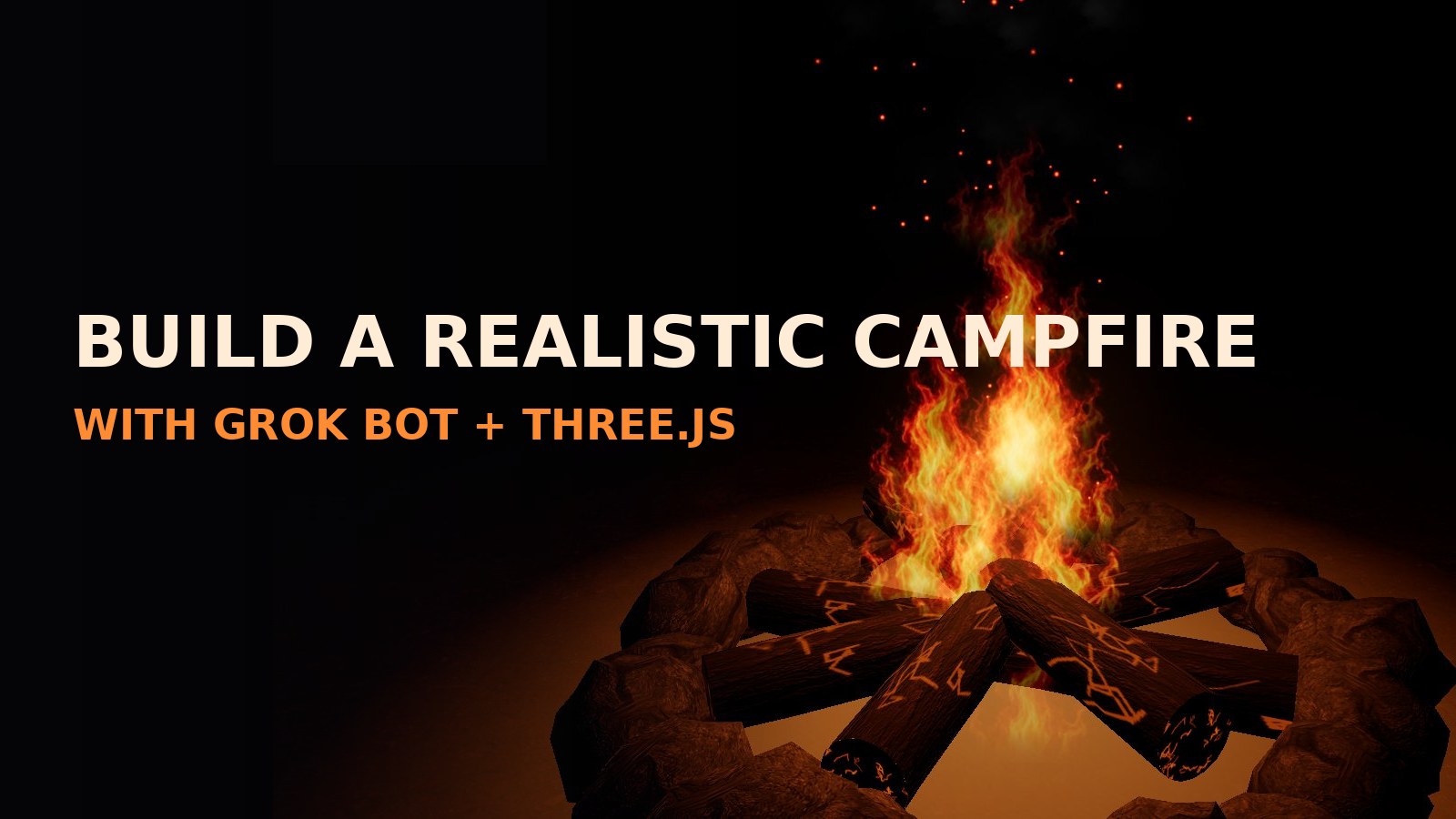
BUILD A REALISTIC CAMPFIRE
WITH GROK BOT + THREE.JS
By Shane Brumback · · Free Three.js tutorial
Use Grok Bot to build a glowing Three.js campfire — generated flame flipbook tiles, particle flames, rising embers, drifting smoke, a flickering light, bloom glow, and photo-textured logs and stones. One HTML file, built by prompting step by step, including the mistakes we fixed along the way.
LIVE DEMO
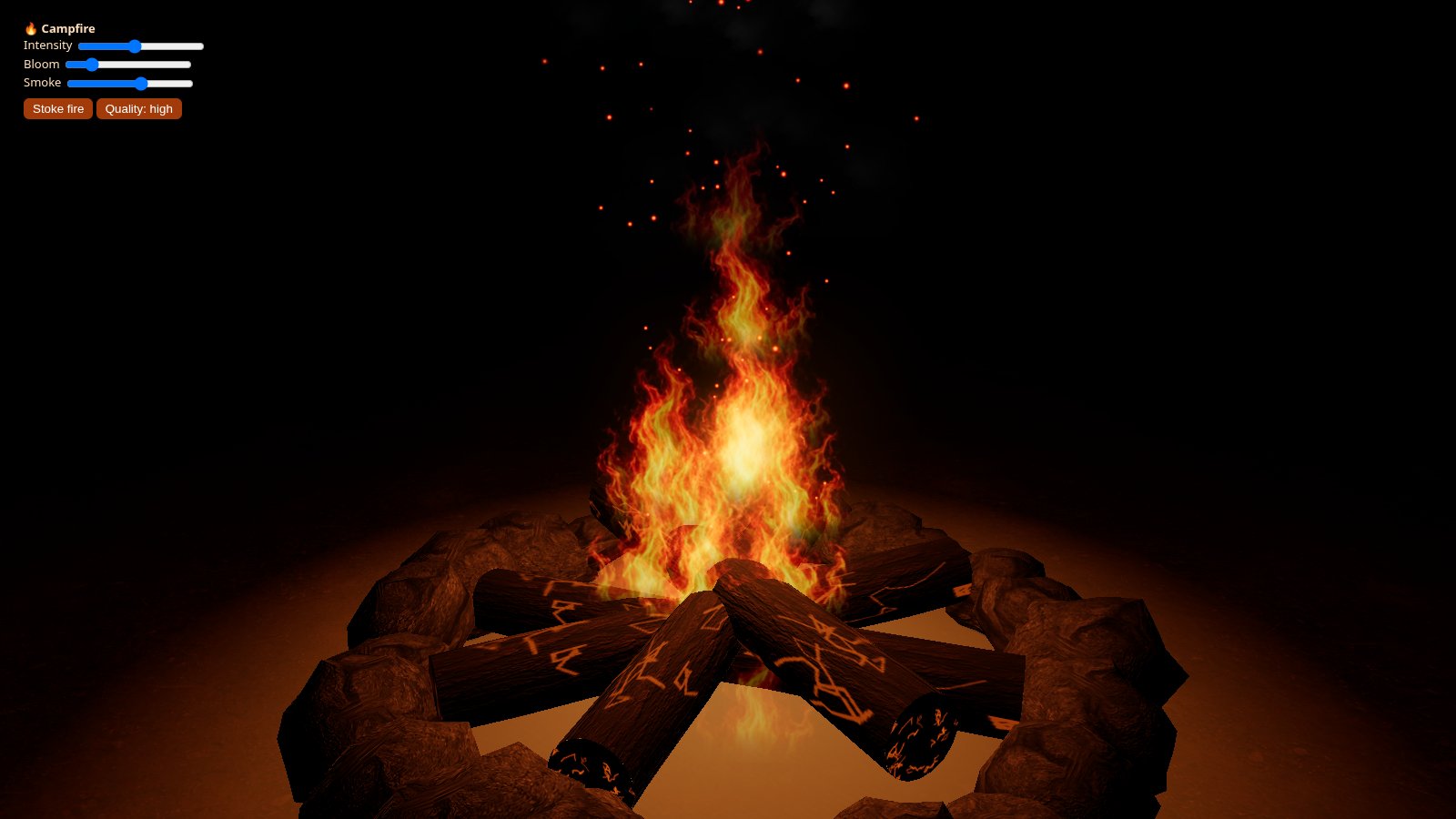
The campfire burning behind this page is the live demo — the real Three.js scene with flipbook flames, embers, smoke and bloom. Launch the full-screen demo to orbit the fire, scroll to zoom in, and tune it with the Intensity, Bloom and Smoke sliders, stoke the flames, and toggle quality. Scroll to keep reading.
Hides the page so you get the fire full screen — drag to orbit, use the sliders, press Esc to exit.
WANT MORE FIRE AND FURY?
Once your campfire burns, blow something up: build a 3D rockfire explosion in Three.js — flying debris rocks, fire, smoke, a shockwave ring, and camera shake, all in one copy-paste file with a live demo you can orbit.
See the Rockfire Explosion Tutorial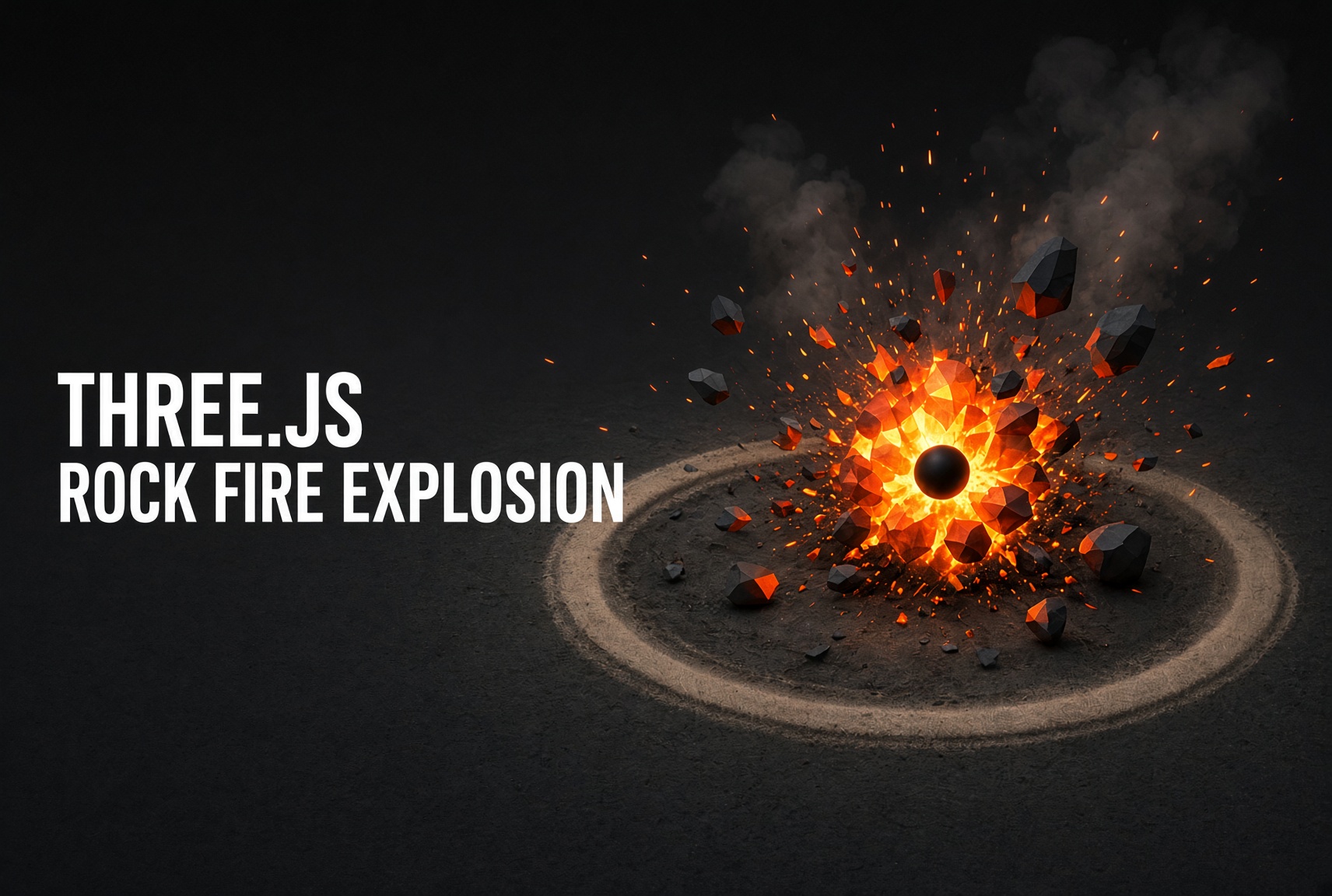
Introduction
Fire is a classic real-time effect — and a great way to see how far an AI assistant can carry a graphics build. In this tutorial you prompt Grok Bot step by step, the same way this demo was actually made, including the mistakes we fixed on the way: a washed-out white flame column, logs that hid the fire, and a texture slowdown. You finish with a single campfire.html you can drop on any web host.
The flames are flipbook particles: one THREE.Points system whose ShaderMaterial plays a 4×4 sheet of fire frames, so hundreds of tiny looping fires draw in one call. Embers and smoke are two more Points systems. A flickering PointLight, a ground glow decal, and an UnrealBloomPass sell the heat, and photo-textured logs laid flat in a star plus a ring of noise-displaced stones ground it in a real place.
What you should know first: steps are plain-English prompts you paste into Grok Bot, so most of this needs no coding. A little Three.js (scenes, materials, shaders) helps you read the key-code snippets. If Three.js is brand new, start with How to Program a Simple Particle System or How to Program a Fire Fountain Particle System, then come back. Everything loads from a CDN — no build tools.
What You'll Need
- The Grok Bot desktop app on Windows (it writes and runs code on its own cloud computer while you chat).
- A modern desktop browser with hardware acceleration turned on.
- Python, or any local web server, to serve the files over http — browsers block textures loaded from
file://. - Basic familiarity with Three.js (scenes, materials, shaders) to follow the key-code snippets.
Frequently Asked Questions
How do you make a realistic campfire in Three.js?
Layer a few cheap effects over a dark night scene: particle flames that play a looping flame flipbook texture with additive blending, rising ember sparks, drifting smoke puffs, a flickering orange point light, a glow decal on the ground, and an UnrealBloomPass so the hot pixels bloom. Add photo-textured logs laid flat in a star and a ring of noise-displaced stones. The campfire on this page was built that way by prompting Grok Bot step by step.
How do flipbook flames work in Three.js?
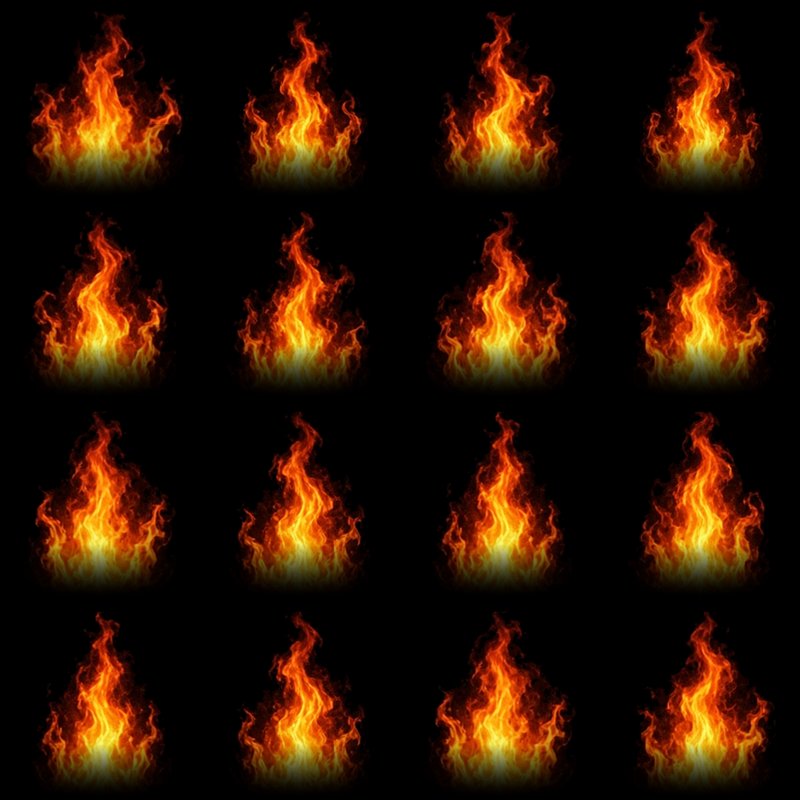
A flipbook is a grid of flame frames packed into one texture (here a 4x4 sheet of 16 frames). Each flame particle is a THREE.Points sprite with a ShaderMaterial that picks one tile as a UV offset and advances through the frames at about 14 frames per second, so every particle animates like a tiny looping video of fire. Additive blending makes the flames glow and stack into a hot core.
Why did my Three.js fire look like a solid white column?
Too many large additive particles overlap and their brightness adds up until the whole column clips to white. The fix is fewer flame particles (about 26 instead of 70), lower per-particle brightness, and a bloom threshold so only the brightest pixels bloom. That keeps the orange and yellow detail instead of blowing it out.
How do you keep a Three.js campfire running fast?
The usual bottleneck is per-pixel fill rate, not triangles. Remove the bump map from the full-screen ground plane, cap texture anisotropy, share texture objects, cap gl_PointSize so zooming in cannot flood the screen with additive quads, cap the pixel ratio, and render bloom at half resolution. A lite mode that halves the particles and turns bloom off gives weaker machines a fast fallback.
Is this tutorial free?
Yes. The glowing campfire behind this page is a live Three.js demo, and the full single-file source is on the page. Signing in with Google to reveal the code is free — it takes one click and unlocks every free tutorial on the site.
Play My Free Browser Games

1Set up the campfire scene
Start with an empty night scene. Ask Grok Bot for a single HTML file so you can open it, look at it, and keep iterating.
Make a single-file Three.js page (importmap from a CDN) for a night campfire scene: dark fog, ground, OrbitControls aimed at the fire, ACES tone mapping and an UnrealBloomPass so the flames glow. Add Intensity and Bloom sliders.
Key code
Everything renders through an EffectComposer. Bloom only picks up pixels brighter than the threshold (0.7), so the fire glows but the rest of the scene stays crisp.
// Bloom
const composer = new EffectComposer(renderer);
composer.addPass(new RenderPass(scene, camera));
const bloom = new UnrealBloomPass(new THREE.Vector2(innerWidth / 2, innerHeight / 2), 0.45, 0.35, 0.7);
composer.addPass(bloom);
composer.addPass(new OutputPass());three and three/addons/ means no build step. Drop the file on any web host.2Generate the fire tile images
Realistic flames come from real-looking images, not from shapes. Ask Grok Bot to generate the textures, then to prepare them for a particle flipbook.
Generate an image of 12 realistic campfire flame frames in a 4-column by 3-row layout on a pure black background, for an additive-blended flipbook. Also generate a soft grey smoke puff on black.
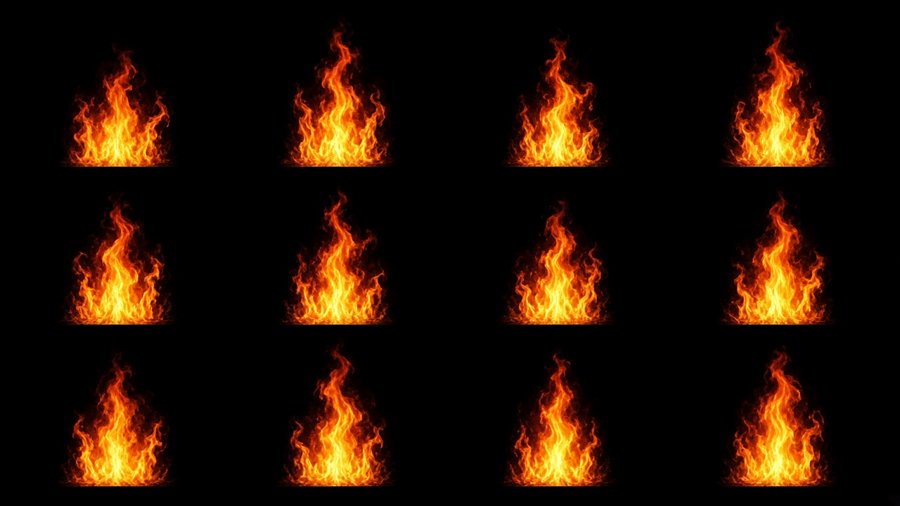
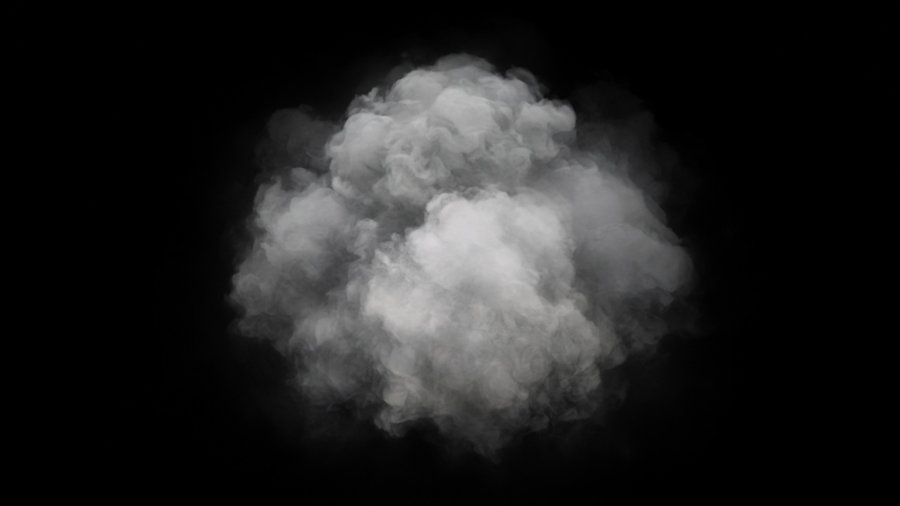
The generated sheet is not a square grid, and the flames have hard flat bottoms. Ask for a cleanup script:
With PIL, find each flame's bounding box by brightness, crop each into a square cell with the flame bottom-centered, and repack the 12 frames plus 4 repeats into a 4x4 sheet at 1024px on pure black. Then fade each cell's bottom 28% with a rounded falloff so the flame bases are soft, and fade the sides so nothing touches a cell edge.
3Flipbook flames, embers, smoke and flicker
Use the 4x4 flipbook for flame particles: one THREE.Points per system with a ShaderMaterial that picks a tile per particle with UV offsets, additive blending, about 14 fps per particle, varied sizes and a slight random tilt. Add rising embers, soft smoke with normal blending, a flickering orange point light and a glow decal on the ground.
Slicing the flipbook in the shader
aFrame picks one of the 16 tiles. The tile's column and row become a UV offset, and gl_PointCoord (rotated by aRot) samples inside that tile.
const flameFrag = `uniform sampler2D uAtlas;
varying float vRot; varying float vLife; varying float vFrame;
void main(){
  float f = floor(vFrame);
  vec2 tile = vec2(mod(f, 4.0), 3.0 - floor(f / 4.0));
  vec2 pc = gl_PointCoord - 0.5;
  pc = mat2(cos(vRot), -sin(vRot), sin(vRot), cos(vRot)) * pc + 0.5;
  if (any(lessThan(pc, vec2(0.0))) || any(greaterThan(pc, vec2(1.0)))) discard;
  vec2 uv = (tile + vec2(pc.x, 1.0 - pc.y)) / 4.0;   // flipbook slice
  vec3 c = texture2D(uAtlas, uv).rgb;
  float fade = smoothstep(0.0, 0.15, vLife) * smoothstep(1.0, 0.6, vLife);
  gl_FragColor = vec4(c * fade * 0.5, 1.0);
}`;
One reusable particle system
Each system keeps a plain JS array of particles and writes straight into Float32Array buffers — no per-particle meshes and no allocations per frame.
function makeSystem(count, frag, u, blending, spawn, update) {
  const g = new THREE.BufferGeometry();
  const arr = n => new THREE.BufferAttribute(new Float32Array(count * n), n);
  g.setAttribute('position', arr(3)); g.setAttribute('aSize', arr(1));
  g.setAttribute('aLife', arr(1)); g.setAttribute('aFrame', arr(1)); g.setAttribute('aRot', arr(1));
  const m = new THREE.ShaderMaterial({ uniforms: u, vertexShader: vert, fragmentShader: frag,
    transparent: true, depthWrite: false, blending });
  const pts = new THREE.Points(g, m); pts.frustumCulled = false; scene.add(pts);
  // ...each frame: advance life, respawn dead particles, write the buffers once.
  return pts;
}
Flicker
const flick = 0.75 + 0.15 * Math.sin(t * 13) + 0.1 * Math.sin(t * 27.3) + Math.random() * 0.08;
fireLight.intensity = 9 * k * flick;
fireLight.position.x = Math.sin(t * 7) * 0.05;4More smoke, with a Smoke slider
The first smoke was thin. Ask for bigger, fuller smoke and a control for it — and say how to handle memory so the slider stays cheap:
Add larger and more smoke plus a Smoke slider (0 to 2, default 1.2) next to Intensity and Bloom. The slider scales the smoke spawn count, puff size and opacity. Allocate the buffer for the max count and use drawRange for the active count, with no reallocation when the slider moves. Puffs should grow as they rise, sway in a light wind drift and fade out. Cap the puff size, use normal blending with low opacity, and halve it in lite mode.
Key code
The particle loop only updates active particles, and setDrawRange tells the GPU how many to draw. Moving the slider never allocates anything.
function setSmoke(v) {
  params.smokeSize = 0.6 + 0.4 * v;
  smokeU.uOpacity.value = Math.min(v, 1.4);
  smoke.active = Math.min(smoke.max, Math.round(smoke.max * v / 2));
  smoke.g.setDrawRange(0, smoke.active);   // no reallocation
}
Opacity is a uniform, so the shader fades each puff in and out over its life and multiplies by the slider:
const smokeFrag = `uniform sampler2D uTex; uniform float uOpacity; varying float vLife;
void main(){
  float d = length(gl_PointCoord - 0.5);
  float a = texture2D(uTex, gl_PointCoord).r
    * smoothstep(0.5, 0.2, d) * smoothstep(0.0, 0.3, vLife)
    * smoothstep(1.0, 0.45, vLife) * 0.16 * uOpacity;
  gl_FragColor = vec4(vec3(0.16, 0.15, 0.15), a);
}`;5Lay the logs flat so the fire shows
The first version stacked six upright logs in a teepee. They hid the flames from most angles. Say what looks wrong in plain words:
Remove the upright teepee logs. Keep the two crossed logs on the ground and add two more lying flat, so four flat logs in a star pattern with slight rotation jitter. Keep the ember cracks, and lower the flame spawn so the flames sit on top.
Key code
Each log is an open cylinder plus two cap discs. All the sides merge into one mesh (bark) and all the caps into another (charred wood with ember cracks), so every log costs just two draw calls total.
const sideGeos = [], capGeos = [];
function addLog(len, r, rotY, y) {              // sides + caps built separately, merged into 2 meshes
  const side = new THREE.CylinderGeometry(r * 0.92, r, len, 18, 8, true);
  // ...noise-wobble the radius so it is not a perfect cylinder...
  const top = new THREE.CircleGeometry(r * 0.92, 18).rotateX(-Math.PI / 2).translate(0, len / 2, 0);
  const bot = new THREE.CircleGeometry(r, 18).rotateX(Math.PI / 2).translate(0, -len / 2, 0);
  _m.compose(_p.set(0, y, 0), _q.setFromEuler(_e.set(0, rotY, Math.PI / 2, 'YXZ')), _s.set(1, 1, 1));
  sideGeos.push(side.applyMatrix4(_m)); capGeos.push(top.applyMatrix4(_m), bot.applyMatrix4(_m));
}
for (let i = 0; i < 4; i++) addLog(1.8, 0.12, i * Math.PI / 4 + 0.4 + (Math.random() - 0.5) * 0.2, 0.12 + i * 0.07);
logs.add(new THREE.Mesh(mergeGeometries(sideGeos), barkMat),
new THREE.Mesh(mergeGeometries(capGeos), logMat));6Realistic bark, rock and ground
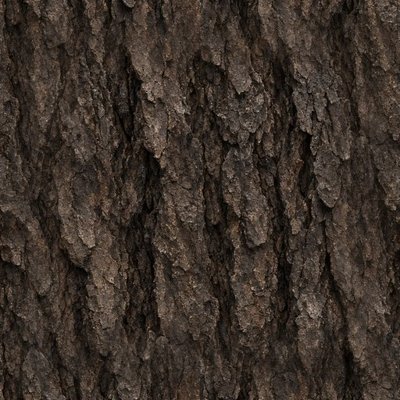
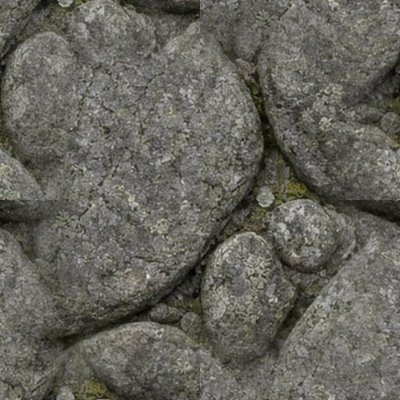
Generate photo textures for tree bark, granite rock and forest ground. Make each square and seamless with PIL (crop, offset-blend the edges), 512px JPG. Use MeshStandardMaterial with the photo as map and bumpMap, roughness 0.9, smooth shading. Use smoother logs, subdivided noise-displaced rocks in a tight ring of about 22 stones, and a dark ash decal under the fire.
Key code
A small helper caches each texture and sets wrapping, sRGB and anisotropy once. Rocks are icosahedrons displaced by a cheap 3D noise and merged into a single mesh — 22 stones for one draw call.
function pbr(url, rep, bump, extra = {}) {
  return new THREE.MeshStandardMaterial({
    map: tex(url, rep),
    ...(bump ? { bumpMap: tex(url, rep, false, 1), bumpScale: bump } : {}),
    roughness: 0.9, ...extra });
}
const rockGeos = [];
for (let i = 0; i < 22; i++) {
  const geo = mergeVertices(new THREE.IcosahedronGeometry(1, 2));
  const p = geo.attributes.position;
  for (let j = 0; j < p.count; j++) {           // push each vertex out by layered noise
    _v.fromBufferAttribute(p, j);
    _v.multiplyScalar(1 + 0.18 * n3(_v.x * 1.5, _v.y * 1.5, _v.z * 1.5) + 0.06 * n3(_v.x * 4, _v.y * 4, _v.z * 4));
    p.setXYZ(j, _v.x, _v.y, _v.z);
  }
  // ...scale + place around the ring, then push into rockGeos...
  rockGeos.push(geo);
}
scene.add(new THREE.Mesh(mergeGeometries(rockGeos), stoneMat));  // 22 rocks = 1 draw call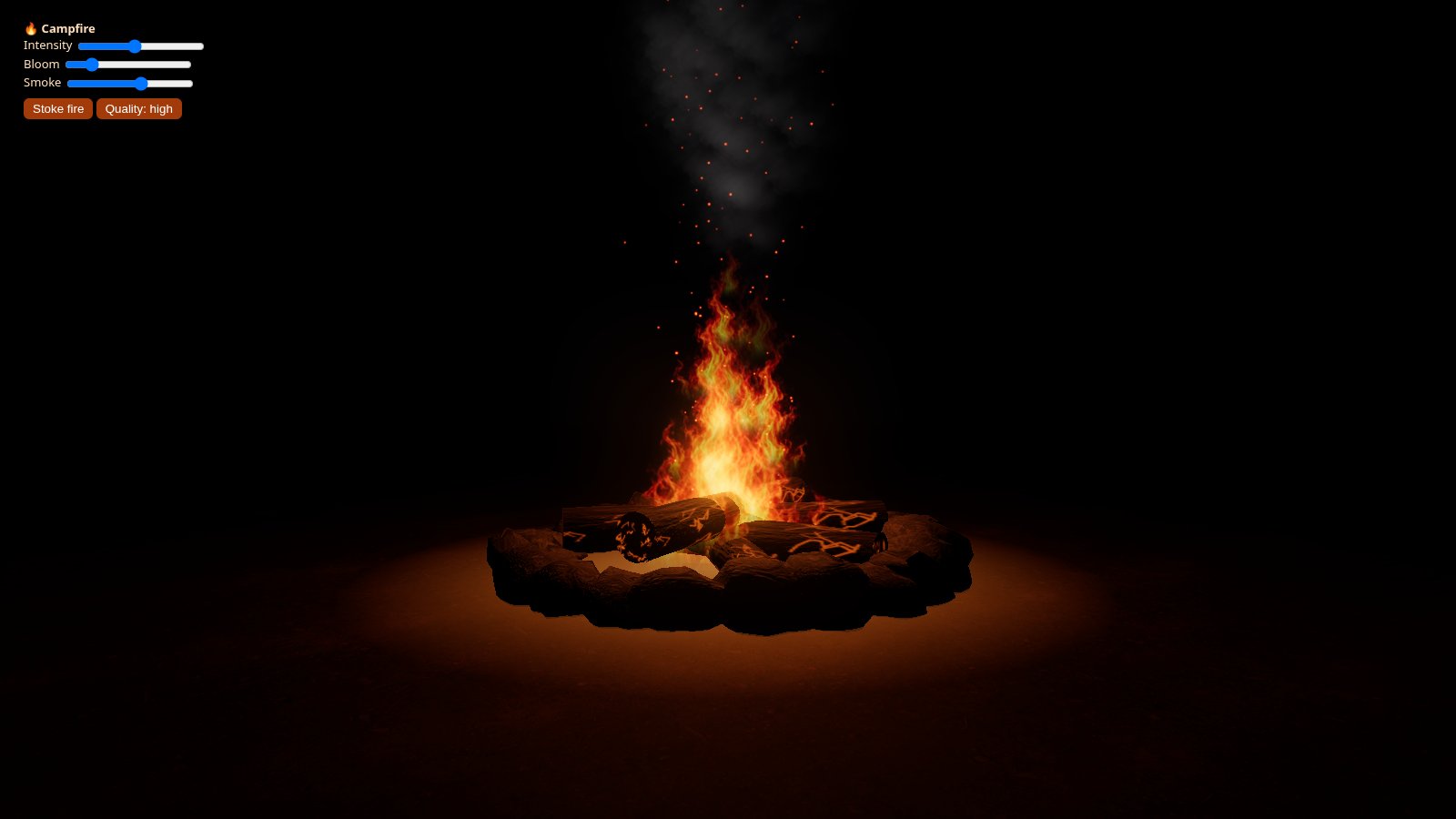
7Fix the slowdown
After the photo textures went in, the demo crawled on a Windows PC — even though it is only about 5,000 triangles and 23 draw calls. Ask Grok Bot to find the real cause instead of guessing:
It's very slow on my PC since the textures were added. Profile it, check for shader recompiles or needsUpdate in the loop, compare bloom off and particles off, and fix the real bottleneck. Add a Quality toggle.
- Ground: no bumpMap on the full-screen plane, smaller plane, repeat about 19×.
- Anisotropy: 4 for colour maps, 1 for bump maps. Each texture loads once.
- Particles:
gl_PointSizecapped at 220px so zooming in can't flood the screen with additive quads. - Also: pixel ratio capped at 1.5 and bloom at half resolution.
- Quality toggle:
?liteturns bloom off, halves the particles and sets pixel ratio to 1.
chrome://gpu. On laptops, set the browser to "High performance" in Windows Graphics settings.What To Try Next
- Recolour the flame flipbook and the point light for a blue gas flame, a green witch's fire, or cold blue embers.
- Add a kettle or a log pile and let the flickering
PointLightcast soft shadows onto them. - Drive the Stoke fire boost from a game event — throwing on a log, a gust of wind — instead of a button.
- Spawn more embers and a wider smoke cone when Intensity is high, so the fire visibly roars.
- Port the flipbook flames to Unity's VFX Graph or Godot's GPUParticles3D — the same 4×4 sheet works there too.