DEV LOG: BURNING RUINS AND GUNSHIP WRECKS
LIGHT UP SUPER SOLDIER BATTLE
The ruins and crashed gunships now burn with flickering flames, rising sparks and smoke, and they barely cost any frame rate. Drop in and see them.
By Shane Brumback ·
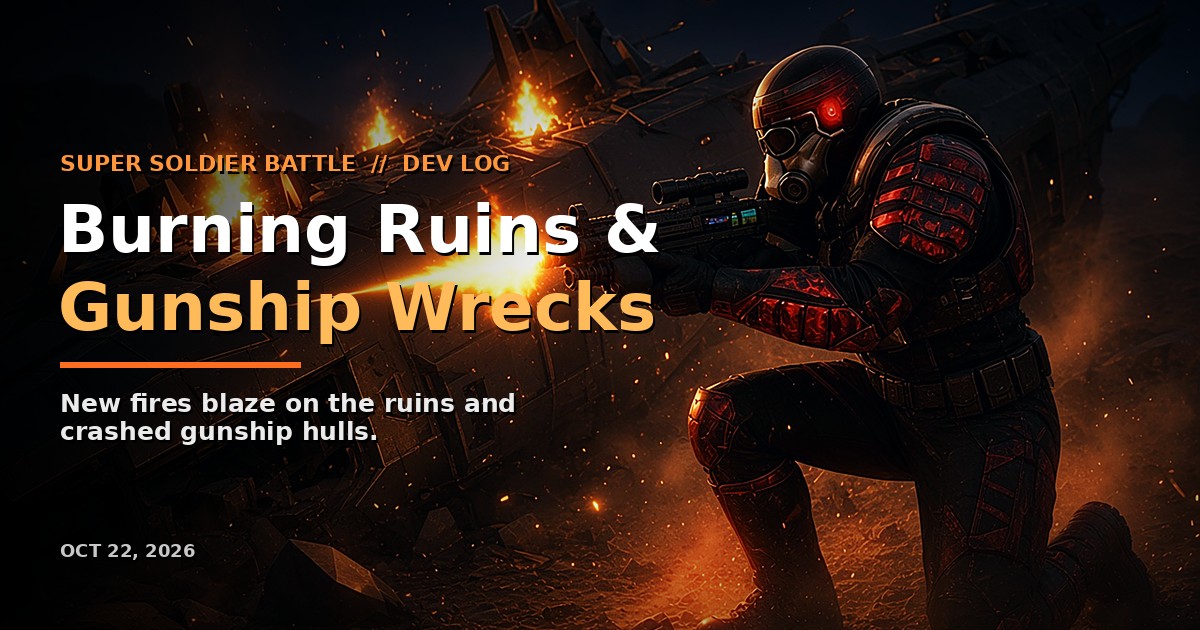
The battlefield in Super Soldier Battle just got a lot more dramatic. Last night I shipped fires: the burnt-out ruins and the crashed gunship wrecks scattered around the island now burn with flickering flames, rising sparks, a warm glow and drifting smoke. It's live right now, and it's free to play in your browser at supersoldierbattle.com. No download, no install.
If you're new here, Super Soldier Battle is my multiplayer, open-world, blue-vs-red shooter built with Three.js and JavaScript and running on AWS. Pick a team, spawn at your base, and fight your way across the island.
Burning Ruins Across the Island
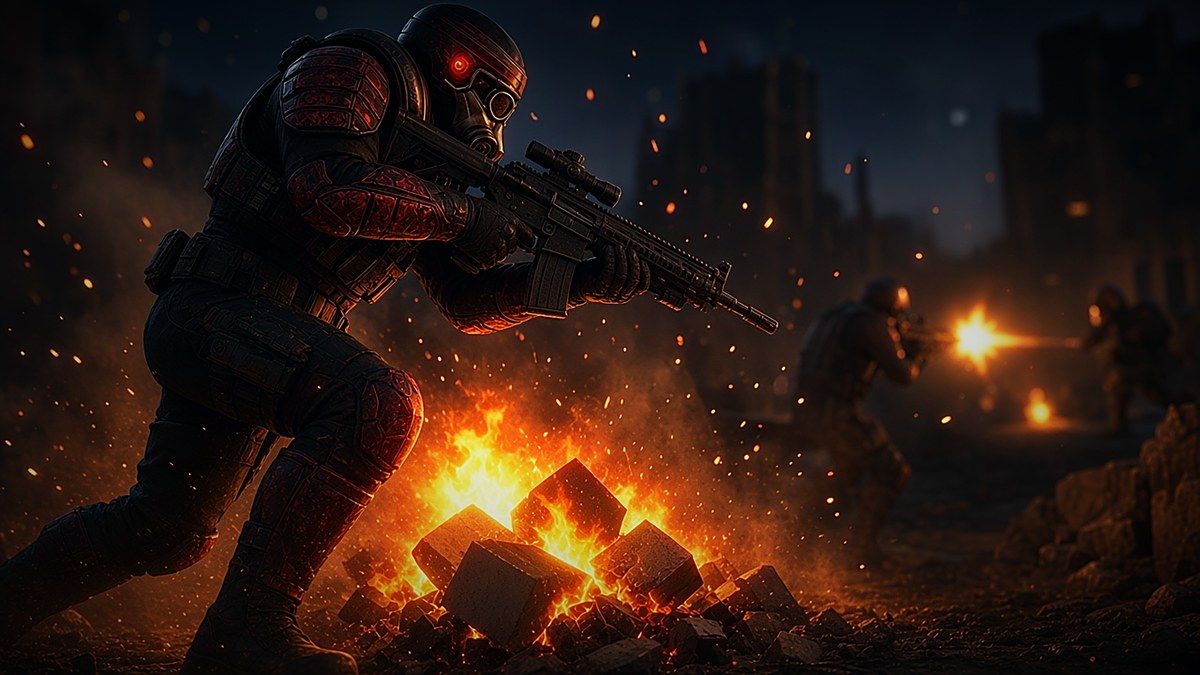
The island has ruin clusters with rubble piles sitting inside them. Each of those rubble piles now has its own campfire-sized fire on the ground: flames that flicker and rise, embers that drift up with a little sway, an orange glow at the base, and a soft smoke plume on top.
The fire effect started life as one of my own tutorials. I adapted it from Build a Realistic Campfire with Grok Bot, which uses flipbook flames, ember sparks, soft smoke puffs and a flickering warm light. The campfire tutorial is built to look great on its own. A multiplayer shooter has to draw a whole island at the same time, so the game version had to be much cheaper to run.
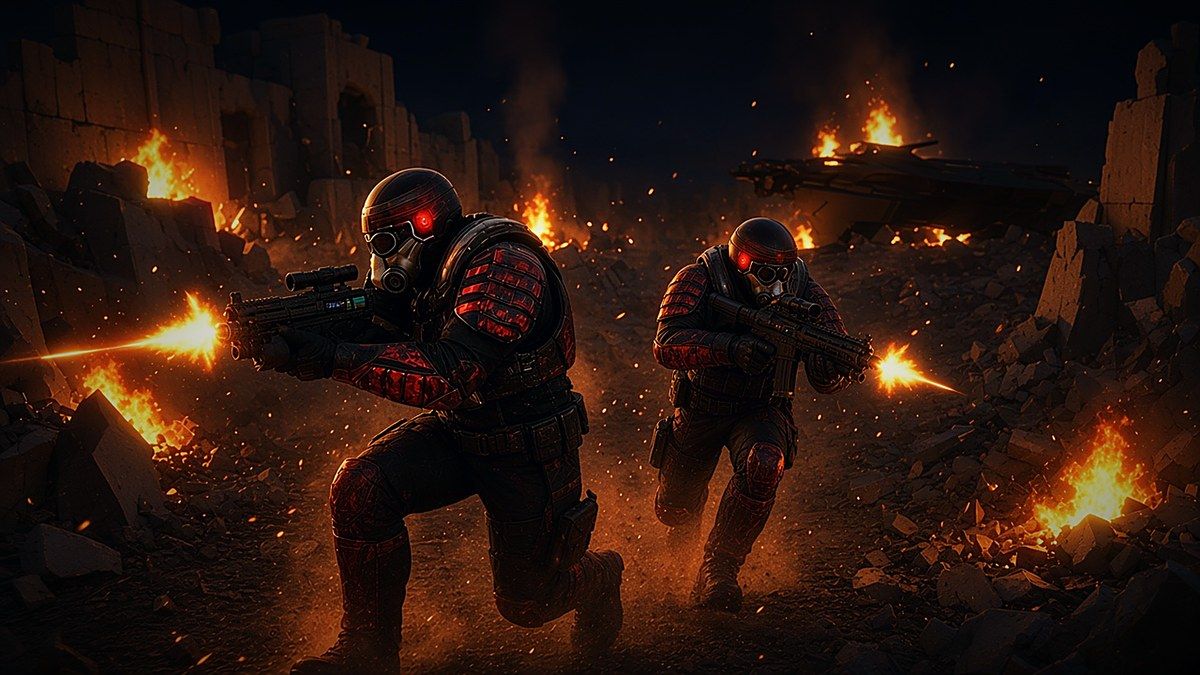
Crashed Gunships That Keep Burning
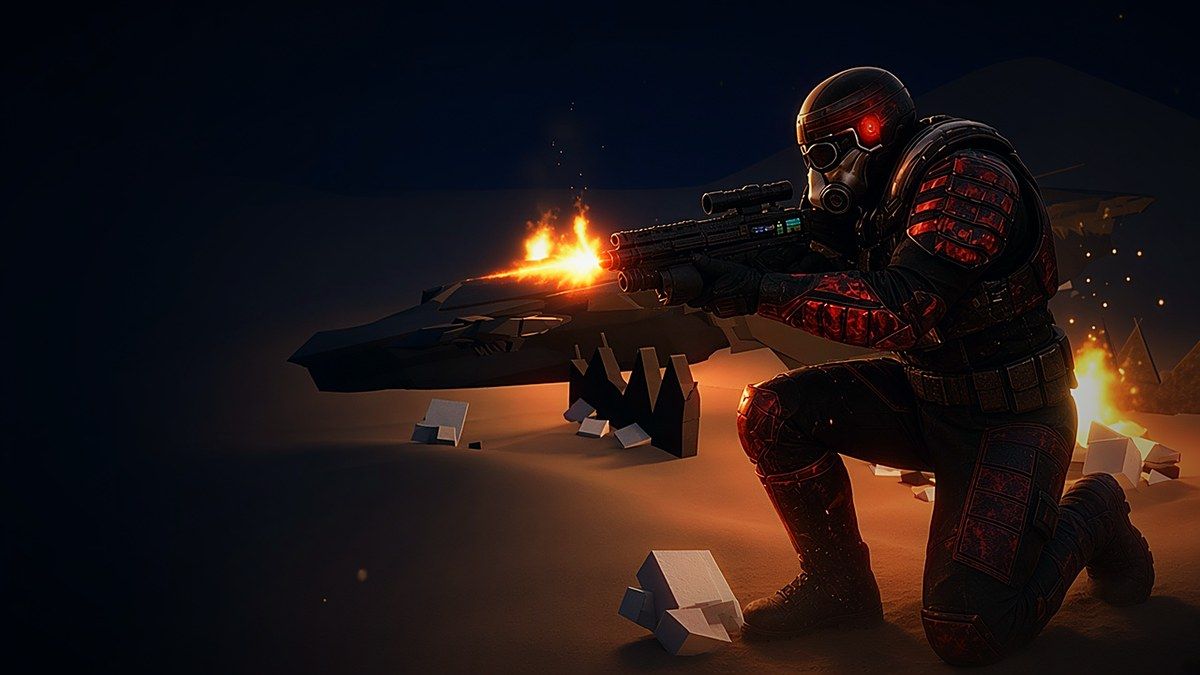
The crashed gunship wrecks were already smoking. Now they're on fire too. Each wreck gets four smaller fires scattered along and across its hull, each with a random size, so no two wrecks look the same.
Getting the flames to sit on the hull instead of floating in the air took a little care. The game looks straight down at the wreck at each fire's spot and puts the flame right on the hull surface, with a safe fallback height if it can't find the hull. It also guards every position against bad values. A bad height value once produced a fire bar stretched across the whole screen, so every number is now checked before a fire is placed.
Fires That Don't Cost You Frame Rate
I don't want an effect that looks great and then tanks your FPS in the middle of a firefight. So the fires were built for speed from the start:
- Two draw calls per set of fires. All the ruin fires are drawn together: flames, embers and glow in one call, and smoke in a second. The wreck fires are a second set with two more. Adding fires to a set doesn't add draw calls.
- The GPU animates the particles. There's no per-particle loop on the CPU. Each frame the game updates only a few values.
- No extra lights. Instead of a real light per fire, each fire gets a glowing sprite, so adding fires doesn't slow down lighting for the rest of the scene.
- They switch off when you can't see them. Fires fade out with distance and are hidden completely when none of them are on screen or in range. Then they cost zero draw calls.
- Lighter smoke. Big soft smoke sprites are the most expensive part on the GPU, so I trimmed the smoke on both the ruins and the wrecks.
If you want to see how all of that works in code, I wrote it up as a short tutorial: Many Fires, Two Draw Calls: GPU Flames, Embers and Smoke in Three.js.
A Fires Toggle in the F1 Overlay
Press F1 in the game to open the renderer-stats overlay. There's now a Fires: ON/OFF button next to the existing grass, smoke, tree LOD and water toggles. Turning it off hides every ruin and wreck fire right away, and the game remembers your choice the next time you play. It's handy if you're on a slower machine, or if you just want to compare FPS with and without them.
Everything Else That Landed Yesterday
The fires were the headline, but there was a lot more:
- A new horizon. Forested rolling hills and a snow-topped mountain range now ring the map, plus painted sky clouds and a warmer haze over the water.
- Fuller distant trees. Far-off pine trees were showing up thin or as bare trunks. Their needles now hold together at a distance, and full-detail trees stay in view much farther out.
- No more grass through rocks. Tall wild grass no longer pokes up through the boulders or the base pads.
- Trees are always there when you drop in. A loading race could occasionally start a match with no trees. Several fixes landed, and the PLAY button now waits until the forest has fully loaded.
- No first-shot hitch. The game now quietly warms up the firing effects while it loads, so your first trigger pull doesn't stutter.
- Faster lobby. The START button is ready in about 2.3 seconds instead of about 10.7, because it no longer waits for decorative models to download.
- Lighter downloads. The terrain textures were optimized, cutting about 12 MB of downloads to about 9.5 MB.
- New title and minimap. The lobby and game page have a new blue-to-red neon title, and the minimap now shows you as a big yellow dot that tracks you every frame.
Built With Three.js and AI Agents
Everything in Super Soldier Battle runs in the browser with Three.js, JavaScript and AWS, and I build a lot of it working alongside AI coding agents. If you're curious how a browser game like this comes together, check out my Three.js tutorials and articles, including yesterday's dev log on walk-in bunkers and beaches. If you want something like this built for your own project, I'm available for freelance and contract work in Three.js and 3D, full-stack development, AWS, and SEO/AEO. Contact me.
Frequently Asked Questions
What is Super Soldier Battle?
Super Soldier Battle is a free multiplayer 3D shooter you play in your web browser. Blue and red teams fight across an open-world island. It's built by Shane Brumback with Three.js, JavaScript and AWS.
Is Super Soldier Battle free to play?
Yes, it's free. Open supersoldierbattle.com in your browser and play. There's nothing to download or install.
What's new in the October 22, 2026 update?
The ruins and crashed gunship wrecks now burn with flickering flames, embers, glow and smoke, and there's a new Fires toggle in the F1 overlay. The update also adds a new forested, snow-capped horizon, fuller distant trees, a faster lobby, and fixes for missing trees and the first-shot hitch.
Do the new fires slow the game down?
They're built not to. All the ruin fires share two draw calls (the wreck fires use two more), the GPU animates the particles, there are no extra lights, and fires that are out of range or off screen aren't drawn at all. You can also switch them off with the Fires button in the F1 overlay.
How do I turn off the fires in Super Soldier Battle?
Press F1 to open the renderer-stats overlay and click Fires: ON to switch it to OFF. The flames and smoke disappear right away, and the setting is saved for your next session.
Play Super Soldier Battle Now
Find a burning ruin, take cover behind a smoking gunship wreck, and hold your ground. It's free, and it runs right in your browser.
Play Super Soldier Battle free →Want to build effects like this yourself? Read the fire tutorial, start with the campfire tutorial, or try AI Tic-Tac-Toe.