3D INTERACTIVE
MENUS & WEBSITES
Why building menus and websites in real-time 3D with Three.js wins attention — immersion, interactivity, and cross-platform reach, straight in the browser.

LIVE DEMO
The ring of floating project panels orbiting behind this page is a live Three.js scene — the kind of interactive 3D menu this guide is about. Click and drag to orbit, click a panel to open that project, or use the button below to zoom in. On mobile just swipe to scroll.
Frequently Asked Questions
What is a 3D interactive menu or website?
A 3D interactive menu or website replaces flat 2D buttons and pages with real-time 3D objects the visitor can rotate, hover, click, and explore. Built with Three.js and WebGL, it runs right in the browser with no plugins, turning navigation and product displays into an immersive, game-like experience.
Why use Three.js for 3D websites instead of plain HTML/CSS?
HTML and CSS can fake depth with shadows and transforms, but they cannot render true real-time 3D with lighting, reflections, and models you can orbit. Three.js taps the GPU through WebGL to draw genuine 3D scenes at 60fps, so menus, product viewers, and hero sections feel alive and interactive rather than flat.
Do 3D interactive websites work on mobile phones?
Yes. Because Three.js runs on WebGL, which every modern mobile browser supports, 3D menus and scenes work on phones and tablets with no app install. You should keep polygon counts and textures reasonable and add touch controls, but the same page runs across desktop and mobile.
Are 3D websites bad for SEO or performance?
Not if built well. Keep your real text content in normal HTML so search engines can read it, lazy-load heavy 3D assets, compress models with glTF/Draco, and let the 3D scene enhance rather than replace the page. Done right, a 3D site loads fast, ranks normally, and boosts engagement and time-on-page.
What can I build with 3D interactive menus and Three.js?
Product configurators, rotating 3D navigation menus, immersive landing pages, virtual showrooms and galleries, architectural walkthroughs, data visualizations, and browser games. Anywhere a flat page feels static, a lightweight 3D scene can make it memorable and interactive.
Why Go 3D?
Flat menus and static hero images blend into every other website. A real-time 3D scene stops the scroll. With Three.js — the leading JavaScript 3D library — you can turn navigation, product displays, and landing pages into things visitors want to touch, spin, and explore, all running in the browser with no plugins or downloads. Here are the biggest advantages.
1. Visual Immersion
3D depth, lighting, and motion make a page feel like a space rather than a document. That immersion grabs attention instantly and leaves a lasting impression — exactly what a brand wants on a hero section or product page.
2. Real Interactivity
Visitors can orbit a product, hover to highlight a menu item, or click to dive into a scene. This hands-on interaction keeps people engaged far longer than clicking flat links, and it makes navigation itself part of the experience.
3. Realistic Rendering
Three.js renders through WebGL, so you get real-time lighting, shadows, reflections, and PBR materials that used to require a desktop app. Products and scenes look believable, which builds trust and desire on commerce sites.
4. Cross-Platform Reach
WebGL is built into every modern browser, so the same 3D page runs on desktops, laptops, tablets, and phones with no install and no app store. One codebase, universal reach.
5. A Huge Community
Three.js is one of the most popular libraries on GitHub, with endless examples, tutorials, and add-ons (loaders, controls, post-processing). Whatever you are trying to build, someone has paved part of the path.
The 3D Interactive Menu (Full Code)
This is the exact rotating ring of clickable image panels running behind this page — a real 3D interactive menu. Each panel is a textured plane; clicking one navigates to that project. Paste into index.html and open it, or press Launch.
<!DOCTYPE html>
<html lang="en">
<head>
  <meta charset="utf-8">
  <meta name="viewport" content="width=device-width, initial-scale=1">
  <title>Three.js 3D Interactive Menu Ring</title>
  <style> body { margin: 0; background: #0a0b0f; overflow: hidden; } </style>
  <script type="importmap">
  {
    "imports": {
      "three": "https://cdn.jsdelivr.net/npm/three@0.160/build/three.module.js",
      "three/addons/": "https://cdn.jsdelivr.net/npm/three@0.160/examples/jsm/"
    }
  }
  </script>
</head>
<body>
<script type="module">
  import * as THREE from 'three';
  import { OrbitControls } from 'three/addons/controls/OrbitControls.js';

  // Each menu item: an image panel + the page it links to.
  const projects = [
    { image: 'https://www.shanebrumback.com/images/super-soldier-battl-game-demo.jpg', link: 'https://www.supersoldierbattle.com' },
    { image: 'https://www.shanebrumback.com/images/threejs-examples-first-person-shooter-game-starter.jpg', link: 'https://www.shanebrumback.com/tutorials/first-person-shooter-game-starter.html' },
    { image: 'https://www.shanebrumback.com/images/spacex-3d-falcon-9-launch-pad.jpg', link: 'https://www.shanebrumback.com/spacex-falcon-9-launch-complex.html' },
    { image: 'https://www.shanebrumback.com/images/threejs-examples-interactive-image-particle-system.jpg', link: 'https://www.shanebrumback.com/tutorials/interactive-smiley-particle-system.html' },
    { image: 'https://www.shanebrumback.com/images/threejs-examples-how-to-animate-3d-spheres.jpg', link: 'https://www.shanebrumback.com/tutorials/animating-3d-spheres-and-fragment-shaders.html' },
    { image: 'https://www.shanebrumback.com/images/shane-brumback-zombie-attack-game.jpg', link: 'https://www.shanebrumback.com/threejs-zombie-attack.html' }
  ];

  const scene = new THREE.Scene();
  scene.background = new THREE.Color(0x0a0b0f);
  const camera = new THREE.PerspectiveCamera(60, window.innerWidth / window.innerHeight, 0.1, 4000);
  camera.position.set(0, 6, 34);
  camera.lookAt(0, 0, 0);

  const renderer = new THREE.WebGLRenderer({ antialias: true });
  renderer.setPixelRatio(Math.min(window.devicePixelRatio, 2));
  renderer.setSize(window.innerWidth, window.innerHeight);
  document.body.appendChild(renderer.domElement);

  const controls = new OrbitControls(camera, renderer.domElement);
  controls.enableDamping = true;
  controls.enableZoom = false;
  controls.enablePan = false;
  controls.minPolarAngle = Math.PI / 180 * 70;
  controls.maxPolarAngle = Math.PI / 180 * 100;

  scene.add(new THREE.AmbientLight(0xffffff, 1));

  // Build the rotating ring of image panels
  const menu = new THREE.Group();
  const planes = [];
  const loader = new THREE.TextureLoader();
  const radius = 20, pw = 12, ph = 6.75;
  const step = (2 * Math.PI) / projects.length;

  projects.forEach((p, i) => {
    const tex = loader.load(p.image);
    tex.colorSpace = THREE.SRGBColorSpace;
    const plane = new THREE.Mesh(
      new THREE.PlaneGeometry(pw, ph),
      new THREE.MeshBasicMaterial({ map: tex, side: THREE.DoubleSide })
    );
    const a = step * i;
    plane.position.set(Math.cos(a) * radius, 0, Math.sin(a) * radius);
    plane.lookAt(0, 0, 0);
    plane.userData.link = p.link;
    menu.add(plane);
    planes.push(plane);
  });
  scene.add(menu);

  function animate() {
    requestAnimationFrame(animate);
    menu.rotation.y += 0.0035;   // slow carousel spin
    controls.update();
    renderer.render(scene, camera);
  }
  animate();

  // Click a panel to open its project
  const raycaster = new THREE.Raycaster();
  const ndc = new THREE.Vector2();
  window.addEventListener('click', (e) => {
    ndc.x = (e.clientX / window.innerWidth) * 2 - 1;
    ndc.y = -(e.clientY / window.innerHeight) * 2 + 1;
    raycaster.setFromCamera(ndc, camera);
    const hit = raycaster.intersectObjects(planes)[0];
    if (hit && hit.object.userData.link) window.location.href = hit.object.userData.link;
  });

  // Pointer cursor when hovering a panel
  window.addEventListener('pointermove', (e) => {
    ndc.x = (e.clientX / window.innerWidth) * 2 - 1;
    ndc.y = -(e.clientY / window.innerHeight) * 2 + 1;
    raycaster.setFromCamera(ndc, camera);
    document.body.style.cursor = raycaster.intersectObjects(planes)[0] ? 'pointer' : '';
  });

  window.addEventListener('resize', () => {
    camera.aspect = window.innerWidth / window.innerHeight;
    camera.updateProjectionMatrix();
    renderer.setSize(window.innerWidth, window.innerHeight);
  });
</script>
</body>
</html>
Do It Right: SEO & Performance Tips
- Keep your real text content in normal HTML so search engines can read and rank it — let the 3D enhance, not replace, the page.
- Lazy-load heavy 3D assets and show a lightweight poster or loader first so the page feels instant.
- Compress models with glTF + Draco and downscale textures to keep file sizes small.
- Cap the pixel ratio (
Math.min(devicePixelRatio, 2)) and pause rendering when the scene is off-screen. - Add touch controls and test on real phones — WebGL runs everywhere, but input differs.
SEE 3D AND 2D BROWSER GAMES IN ACTION
My free browser games are full Three.js 3D experiences — no download, they run right in your browser.
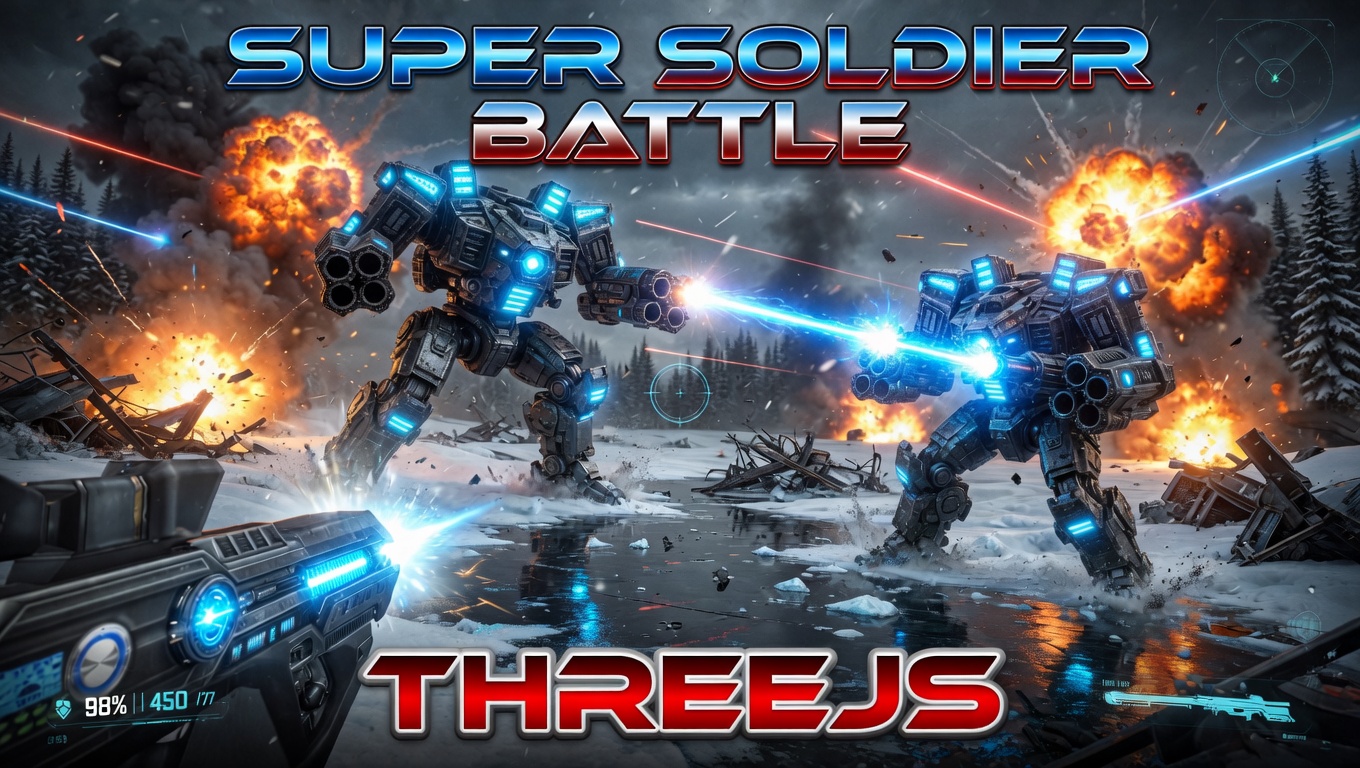
Super Soldier Battle
Free 3D multiplayer FPS built with Three.js and WebGL. Destroy the enemy bots and turrets, climb the leaderboard.
Play now →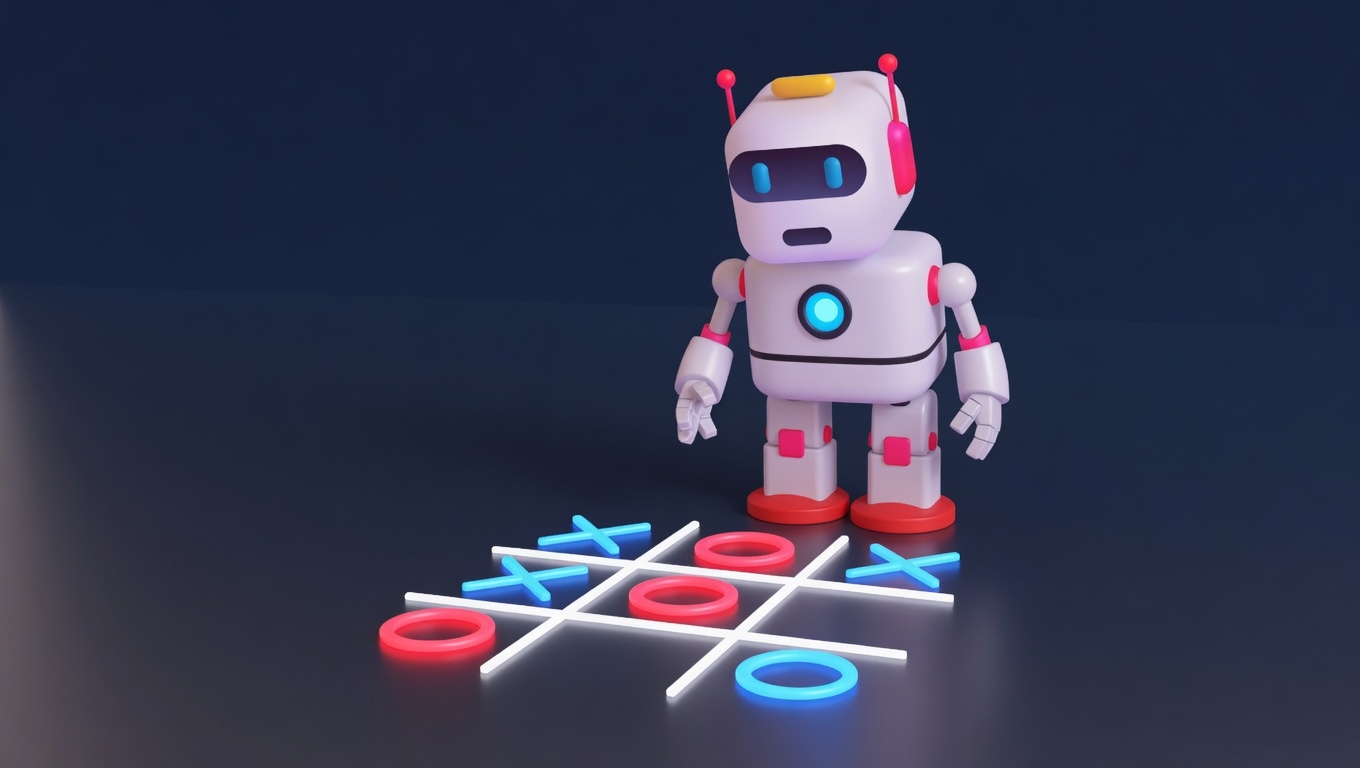
AI Tic-Tac-Toe
Play the classic game against an AI opponent right in your browser. Free, no download, with an online leaderboard.
Play now →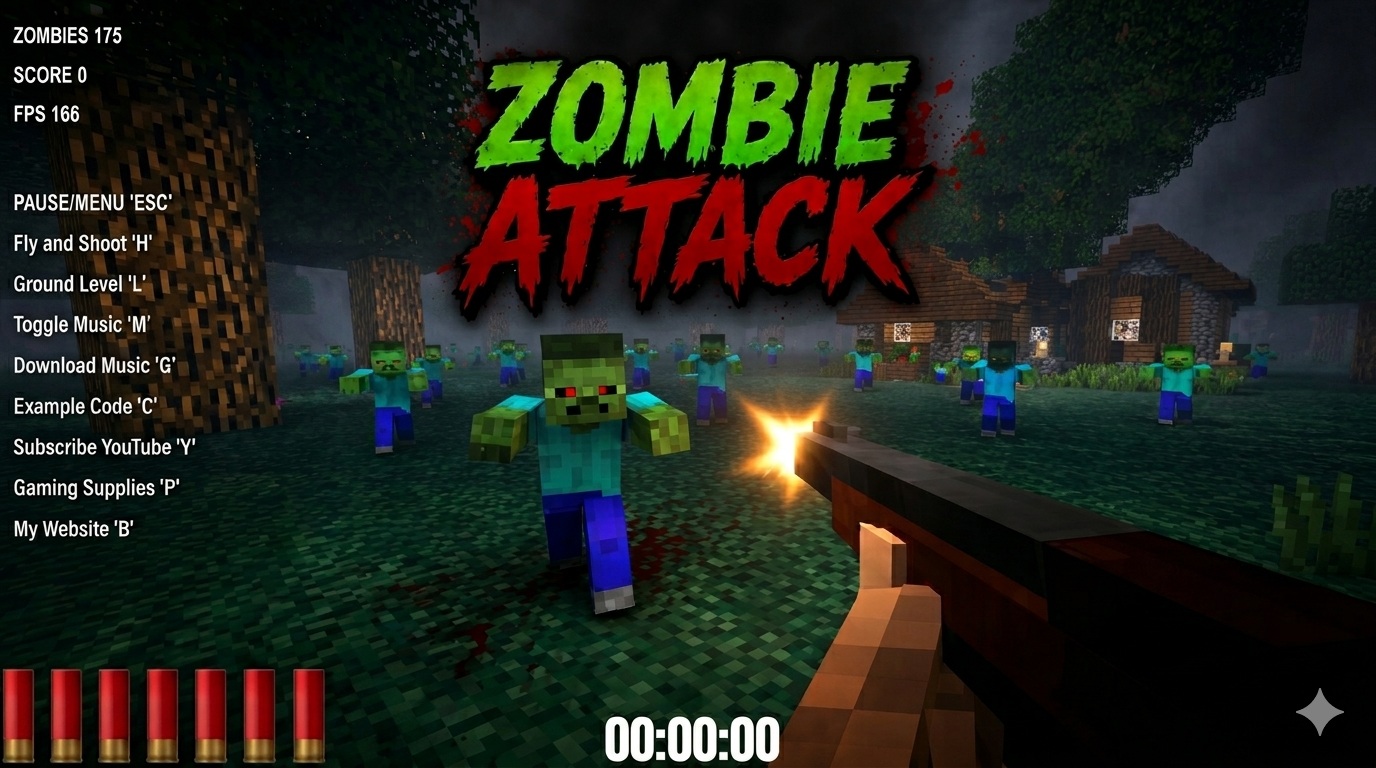
Zombie Attack
Survive waves of zombies in this free 3D browser shooter built with Three.js. No download, plays instantly.
Play now →
Space Wow
Blast through space in this free 3D Three.js arcade shooter. Free, no download, plays right in your browser.
Play now →More Tutorials
Want a 3D Experience For Your Site?
I build 3D interactive menus, product configurators, and immersive landing pages with Three.js.
Contact Me →