HOW TO MAKE A REALISTIC
WATER SHADER IN THREE.JS
By Shane Brumback · · Free Three.js tutorial
Build a realistic animated ocean in the browser with Three.js — reflections, a dynamic sky, and a moving sun, using the built-in Water and Sky objects.
A Three.js water shader is the built-in Water addon (three/addons/objects/Water.js) — you give it a large plane and a tiling normal map, point a sun direction at it, and advance its time uniform each frame. Pair it with the Sky addon for a matching horizon and a PMREMGenerator environment map for reflections. On modern Three.js (r170+) this renders a realistic, reflective ocean in under 50 lines, with no custom GLSL.
LIVE DEMO
The reflective ocean, dynamic sky, and floating mirror cube rendering behind this page are the live demo. Launch the full-screen demo to drag-orbit the camera and watch the sun highlights track across the waves.
Drag to orbit · Scroll to zoom · Press Esc to exit
Introduction
Realistic water used to be one of the hardest effects in real-time 3D. In Three.js it's almost turnkey: the library ships a ready-made Water object and a matching Sky object in its addons. Give the water a big plane and a tiling normal map, point a sun at it, and animate a time uniform — you get rippling, reflective ocean water in under 50 lines.
This free tutorial builds exactly that: an infinite reflective ocean, a physically-based sky with a sun you can position, and a chrome cube bobbing on the surface to show off the reflections. Copy the code below and it runs.
WANT MORE WATER?
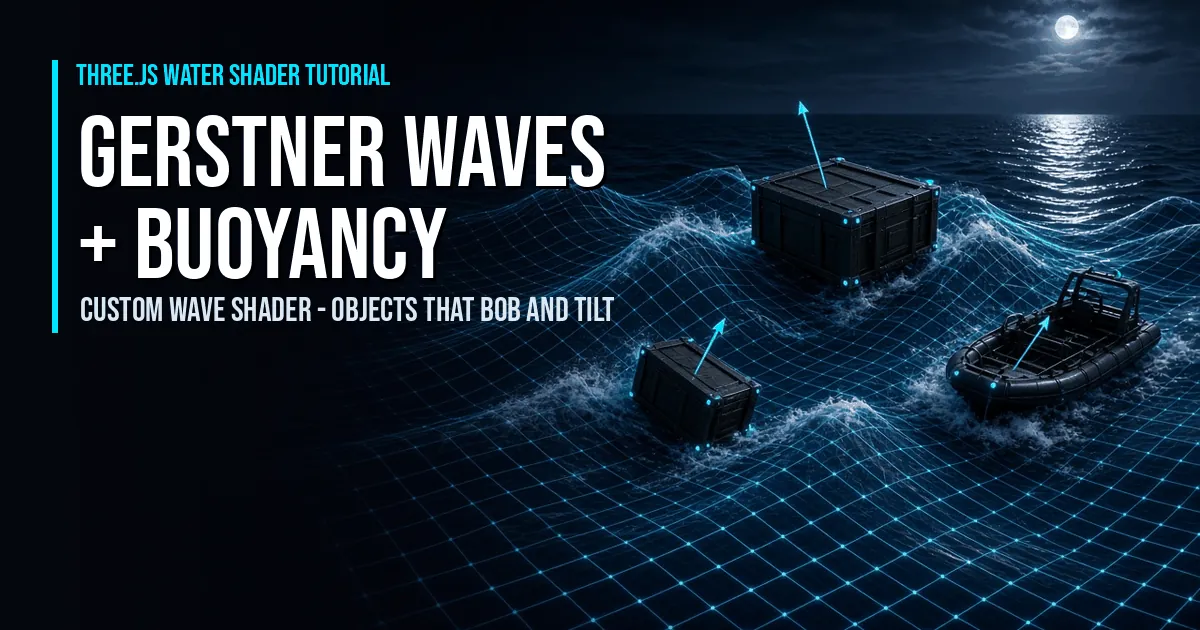
Build real Gerstner waves in a custom Three.js shader, then add buoyancy so crates, barrels and boats bob and sway on the swell.
Frequently Asked Questions
How do you make realistic water in Three.js?
Three.js ships a ready-made Water object in its addons (three/addons/objects/Water.js). You give it a large plane geometry and a tiling water-normals texture, set a sun direction and water color, then advance its time uniform every frame. Combined with the Sky object you get a realistic reflective ocean with very little code.
What is the Three.js Water object?
Water is a built-in helper mesh in the Three.js addons that renders an animated, reflective water surface. It uses a normal map for ripples and reads a sun direction so highlights track your light. You animate it by incrementing water.material.uniforms['time'].value with the frame delta.
How do you add reflections to the water?
The Water object reflects the scene automatically via a reflection render target. Pair it with the Sky object and a PMREMGenerator environment map so floating objects pick up realistic sky reflections. Setting a floating cube's material roughness to 0 shows the mirror-like reflection clearly.
Is this Three.js water tutorial free?
Yes. This is a completely free tutorial. The full source code is shown on the page, you can copy it, and there is a live ocean demo running in the background. No sign-in or membership is required.
Which version of Three.js has Water.js and what is the import path?
Water and Sky ship in the Three.js examples addons, not the core build. On modern Three.js (r170+) import them from three/addons/objects/Water.js and three/addons/objects/Sky.js via an import map that maps three/addons/ to the examples/jsm/ folder. On older setups the equivalent path is examples/jsm/objects/Water.js.
Where do I get waternormals.jpg and why does file:// fail?
Grab waternormals.jpg from the Three.js repo at examples/textures/water/waternormals.jpg and place it next to your HTML. Opening the page as a file:// URL fails because browsers block texture loads and module imports over the file protocol for security. Serve the folder over HTTP instead, for example python -m http.server, then open http://localhost:8000.
Should I use the Water addon or write a custom GLSL ocean?
Use the built-in Water addon when you want a realistic reflective ocean fast with almost no shader code. Write a custom GLSL ocean only when you need control the addon does not expose, such as Gerstner wave displacement, buoyancy, or a stylized look. The addon gives planar reflections and a normal-map ripple out of the box; custom GLSL trades more setup for full control.
How do I make the Three.js water perform well on mobile?
Lower the reflection render target to 512x512 (textureWidth and textureHeight), cap renderer.setPixelRatio at about 1.5, shrink the water plane, and pause the animation loop when the canvas is offscreen. The planar reflection pass is the main cost, so a smaller reflection target is the biggest single win on phones.
Can I change the water color, choppiness, and sun elevation at runtime?
Yes. Set water.material.uniforms['waterColor'].value and distortionScale for color and choppiness, and recompute the sun direction from new elevation and azimuth angles, then copy it into both sky.material.uniforms['sunPosition'] and water.material.uniforms['sunDirection']. The live demo on this page wires exactly these to sliders.
How To Add The Code
The Water and Sky objects live in the Three.js addons, so this uses ES modules with an import map. You need Three.js, its jsm/objects/Water.js and jsm/objects/Sky.js, and a water-normals texture.
- 1Create the HTML file and add an
importmapthat mapsthreeandthree/addons/to the Three.js build and jsm folders. - 2Import the pieces —
THREE,OrbitControls,Water, andSky. - 3Set up scene, camera & renderer with Reinhard tone mapping for a natural sky exposure.
- 4Create the Water from a huge plane and a tiling
waternormals.jpgtexture (set it to RepeatWrapping), rotate it flat, and add it to the scene. - 5Add the Sky and set its turbidity, rayleigh, and mie uniforms for a believable atmosphere.
- 6Position the sun — convert elevation/azimuth to a direction, feed it to both the sky and the water's
sunDirection, and bake an environment map withPMREMGenerator. - 7Add a mirror cube (roughness 0) so you can see the reflections, then animate it and advance the water's time uniform each frame.
- 8Serve the folder locally (textures need HTTP, not file://) and open it — you'll see a live reflective ocean.
Tip: grab waternormals.jpg from the Three.js examples (examples/textures/water/) and run a local server, e.g. python -m http.server.
Code Breakdown
Here is the whole thing in plain English. Each piece below maps to a chunk of the full code underneath — read these first and the code will feel obvious. Beginners: focus on the bold summaries. Developers: the notes after each explain the why.
1. The import map — how the browser finds Three.js
<script type="importmap">
  { "imports": { "three": "./build/three.module.js", "three/addons/": "./jsm/" } }
</script>
In plain English: this tells the browser "when my code says import ... from 'three', go grab these files." No bundler, no build step. Developer note: Water and Sky live in the examples/jsm addons, not the core build — that's why we map three/addons/ separately.
2. Scene, camera, renderer — the stage
const renderer = new THREE.WebGLRenderer({ antialias: true });
renderer.toneMapping = THREE.ReinhardToneMapping;
const scene  = new THREE.Scene();
const camera = new THREE.PerspectiveCamera(55, innerWidth / innerHeight, 1, 20000);
camera.position.set(30, 30, 100);
In plain English: the renderer is the paintbrush, the scene is the canvas, the camera is your eye. Developer note: ReinhardToneMapping compresses the very bright sky into a range your monitor can show — without it the sun blows out to pure white. The far plane is huge (20000) because the ocean is a 10,000-unit plane.
3. How do you add the Three.js Water and Sky objects?
const water = new Water(new THREE.PlaneGeometry(10000, 10000), {
  textureWidth: 512, textureHeight: 512,
  waterNormals: new THREE.TextureLoader().load('waternormals.jpg', t => {
    t.wrapS = t.wrapT = THREE.RepeatWrapping;   // tile the ripples forever
  }),
  sunDirection: new THREE.Vector3(),
  waterColor: 0x001e0f, distortionScale: 3.7
});
water.rotation.x = -Math.PI / 2;                 // lay it flat
In plain English: Three.js ships a ready-made ocean. You hand it a giant flat plane and a ripple texture; it does the reflection and wave math for you. The texture is set to repeat so the ripples tile instead of stretching. Developer note: distortionScale controls how strongly the normal map bends reflections; waterColor is the deep-water tint that shows where reflection is weak.
4. How do you position the sun so highlights match the sky?
const phi   = THREE.MathUtils.degToRad(90 - 2);   // elevation
const theta = THREE.MathUtils.degToRad(180);      // azimuth
sun.setFromSphericalCoords(1, phi, theta);
sky.material.uniforms['sunPosition'].value.copy(sun);
water.material.uniforms['sunDirection'].value.copy(sun).normalize();
In plain English: you pick where the sun sits with two angles (how high, which way). That single direction is handed to both the sky and the water, so the glare on the waves always lines up with the sun in the sky. Developer note: setFromSphericalCoords converts elevation/azimuth into an XYZ vector — change the two degree values to move the sun from high noon to a low sunset.
5. Why does the mirror cube need PMREMGenerator?
const pmrem = new THREE.PMREMGenerator(renderer);
scene.environment = pmrem.fromScene(sky).texture;
In plain English: we take a snapshot of the sky and use it as the "world reflection" for shiny objects. That's why the mirror cube reflects the actual sunset instead of looking flat. Developer note: PMREMGenerator pre-filters the sky into the mip-mapped format PBR materials need for roughness-correct reflections — do it once, not every frame.
6. How do you animate the water shader?
function animate() {
  requestAnimationFrame(animate);
  water.material.uniforms['time'].value += 1 / 60;   // advance the waves
  controls.update();
  renderer.render(scene, camera);
}
In plain English: every frame we nudge the water's time value forward — that one number is what rolls the ripples across the surface. Stop incrementing it and the ocean freezes. Developer note: adding a fixed 1/60 ties wave speed to frame count; for frame-rate independence multiply a real delta (clock.getDelta()) instead.
Which water approach should you use?
There are three common ways to render water in Three.js. Here is how the built-in Water addon used in this tutorial compares with a hand-written GLSL ocean and the official Three.js Ocean example.
| Approach | Setup effort | Reflections | Wave type | Mobile cost |
|---|---|---|---|---|
| Water addon (this tutorial) | Low — a few lines | Planar reflection, built in | Normal-map ripples (flat plane) | Moderate — one reflection pass |
| Custom GLSL ocean | High — write the shaders | Only what you code (cube map or SSR) | Real Gerstner wave displacement | Tunable — depends on your shader |
| Three.js Ocean example | Low — copy the example | Planar reflection (same Water class) | Normal-map ripples | Moderate — same as the addon |
This tutorial builds on the official Three.js water demo. See the reference example here: threejs.org — webgl_shaders_ocean.
The Full Code
Save as index.html next to your Three.js build/ and jsm/ folders and a waternormals.jpg, then serve the folder.
<!DOCTYPE html>
<html lang="en">
<head>
<meta charset="utf-8">
<meta name="viewport" content="width=device-width, initial-scale=1">
<title>Three.js Water Shader</title>
<style> body { margin: 0; overflow: hidden; } </style>
<script async src="https://unpkg.com/es-module-shims@1.3.6/dist/es-module-shims.js"></script>
<script type="importmap">
{ "imports": { "three": "./build/three.module.js", "three/addons/": "./jsm/" } }
</script>
</head>
<body>
<!-- Slider panel to tweak the sky, sun and water live -->
<div id="ui" style="position:fixed;top:12px;left:12px;z-index:10;background:rgba(0,0,0,0.6);color:#fff;
font:13px system-ui,sans-serif;padding:12px 14px;border-radius:10px;border:1px solid rgba(255,255,255,.15);width:210px">
<label>Sun elevation: <span id="elVal">2</span>°<br>
<input id="elevation" type="range" min="0" max="90" step="0.5" value="2" style="width:100%"></label><br>
<label>Sun direction: <span id="azVal">180</span>°<br>
<input id="azimuth" type="range" min="-180" max="180" step="1" value="180" style="width:100%"></label><br>
<label>Water choppiness: <span id="dsVal">3.7</span><br>
<input id="distortion" type="range" min="0" max="8" step="0.1" value="3.7" style="width:100%"></label><br>
<label>Haze (turbidity): <span id="tbVal">10</span><br>
<input id="turbidity" type="range" min="0" max="20" step="0.5" value="10" style="width:100%"></label>
</div>
<script type="module">
import * as THREE from 'three';
import { OrbitControls } from 'three/addons/controls/OrbitControls.js';
import { Water } from 'three/addons/objects/Water.js';
import { Sky } from 'three/addons/objects/Sky.js';
const clock = new THREE.Clock();
// Renderer, scene, camera
const renderer = new THREE.WebGLRenderer({ antialias: true });
renderer.setPixelRatio(window.devicePixelRatio);
renderer.setSize(window.innerWidth, window.innerHeight);
renderer.toneMapping = THREE.ReinhardToneMapping;
document.body.appendChild(renderer.domElement);
const scene = new THREE.Scene();
const camera = new THREE.PerspectiveCamera(55, innerWidth / innerHeight, 1, 20000);
camera.position.set(30, 30, 100);
const sun = new THREE.Vector3();
// Reflective water surface
const water = new Water(
new THREE.PlaneGeometry(10000, 10000),
{
textureWidth: 512,
textureHeight: 512,
waterNormals: new THREE.TextureLoader().load('waternormals.jpg', t => {
t.wrapS = t.wrapT = THREE.RepeatWrapping;
}),
sunDirection: new THREE.Vector3(),
sunColor: 0xffffff,
waterColor: 0x001e0f,
distortionScale: 3.7
}
);
water.rotation.x = -Math.PI / 2;
scene.add(water);
// Sky + sun
const sky = new Sky();
sky.scale.setScalar(10000);
scene.add(sky);
sky.material.uniforms['turbidity'].value = 10;
sky.material.uniforms['rayleigh'].value = 2;
sky.material.uniforms['mieCoefficient'].value = 0.005;
sky.material.uniforms['mieDirectionalG'].value = 0.8;
const pmrem = new THREE.PMREMGenerator(renderer);
const params = { elevation: 2, azimuth: 180 };
function updateSun() {
const phi = THREE.MathUtils.degToRad(90 - params.elevation);
const theta = THREE.MathUtils.degToRad(params.azimuth);
sun.setFromSphericalCoords(1, phi, theta);
sky.material.uniforms['sunPosition'].value.copy(sun);
water.material.uniforms['sunDirection'].value.copy(sun).normalize();
scene.environment = pmrem.fromScene(sky).texture;
}
updateSun();
// A mirror cube to show the reflections
const mesh = new THREE.Mesh(
new THREE.BoxGeometry(30, 30, 30),
new THREE.MeshStandardMaterial({ roughness: 0 })
);
scene.add(mesh);
// Orbit camera
const controls = new OrbitControls(camera, renderer.domElement);
controls.maxPolarAngle = Math.PI * 0.495;
controls.target.set(0, 10, 0);
controls.minDistance = 40;
controls.maxDistance = 200;
controls.enableZoom = false; // let the mouse wheel scroll the page instead of zooming
controls.enablePan = false;
controls.update();
// Wire the sliders to the sky, sun and water
const $ = id => document.getElementById(id);
$('elevation').addEventListener('input', e => {
params.elevation = parseFloat(e.target.value); $('elVal').textContent = e.target.value; updateSun();
});
$('azimuth').addEventListener('input', e => {
params.azimuth = parseFloat(e.target.value); $('azVal').textContent = e.target.value; updateSun();
});
$('distortion').addEventListener('input', e => {
water.material.uniforms['distortionScale'].value = parseFloat(e.target.value); $('dsVal').textContent = e.target.value;
});
$('turbidity').addEventListener('input', e => {
sky.material.uniforms['turbidity'].value = parseFloat(e.target.value); $('tbVal').textContent = e.target.value; updateSun();
});
addEventListener('resize', () => {
camera.aspect = innerWidth / innerHeight;
camera.updateProjectionMatrix();
renderer.setSize(innerWidth, innerHeight);
});
function animate() {
requestAnimationFrame(animate);
const delta = clock.getDelta();
const t = performance.now() * 0.001;
mesh.position.y = Math.sin(t) * 20 + 5;
mesh.rotation.x += delta * 0.5;
mesh.rotation.z += delta * 0.51;
water.material.uniforms['time'].value += delta;
renderer.render(scene, camera);
}
animate();
</script>
</body>
</html>
What To Try Next
- Animate
params.elevationover time and callupdateSun()for a sunrise-to-sunset cycle. - Change
waterColorto a tropical turquoise or a stormy grey. - Raise
distortionScalefor choppier seas, lower it for a calm lake. - Float a GLTF boat or buoy on the surface and bob it with the same sine wave.
- Add fog matching the horizon color for a hazy, atmospheric ocean.
SEE 3D AND 2D BROWSER GAMES IN ACTION
Built with Three.js and JavaScript — free, no download, plays right in your browser.
Super Soldier Battle
Free 3D multiplayer FPS built with Three.js and WebGL. Destroy the enemy bots and turrets, climb the leaderboard.
Play now →
AI Tic-Tac-Toe
Play the classic game against an AI opponent right in your browser. Free, no download, with an online leaderboard.
Play now →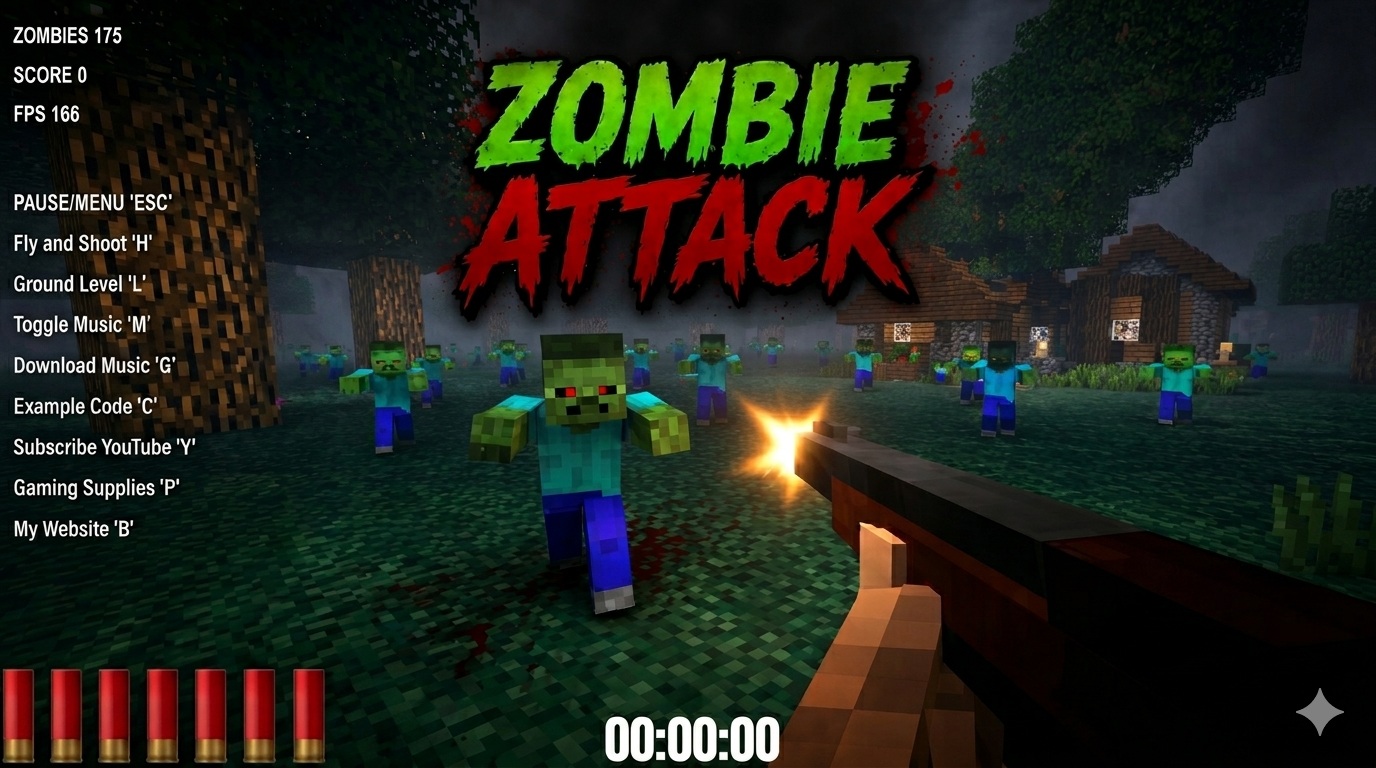
Zombie Attack
Survive waves of zombies in this free 3D browser shooter built with Three.js. No download, plays instantly.
Play now →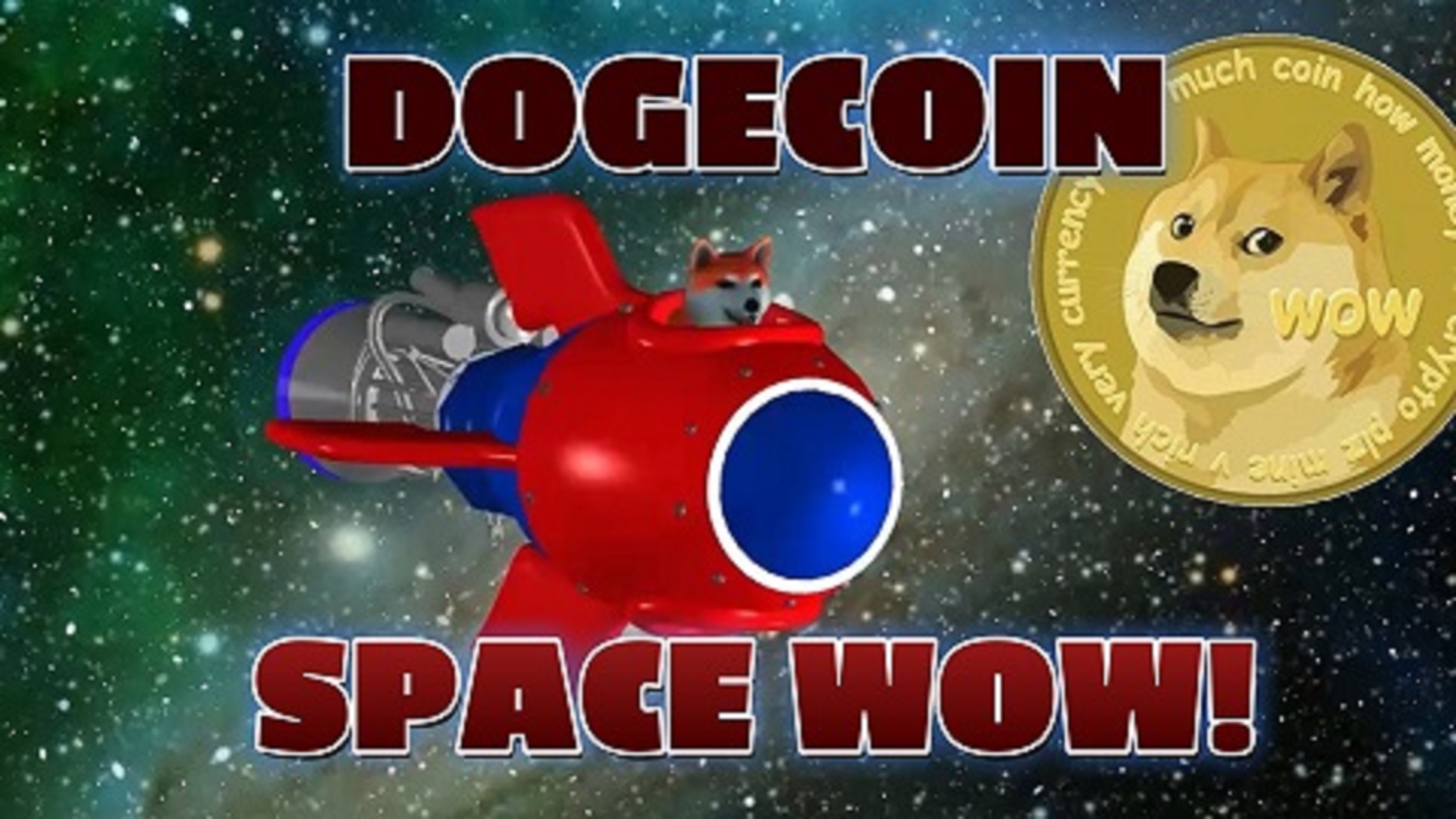
Space Wow
Blast through space in this free 3D Three.js arcade shooter. Free, no download, plays right in your browser.
Play now →