Procedural Terrain in Three.js · Part 1 of 3
THREE.JS PROCEDURAL TERRAIN TUTORIAL:
INFINITE CHUNKS + WASD JUMP
By Shane Brumback · · Intermediate Three.js tutorial · about 45 minutes
One file, no libraries beyond Three.js: seeded noise, a chunk Map, load and unload radii, geometry pooling, and a capsule hero who can run and jump across hills that never end.
SEE IT LIVE
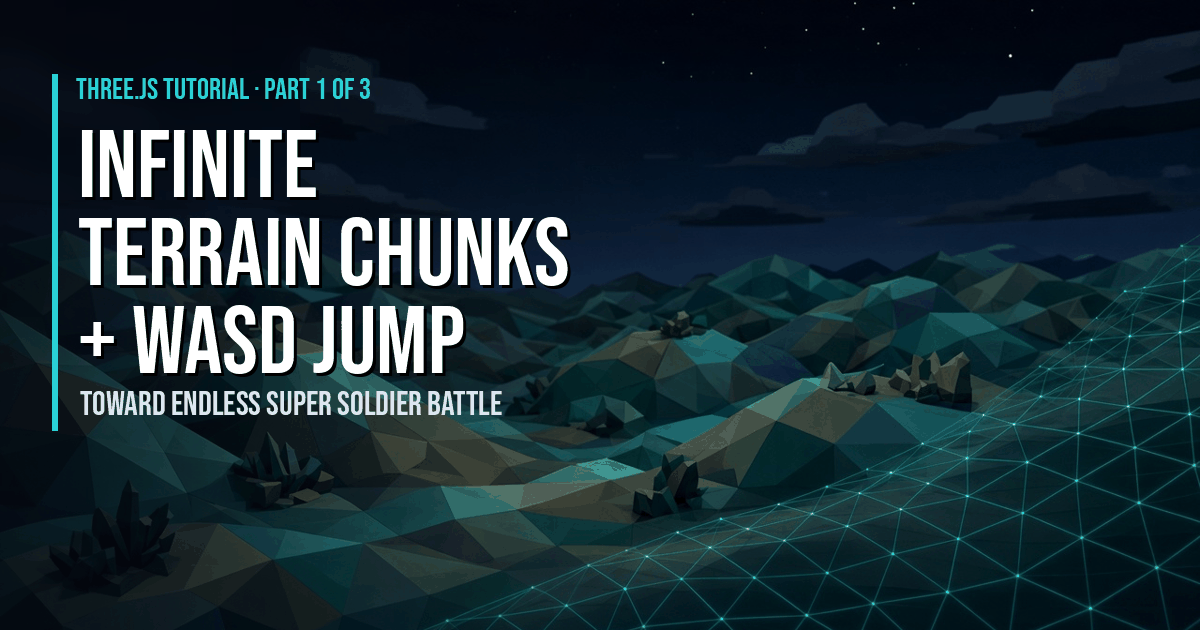
The hills rolling past behind this page are a live run of this tutorial's code: chunks streaming in around the capsule and recycled behind it. Launch the full-screen demo to drive it yourself with WASD and Space.
WASD move, Space jump, drag to turn the camera, G tints alternate chunks, Esc exits.
Introduction
This is the hands-on half of Procedural Terrain in Three.js, Part 1 of 3. We'll build Three.js procedural terrain that never ends. Chunks of ground stream in around the player, far chunks get recycled, and a capsule character runs and jumps across the hills with a follow camera. It's the groundwork I'm laying for endless terrain in Super Soldier Battle, which is planned and not live yet. The Part 1 article explains the why. This tutorial is the code.
What You'll Learn
- How to write a seeded
heightAt(x, z)that Part 2 can swap out - How to build terrain chunks from a pooled
PlaneGeometry - How to track chunks in a
Mapkeyed"cx,cz"with load and unload radii - How to dispose GPU memory correctly (geometry yes, shared material no)
- How to sample the exact ground height for a WASD and jump character
- How to add a smooth follow camera that never clips into hills
Prerequisites
- Basic Three.js: scene, camera, mesh, render loop
- A local web server (any static server works) and a modern browser
- Three.js r160 loaded with an importmap (shown in the full code)
Frequently Asked Questions
What is the easiest way to make infinite terrain in Three.js?
Split the ground into square chunks and only keep the ones near the player. Store each chunk mesh in a Map keyed by "cx,cz", build missing chunks inside a load radius as the player moves, and unload chunks outside a slightly larger radius. A single heightAt(x, z) function gives every chunk matching edges.
Why do my terrain chunks leave gaps or cracks?
Gaps appear when neighbouring chunks don't agree on their shared edge heights. Always sample heightAt with world coordinates (chunk origin plus vertex offset), never local ones, and use the same vertex spacing in every chunk. Then both chunks compute the identical height on the border. Part 3 handles seams once LOD mixes resolutions.
Should I dispose terrain geometry or reuse it?
Do both. Every chunk uses the same grid, so keep a small pool of spare geometries and reuse them by rewriting the y values. Once the pool is full, call geometry.dispose() to free GPU memory. Share one material across all chunks and never dispose it while chunks still use it.
How does the character stay on the ground without raycasting?
The terrain comes from a function, so the character asks that function instead of casting rays. groundHeight(x, z) reads the four corner heights of the grid cell and interpolates across the same triangle the mesh uses, so the feet match the drawn surface exactly. That's cheaper than a raycast every frame.
Does this work with older Three.js versions like r128?
Mostly. The demo targets r160 with an importmap. On r128 the chunk code works unchanged, but CapsuleGeometry doesn't exist yet (it arrived in r139), so swap the capsule for a cylinder or a model, and load Three.js the way your project already does.
How It Works
- Set up the chunk settings — Choose the chunk size, vertex resolution, load radius, unload radius, build budget and pool size.
- Write seeded noise and heightAt(x, z) — Add a tiny seeded value noise and one heightAt(x, z) function that every chunk and the character share.
- Hide the world edge with fog — End the fog just inside the load radius so unbuilt chunks are never visible.
- Build and pool chunk meshes — Reshape a pooled PlaneGeometry with heightAt, store it in a Map keyed "cx,cz", and reuse or dispose geometry on unload.
- Stream chunks around the player — When the player changes chunk, queue missing chunks nearest first, unload far ones, and build two per frame.
- Sample the exact ground height — Interpolate the same triangle the mesh uses so the character's feet match the surface.
- Add the WASD and jump character — Move a capsule relative to the camera with WASD, jump with Space, and apply gravity.
- Add a follow camera — Smoothly follow behind the player and keep the camera above the hills.
- Prebuild and start the loop — Build nearby chunks before the first frame, then update player, chunks and camera every frame.
That's the shape of the build. The detailed code breakdown and the full copy-paste file are below — members unlock them (become a member to get every premium tutorial and the source code).
How To Use It
- Watch the counters. Run in one direction for a minute.
chunksstays between about 50 and 80, andgeometriesstops growing once the pool is warm. If it keeps climbing, something isn't being disposed. - Tune view distance. Raise
LOAD_RADIUSfor longer views. The fog and camera far plane scale with it automatically. - Swap the terrain. Change only
heightAt. Chunks, physics and camera all follow it. - Mobile. Pair it with my mobile on-screen character controller to drive the same
keysstate from touch. - Grass next. My endless procedural grass field (the one with the rigged capybara) recenters grass around the player. In Part 3 we put it on this terrain.
Coming up: Part 2 (Oct 25) shapes the ground with fBm, ridged noise, domain warping, valleys, flat combat areas and multiplayer seeds. Part 3 (Oct 26) adds LOD, seam fixes, texture blending and the endless grass.
START WITH THE FREE ARTICLE
The Part 1 article explains the why: what procedural terrain is, how chunk streaming works, and where Super Soldier Battle's terrain is today. It's free to read.
Read the Procedural Terrain Article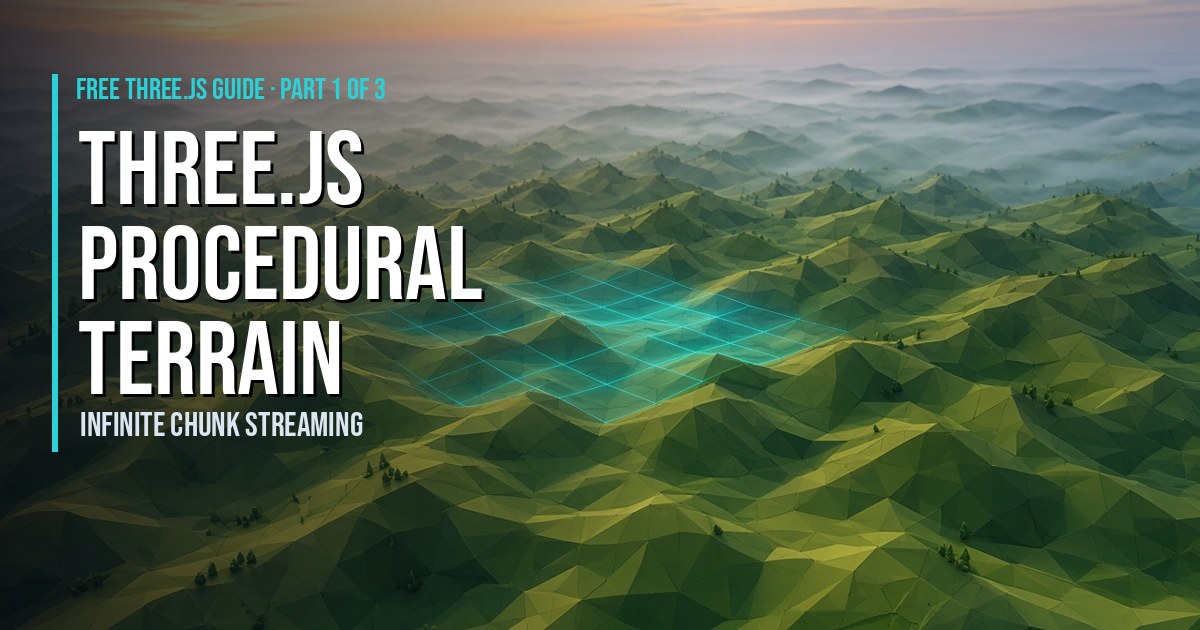
Play It and Keep Learning
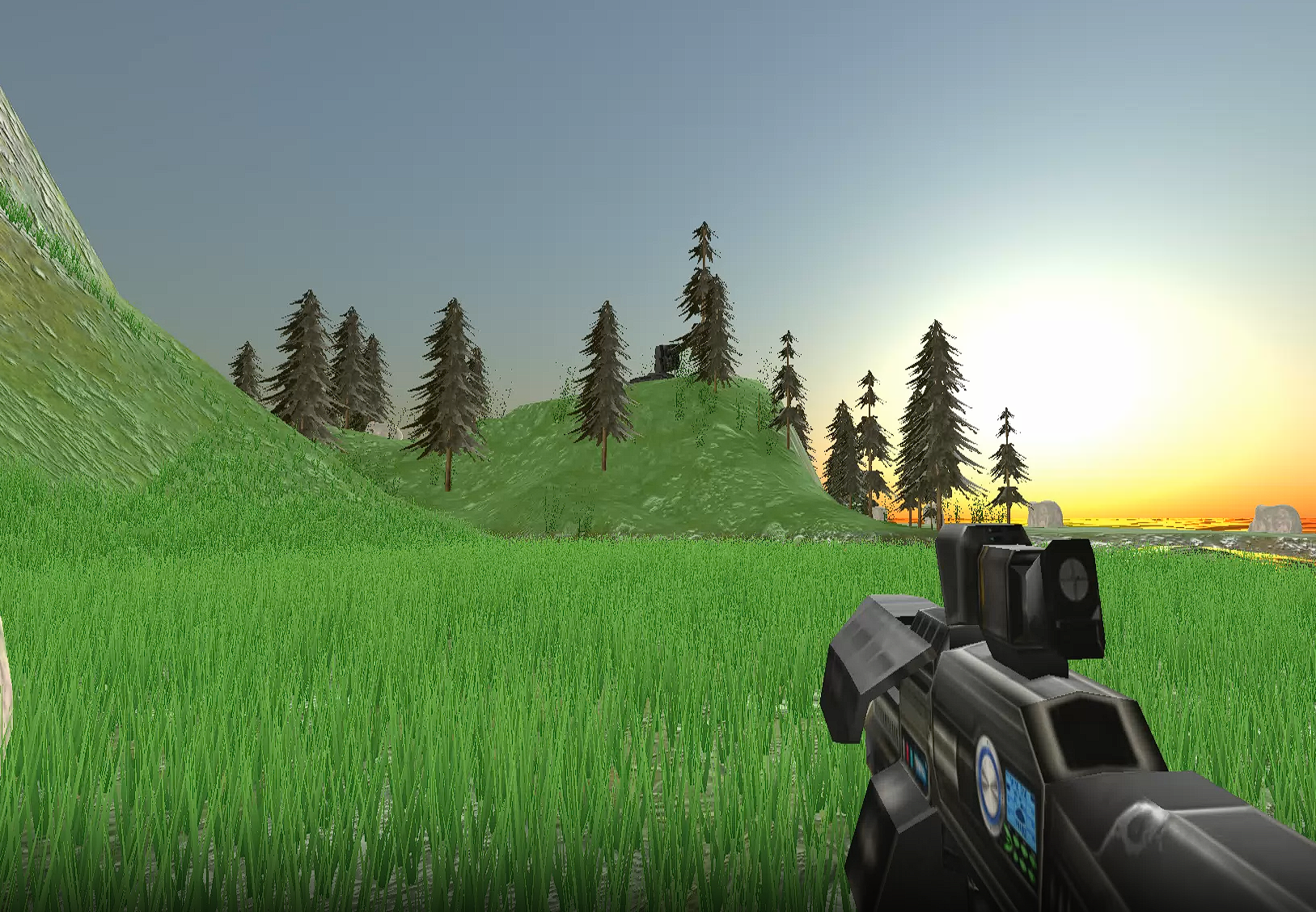
See where this terrain is headed: play Super Soldier Battle free in your browser. Today's map is a fixed island, and endless procedural terrain is the next planned feature.
Need Three.js terrain, a game prototype or performance help on your project? I take freelance and contract work: contact me.
Play Game