GROUND MIST AND SMOKE
IN ONE DRAW CALL:
HOW SUPER SOLDIER BATTLE DOES IT
By Shane Brumback · · Intermediate Three.js tutorial
The real ground-mist module from my browser shooter, step by step: seeded valley placement, one InstancedMesh, an upright billboard shader, near-camera fade, and how it fits the game's smoke budget.
A cylindrical billboard vertex shader, per-patch data packed into an InstancedBufferAttribute, a lowest-of-five sampling trick that pools mist in valleys, and color synced to the sky haze — pulled straight from module/ssb-ground-mist.js.
SEE IT LIVE
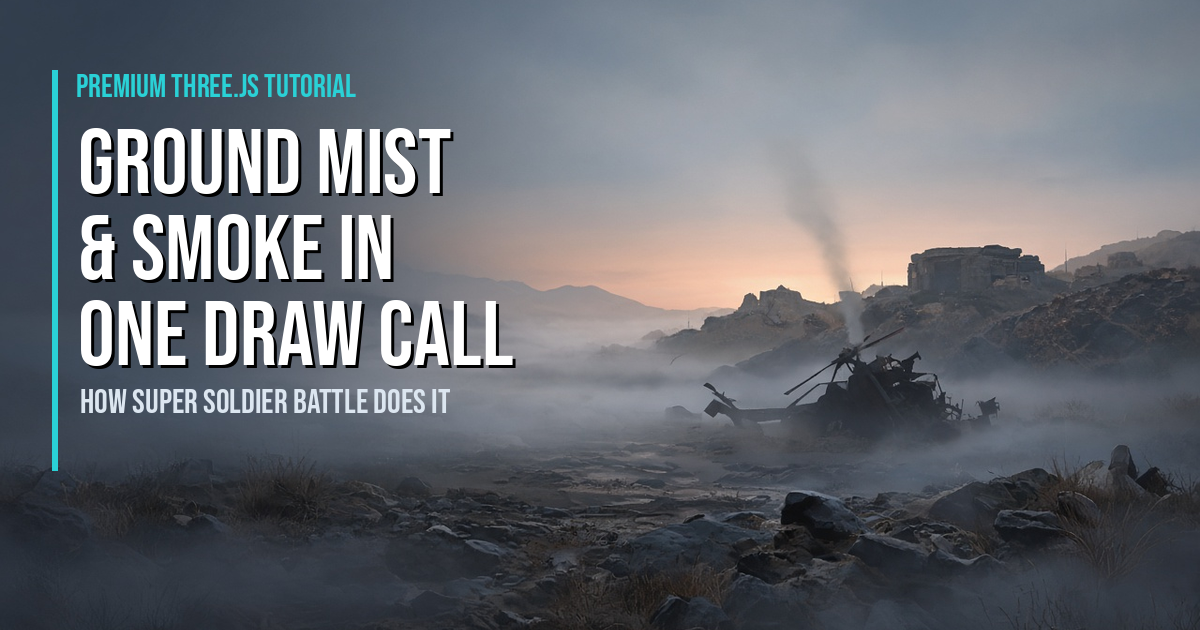
The soft mist drifting in the valleys behind this page is a live run of this exact technique: upright, camera-facing soft billboards placed in low ground, fading in with distance. Or drop into Super Soldier Battle and walk through the real valley mist as it thins out around you. Both are free and run right in your browser, no download.
The mist behind this page is the real approach: one instanced mesh of cylindrical billboards, placed low, faded by distance.
Introduction
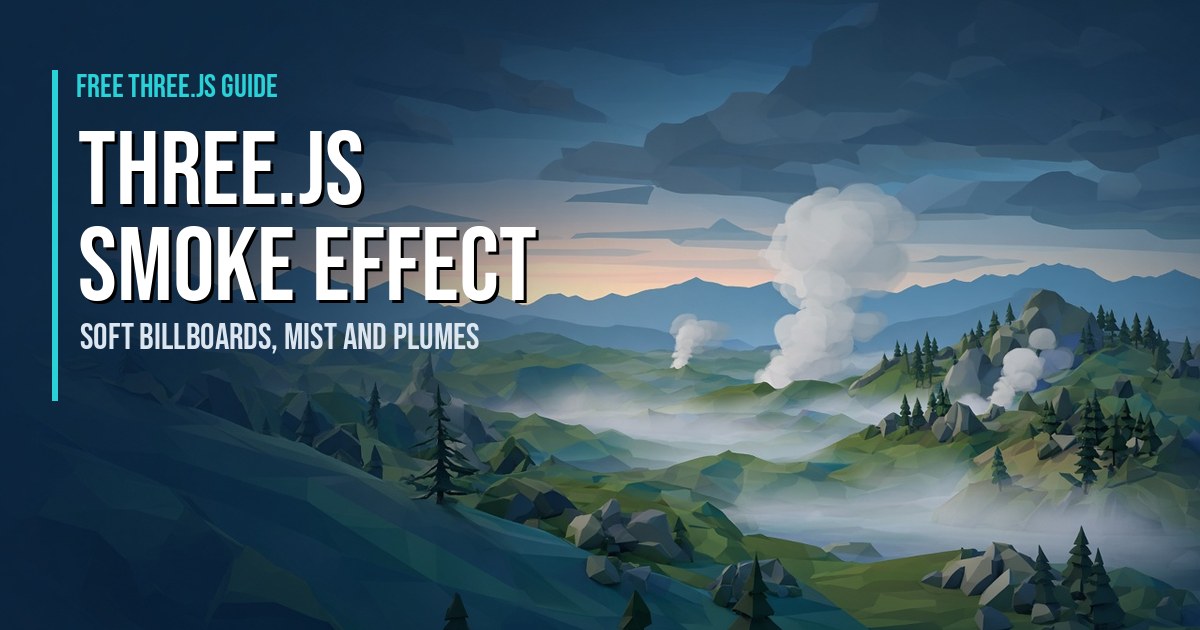
In the free article Three.js Smoke Effect I covered what makes smoke look like smoke and gave two beginner snippets. This tutorial goes inside Super Soldier Battle and walks through the actual module that lays soft mist across the island's valleys: module/ssb-ground-mist.js. I shipped it in commit ed5d001 in the same update as the new horizon haze and post-processing pass, and its header sums it up: "soft low ground-mist patches on the land, favouring valleys/low ground. ONE draw call (InstancedMesh)."
The code below is excerpted from the real module and lightly reformatted so it reads well. It's written for Three.js r128, which is what the game loads.
What You'll Learn
- How to place mist with a seeded random so every player sees the same patches
- A lowest-of-five sampling trick that pools mist in valleys and skips water
- Packing per-patch data into an
InstancedBufferAttributefor one draw call - A cylindrical billboard vertex shader that reads scale from
instanceMatrix - Near-camera and far fades so mist never blocks a firefight
- Syncing mist color with the sky haze, and where mist sits in the game's smoke budget
Prerequisites
You should be comfortable with ShaderMaterial and have a terrain with some way to ask "how high is the ground at (x, z)?" If you've never written a vertex shader, read the free article first. The game runs on Three.js r128, and everything here works there; the runnable example and the live background demo use a current CDN build.
Frequently Asked Questions
How does Super Soldier Battle draw its ground mist?
It draws all of its mist patches as one InstancedMesh with a custom ShaderMaterial, so the whole island's mist is a single draw call. Each patch is an upright, camera-facing soft quad placed in low ground.
What is a cylindrical billboard in Three.js?
It's a quad that turns to face the camera around the vertical axis only. You build it in the vertex shader from the camera's right vector and world up, so it stays upright instead of tilting toward the camera like a sprite.
Why fade mist near the camera?
It keeps the mist out of the player's way and avoids the most expensive case. A transparent quad that fills the screen makes the GPU shade every pixel, so fading it out before you walk into it saves the most work.
Why use a seeded random instead of Math.random()?
A seeded generator puts the mist in the same places on every load, so every player sees the same valleys covered.
Is this the same technique as the GPU fire tutorial?
No. The GPU fire tutorial animates particles that are born and die in the shader. This mist is static instanced quads that only drift and fade, which makes it simpler and cheaper.
How It Works
- A single factory module — the game calls it after the terrain and horizon exist, passing in
THREE, the scene, aheightAt(x, z)and the horizon so mist can share the haze colors. - Seeded, valley-biased placement — a tiny LCG puts patches in the same spots for everyone, and a lowest-of-five sample on dry land pools them in valleys.
- One InstancedMesh — every patch is the same unit plane; position and size go into the instance matrix, opacity and a drift phase into one small instanced attribute.
- A cylindrical billboard shader — the quad turns to face the camera on the vertical axis only and fades near the camera and far away, then matches the sky haze color.
That's the shape of the module. The detailed code breakdown and the full copy-paste example are below — members unlock them (become a member to get every premium tutorial and the source code).
How To Use It In Your Game
- Copy the factory into its own module and pass in
THREE, your scene and aheightAt(x, z)that returnsnulloff the terrain. - Start with
count: 60andstrength: 0.6, then check it from a hilltop and from a valley floor. - If you have a sky or haze shader, share its color uniforms; otherwise pass
color. - Call
update()once per frame.
START WITH THE FREE ARTICLE
New to smoke in Three.js? The companion article covers the beginner version of this — soft smoke plumes and the basics of ground mist — and it's free to read.
Read the Smoke Effect Article