Endless Procedural Terrain in Three.js · Part 3 of 3
THREE.JS TERRAIN LOD TUTORIAL:
SKIRTS, TERRAIN SHADER AND WORKER CHUNKS
By Shane Brumback · · Advanced Three.js tutorial · about 50 minutes
Same seeded mountains, now twice as far and lighter to draw. LOD rings, crack-proof skirts, a height and slope terrain shader, worker-built chunks and slope-aware physics.
SEE IT LIVE
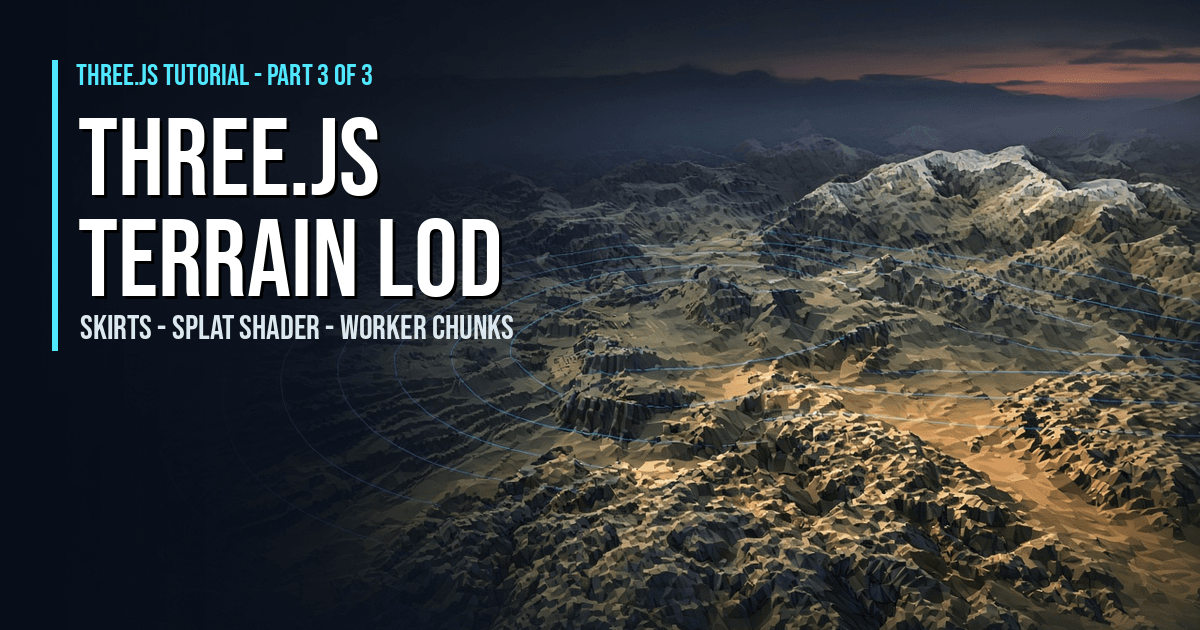
The LOD-ringed terrain rolling past behind this page is a live run of this tutorial: near chunks fine, far chunks coarse, skirts hiding the seams, and the height and slope shader painting sand, green, rock and snow. Launch the full-screen demo to drive it yourself with WASD and Space.
WASD move, Space jump, drag to turn the camera, G tints alternate chunks, Esc exits.
What Is Terrain LOD? (Quick Definition)
Terrain LOD (level of detail) renders far terrain chunks with fewer triangles than near ones. You measure each chunk's ring distance from the player and build it at 32, 16 or 8 quads per side. A skirt hangs below every edge so no crack shows where two detail levels meet, a terrain shader paints the ground by height and slope, and Web Workers build the heights off the main thread so the frame rate holds.
Introduction
This is the hands-on half of Endless Procedural Terrain in Three.js, Part 3 of 3, the last part. The Part 2 tutorial gave us seeded mountains, valleys and flat arenas, but every chunk was full detail and all the height math ran on the main thread. Today we keep that exact terrain and make it scale. You'll add terrain LOD in rings, skirts to hide seams, a splat-style terrain shader, Web Worker chunk generation and slope-aware physics. The Part 3 article explains the ideas and how Super Soldier Battle does it today; this is the code.
What You'll Learn
- How to pick a chunk's detail level from its ring distance
- How skirts hide the cracks between LOD levels
- Why normals should come from the height function, not the mesh
- How to blend sand, green, rock and snow with
onBeforeCompile - How to run the same terrain code in Web Workers with no extra file
- How to keep collision correct whatever LOD is on screen
Prerequisites
- The Part 2 tutorial code. The full file is at the end, so you can also start here.
- Comfort with
BufferGeometryand a little GLSL - A local static web server and three.js r160 via an importmap (shown in the full code)
Frequently Asked Questions
How many LOD levels does Three.js terrain need?
Three is plenty for chunked terrain. This tutorial uses 32 quads per side within one ring of the player, 16 in the second ring and 8 beyond. In testing, 214 loaded chunks out to 8 rings cost about 67,000 terrain triangles with skirts, roughly half of Part 2's 63 full-detail chunks at half the view distance.
Why use skirts instead of stitching LOD edges?
Skirts work without knowing the neighbours. Stitching snaps a fine edge onto its coarse neighbour, so every LOD change forces the neighbours to rebuild too. A skirt is a downward strip on every edge that covers any crack, so each chunk can change LOD on its own. Here the skirts add 128 to 256 triangles per chunk.
Why compute terrain normals from heightAt instead of computeVertexNormals?
computeVertexNormals only sees one chunk's triangles, so edge vertices get different normals in neighbouring chunks and the light jumps at every border. Central differences of heightAt with a fixed step give the identical normal for a shared vertex at any LOD. In testing, shared-edge heights and normals matched exactly.
How do I run Three.js terrain generation in a Web Worker without a separate file?
Wrap the noise and height code in one self-contained function, then build the worker from a Blob that contains that function's source via toString(). The worker posts heights and normals back as transferable Float32Arrays. The same function also runs on the main thread for physics and as a fallback.
How It Works
- Wrap the terrain code — Put the Part 2 noise and heightAt inside terrainLib(SEED, CHUNK_SIZE, CELL) so a worker can run the same source.
- Choose LOD by ring — Use 32, 16 or 8 quads per side by the chunk's ring distance from the player chunk.
- Add skirts — Build each chunk geometry with an outward-facing strip hanging 10 units below every edge.
- Compute normals from heightAt — Use central differences with a fixed 2-unit step so shared edges light the same at every LOD.
- Write the splat terrain shader — In onBeforeCompile, blend sand, green, rock and snow by world height, slope and a little noise.
- Generate chunks in workers — Post chunk jobs to Blob workers, transfer the arrays back, and swap the geometry when ready.
- Keep physics on the height function — Sample groundHeight for collision and block uphill moves where the slope is too steep.
That's the shape of the build. The detailed code breakdown and the full copy-paste file are below — members unlock them (become a member to get every premium tutorial and the source code).
How To Use It
- See the LOD rings. Press
Gto tint alternate chunks so you can watch detail drop off in rings as you walk. - Toggle the skirts. The debug key hides the skirts so you can see the cracks they fill on slopes, then puts them back.
- Reseed the world. Add
?seed=42to the URL. The same seed always builds the same mountains, valleys and arenas. - It builds on Part 2. The noise and
heightAtmath is unchanged, just wrapped interrainLib()so a worker can run the same source.
This is the final part. If you're new to the series, start with the Part 1 tutorial: infinite chunks and a WASD character.
READ THE FREE ARTICLE
The Part 3 article explains the ideas behind the code: why endless terrain needs LOD, how skirts hide the seams, what a terrain shader adds, and where Super Soldier Battle's terrain is today. It's free to read.
Read the Terrain LOD Article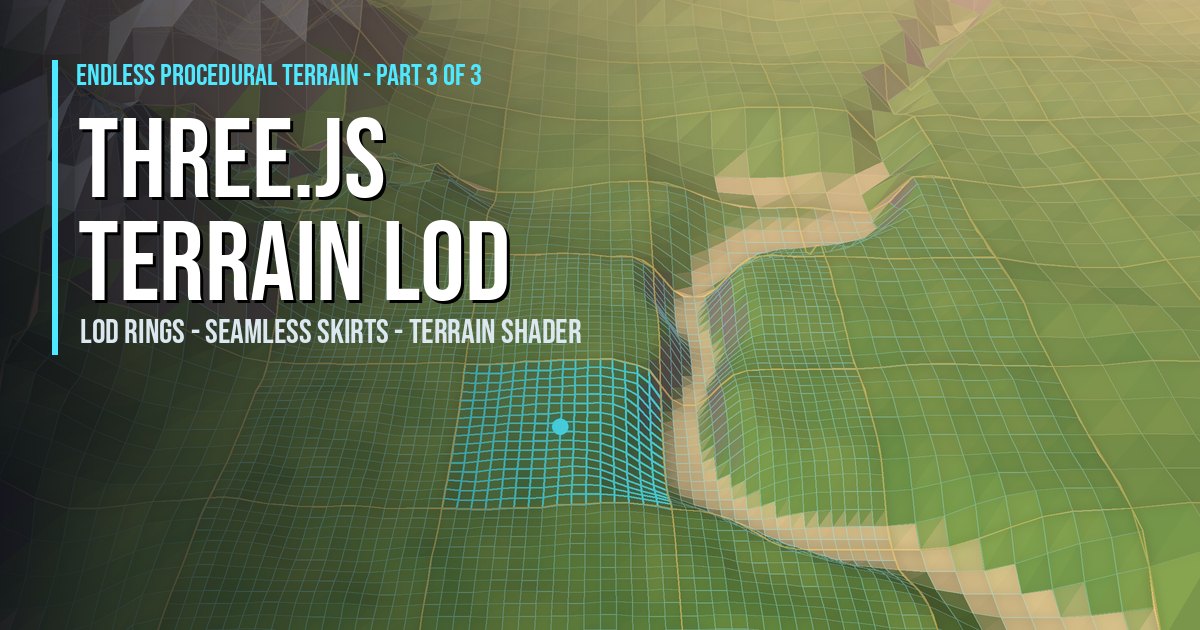
Play It and Keep Learning
That completes Endless Procedural Terrain. Play Super Soldier Battle free in your browser: its island already streams 180,000 grass blades around you, and seeded endless terrain is the planned next step.
Need Three.js terrain, rendering or performance work? I take freelance and contract work: contact me.
Play Game