Three.js Input Deep Dive
THREE.JS GAMEPAD API:
XBOX CONTROLLER CHARACTERS
Plug in an Xbox controller and a 3D soldier walks, runs, jumps and punches right in your browser. Here is how the Gamepad API makes that work, and what trips people up.
By Shane Brumback · · Beginner friendly

Heads up: Xbox controller support isn't in Super Soldier Battle yet. Coming soon.
The Gamepad API in One Paragraph
The browser Gamepad API exposes an Xbox controller as arrays of buttons and stick axes that you poll every frame with navigator.getGamepads(). In Three.js you turn the left stick into a heading and speed, cross-fade the character's clips with an AnimationMixer, and show a live controller panel so players know the pad is connected.
Try It: Connect Your Controller
The soldier walking behind this page is live. Plug in or pair an Xbox controller and press any button. The panel below switches to connected, shows your controller's name, and lights up every button, trigger and stick in real time. Then push the left stick and the soldier follows. No controller? WASD, Shift and Space drive him too.
Four Things to Know First
Gamepad API in one sentence
A built-in browser API that hands you every connected controller as a list of buttons and stick axes.
Poll, don't wait
There are no button events. Ask navigator.getGamepads() for a fresh snapshot inside your render loop.
Dead zones matter
Sticks never rest at exactly zero. Ignore values under about 0.15 or your character creeps.
Show the connection
Browsers hide pads until a button press, so tell players to press one and light up the panel when it works.
How Does a Browser Read an Xbox Controller?
Chrome, Edge, Firefox and Safari all speak the standard gamepad mapping, so an Xbox pad looks the same everywhere: A is button 0, B is 1, X is 2, Y is 3, the bumpers are 4 and 5, the triggers are 6 and 7, and the sticks are axes 0 to 3. Triggers are analog, so buttons[7].value goes smoothly from 0 to 1.
For privacy, a page can't see a controller until you press a button while it has focus. That is the most common "my gamepad doesn't work" bug, and it is why the panel above pulses Press any button to connect until the gamepadconnected event arrives.
From Stick to Footsteps
The stick gives an x and y between -1 and 1. Math.atan2(x, y) turns that into the direction the soldier should face. He eases toward it instead of snapping, moves forward at a speed that grows with how far you push, and the Right Trigger switches the walk to a run.
Each move is its own clip inside the GLB file: idle, walking, running, jump, punching, walking-shooting and bored. Switching clips with fadeOut and fadeIn over a quarter second blends the poses, so the soldier never pops. Jump and punch play once and lock out other moves until the mixer says they finished.
Why Build a Controller Panel?
Players don't know the browser is waiting for a button press. A small picture of the controller that pulses until it connects, then lights up the exact button they press, answers "is it working?" instantly. It is also the best debugging tool you will ever write for gamepad code: if the button glows but the soldier doesn't jump, the bug is in your game, not the controller.
Build It Yourself
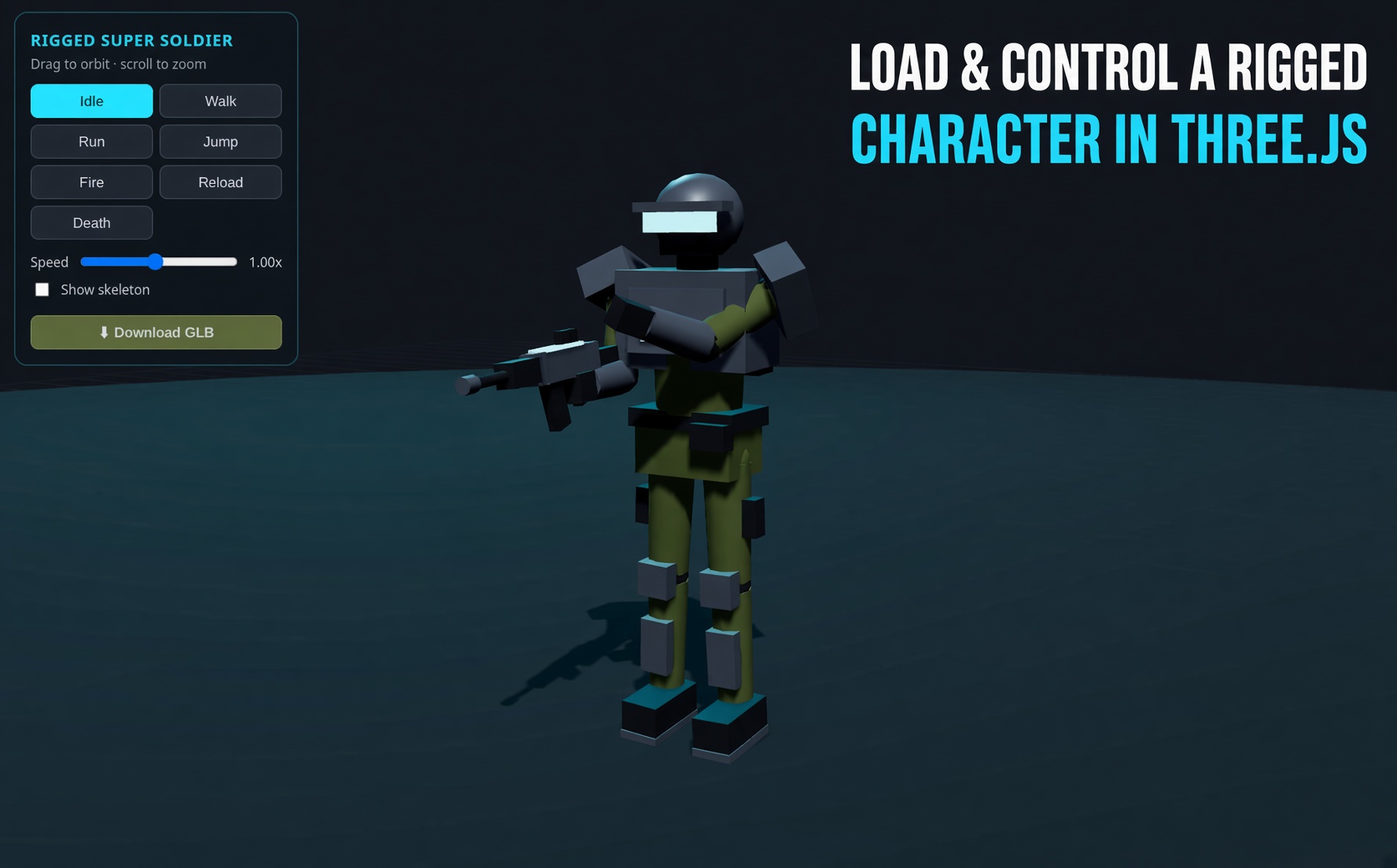
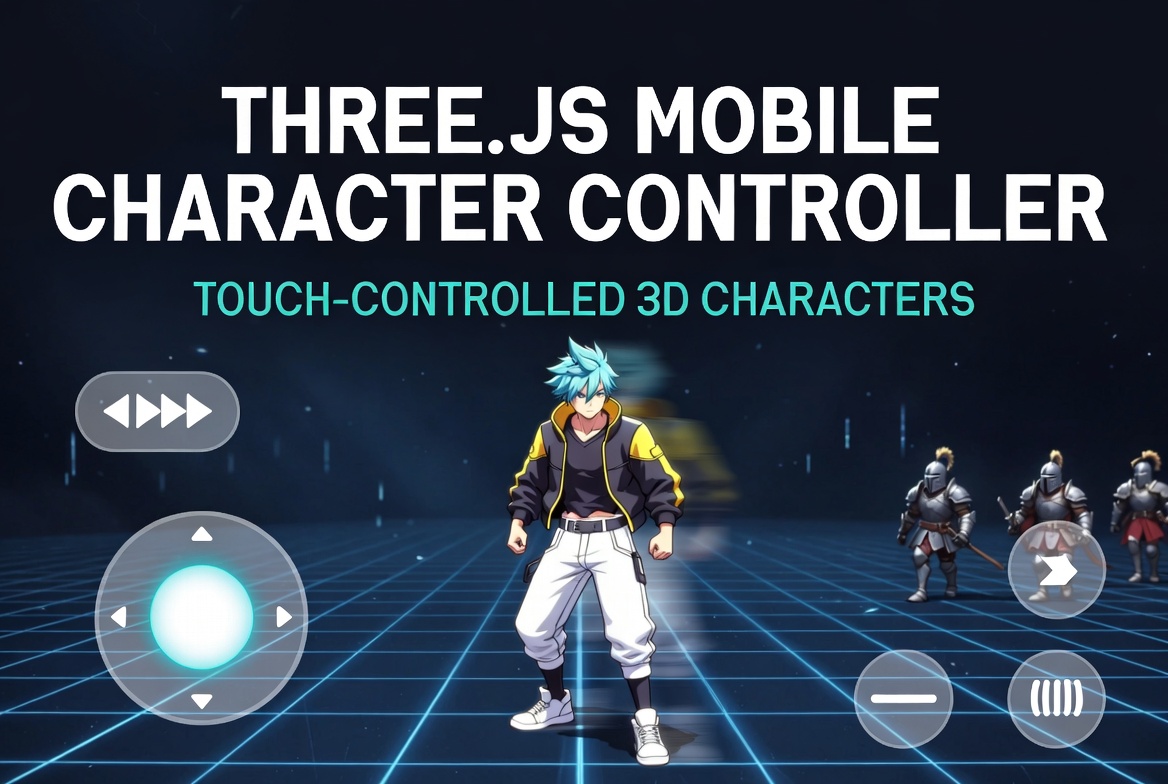
The free Level 1 tutorial Three.js Xbox controller character animation walks through all ten steps with exact code: the neon grid floor shader, rim lighting, GLTF clips, cross-fades, the gamepad reader and the full Connect your controller panel. Then try the rigged super soldier tutorial, touch controls for phones or read the four FPS control fixes from Super Soldier Battle.
Frequently Asked Questions
What is the Gamepad API?
It is a built-in browser JavaScript API that exposes connected game controllers. navigator.getGamepads() returns Gamepad objects with an id, a buttons array of pressed and value states, and an axes array of stick positions from minus 1 to 1.
Can an Xbox controller control a Three.js game?
Yes. Chrome, Edge, Firefox and Safari all support Xbox controllers through the Gamepad API with the standard mapping. You poll the controller each frame and feed the stick and button values into your Three.js movement and animation code.
Do gamepad events fire for every button press?
No. The Gamepad API only has connect and disconnect events. Button and stick changes must be polled every frame, usually inside the same requestAnimationFrame loop that renders the scene.
Does the Gamepad API work on phones?
Yes on Android Chrome and iOS Safari with a Bluetooth controller paired. Without a controller you still need touch or keyboard controls, which is why the demo falls back to WASD and shows a hint.
Where can I get the full code?
The free Level 1 tutorial walks through every step and has the full source for the scene, the character controller and the Connect your controller panel.
Grab a Controller and Play
Follow the free tutorial to build this demo, then play Super Soldier Battle free in your browser. More reading in articles and tutorials.
Need controller support in your Three.js project? I take freelance and contract work: contact me.