Three.js Physics Deep Dive
Three.js Rapier Physics:
Landing a 3D Rocket with Real Rigid Bodies
Rocket Lander shipped this morning with a few lines of hand-written gravity. Then I rebuilt the same rocket on Rapier to see what a real physics engine buys a Three.js game.
By Shane Brumback · · Beginner friendly
The Short Answer
Three.js Rapier physics means letting Rapier, a WebAssembly physics engine, own the motion while Three.js only draws. You create a Rapier World, give each moving object a rigid body and a collider, push forces every step, call world.step(), then copy each body's position and rotation onto its mesh. Collision events tell you exactly when and what touched, which is how the rocket behind this page knows if it landed or crashed.
What You Are Looking At
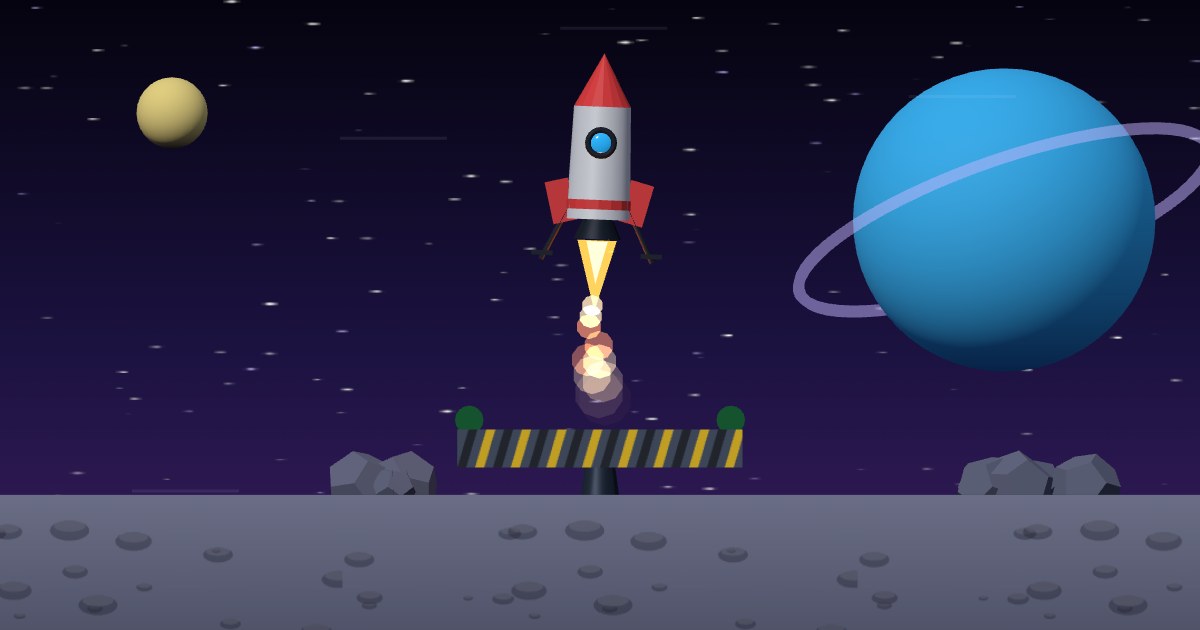
The rocket flying behind this page is a real Rapier rigid body. It has mass, it falls under low moon gravity, and an autopilot fires its engine and tips it to chase a landing pad that slides left and right. Every touchdown is decided by a Rapier collision event, not by comparing two numbers in my own code.
Where This Came From
This morning Rocket Lander went live on Indie Forge Studio. It is a small Three.js arcade game: hold to fire the thruster, drag to steer, land softly on a moving pad. Its physics is a few lines of plain JavaScript. Gravity starts at 2.5 and climbs a little each level, wind is a sideways push, thrust follows the tilt angle, and a landing is a check that the feet are at pad height while speed, drift and tilt are under the limits.
That works well for one rocket. But I wanted to know what the same game looks like on a real physics engine, so I rebuilt the rocket on Rapier. This article is what I learned, and the tutorial is the full build.
What Is Rapier Physics in Three.js?
Three.js has no physics at all. It draws meshes wherever you put them. Rapier is an open-source physics engine written in Rust and compiled to WebAssembly, with a JavaScript API. It simulates rigid bodies, colliders, forces, joints and contacts.
I use the @dimforge/rapier3d-compat package because the WebAssembly is bundled inside the JavaScript, so a plain CDN import works. You must await RAPIER.init() once before creating anything. The cost is size: when I measured it, the jsDelivr build was about 2 MB, or roughly 760 KB gzipped.
Rigid Bodies, Colliders and Meshes
Rapier splits an object into two parts. The rigid body is the thing that moves: position, rotation, velocity and mass. A collider is a shape stuck to that body, used for contacts and for working out the mass from its density. The Three.js mesh is only the picture you copy the body onto.
The lander uses all three body types. The moon floor is fixed. The pad is kinematic: my code moves it with setNextKinematicTranslation() and Rapier makes everything else respect it. The rocket is dynamic: forces move it. It has two colliders, a capsule for the hull and a flat box for the feet, and Rapier works out its mass from both, about 0.6 in the demo.
For a side-on game I lock the rocket to one plane with enabledTranslations(true, true, false) and enabledRotations(false, false, true). so it never drifts toward the camera.
Thrust, Gravity and Wind Are Just Forces
In the hand-written game, thrust adds to the velocity and the code sets the tilt angle directly. In Rapier, every push is a force. Each step I clear the old forces with resetForces(), add thrust along the rocket's nose with addForce(), add a sideways wind force that eases between gusts, and let the world's gravity pull it down.
Steering is a torque, not a rotation. A small spring-and-damper sum, about 20 times the angle error minus 5 times the spin speed, twists the rocket toward the angle the player or autopilot wants. Physics runs at a fixed 60 steps per second, so it behaves the same on a 60 Hz laptop and a 120 Hz phone.
Collision Events: Deciding Land or Crash
This is my favourite part. I switch on ActiveEvents.COLLISION_EVENTS for the rocket's two colliders and pass an EventQueue into world.step(). After each step, drainCollisionEvents() tells me which colliders started touching.
When the rocket touches something, one function decides. If it hit the pad with vertical speed under 1.6, drift against the pad under 1.4 and tilt under 0.3 radians, it landed. A landing within half a unit of the pad centre scores 250 instead of 100. Too fast or tipped is a crash, and touching the floor is a miss. Because it uses the real contact, the hull clipping the pad edge counts too, which a height check never sees.
A crash hides the rocket and drops 12 small dynamic boxes at the spot with a little random push and spin. They bounce, tumble and settle on the floor and the pad. In Rapier that is a short loop.
Rapier vs cannon-es vs Hand-Written Physics
Hand-written physics is tiny and predictable. The whole Rocket Lander game.js is about 19 KB, physics included, and you can tune the feel number by number. It struggles once many objects hit each other.
cannon-es is plain JavaScript and lighter than Rapier. My free Ball vs. Wall collision events tutorial uses it, and it is a good first engine.
Rapier is the heavy option: WebAssembly speed, continuous collision detection for fast objects, joints, and a built-in character controller. It earns its download when a scene has many bodies touching at once: stacks, debris, vehicles, ragdolls.
Why the Shipped Game Uses Hand-Written Physics
For Rocket Lander as it shipped today, one rocket and one pad, adding about 760 KB of compressed physics engine to a 19 KB game is hard to justify, especially on a phone on mobile data. Hand-written physics also gives exact arcade control.
What Rapier adds is everything around that one body: real contacts, a pad that carries the rocket, and tumbling debris. If a game needs those, the engine pays for itself.
Where This Fits in Super Soldier Battle
In Super Soldier Battle, my free Three.js shooter, walls stop bullets and players with invisible box colliders, three-mesh-bvh raycasts and push-out collision, which I covered in the wall colliders tutorial. That is a hand-rolled approach too, and it is fast because most of the world never moves.
Building this lander helped me see where that line sits. Static walls and bullets are fine without an engine. Things that should fall, bounce and pile up are where Rapier is worth testing.
Build It Yourself
The premium Three.js Rapier physics tutorial builds this lander in 11 steps: starting Rapier, the kinematic pad, the two-collider rocket, thrust and torque, wind, keyboard and touch input with an autopilot, collision events, debris and a fixed-timestep loop. The live demo is free with a Google sign-in.
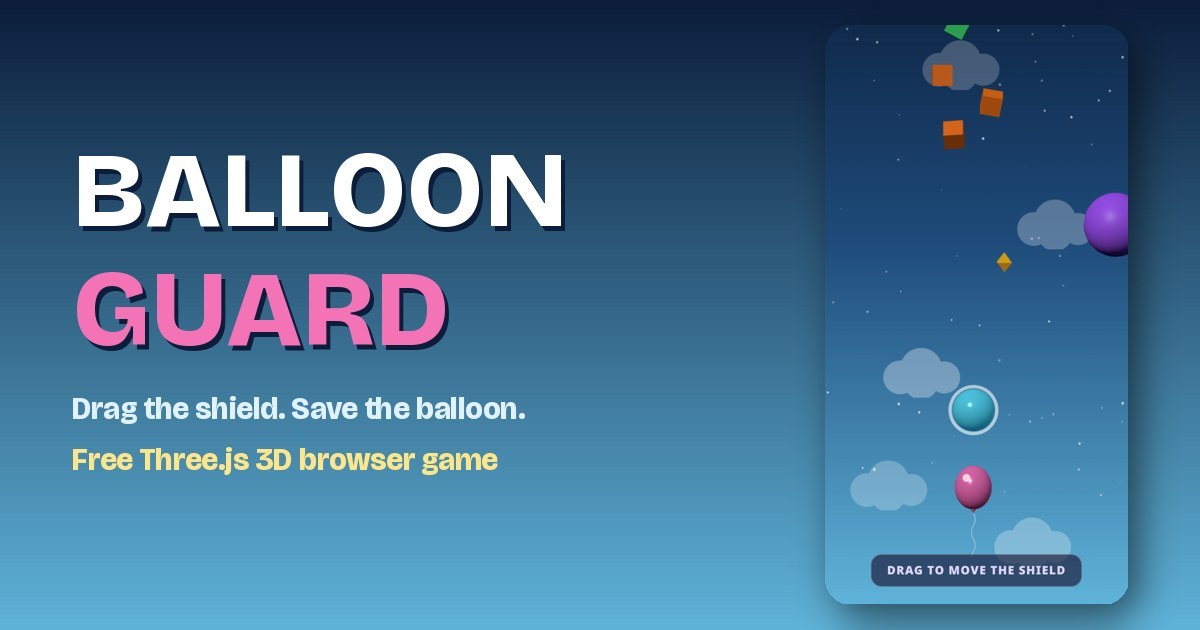
For a better flame, add the rocket engine particle system, or try Balloon Guard, another small physics game.
Frequently Asked Questions
What is Rapier physics in Three.js?
Rapier is an open-source physics engine written in Rust and compiled to WebAssembly, with a JavaScript API. Three.js only draws the scene. Rapier simulates rigid bodies, colliders, forces and contacts, and you copy each body's position and rotation onto a Three.js mesh every frame.
How do I add Rapier to a Three.js project?
Install @dimforge/rapier3d-compat from npm or import it from a CDN, await RAPIER.init(), and create a World with gravity. Add rigid bodies and colliders, step the world at a fixed rate, and copy body positions onto your meshes after each step.
Is Rapier better than cannon-es for a Three.js game?
It depends on the game. Rapier is a WebAssembly engine with continuous collision detection, joints and a built-in character controller, and it scales well to many bodies. cannon-es is plain JavaScript and a smaller download. For one body with simple arcade rules, a few lines of hand-written physics can be enough.
How do I detect a landing or a crash with Rapier?
Turn on ActiveEvents.COLLISION_EVENTS for the colliders you care about, pass an EventQueue to world.step(), and read drainCollisionEvents(). When a contact starts, check the body's speed, tilt and which collider it hit to decide land or crash.
Does Rapier work in mobile browsers?
Yes. The compat build runs in modern mobile browsers. It is a bigger download than three.js game code, about 760 KB gzipped (2 MB unzipped) from jsDelivr when I measured it, so load it once and let the browser cache it.
Try It, Then Play
Follow the tutorial to build the Rapier lander, then play Rocket Lander free in your browser and feel the hand-written version. For something bigger, play Super Soldier Battle.
Need physics or game work in your Three.js project? I take freelance and contract work: contact me.