Premium · Level 3 Three.js Tutorial
Three.js Rapier Physics Tutorial:
Build a Rocket Lander
By Shane Brumback · · Advanced Three.js tutorial · about 45 minutes
Rigid bodies, real forces and collision events. Land a rocket on a moving pad with thrust, torque steering and wind, then watch it break into tumbling debris when you get it wrong.
SEE IT LIVE
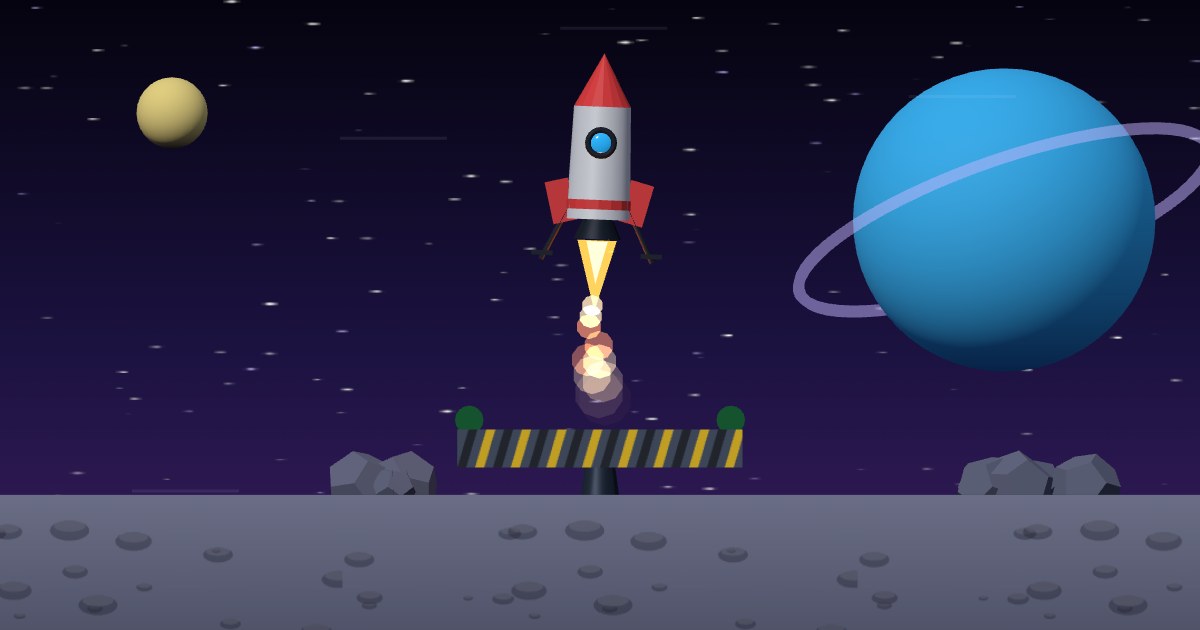
The rocket flying behind this page is a Rapier rigid body on autopilot. Launch the full-screen demo to fly it yourself: thrust, steer against the wind and touch down softly on the moving pad.
Free with Google sign-in. Space, Up or hold the screen to thrust; A and D, arrows or drag to steer; Esc exits.
What Is Rapier Physics in Three.js? (Quick Definition)
Rapier is a physics engine compiled to WebAssembly. In a Three.js game, Rapier owns the motion: rigid bodies, colliders, forces and contacts. You step the Rapier world at a fixed rate, copy each body's translation() and rotation() onto its mesh, and read collision events to decide what happens, like a landing or a crash.
Introduction
Rocket Lander went live on Indie Forge Studio today with a small physics step written in plain JavaScript. In this tutorial I rebuild that rocket on Rapier: a dynamic body with two colliders, a kinematic pad that really carries it, thrust and steering as forces and torque, wind gusts, and collision events that judge every touchdown. A crash spawns a dozen physics blocks that bounce and settle.
Want the why before the how? The free article Three.js Rapier physics: landing a 3D rocket with real rigid bodies compares Rapier, cannon-es and hand-written physics.
What You'll Learn
- How to load Rapier from a CDN with
await RAPIER.init()and create aWorld - Fixed, kinematic and dynamic bodies, and when to use each
- How to build one body from two colliders and lock it to a 2D plane
- Thrust with
addForce()and PD steering withaddTorque() - Collision events with
EventQueueanddrainCollisionEvents() - Spawning and removing debris bodies, and a fixed-timestep loop
Prerequisites
- Basic Three.js: scene, camera, renderer and meshes
- Comfortable with ES modules and an importmap (no build step needed)
- Helpful first: the free Ball vs. Wall collision events tutorial (cannon-es)
Frequently Asked Questions
How do I use Rapier physics with Three.js?
Load @dimforge/rapier3d-compat, await RAPIER.init(), create a World with gravity, and give every moving object a rigid body plus one or more colliders. Each frame, step the world at a fixed rate and copy body.translation() and body.rotation() onto the matching Three.js mesh.
Why use a fixed timestep with Rapier?
Physics behaves the same on a 60 Hz laptop and a 120 Hz phone only if every step covers the same time. The tutorial adds frame time to an accumulator and runs world.step() in 1/60 second slices, with a cap of five steps per frame so a slow frame cannot spiral.
How do I keep a Rapier body in one plane in a 3D scene?
On the RigidBodyDesc call enabledTranslations(true, true, false) and enabledRotations(false, false, true). The rocket can then move left, right, up and down and tip side to side, but never drifts toward or away from the camera.
What is a kinematic body in Rapier?
A kinematic body is moved by your code, not by forces. You call setNextKinematicTranslation() each step and Rapier works out its velocity, so dynamic bodies such as the rocket collide with it and ride on it properly. The moving landing pad is kinematic.
Is the code free?
The live demo is free with a Google sign-in. The step-by-step code breakdown, the complete file and the Launch button are for members.
How It Works
- Imports, Scene, Camera and Renderer — In plain words: we load three.js and Rapier from a CDN and set up a camera and a full-page canvas to draw on.
- Lights, Stars and the Moon Surface — In plain words: we light the scene, scatter stars and lay down a grey moon floor with a few craters so motion is easy to read.
- Start Rapier and Create the World — In plain words: we wait for Rapier's WebAssembly to load, make a physics world with low moon-like gravity, and add a solid floor collider.
- A Moving Landing Pad — In plain words: the pad is a kinematic body: our code moves it, and Rapier makes everything else respect it.
- The Rocket Body and Colliders — In plain words: the rocket is one dynamic body with a capsule for the hull and a flat box for the feet, locked so it only moves and tips in the screen's plane.
- Thrust and Steering as Forces — In plain words: every physics step we clear old forces, push the rocket along its nose when the engine is on, and twist it gently toward the angle the player wants.
- Wind Gusts — In plain words: every few seconds the wind picks a new strength and direction and eases toward it, pushing the rocket sideways.
- Input and Autopilot — In plain words: keyboard, mouse or touch fly the rocket; when nobody touches anything for eight seconds an autopilot takes over and lands it.
- Collision Events Decide Land or Crash — In plain words: Rapier tells us the moment the rocket touches something, and we check speed, drift and tilt to decide if that was a landing.
- Landing, Crash Debris and Respawn — In plain words: a good landing scores and refuels; a crash hides the rocket and throws a dozen small physics blocks around, then a new rocket drops in.
- Fixed-Timestep Loop, Camera and HUD — In plain words: physics runs at a steady 60 steps per second whatever the screen's frame rate, then we copy positions onto the meshes, move the camera and update the readout.
That's the shape of the build. The detailed code breakdown for every step and the full copy-paste file are below. Members unlock them.
How To Use It
- Fly it badly on purpose. Come in fast or tipped and watch the collision event turn the rocket into debris.
- Tune the feel. Change gravity, thrust and the steering torque numbers to make it floaty or twitchy.
- Reuse the pattern. Body plus colliders, forces each step, events after the step: the same loop works for cars, balls or falling crates.
READ THE FREE ARTICLE
The article explains what Rapier adds over hand-written physics, how it compares with cannon-es, and how it ties to Super Soldier Battle. It's free to read.
Read the Article
Play It and Keep Learning
Play Rocket Lander free in your browser, or play Super Soldier Battle, my Three.js shooter. Related: walls that stop bullets with BVH raycasts and the rocket engine particle system.
Need Three.js physics or game work? I take freelance and contract work: contact me.
Play the Game