HOW TO PROGRAM A
COMET PARTICLE SYSTEM IN THREE.JS
Create stunning comet tail effects with custom geometry, materials, and animation.
Frequently Asked Questions
How do you create a comet particle trail in Three.js?
Create a particle system using THREE.Points with a custom BufferGeometry. Assign each particle a velocity and lifetime. On each frame, move particles outward from the comet head while fading their opacity as they age. Reset expired particles at the comet origin to create a continuous trail effect.
What geometry and material are used for particle systems in Three.js?
Use THREE.BufferGeometry with position, color, and size attributes stored in Float32Array buffers. For the material, use THREE.PointsMaterial with size, vertexColors, transparent, and blending properties. AdditiveBlending creates the glowing effect typical of comet tails and fire particles.
How do you animate particles with velocity in Three.js?
Store velocity vectors for each particle in a separate array. In the animation loop, add each particle's velocity to its position every frame. Apply damping (multiply velocity by 0.98) to slow particles over time, and add gravity or random forces for more natural movement. Mark the position attribute as needsUpdate after modifying.
How do you create a glow effect on Three.js particles?
Use THREE.AdditiveBlending on the PointsMaterial, which makes overlapping particles brighter rather than opaque. Combine this with a circular gradient texture (bright center fading to transparent edges) applied as a point sprite map. The result is soft, luminous particles that naturally glow when clustered together.
Introduction
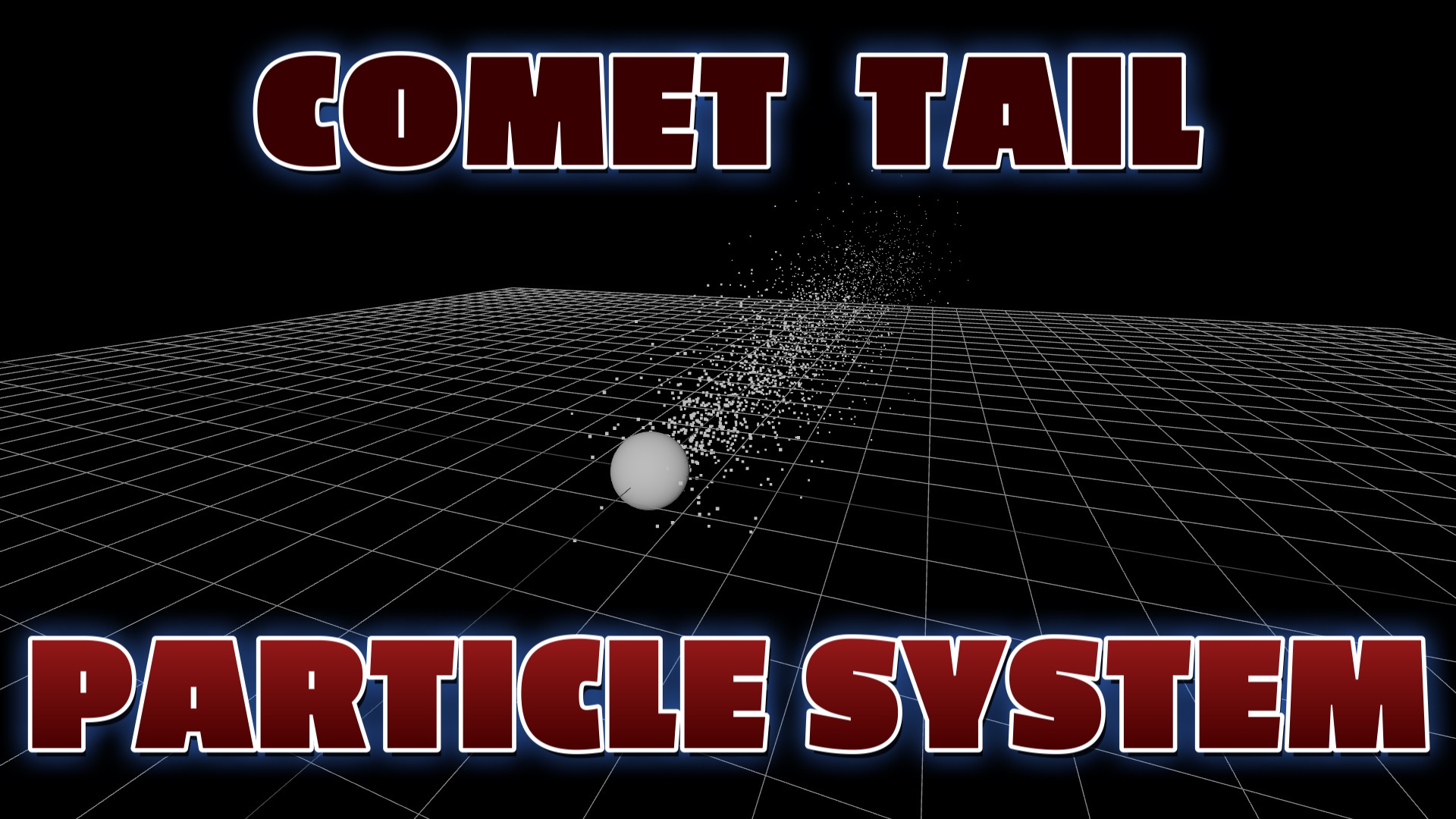
Three.js is an incredible JavaScript library that opens up a world of possibilities for creating mesmerizing 3D animations and visualizations on the web. One of its captivating features is the ability to generate stunning comet particle systems. These particle systems simulate the behavior of particles moving through space, leaving behind a trail reminiscent of a comet's tail. With Three.js, developers can easily bring these celestial phenomena to life.

Support this website — Shop great deals on gaming supplies and accessories on Amazon
Customizing Comet Particle Systems
With Three.js, developers can explore endless possibilities for customizing their comet particle systems. They can experiment with different geometries, materials, and behaviors to create unique and captivating visual effects. The flexibility and versatility of Three.js make it an ideal choice for creating not only comet particle systems but also a wide range of other 3D animations and visualizations.
Empowering Creativity with Three.js
Whether you're building a game, a data visualization, or an interactive web experience, Three.js empowers you to create visually stunning and engaging content. Its intuitive API, extensive documentation, and active community make it accessible to developers of all levels of expertise.
Create Breathtaking Celestial Phenomena
In summary, Three.js is a powerful tool for creating mesmerizing comet particle systems in 3D web applications. It provides the necessary tools to define the geometry, assign materials, control particle behavior, and render the scene, resulting in captivating and realistic animations. Explore the world of Three.js and unlock the potential to create breathtaking celestial phenomena that will leave your audience in awe.
General Steps
- Set up the Three.js scene: Initialize the scene, camera, and renderer. Define the dimensions and properties of the scene, such as the field of view, aspect ratio, and rendering settings.
- Create a custom geometry: Use Three.js to create a custom geometry for the particles that make up the comet tail. This geometry can be tailored to achieve the desired shape and appearance of the particles.
- Assign a material: Choose a suitable material for the particles. Three.js provides various material options, such as basic colors, textures, shaders, or custom materials.
- Set up the particle system: Utilize the built-in particle system functionality in Three.js to control the behavior of the particles. Specify their initial positions, velocities, accelerations, and lifetimes.
- Render the scene: Use the Three.js renderer to display the scene on the web page. The renderer continuously updates the positions and properties of the particles based on their defined behaviors.