Premium · Level 3 Three.js Tutorial
Three.js Multiplayer Game Tutorial:
Smooth Players with Interpolation
By Shane Brumback · · Three.js tutorial
Premium three js multiplayer game tutorial: connect to a WebSocket relay, predict your own player and interpolate remote players from snapshots. Live demo.
LIVE DEMO
The arena behind this page is the finished file running live, with three simulated players. Launch the full-screen demo to join room mparena on my live relay, walk around and see anyone else who is in it. If nobody is there, the simulated players stay so you can still compare interpolation on and off.
Free: sign in free with Google. WASD, arrows or tap the floor to walk; drag or one finger orbits; I toggles interpolation; Esc exits.
What Is Snapshot Interpolation? (Quick Definition)
In a three js multiplayer game, each browser sends its player's position over a WebSocket and receives everyone else's as snapshots. Interpolation stores those snapshots on an evenly spaced timeline and draws each remote player a fixed 200 ms in the past, blending between the two snapshots around that moment, so movement stays smooth even when packets arrive unevenly.
Introduction
In this tutorial you build a small shared arena in one HTML file. Your capsule moves the instant you press a key or tap the floor. Other players come in over a WebSocket from my shared relay and slide smoothly around the arena, drawn from a snapshot buffer. When nobody else is in the room, three simulated players run through a fake network on your own device, with real-world delay and packet loss, so there is always something to watch.
The best part is the switch. Press I (or tap the button) to turn interpolation off and the remote players start to hop from packet to packet. Turn it back on and they glide again. A yellow ring shows where the newest packet put each player, so you can see the 200 ms delay that buys the smoothness.
Want the ideas first? The free article Three.js Multiplayer Game: Authoritative Server with WebSockets explains authoritative servers, prediction and interpolation in plain words, with a minimal Node.js server sketch.
What You'll Learn
- Open a WebSocket, tag every message with a mode, a room and a player id, and send your position 10 times a second
- Move your own player instantly with client-side prediction, using the same rules a server would check
- Buffer remote snapshots, draw them 200 ms in the past and interpolate between them
- Extrapolate briefly when a packet is late, and remove players who leave or go silent
- Fall back to an offline demo with simulated players when the relay is not reachable
Prerequisites
- A recent browser and a text editor
- Comfortable with a basic Three.js scene (camera, renderer, a mesh). New to that? Start with the Three.js spinning cube starter.
- The free article Three.js Multiplayer Game: Authoritative Server with WebSockets (recommended)
Facts
- Relay:
wss://relay.indieforgestudio.com, roommparena, using a message schema the relay already allows for shanebrumback.com. - Send rate: 10 position messages per second. Interpolation delay: 200 ms, with snapshot times smoothed onto an even 100 ms beat. Maximum extrapolation: 200 ms. A remote player is removed after 4 seconds of silence or a player_left message.
- Simulated players: 3 bots, 10 snapshots a second each, 60 to 160 ms of random delay and 5% packet loss, all on your device and never sent to the relay.
- Controls: WASD or arrow keys, or tap / click the floor to walk; drag or one finger to orbit; scroll or pinch to zoom; I toggles interpolation; G toggles the newest-packet ring; Esc exits.
- One HTML file, three.js r160 from unpkg, OrbitControls, no build step and no game engine.
Three.js Multiplayer Game Relay: What It Does and What It Does Not
The relay is a validating relay, not a full game server. It checks the page Origin at the handshake, rate-limits every socket, rebuilds each message from a whitelist of fields with clamped numbers, and routes it only to sockets in the same mode and room. It does not move players for you, which is why the demo applies its own arena rules when it predicts.
Because the relay only accepts my own sites, the Live Demo on this page connects for real, but a copy you Launch or save to your computer cannot. It notices the refused connection and switches to the offline demo, with the same interpolation code driving the simulated players. To go live with your own copy, point RELAY_URL at your own server, such as the Node.js sketch in the free article, and change the message format to match it.
How the Three.js Multiplayer Demo Works
- Imports, settings and renderer. Load three.js and OrbitControls, keep every network number in one place and put a full-page canvas on screen.
- Arena: floor, glowing ring and pillars. Build a round floor with a polar grid, a glowing edge ring and six pillars, and remember where the pillars are for the movement rules.
- Player avatars and name tags. Make each player a capsule with a visor and a name tag, coloured from a hash of the player id.
- Local player: input and client-side prediction. Move your own player the moment you press a key or tap the floor, with the same arena rules a server would check.
- Snapshot buffer and interpolation. Stamp remote snapshots on an evenly spaced timeline instead of their jittery arrival times, draw players 200 ms in the past and blend between the two snapshots around that time.
- WebSocket: join the room on the relay. Connect to the relay, send your pose 10 times a second, turn incoming messages into snapshots and send player_left on the way out.
- Simulated players: a fake network. When you are offline or alone, three bots send snapshots with random delay and packet loss through the same snapshot code.
- HUD: connection status and toggles. Show LIVE or OFFLINE DEMO, the number of real players, and buttons for interpolation and the newest-packet ring.
- Camera: auto-orbit and live-demo orbit. Slowly orbit the arena behind the page, then follow your player with mouse and touch orbit in the live demo.
- Main loop, resize and Live Demo hooks. Each frame: predict, send, deliver bot packets, interpolate, move the camera and draw. Live Demo connects and Exit disconnects.
The detailed code breakdown for all 10 steps and the full copy-paste file are below. Members unlock them. Every step is an exact excerpt of the full file, and the full file is exactly what runs in the Live Demo and the Launch button.
How To Use It
- Open the Live Demo in two browser windows (or on your phone and your computer) to see yourself as a real remote player. Then turn interpolation off in one window and watch the other player hop.
- Change
INTERP_DELAY_MSto 50 and the players start to stutter whenever a packet is late; raise it to 300 and they look smooth but noticeably behind. About two send intervals (200 ms at 10 per second) is the usual sweet spot. - Change
SEND_HZto see the trade-off between smoothness and bandwidth. Keep it modest: the relay rate-limits every socket. - To use your own server, change
RELAY_URLand the message format insendPose()andonmessage. The interpolation code does not need to change.
Frequently Asked Questions
How do I make a three js multiplayer game with smooth players?
Send each player's position over a WebSocket at a steady rate, store incoming positions as snapshots on an evenly spaced timeline, and draw every remote player a little in the past by blending between the two snapshots around that moment. Move your own player immediately with client-side prediction.
Is the full source free?
No. This is a premium Level 3 tutorial. The live demo is free: sign in free with Google to launch it. Members unlock the step-by-step code, the full file and the Launch button.
Why does a launched or saved copy say OFFLINE DEMO?
The shared relay only accepts connections from my own sites, so a copy running from your computer is refused. The code notices that and runs three simulated players through the same interpolation code. Point RELAY_URL at your own server to go live.
What interpolation delay should I use?
A common choice is about one and a half to two send intervals. At 10 messages a second that is 150 to 200 ms; this demo uses 200 ms. Less delay feels more current but stutters on late packets, more delay is smoother but further behind.
Does this work on phones?
Yes. Tap the floor to walk there, drag with one finger to orbit and pinch to zoom. The status panel buttons toggle interpolation and the newest-packet ring.
Related Tutorials and Articles
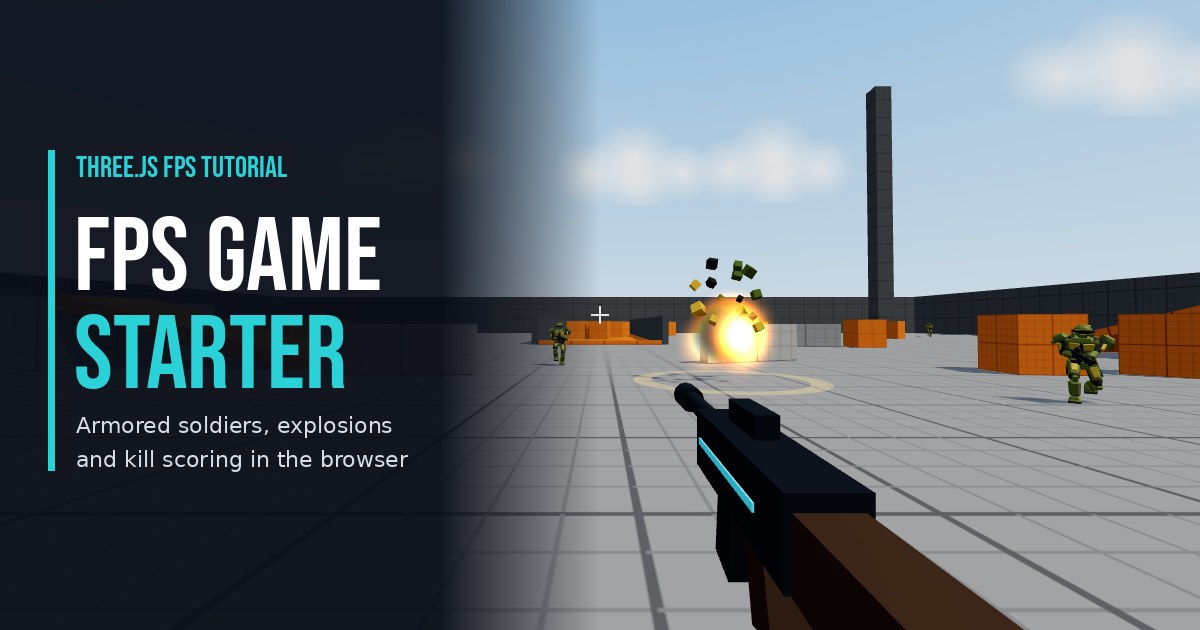
- Three.js Multiplayer FPS Game Starter: a full online shooter with rooms, hits and AI soldiers on the same relay. It smooths remote players by easing toward their newest position; this tutorial uses a snapshot buffer instead.
- Arena Blasters: Free 3D Arena Shooter in Your Browser: the game whose online matches run through this relay.
- AI Tic-Tac-Toe: Free Three.js Multiplayer Game Online: turn-based multiplayer, where interpolation is not needed at all.
READ THE FREE ARTICLE
Want the why before the how? Read Three.js Multiplayer Game: Authoritative Server with WebSockets, then play a real match.