Premium · Level 3 Three.js Tutorial
Three.js Character Controller Tutorial:
Stride-Synced Animation
By Shane Brumback · · Advanced Three.js tutorial · about 40 minutes
Stop the skating. Measure each clip's real ground speed from its foot bones, match the animation to the movement, blend idle, walk and run by speed, and prove it with a slide meter.
SEE IT LIVE
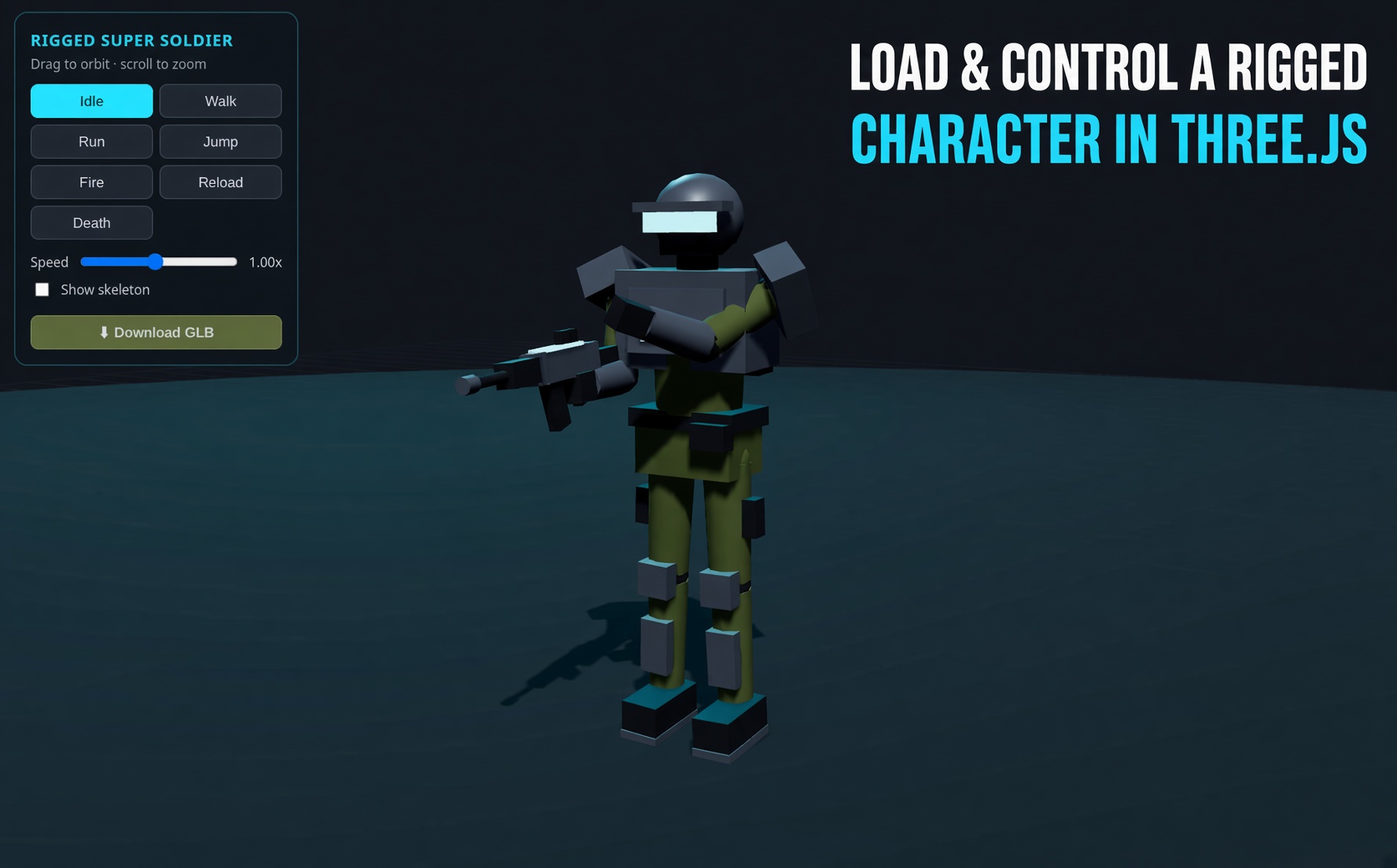
The soldier walking behind this page is this tutorial's code. Launch the full-screen demo to drive him yourself and press T to switch stride sync off and on: watch the footprint rings and the slide meter.
Free with Google sign-in. WASD or a gamepad stick to move, Shift or RT to run, T toggles sync, Esc exits.
What Is Stride Sync? (Quick Definition)
Stride sync makes a Three.js character controller's animation play at the speed the character actually moves. You measure how fast a walk or run clip's planted foot travels under the hips, then set timeScale = speed / naturalSpeed. The feet stay planted instead of sliding.
Introduction
On my Xbox controller character demo I tuned the walk speed twice in one night, 1.8 to 2.4 to 3.0, chasing foot sliding by eye. This tutorial replaces the guessing. The code measures the walk and run clips at load time (about 3.8 and 12.7 units per second for this soldier), syncs each clip's playback to the real movement speed, blends between them by speed, and shows a live slide meter so you can see the difference in numbers. The free article explains the idea without code.
What You'll Learn
- Why in-place walk clips slide when the speed is wrong
- How to measure a clip's ground speed with
mixer.setTime()and foot bones - How to set
timeScaleso any speed keeps the feet planted - How to blend idle, walk and run by speed with
setEffectiveWeight - How to read keyboard and gamepad input for a third-person character
- How to build a slide meter and footprint markers to check your work
Prerequisites
- Basic Three.js: scene, camera, renderer and
GLTFLoader - A rigged character with Idle, Walking and Running clips (the demo uses a Mixamo SWAT soldier)
- Helpful first: the free Xbox controller character animation tutorial
Frequently Asked Questions
How do I fix foot sliding in a Three.js character controller?
Measure the walk and run clips' natural ground speed from the foot bones, then set each AnimationAction's timeScale to the movement speed divided by that clip's speed. The planted foot then stays put at any speed.
How do I find a clip's walk speed in Three.js?
Step the clip with mixer.setTime over one loop, call updateMatrixWorld, read the ankle and toe bones with getWorldPosition, and average how far the lowest one moves relative to the hips per second.
How do I blend walk and run animations by speed?
Play idle, walk and run together and set their weights with setEffectiveWeight from smoothstep curves between the measured walk and run speeds, so the weights always add up to one.
Does this work with Mixamo characters?
Yes. The tutorial uses Mixamo bone names such as mixamorigLeftFoot and mixamorigLeftToeBase. Any rig works if you change those names to your skeleton's foot and toe bones.
Is the code free?
The live demo is free with a Google sign-in. The step-by-step code breakdown, the complete file and the Launch button are for members.
How It Works
- Scene, Camera and Renderer — In plain words: we set up the 3D world: a camera, a renderer that draws into a full-page canvas, and dark fog so the floor fades out.
- Lights and a Checker Floor — In plain words: we light the soldier and draw a checker floor, because you can only see sliding against a pattern.
- Footprint Markers — In plain words: every time a foot plants, we drop a small ring on the floor at that spot so you can see whether the foot stays on it.
- Measure a Clip's Natural Ground Speed — In plain words: we play the walk animation in slow motion behind the scenes and time how fast the planted foot moves backward under the body.
- Load the Soldier and Measure Walk and Run — In plain words: we load the soldier model, find its foot bones by name, and measure the walk and run clips once.
- Speed-Matched Blend — In plain words: we decide how much of idle, walk and run to show from the current speed, and play each clip exactly as fast as the ground moves.
- Keyboard and Gamepad Input — In plain words: we read WASD or the arrow keys, Shift to run, and the left stick and right trigger of any game controller.
- Move With Acceleration — In plain words: we turn the input into a facing direction and a speed that eases up and down, so the animation blend can keep up.
- A Slide Meter — In plain words: every frame we check how far the planted foot drifted on the ground and show it as centimetres per second.
- Camera Follow and Render Loop — In plain words: the camera trails the soldier from behind and to the side, and one loop moves, animates, measures and draws every frame.
That's the shape of the build. The detailed code breakdown for every step and the full copy-paste file are below. Members unlock them.
How To Use It
- Compare before and after. Press T in the demo. Red rings and a high slide number are the old hand-tuned speed; cyan rings are stride sync.
- Swap in your own character. Change the model URL and the three foot and toe bone names. The measurement adapts to any scale.
- Try partial stick tilt. With a gamepad, push the stick halfway: the stride slows instead of skating.
READ THE FREE ARTICLE
The article explains why feet slide, how measuring the clip beats guessing, and how it ties to Super Soldier Battle. It's free to read.
Read the Article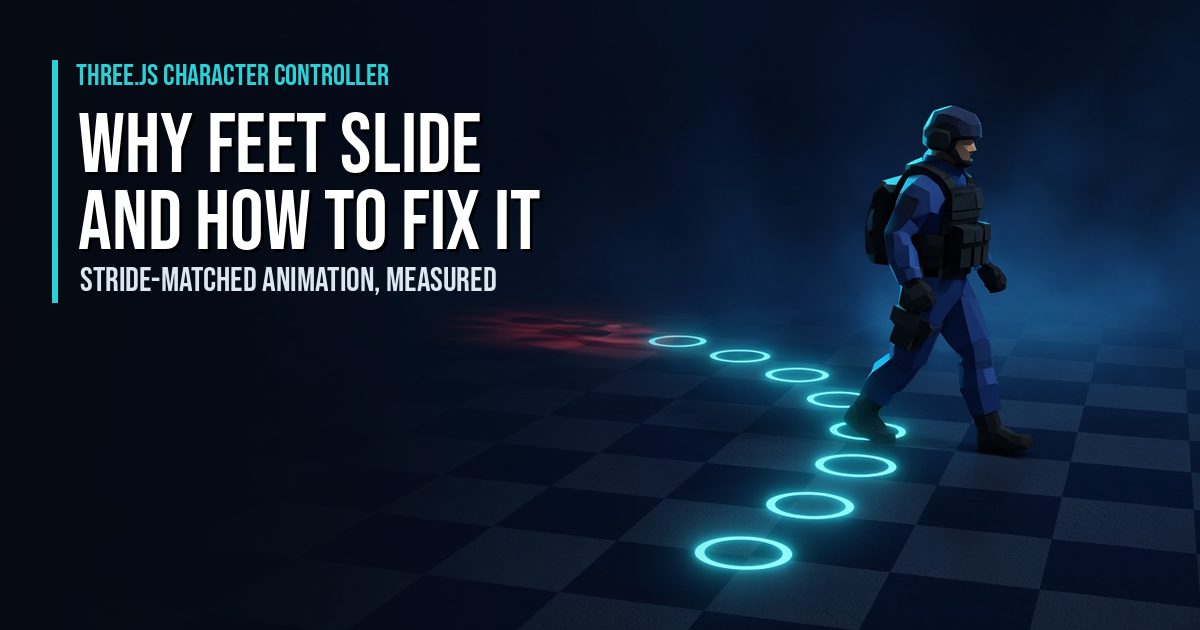
Play It and Keep Learning
Play Super Soldier Battle free in your browser, my Three.js shooter. Related: mobile joystick character controller, Gamepad API article, animating GLTF models and all tutorials.
Need Three.js character or animation work? I take freelance and contract work: contact me.
Play the Game