Three.js Animation Deep Dive
Three.js Character Controller:
Why Feet Slide and How to Fix It
Last night I nudged a soldier's walk speed twice by eye to stop his boots skating. Then I wrote code that measures the right number from the animation itself.
By Shane Brumback · · Beginner friendly
The Short Answer
Feet slide in a Three.js character controller when the code moves the model at a different speed than the walk clip's feet travel across the ground. Measure the clip's natural ground speed from its foot bones once, then set the action's timeScale to your movement speed divided by that number. The stride then always matches the ground, at any speed.
What You Are Looking At
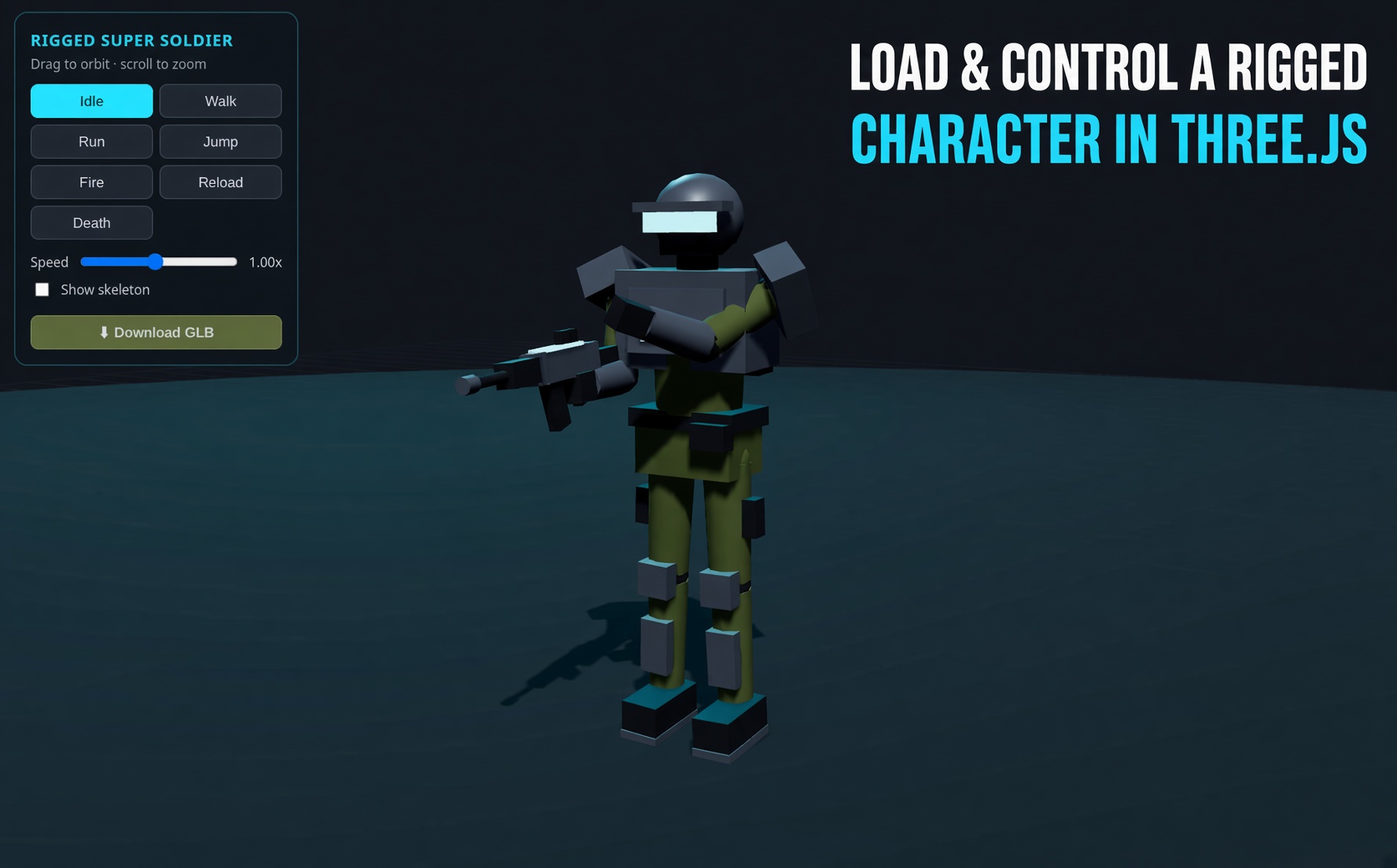
The soldier walking behind this page is the tutorial's code running live. Every time a boot plants, a ring drops on the floor. Every few seconds the scene switches stride sync off: the rings turn red and the feet visibly skate along the checker squares. When sync comes back on, the rings turn cyan and each boot stays pinned to its ring until it lifts.
The checker floor matters. On a flat colour you can't see sliding at all, which is exactly why it survives into so many browser games.
Where This Came From
This one started in my own commit history. On the Xbox controller demo I built for the Xbox controller character tutorial, the walk speed was 1.8 units per second. That looked wrong, so I committed a change to 2.4 with the message "to reduce foot sliding". Then I bumped it again to 3.0. Two guesses in a row, both by eye.
That is how most of us tune locomotion: nudge a number, reload, squint at the feet. It works until you change the model scale, swap the clip, or let a gamepad stick ask for half speed. So I wrote a small measuring tool instead, and the number it gave for this walk clip was about 3.8 in the demo's units. My eye-tuned 3.0 was getting closer, but it still wasn't there.
Why Do Feet Slide in a Three.js Character Controller?
A walk clip from Mixamo or a GLB file is usually made in place. The hips stay put and the legs cycle, like walking on a treadmill. Your controller supplies the actual forward motion by moving the model every frame.
During each step, the foot on the ground moves backwards relative to the hips at a fixed rate. That rate is baked into the clip. If your code moves the body forward at the same rate, the planted foot stands still in the world. Move faster and the foot drags forward; move slower and it skids backwards. That mismatch is foot sliding.
A gamepad makes it worse. A half-tilted stick asks for half speed, but the walk clip still plays at full stride, so the soldier skates at every partial tilt.
How Do You Measure a Walk Cycle's Speed?
You let the animation tell you. Three.js can step any clip to any time with mixer.setTime(). So, once at load time, the code steps the walk clip through one full loop in 90 small slices. At each slice it reads both foot bones with getWorldPosition(), takes whichever is lower as the planted foot, and records how far it moved compared with the hips.
One detail made a big difference in my testing: the contact point changes during a step. The heel lands first, then the toe takes over before the foot lifts. Using only the ankle bone overstated sliding. Using whichever of the ankle or toe bone is lower gave a much cleaner reading. Average those movements and you have the clip's natural ground speed, the one speed at which the feet stay planted.
Matching Animation Speed to Movement Speed
Once you know the natural speed, the fix is one line per clip: action.timeScale = speed / naturalSpeed. Walk at 75% of the natural speed and the clip plays at 75%, so the stride shortens in time with the body. I clamp it to a sensible range so a stick barely nudged doesn't produce a slow-motion moonwalk.
For walk to run, all three clips (idle, walk, run) play at once and the controller sets their weights from the current speed. Below walking pace it fades from idle into walk. Between the walk and run natural speeds it fades walk into run. The speed itself eases toward the stick or key target, so the blend has time to follow and there is no pop.
The run clip measured about 12.7 units per second. The Xbox demo uses 10.0 for running, so the run was also a little slow, it just hides it better because the feet spend part of every stride in the air. Walking is where the guessing showed most, which matches my commits.
A Slide Meter You Can Trust
To check the fix, the demo has a slide meter. Every frame it finds the planted foot in world space and measures how far it drifted since the last frame, but only while that foot is actually on the ground (lower than 14 cm), so the flight phase of a run does not count. In my test run, the old hand-tuned 1.8 walk read about 200 cm/s of slide. With stride sync on, the same meter read about 26 cm/s, which is the small heel-to-toe roll that every real step has.
The meter lets you replace "looks fine to me" with a number, which is useful when you change the model's scale or drop in a new animation pack.
Why This Matters for Super Soldier Battle
I build Super Soldier Battle, a free Three.js shooter in the browser, and characters that move well are a big part of how a game feels. Third-person and controller-driven soldiers are where foot sliding shows, so measuring the stride instead of guessing it is the approach I want for character work from here on. You can play the game free right now, no download.
Build It Yourself
The premium tutorial Three.js character controller tutorial: stride-synced animation walks through all ten steps with the exact code: the checker floor, footprint rings, foot-bone measuring, the speed-weighted blend, keyboard and gamepad input, and the slide meter. It ends with the complete file and a one-click Launch.
New to character controllers? Start with the free Xbox controller character animation tutorial, read the Gamepad API article, or try the mobile joystick character controller. More in all articles and all tutorials.
Frequently Asked Questions
What is foot sliding in a Three.js character controller?
Foot sliding, also called skating, is when a character's planted foot moves across the ground. It happens when the speed you move the model in code does not match the speed the walk or run clip's feet travel backwards under the body.
How do I stop foot sliding in Three.js?
Measure how fast the planted foot moves in the clip, then either move the character at exactly that speed or set the AnimationAction timeScale to your movement speed divided by the clip's measured speed. The tutorial does the second, so any speed looks planted.
Can I measure a clip's speed instead of guessing?
Yes. Play the clip on an AnimationMixer, step it with mixer.setTime over one loop, read the foot bones with getWorldPosition, and average how far the lowest foot moves relative to the hips. That gives the clip's natural ground speed in your scene units.
Should I use root motion instead?
Root motion works when the clip itself moves the hips forward, but many web-ready and Mixamo clips are exported in place. With in-place clips, a measured speed plus timeScale gives you the same planted feet while your code keeps full control of movement.
Does this work with an Xbox controller or a phone?
Yes. Speed comes from the stick tilt or keys, and the timeScale follows that speed, so a half-tilted stick gives a slower stride instead of a skating walk. The demo reads keyboard and any standard gamepad.
Try It, Then Play
Follow the tutorial to build the stride-synced controller, then play Super Soldier Battle free in your browser.
Need character animation or controller work in your Three.js project? I take freelance and contract work: contact me.