BUILD A PLAYABLE GAME CHARACTER
WITH GROK BOT + THREE.JS
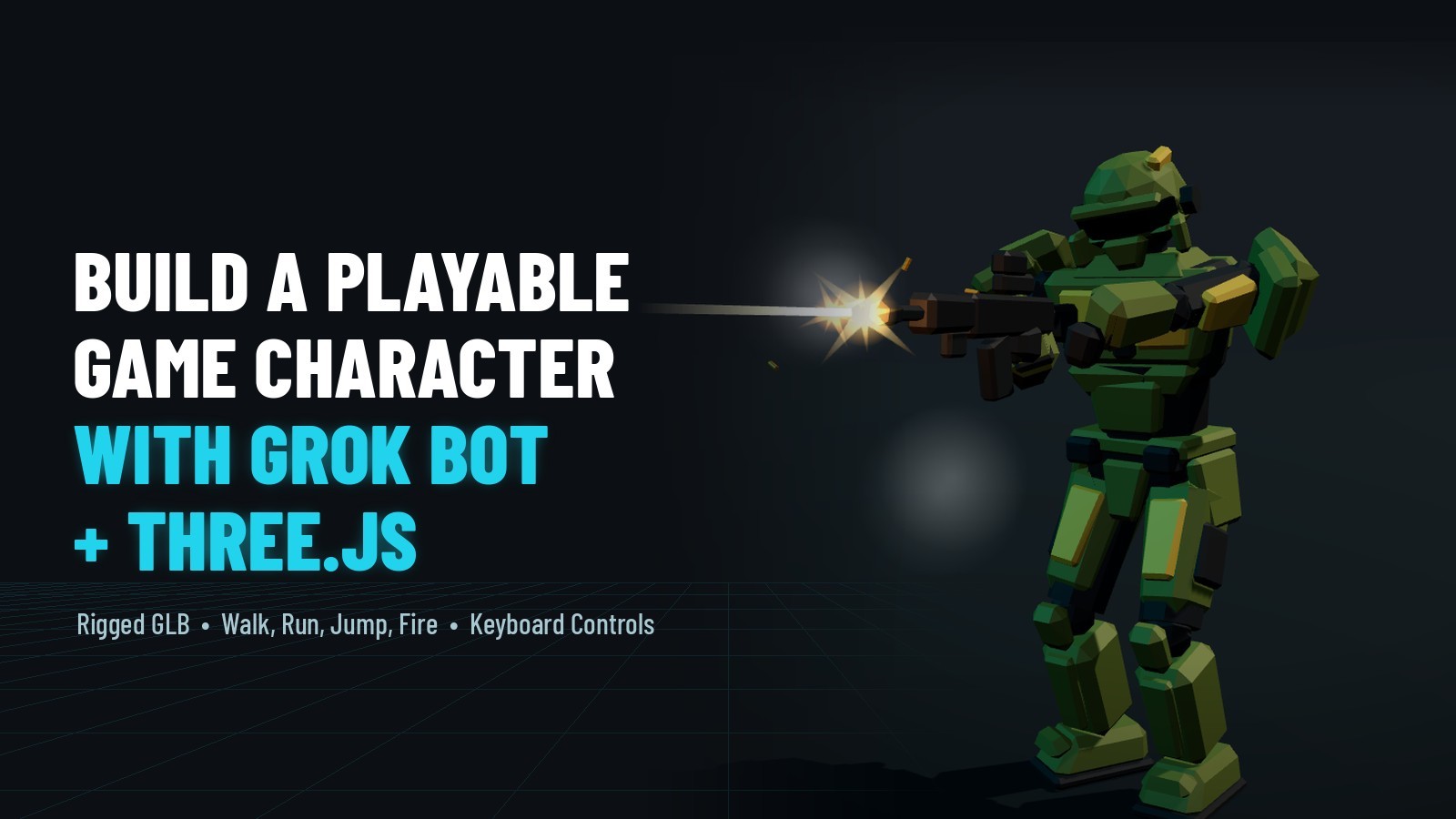
Turn one concept image into a rigged, animated, playable Three.js soldier with Grok Bot — he walks, runs, jumps, fires and reloads, with gun effects and keyboard controls. Steps 1–6 need no code; you finish by loading the exported .glb into your own scene.
LIVE DEMO
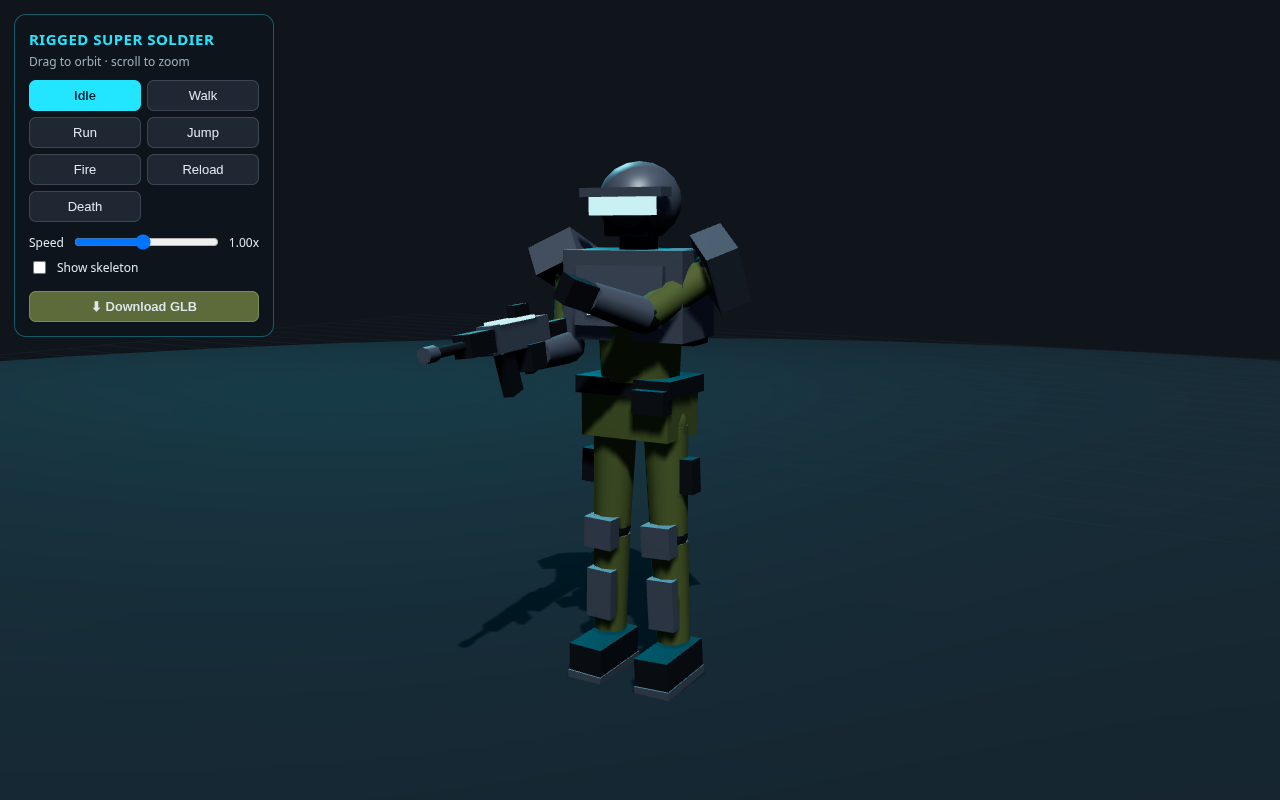
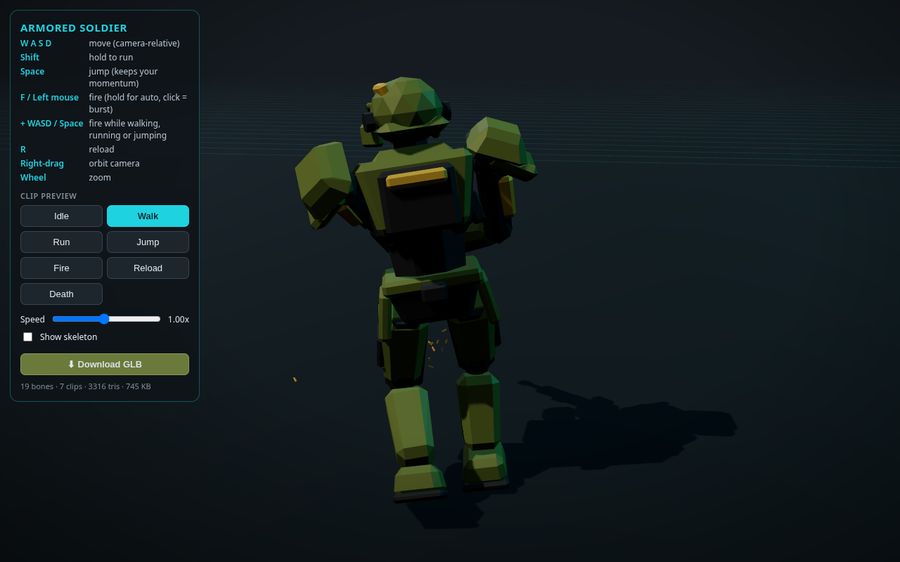
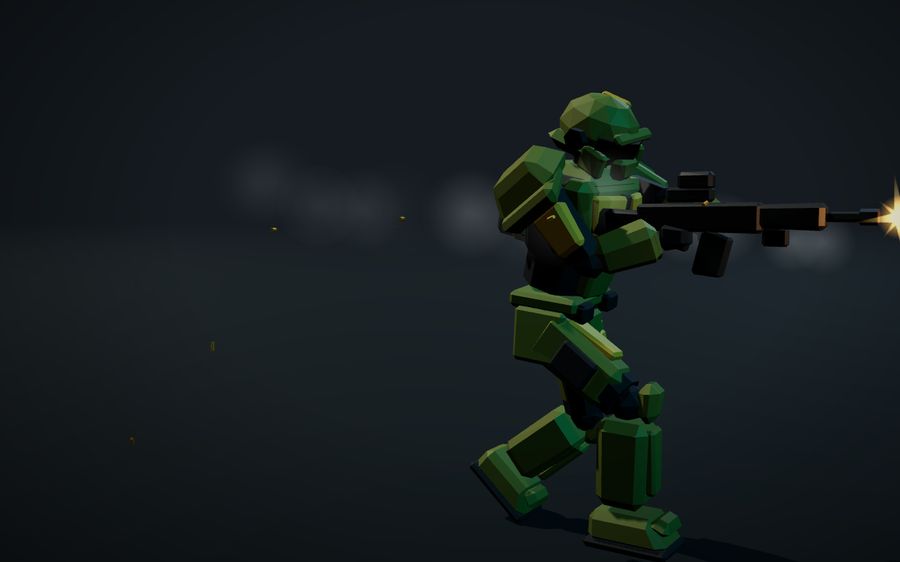
The armored soldier behind this page is the live demo — the real exported GLB loaded in Three.js. Launch the full-screen demo to orbit the camera and play all ten animation clips — Idle, Walk, Run, Jump, Fire, Reload, Death, plus fire-on-the-move (WalkFire, RunFire, JumpFire), with live gun effects.
Loading the soldier model…
WANT TO BLOW STUFF UP?
Switch from characters to effects: build a 3D rockfire explosion in Three.js — flying debris rocks, fire, smoke, a shockwave ring, and camera shake. The whole blast in one copy-paste file, with a live demo you can orbit.
See the Rockfire Explosion Tutorial
Introduction
A game character has to do a lot: move, run, jump, fire, reload, and look alive while doing it. Building and rigging one by hand is slow. In this tutorial you start from a single concept image and let Grok Bot — an AI assistant that writes and runs code on its own cloud computer — produce a rigged, animated, playable soldier for Three.js. You finish with a .glb you load into your own game.
Steps 1 through 6 are plain-English prompts you can paste — no coding. Step 7 is the only code: the minimum to load the GLB and drive its clips from the keyboard, included in full below.
Frequently Asked Questions
Can AI make a playable, animated game character?
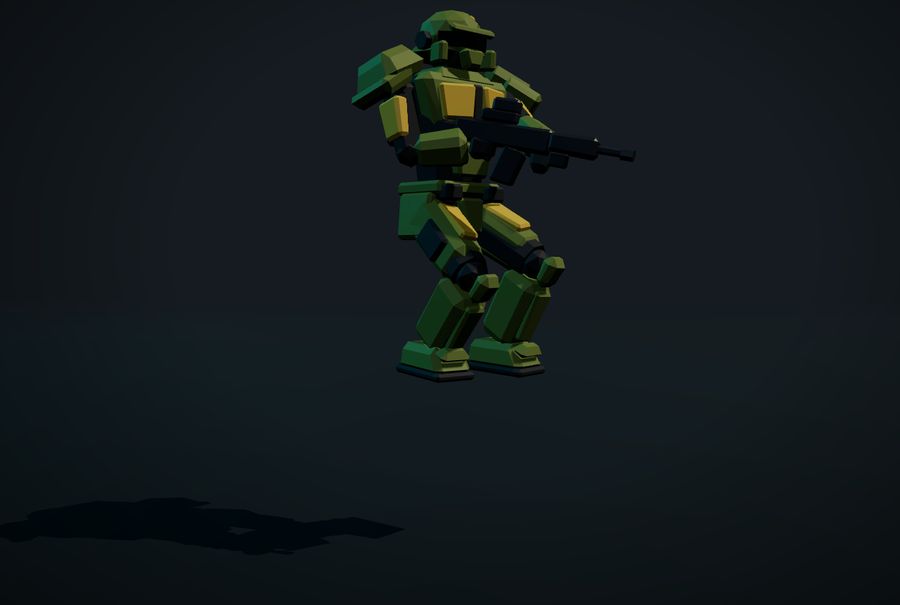
Yes. The armored soldier on this page was built with Grok Bot from a single concept image. From plain-English prompts it produced a procedural low-poly model with a 19-bone skeleton and ten animation clips (Idle, Walk, Run, Jump, Fire, Reload, Death, plus WalkFire, RunFire and JumpFire for firing on the move), plus gun effects and keyboard and mouse controls, exported as a GLB you can drop into your own Three.js game.
What is Grok Bot?
Grok Bot is an AI desktop app for Windows that does real work rather than just answering. It has its own cloud computer with a browser, so it can run code, build files and preview them while you chat. It is included with paid Cursor plans or a linked SuperGrok subscription.
Do I need to code to build the character?
No. Steps 1 through 6 are plain-English prompts you paste into Grok Bot — no coding. You only need a little Three.js and JavaScript for the final step, where you load the exported GLB into your own scene. The full load-and-animate code is included on this page.
How do you load the soldier GLB in Three.js?
Load armored_soldier.glb with GLTFLoader, add gltf.scene to your scene, create one AnimationMixer, and turn each clip in gltf.animations into an action. Play Idle by default, crossfade between Walk and Run from the keys held, and fire Jump, Fire and Reload once with setLoop(THREE.LoopOnce) and clampWhenFinished before handing control back to movement. Update the mixer every frame.
What animations does the soldier GLB include?
Ten clips: the seven base moves (Idle, Walk, Run, Jump, Fire, Reload, Death) plus three baked fire-on-the-move combos (WalkFire, RunFire, JumpFire) so the gun aims forward while moving. The GLB holds the mesh, a 19-bone skeleton and all ten clips, so it also works in Blender (File, Import, glTF 2.0), Unity (with a glTF importer such as glTFast or UnityGLTF) and Godot 4, which imports .glb natively.
Is this tutorial free?
Yes. The animated soldier behind this page is a live Three.js demo, and the full load-and-animate source is on the page. Signing in with Google to reveal the code is free — it takes one click and unlocks every free tutorial on the site.
Play My Free Browser Games
What You'll Need
- The Grok Bot desktop app on Windows (included with paid Cursor plans, or with a linked SuperGrok subscription).
- A concept image of your character — find one or generate one.
- A modern browser to open the page Grok Bot builds.
- Basic Three.js and JavaScript for Step 7, where you load the character into your own scene. Steps 1–6 need no coding.
1Start from a concept image
Find or generate a concept image of your character. Ours is a low-poly armored soldier in olive and yellow armor, holding a rifle. Attach it to your message in Grok Bot and ask for everything a Three.js game needs in one go: a rigged GLB with game animations, and a Three.js page to test them.
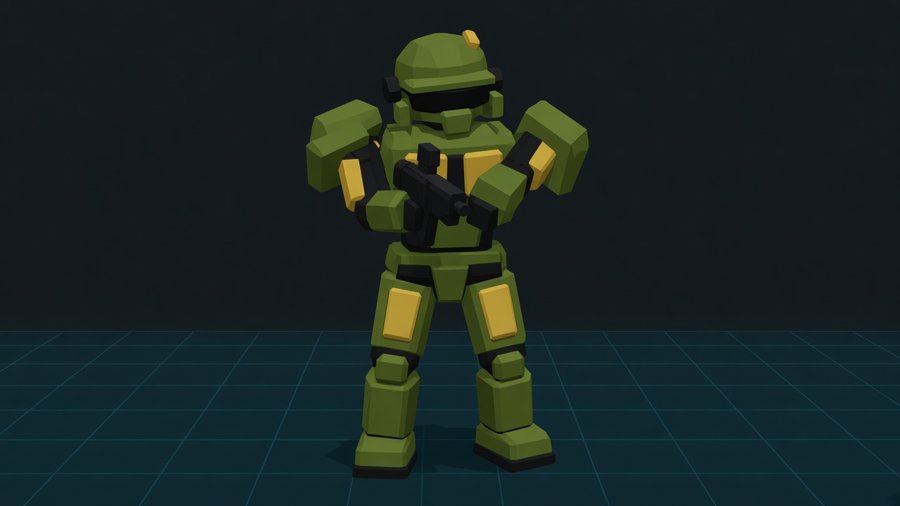
What Grok Bot produced: a procedural low-poly model with a 19-bone skeleton and ten animation clips, plus a Three.js viewer page with orbit controls, clip buttons, a speed slider, a skeleton toggle and a Download GLB button.
2Add gun effects and game controls
Now make it playable. Ask for firing effects and keyboard and mouse controls in one message, and ask for the on-screen instructions to be updated so players know the keys.
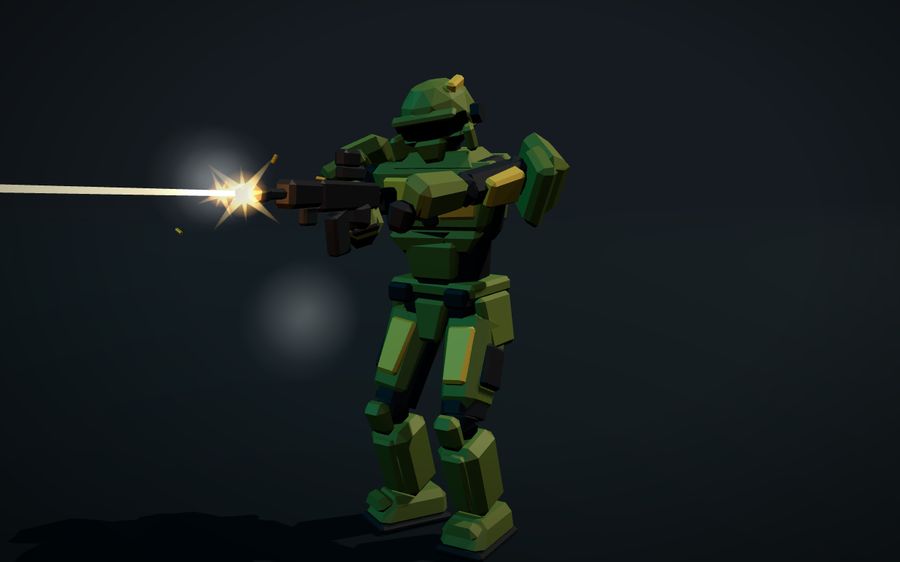
What Grok Bot produced: gun VFX (muzzle flash, tracers, ejecting shell casings, smoke and impact sparks); controls for W A S D to move, Shift to run, Space to jump, F or left mouse to fire, R to reload; a follow camera with right-drag to orbit; and an updated instructions panel.
3Tune the speed
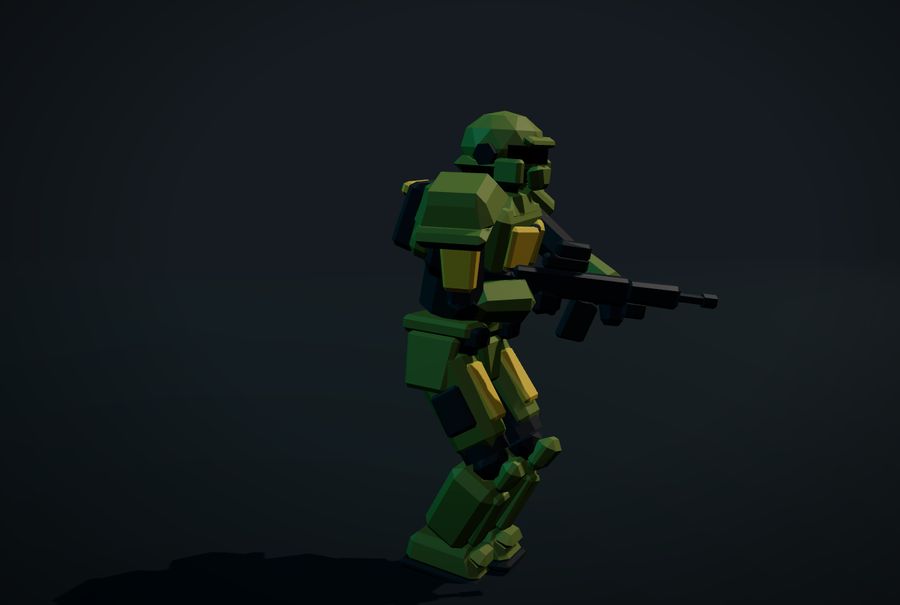
Play it for a minute. If something feels off, just say so in plain words. Ours felt slow.
What Grok Bot produced: per-clip speeds (Fire 1.8x, Walk 1.5x, Run 1.3x), with movement speed matched to the animations so the feet don't slide on the ground.
4Fix turning with procedural legs
Turning in place often looks fake: the whole body rotates like it's standing on a turntable. Describe exactly that, and ask for the legs to step.
What Grok Bot produced: planted feet and hips leading the turn, alternating IK steps so the legs step around instead of sliding, and a lean into turns.
5Make the motion more human
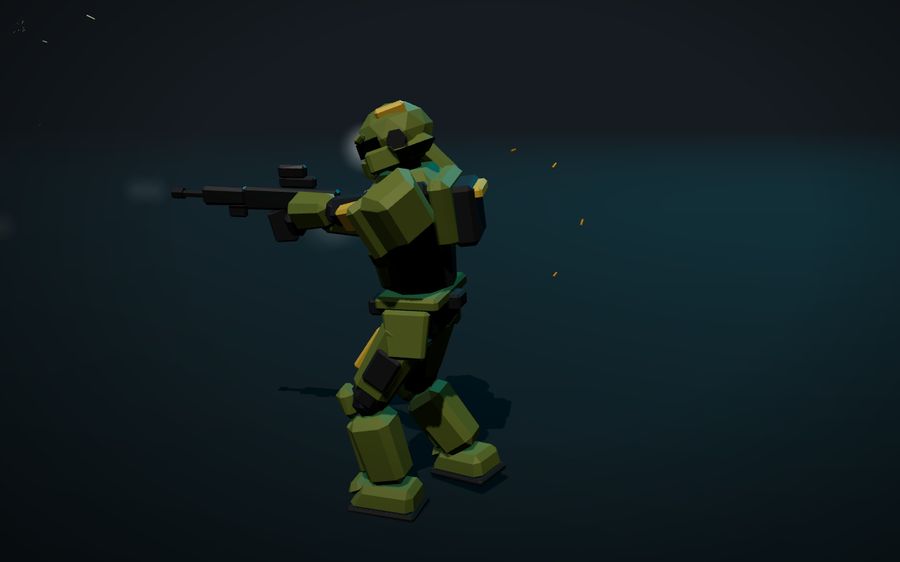
Code-built animation can look stiff. A short, open request is enough to get a full polish pass.
What Grok Bot produced: a heel-to-toe walk with hip sway and counter-rotation, overlapping motion and a breathing idle, recoil absorbed through the body (not just the arms), and spring lag on the head, chest and rifle.
6Fire and jump on the move
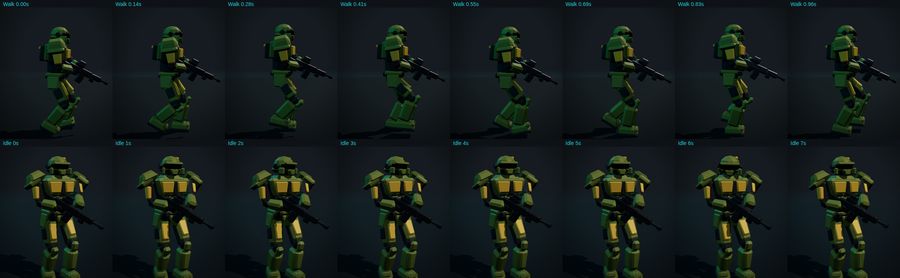
A game character has to do more than one thing at once. Ask for the combinations you want to play.
What Grok Bot produced: an upper-body fire layer over walking and running, momentum-keeping jumps and firing in mid-air, and level aim while moving.
7Use It In Three.js
Click Download GLB in the viewer, or take armored_soldier.glb from the kit. It holds the mesh, the 19-bone skeleton and all ten clips. Here is the minimum to put him in your own Three.js game:
- Load the GLB with
GLTFLoaderand build oneAnimationMixer, turning each clip into an action and updating the mixer every frame. - Crossfade clips with a small
play()helper (apply each clip'stimeScaleso the feet don't slide) so Walk blends to Run instead of snapping. - Map keys to clips — WASD/Shift pick Walk/Run (Idle when still), F fires. Firing on the move plays the baked
WalkFire/RunFirecombo clips so the gun aims forward; Jump and Reload play once.
Also works in Blender, Unity and Godot. In Blender use File → Import → glTF 2.0 (each clip imports as an Action). Unity needs a glTF importer such as glTFast or UnityGLTF. Godot 4 imports .glb natively, with the clips in the AnimationPlayer. Play every clip once after importing.
Tips For Working With Grok Bot
PREFER A FRIENDLIER MODEL?
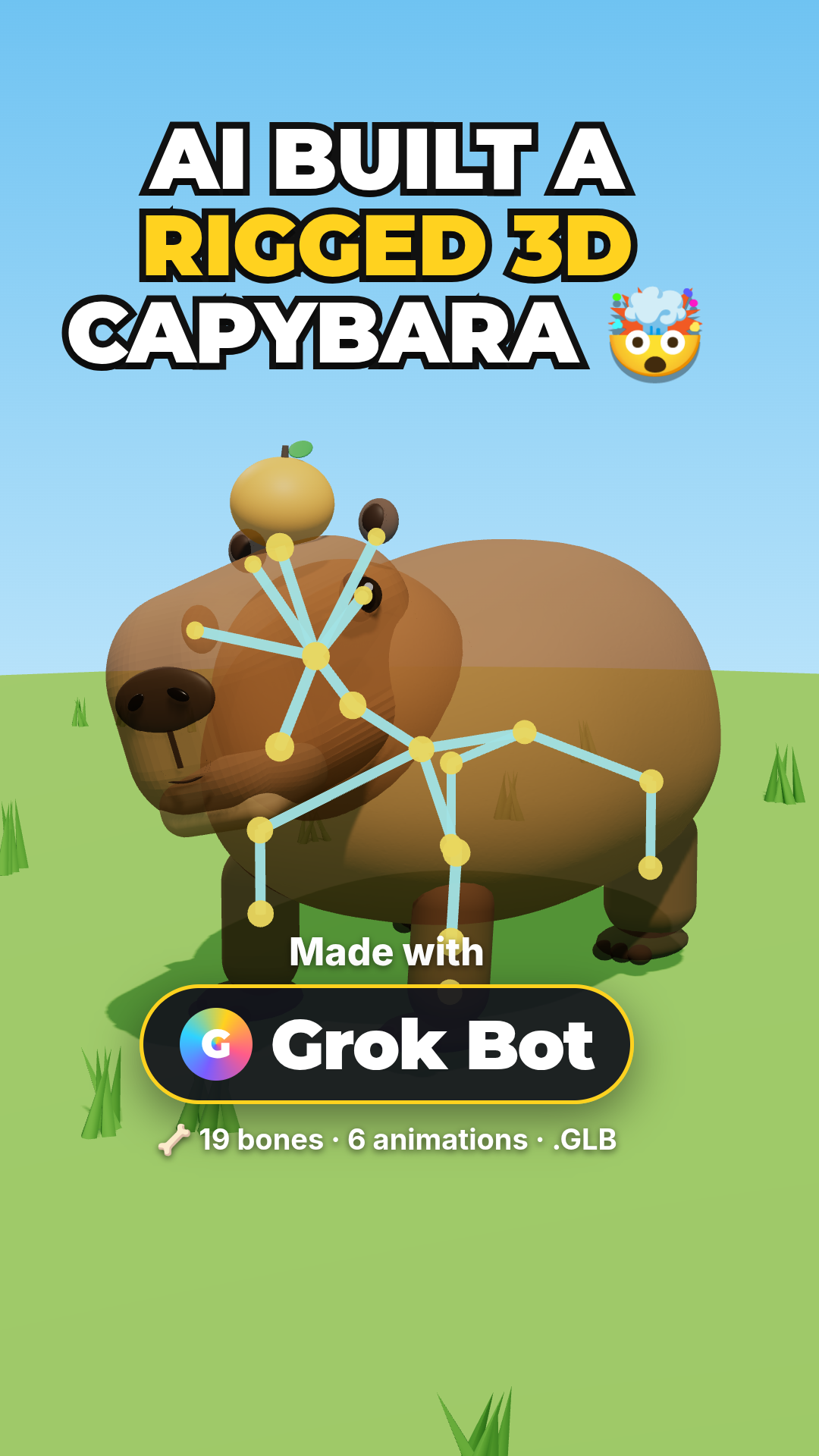
The companion tutorial builds a rigged, animated capybara in Three.js with Grok Bot — same no-code, prompt-driven workflow, taken from text to a downloadable GLB and a YouTube Short.
See the Rigged Capybara Tutorial