THREE.JS GLSL
GRADIENT SHADER CUBE
By Shane Brumback · · Updated · Free Three.js tutorial · Level 1
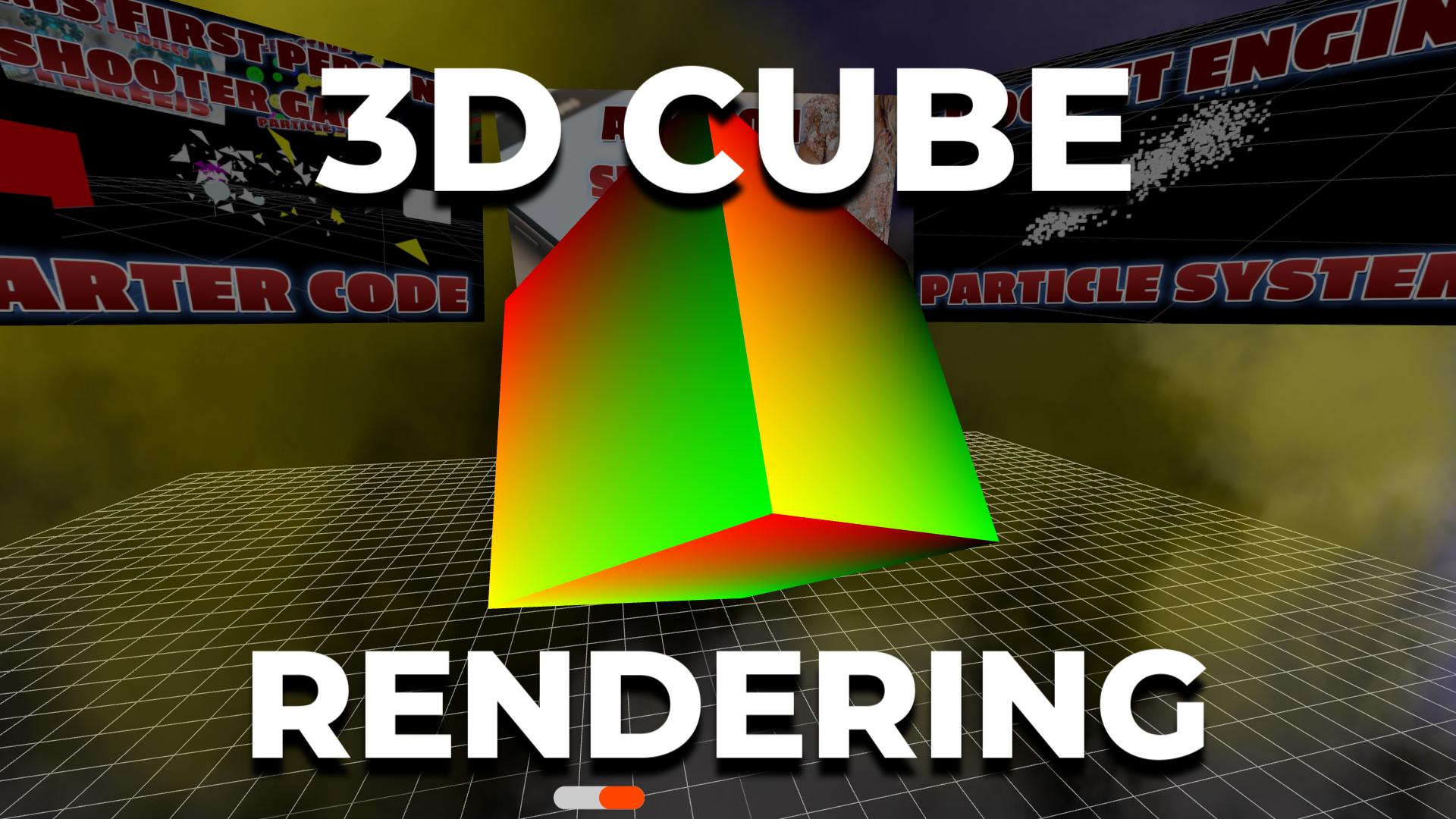
To color a Three.js cube with a GLSL gradient, give a BoxGeometry a ShaderMaterial whose fragment shader turns gl_FragCoord and a u_time uniform into red, green, and blue sine waves, then advance u_time every frame. The cube spinning behind this page is that exact shader.
A beginner walkthrough of ShaderMaterial, vertex and fragment shaders, and uniforms in Three.js. Live demo and the full copy-paste source below.

LIVE DEMO
The cube spinning behind this page is a live Three.js scene. Launch the full-screen demo to drag to orbit and scroll to zoom while the GLSL gradient shifts across every face. Press Esc or Exit to return.
Orbit: drag · Zoom: scroll · Esc to exit
READY FOR A REAL TERRAIN SHADER?
This Level 1 cube is the first step. The Level 3 premium Terrain LOD tutorial blends sand, grass, rock and snow by height and slope in an onBeforeCompile shader, with LOD skirts, worker chunks and grass. Members unlock the full code; sign in to reveal it.
What Is a Shader?
Three.js is a JavaScript library that wraps WebGL, the browser API for GPU accelerated graphics. Most of the time you pick a built-in material such as MeshStandardMaterial. When you want full control over how pixels look, you write shaders: small programs in the OpenGL Shading Language (GLSL) that run on the graphics card.
A vertex shader runs once per corner and decides where it lands on screen. A fragment shader runs once per pixel and decides its color. New to Three.js? Start with the spinning cube starter or rendering a 3D cube.
Code Breakdown
1. Create a ShaderMaterial with a time uniform
const material = new THREE.ShaderMaterial({
  uniforms: { u_time: { value: 0.0 } },
  vertexShader, fragmentShader
});
Uniforms are values JavaScript shares with the shader. u_time is the clock that drives the animation.
2. Project vertices in the vertex shader
void main() {
  gl_Position = projectionMatrix * modelViewMatrix * vec4(position, 1.0);
}
Three.js injects position, modelViewMatrix and projectionMatrix automatically, so this one line is all the cube needs.
3. Paint a gradient in the fragment shader
uniform float u_time;
void main() {
  gl_FragColor = vec4(
    sin(u_time + gl_FragCoord.x * 0.01) * 0.5 + 0.5,
    sin(u_time + gl_FragCoord.y * 0.01) * 0.5 + 0.5,
    sin(u_time) * 0.5 + 0.5,
    1.0);
}
Each channel is a sine wave remapped from -1..1 to 0..1. Red varies across the screen horizontally, green vertically, and blue pulses over time.
4. Advance time in the render loop
material.uniforms.u_time.value += 0.05;
cube.rotation.x += 0.01;
cube.rotation.y += 0.01;
renderer.render(scene, camera);
Updating the uniform each frame moves the waves. For more shader motion ideas see animating spheres with fragment shaders, or make the cube clickable with raycaster selection.
The Full Code
Paste this module into a page that has the same import map as this one, or view the original GitHub Gist.
import * as THREE from 'three';
import { OrbitControls } from 'three/addons/controls/OrbitControls.js';

const scene = new THREE.Scene();
const camera = new THREE.PerspectiveCamera(75, innerWidth / innerHeight, 0.1, 1000);
camera.position.z = 5;

const renderer = new THREE.WebGLRenderer({ antialias: true });
renderer.setPixelRatio(Math.min(devicePixelRatio, 2));
renderer.setSize(innerWidth, innerHeight);
renderer.setClearColor(0x000000, 1);
document.body.style.margin = '0';
document.body.appendChild(renderer.domElement);

const controls = new OrbitControls(camera, renderer.domElement);
controls.enableDamping = true;
controls.autoRotate = true;

const material = new THREE.ShaderMaterial({
  uniforms: { u_time: { value: 0.0 } },
  vertexShader: `
    void main() {
      gl_Position = projectionMatrix * modelViewMatrix * vec4(position, 1.0);
    }`,
  fragmentShader: `
    uniform float u_time;
    void main() {
      gl_FragColor = vec4(
        sin(u_time + gl_FragCoord.x * 0.01) * 0.5 + 0.5,
        sin(u_time + gl_FragCoord.y * 0.01) * 0.5 + 0.5,
        sin(u_time) * 0.5 + 0.5,
        1.0);
    }`
});

const cube = new THREE.Mesh(new THREE.BoxGeometry(3, 3, 3), material);
scene.add(cube);

const grid = new THREE.GridHelper(100, 40);
grid.position.y = -4;
scene.add(grid);

function render() {
  requestAnimationFrame(render);
  controls.update();
  cube.rotation.x += 0.01;
  cube.rotation.y += 0.01;
  material.uniforms.u_time.value += 0.05;
  renderer.render(scene, camera);
}
render();

addEventListener('resize', () => {
  camera.aspect = innerWidth / innerHeight;
  camera.updateProjectionMatrix();
  renderer.setSize(innerWidth, innerHeight);
});
Frequently Asked Questions
What is a GLSL gradient shader in Three.js?
It is a custom fragment shader, written in the OpenGL Shading Language, that computes a color for every pixel of a mesh. In this demo the red, green, and blue channels come from sine waves of the screen position and time, which produces a smooth moving gradient.
How do you apply a custom shader to a cube in Three.js?
Create a BoxGeometry, then a ShaderMaterial with a vertexShader and fragmentShader string, and pass both to a Mesh. The vertex shader projects each corner with projectionMatrix and modelViewMatrix, and the fragment shader outputs gl_FragColor.
How do you animate a shader with a time uniform?
Declare a uniform such as u_time in the material, read it in the fragment shader, and add a small amount to material.uniforms.u_time.value every frame in the render loop. The GPU sees the new value on the next draw.
Why does the gradient use gl_FragCoord?
gl_FragCoord holds the pixel position on screen, so the colors are tied to the viewport rather than the cube surface. That gives a shimmering, screen space look as the cube spins. Pass UV coordinates through a varying if you want the gradient to stick to each face.
Do lights affect a ShaderMaterial?
No. A basic ShaderMaterial ignores scene lights unless you add lighting math yourself or enable the lights uniforms. The gradient cube looks the same with or without the spotlight, which keeps the shader easy to read.
Which Three.js version does this demo use?
The demo loads Three.js 0.160 as an ES module through an import map, with OrbitControls from the examples addons folder. No build tools are needed, so you can copy the code into one HTML file and open it in a browser.
Play It and Keep Learning
Shaders like this one color the effects in Super Soldier Battle, free in your browser. Browse every Three.js tutorial, read the articles, or search the site.
Need Three.js shader or WebGL work? I take freelance and contract work: contact me.
Play Game