The SpaceX Falcon 9 Launch Pad in 3D
Step into a Three.js-powered virtual 3D world of SpaceX's Falcon 9 launch pad. Walk the complex in first person and get an interactive, hands-on look at the launch site.
The world recreates the pad with detailed graphics and animations, plus interactive elements and information about the rocket and the mission — bringing the launch site to life in a way that is both visually striking and educational.
It is an ongoing project, so some functionality is still being built. Whether you are a space enthusiast or just curious about the tech, it is a unique way to explore a simulated launch environment right in your browser.
Free Tutorial: 3D Rockfire Explosion
Build a full explosion effect in Three.js — flying debris, fire, smoke, and a shockwave — with copy-paste code and a live demo.
See the Rockfire Tutorial
Built with Three.js & WebGL
Three.js is a powerful library for building 3D animations and interactive experiences on the web, built on top of the WebGL standard for browser 3D graphics.
Its high-level API makes it ideal for detailed, accurate representations of real-world objects like the Falcon 9 launch pad, and it runs across desktop and mobile so anyone can explore the world from any device.
Backed by thorough documentation and a large developer community, Three.js shows just how far interactive 3D on the web can go.
Frequently Asked Questions
What is the SpaceX Falcon 9 Launch Complex 3D world?
It is a free, browser-based 3D world built with Three.js by Shane Brumback (Indie Forge Studio). You walk a model of a SpaceX Falcon 9 launch complex in first person — the launch tower, pad, the Falcon 9 on the pad, and the surrounding site. It is a fan-made educational experience and is not affiliated with SpaceX.
Do I need to download or install anything?
No. It runs in any modern desktop browser that supports WebGL (Chrome, Edge, Firefox, Safari). There is nothing to download or install.
Is it free? Do I need an account?
It is free. To enter the world you sign in with Google in one click; that gives you a player name for the live multiplayer player list. No payment is required.
How do I move and look around?
Press Play to lock the mouse pointer. Use W, A, S, D or the arrow keys to move and the mouse to look around. Press Esc to release the mouse and open the menu.
What can I explore in the launch complex?
The Falcon 9 launch pad and tower with the rocket standing on it, a SpaceX Crew Dragon 2 capsule exhibit, a Starship Super Heavy booster display, and a Tesla Model 3 parked on site. Info labels pop up when you get close to the main exhibits.
Can I play with other people?
Yes. Signed-in explorers show up in the Active Players list and on the locator map, and other players appear in the world as animated avatars.
Does it work on phones and tablets?
It loads on mobile, but it is built for desktop with a keyboard and mouse. A desktop or laptop gives the best controls and performance.
What technology is it built with?
Three.js on top of WebGL for real-time 3D, GLTF 3D models, PointerLockControls for first-person movement, and AWS serverless services for sign-in and the multiplayer player list.
Is this the real SpaceX launch site?
No. It is a stylized 3D recreation for learning and fun. It is not an official SpaceX product, and it does not show real-time launch operations.
Free Tutorial: Rigged Capybara (AI build)
Watch Grok Bot AI build a fully rigged, animated 3D capybara in Three.js from plain-English prompts — model, skeleton, and looping animation.
See the Capybara Tutorial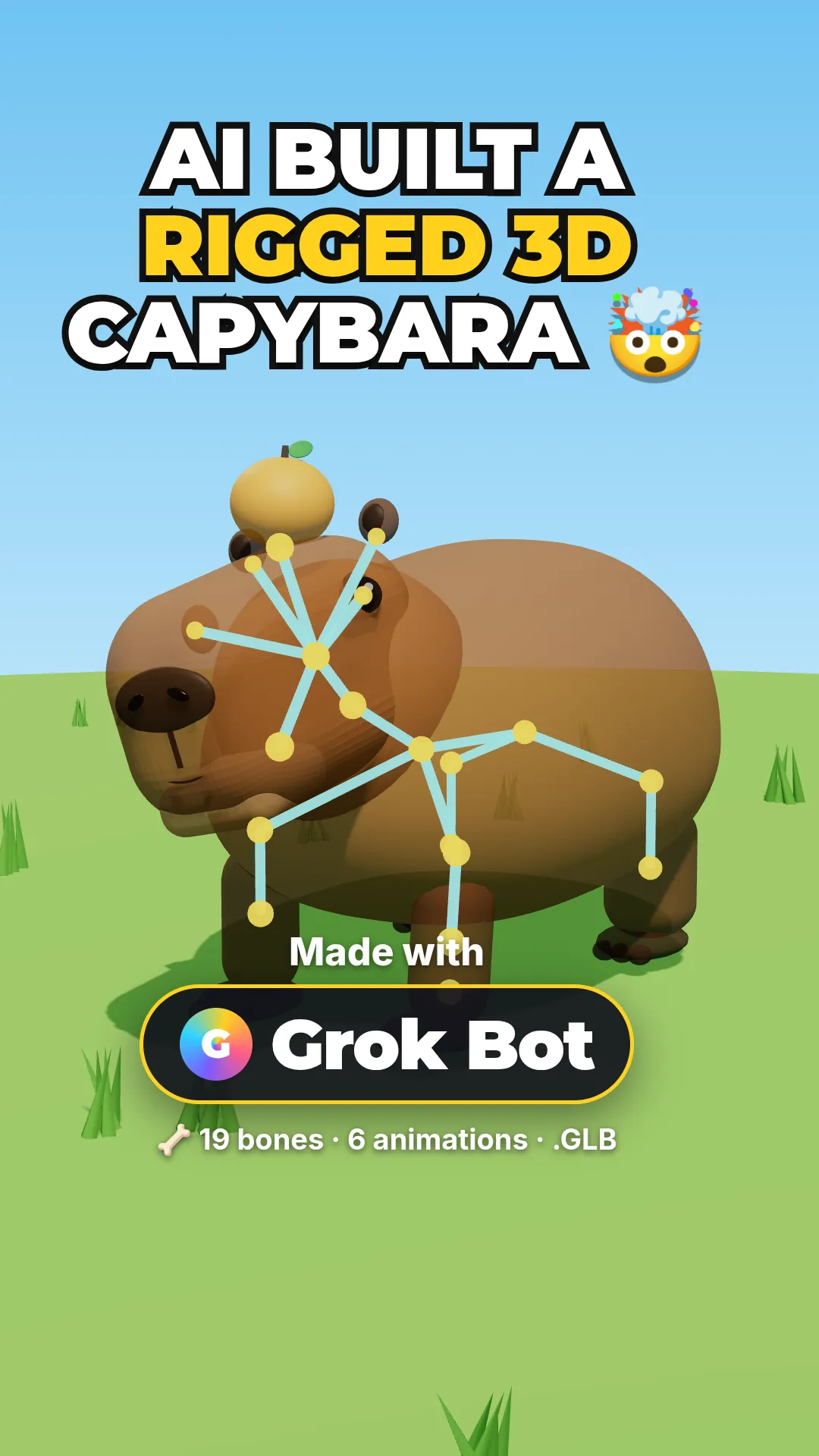
Free Tutorial: Super Soldier (WASD)
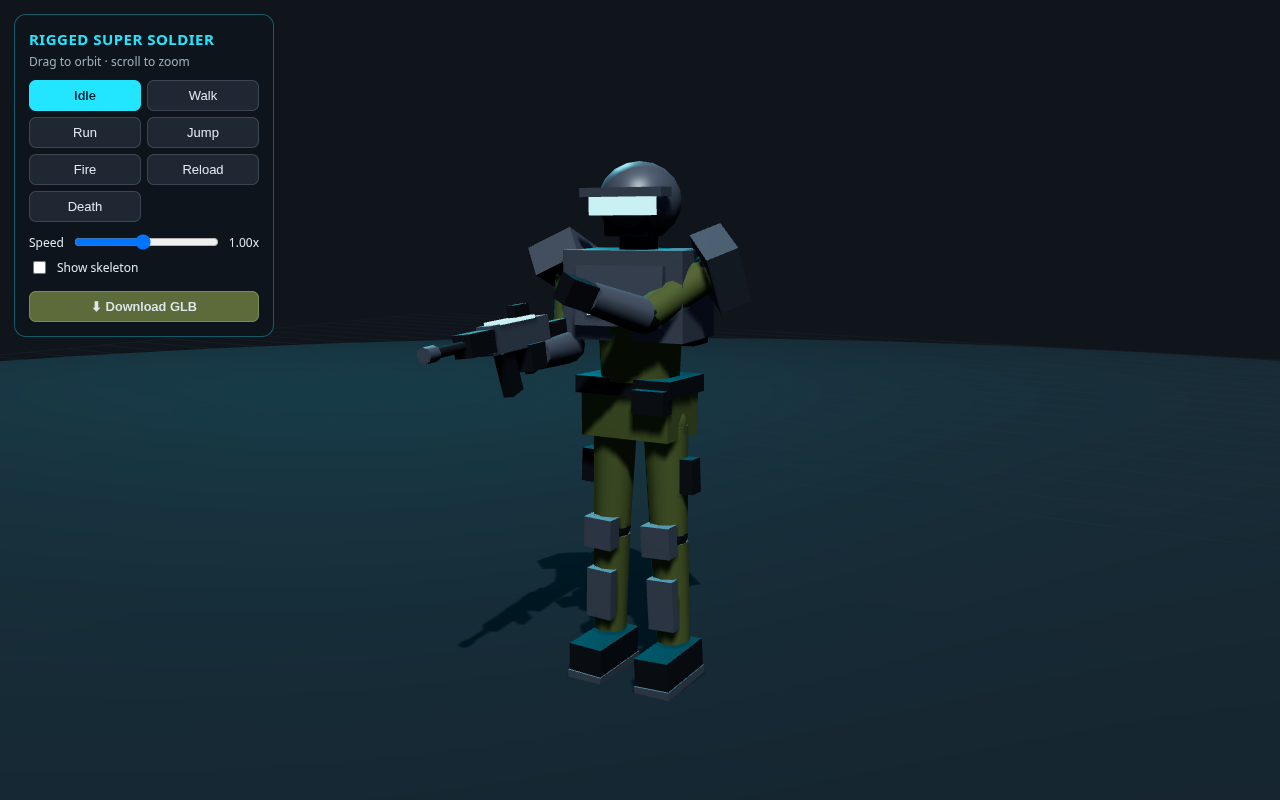
Load a free rigged super soldier GLB in Three.js and give it a full keyboard controller — WASD to move, Shift to run, Space to jump, F to fire.
See the Super Soldier Tutorial