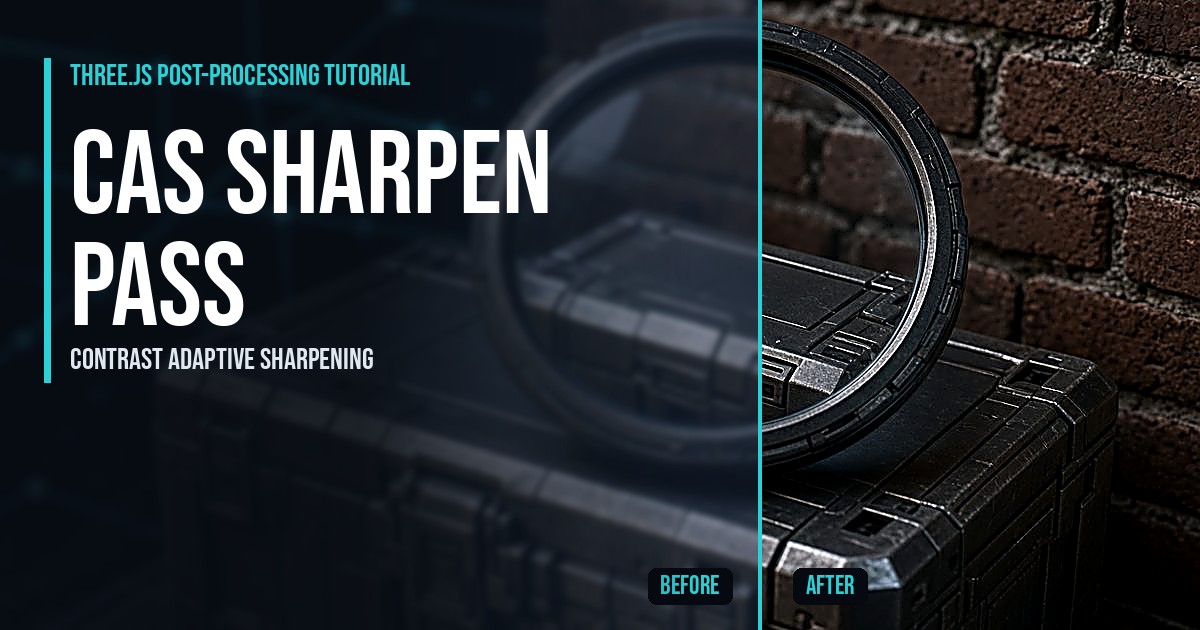
Three.js CAS Sharpen Pass
Build a Three.js sharpen pass with contrast adaptive sharpening (CAS): render at low resolution, sharpen in a custom shader, and compare with a live split line.
All 67 Three.js and 3D game development tutorials from Indie Forge Studio by Shane Brumback. Save any tutorial to Pinterest or flip it to Flipboard.
Build a Three.js sharpen pass with contrast adaptive sharpening (CAS): render at low resolution, sharpen in a custom shader, and compare with a live split line.
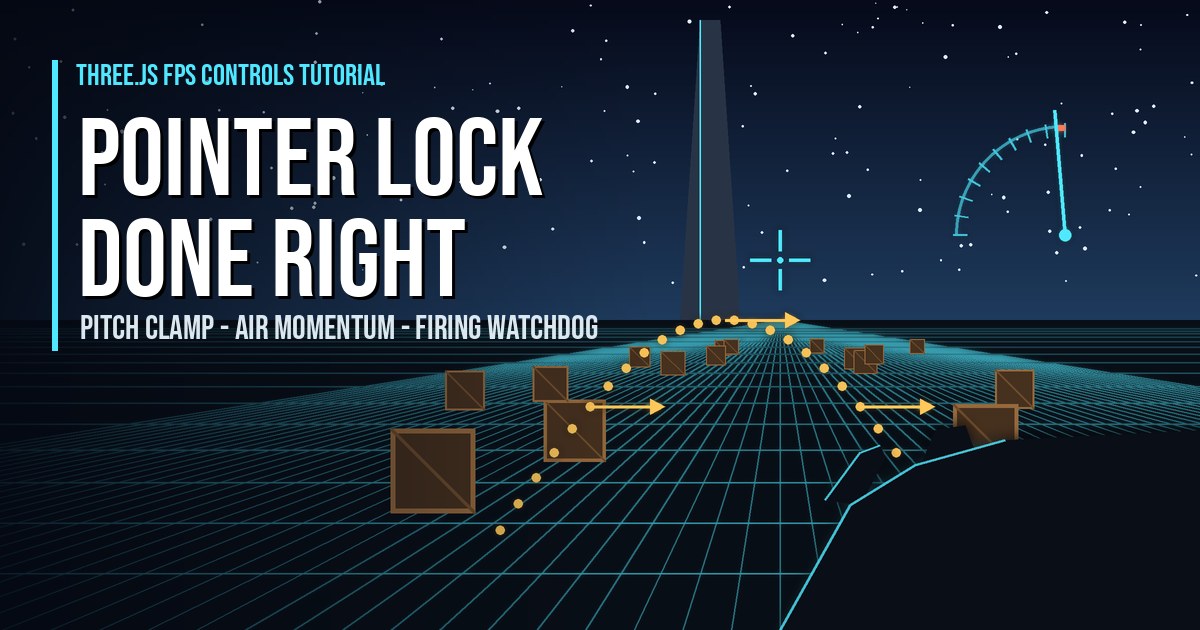
Three.js FPS controls tutorial: PointerLockControls with a pitch clamp, lock-click guard, air momentum, firing watchdog, gun VFX and touch controls.
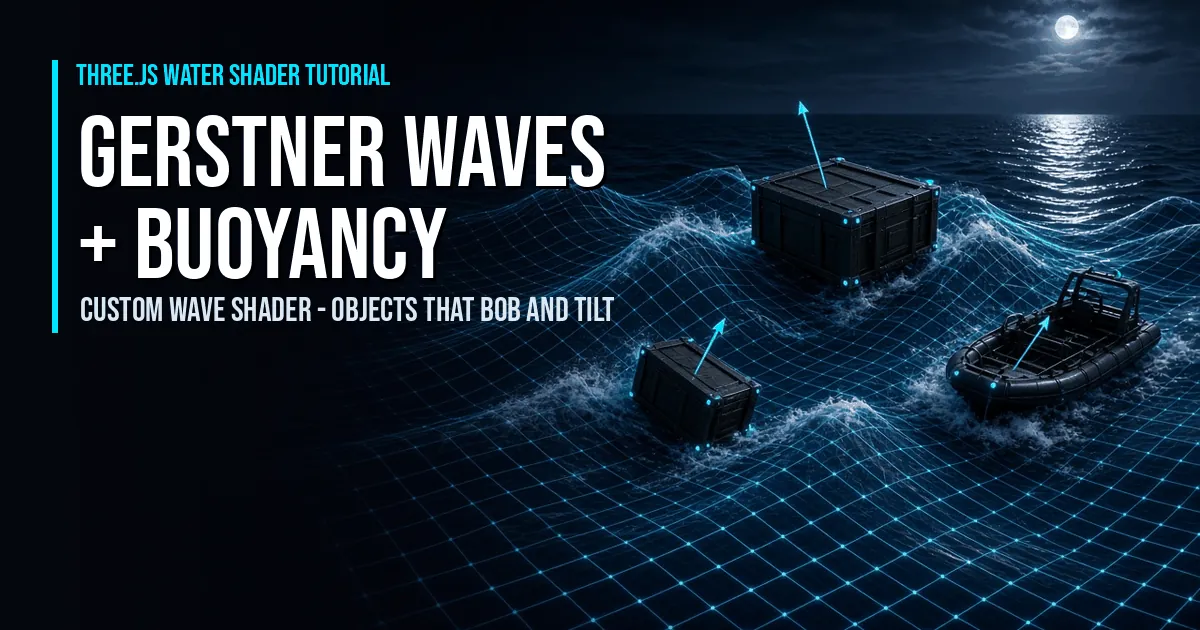
Three.js Gerstner waves and buoyancy tutorial: a custom water shader with wave normals and fresnel, plus crates, a barrel, a raft and a boat that bob and tilt.
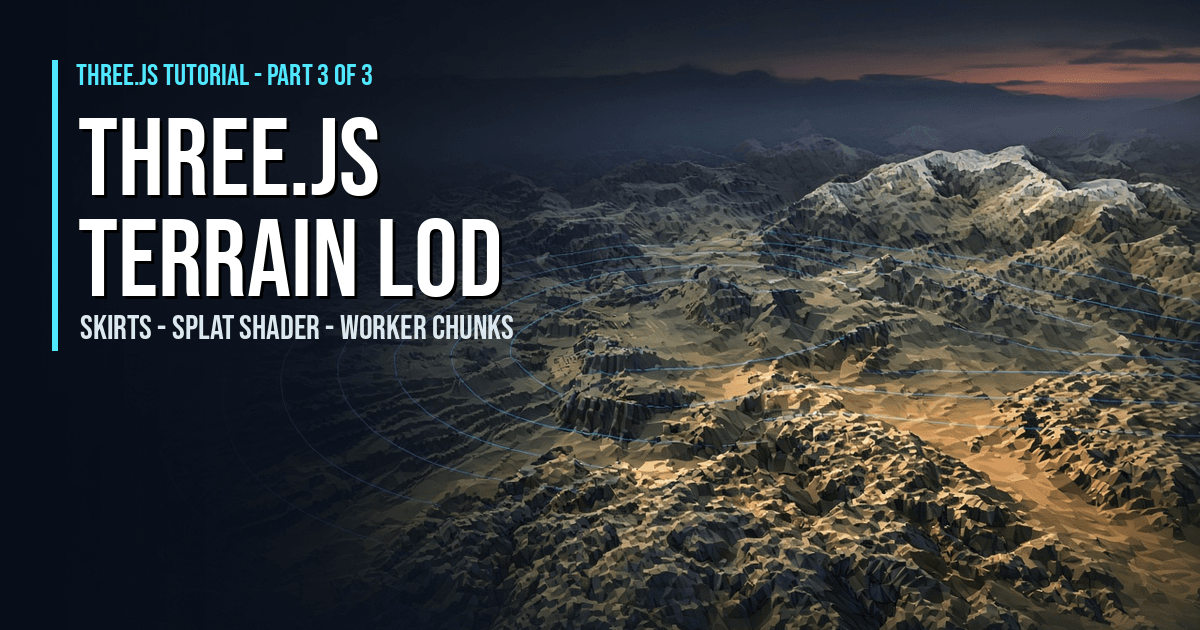
Three.js terrain LOD tutorial: LOD rings with skirts, a height and slope splat terrain shader, Web Worker chunks and slope physics on endless terrain.
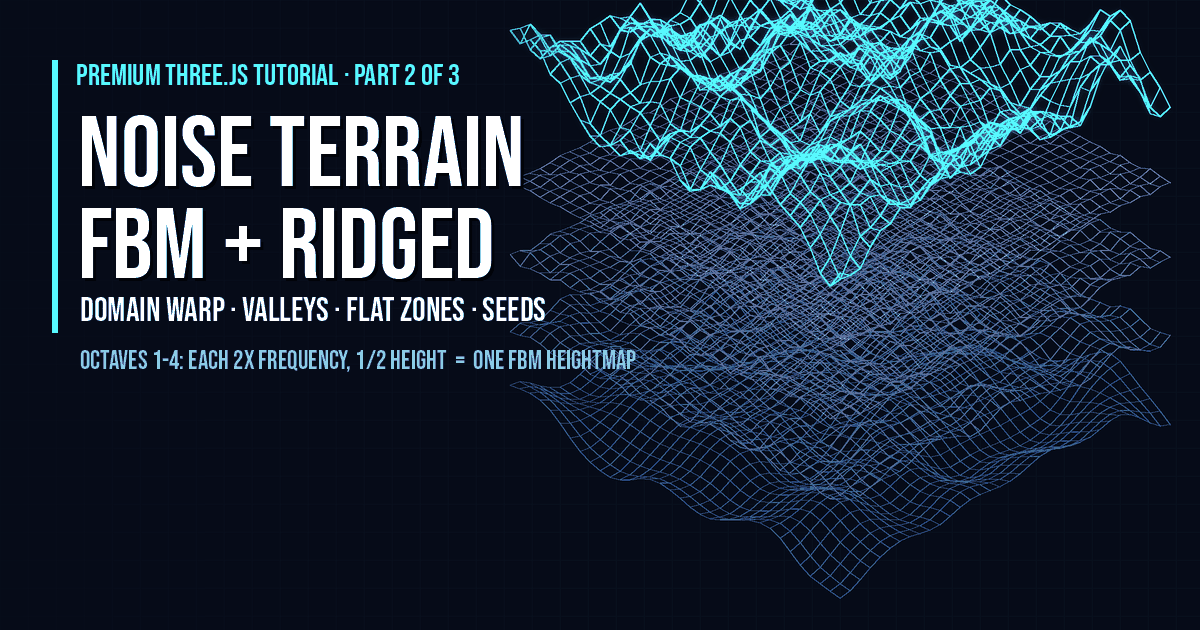
Three.js noise terrain tutorial: build a terrain heightmap with fBm octaves, ridged mountains, domain warping, carved valleys and seeded flat combat zones on top of the Part 1 chun…
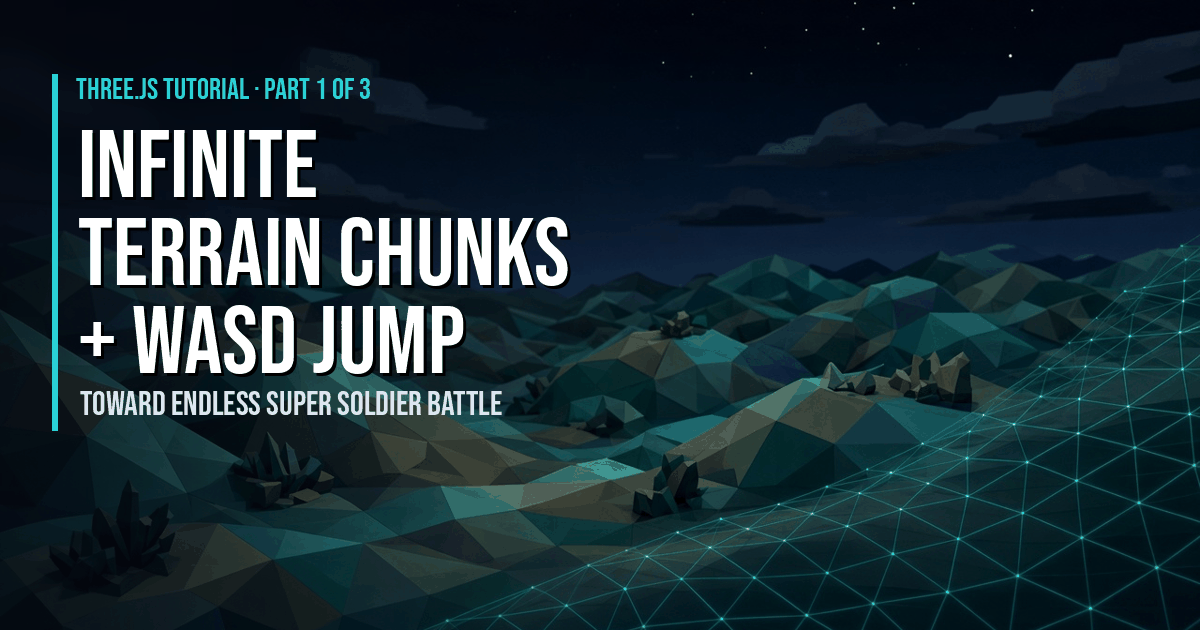
Endless procedural terrain in Three.js tutorial: generate terrain chunks from noise around the player so it never ends, pool and dispose far ones, and add a WASD jump character.
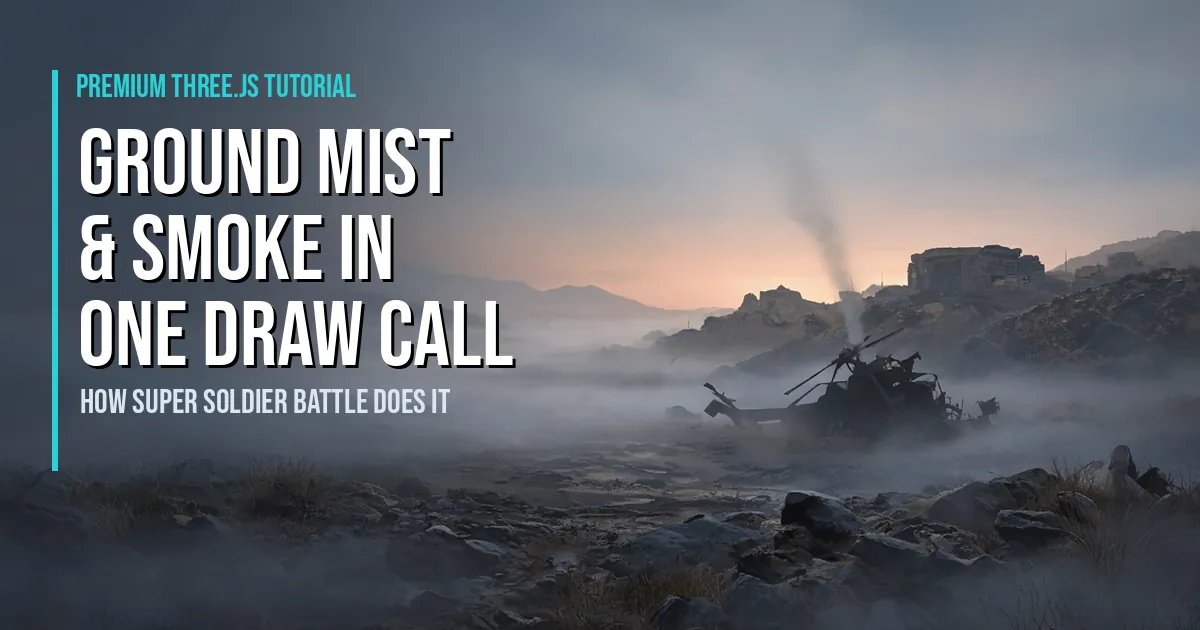
Premium Three.js tutorial: build Super Soldier Battle's valley ground mist as one InstancedMesh of cylindrical billboards, with seeded placement, near-fade, haze sync and a smoke b…
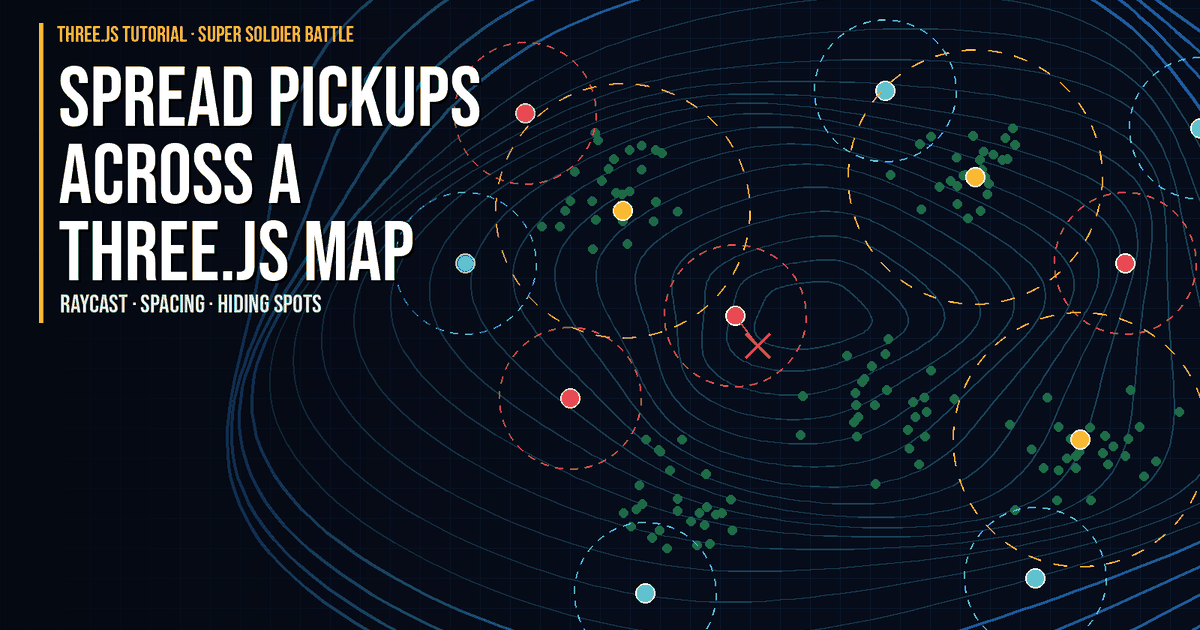
Spread health, ammo and shield pickups across a Three.js terrain: raycast to the ground, keep same-type packs apart, hide rare ones near trees, top up ammo.
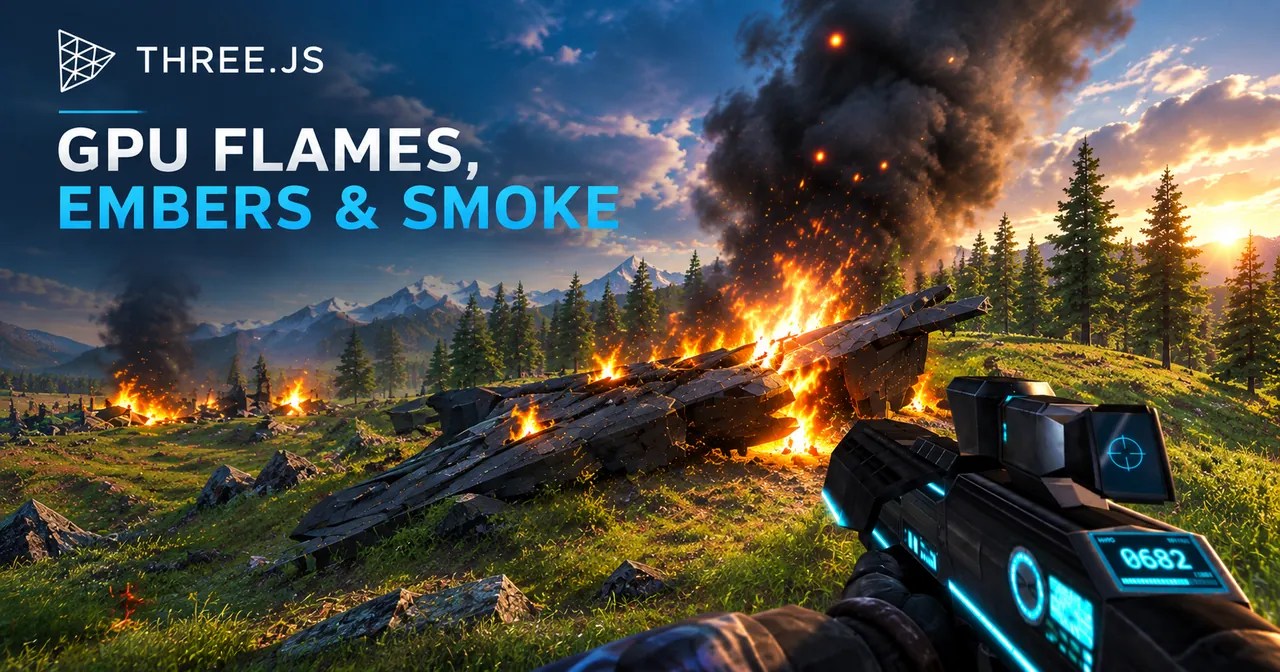
Learn how Super Soldier Battle draws all its ruin fires in two draw calls: vertex-shader particles, distance fade, frustum culling and no PointLights.
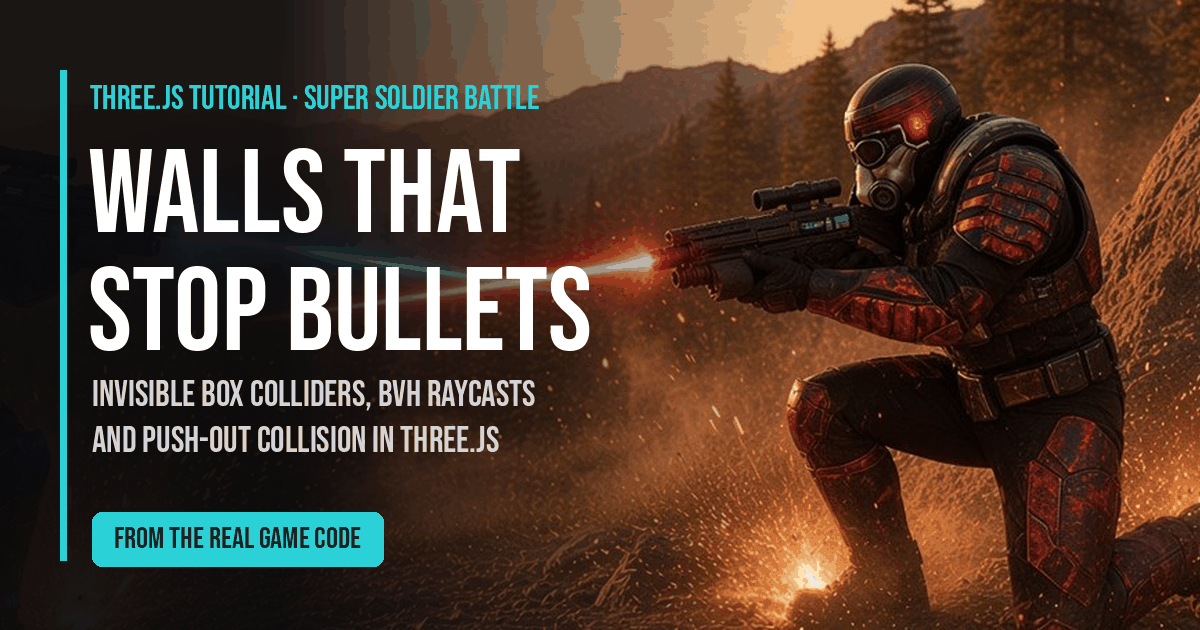
Learn how Super Soldier Battle makes walls block bullets and players in Three.js: invisible box colliders, three-mesh-bvh raycasts, and push-out collision.
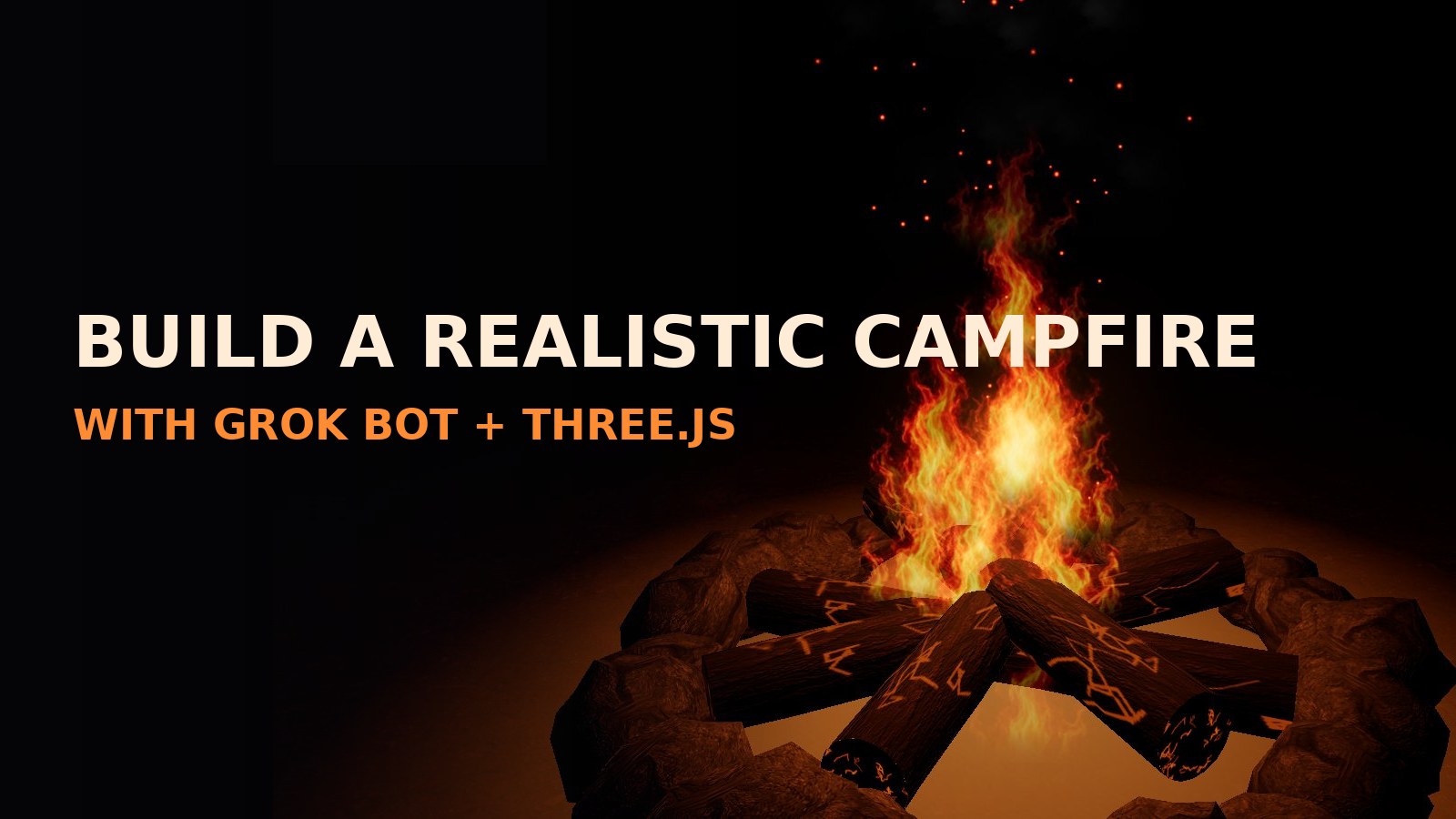
Free tutorial: use Grok Bot to build a glowing, realistic Three.js campfire — generated fire flipbook tiles, particle flames, embers, drifting smoke, flickering light, bloom, and p…
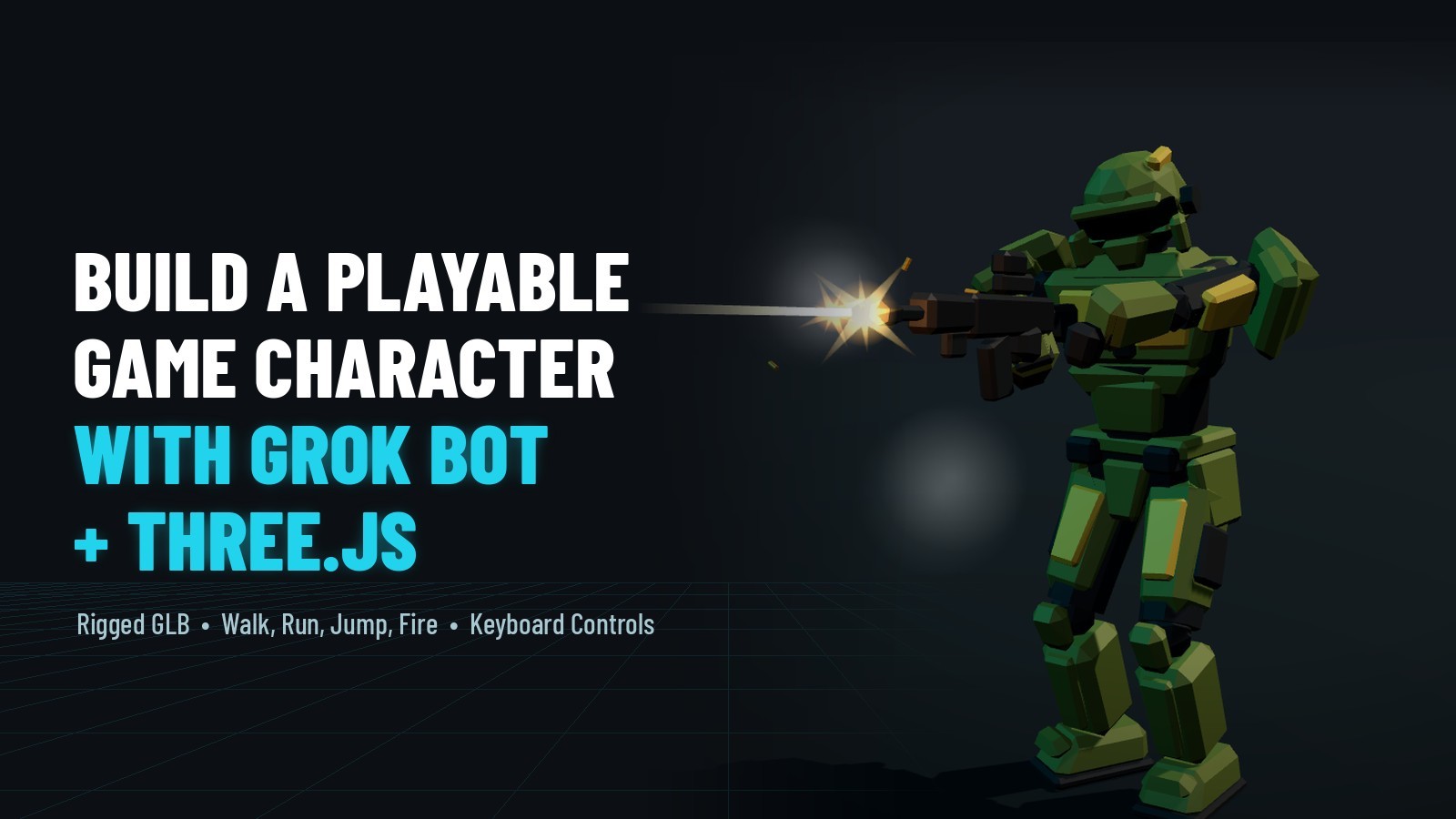
Free tutorial: use Grok Bot to build a rigged, animated, playable Three.js game character from one concept image — walk, run, jump, fire and reload with gun effects, then load the …
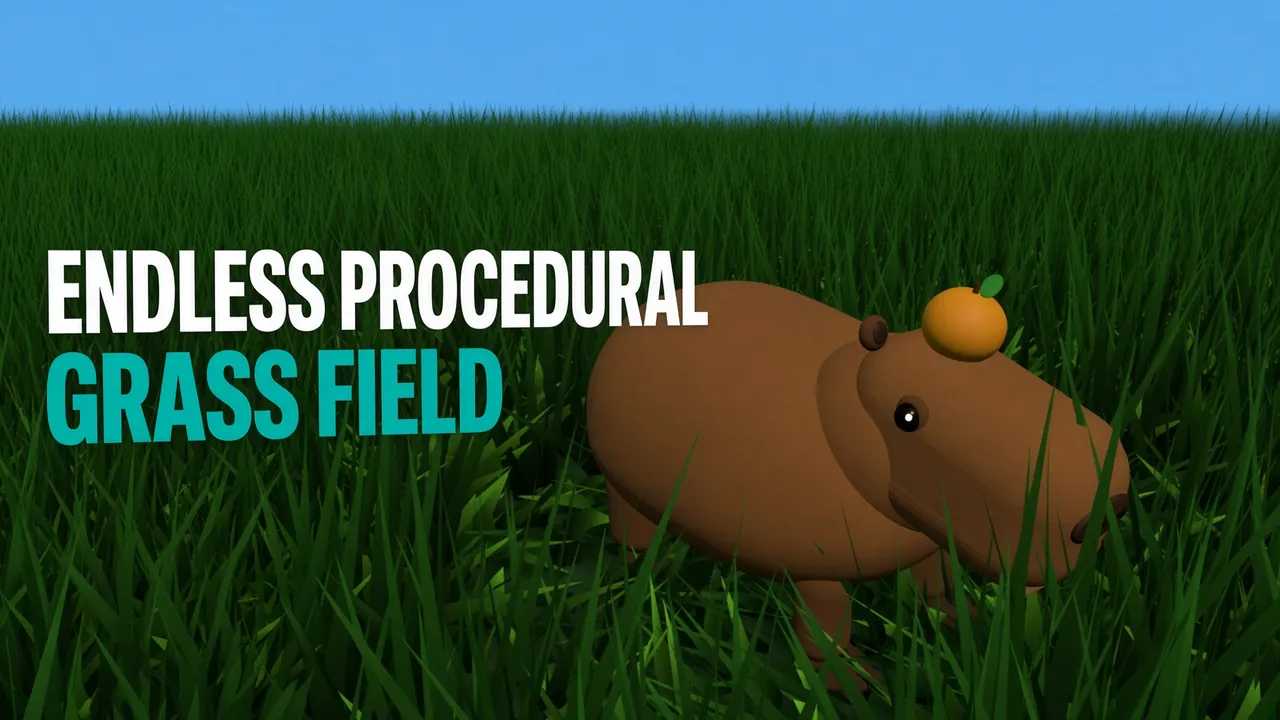
Three.js tutorial: build an endless procedural grass field with realistic wind — thousands of blades drawn in one draw call with InstancedMesh and a GLSL wind shader — then drive a…

Free Three.js tutorial: build a 3D rockfire explosion — jagged debris rocks that burst and bounce under gravity, additive fire and sparks, drifting smoke, a shockwave ring, a flash…

A developer tutorial: load a free rigged GLB soldier in Three.js with GLTFLoader, play its 7 animation clips with an AnimationMixer, and add WASD / arrow-key movement, Shift to run…
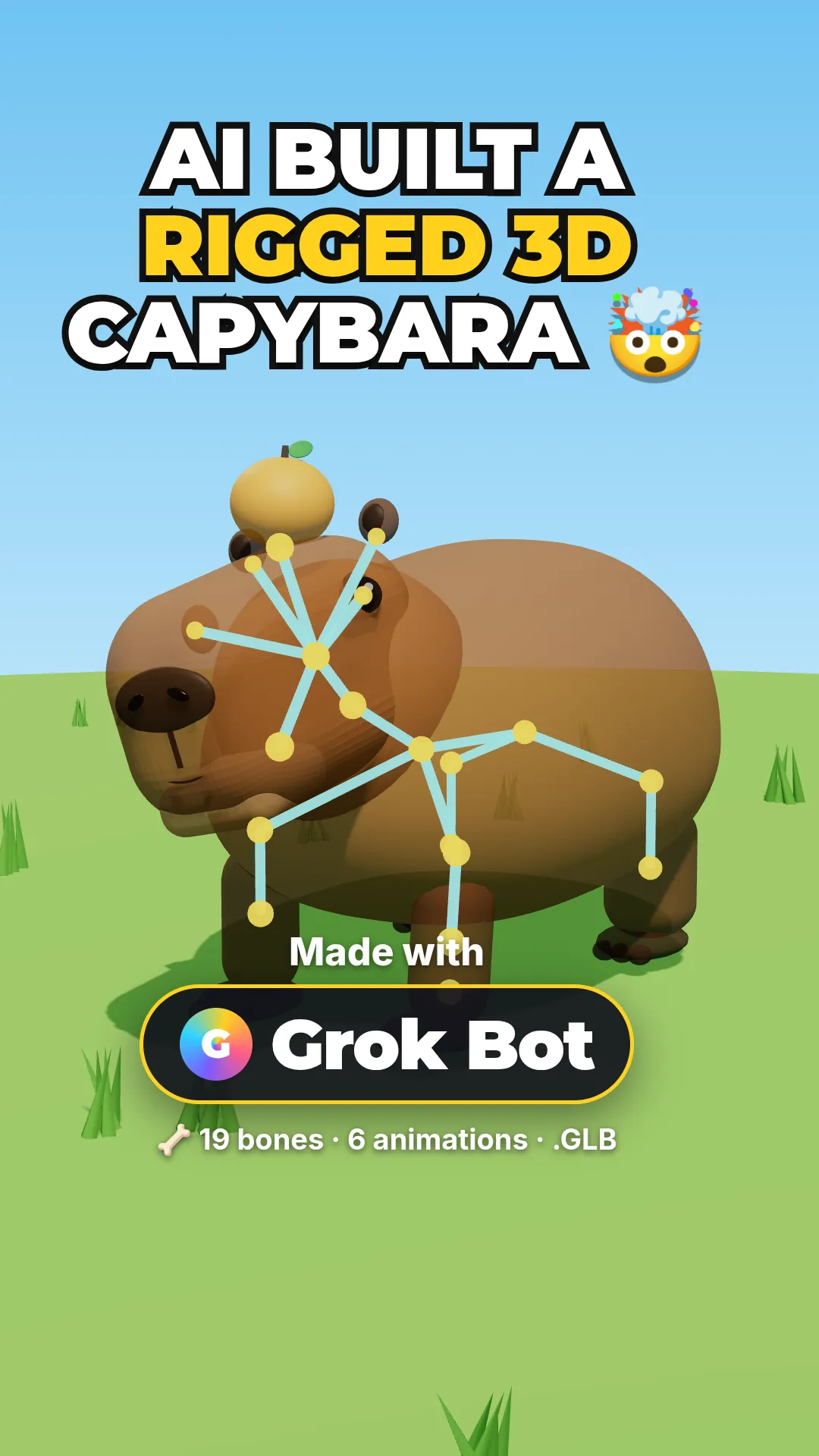
See how a rigged, animated 3D capybara was made with Grok Bot — no code, just three plain-English messages that returned a Three.js model, a rigged GLB and a YouTube Short. Live de…
Learn how to add cinematic bloom glow in Three.js using EffectComposer and UnrealBloomPass. Live demo, FAQ schema, step-by-step code, and a full copy-paste example.
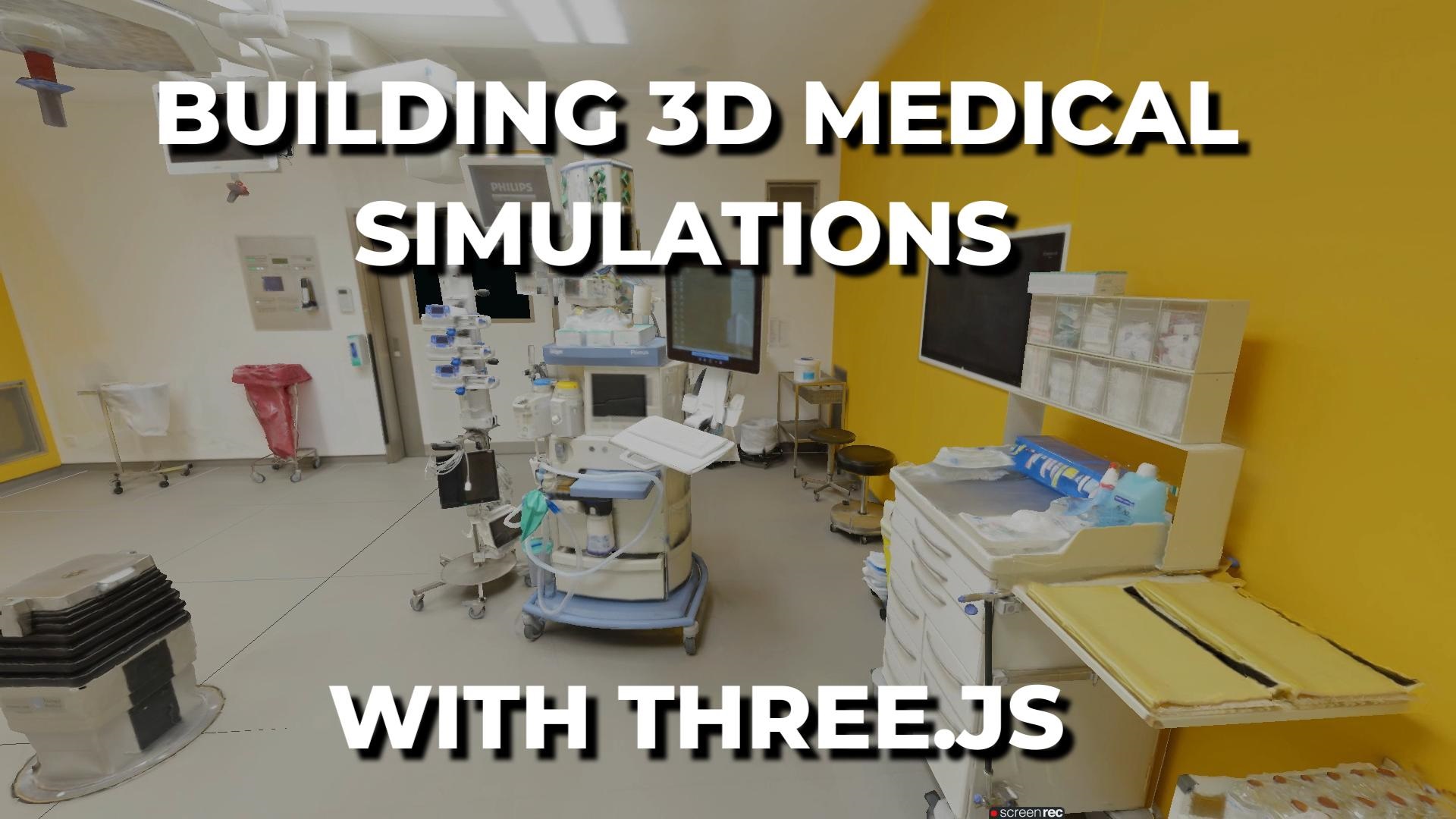
Learn how to build immersive 3D medical simulations using Three.js. Interactive anatomy models, surgical training, patient education, and real-time 3D visualizations in the browser…
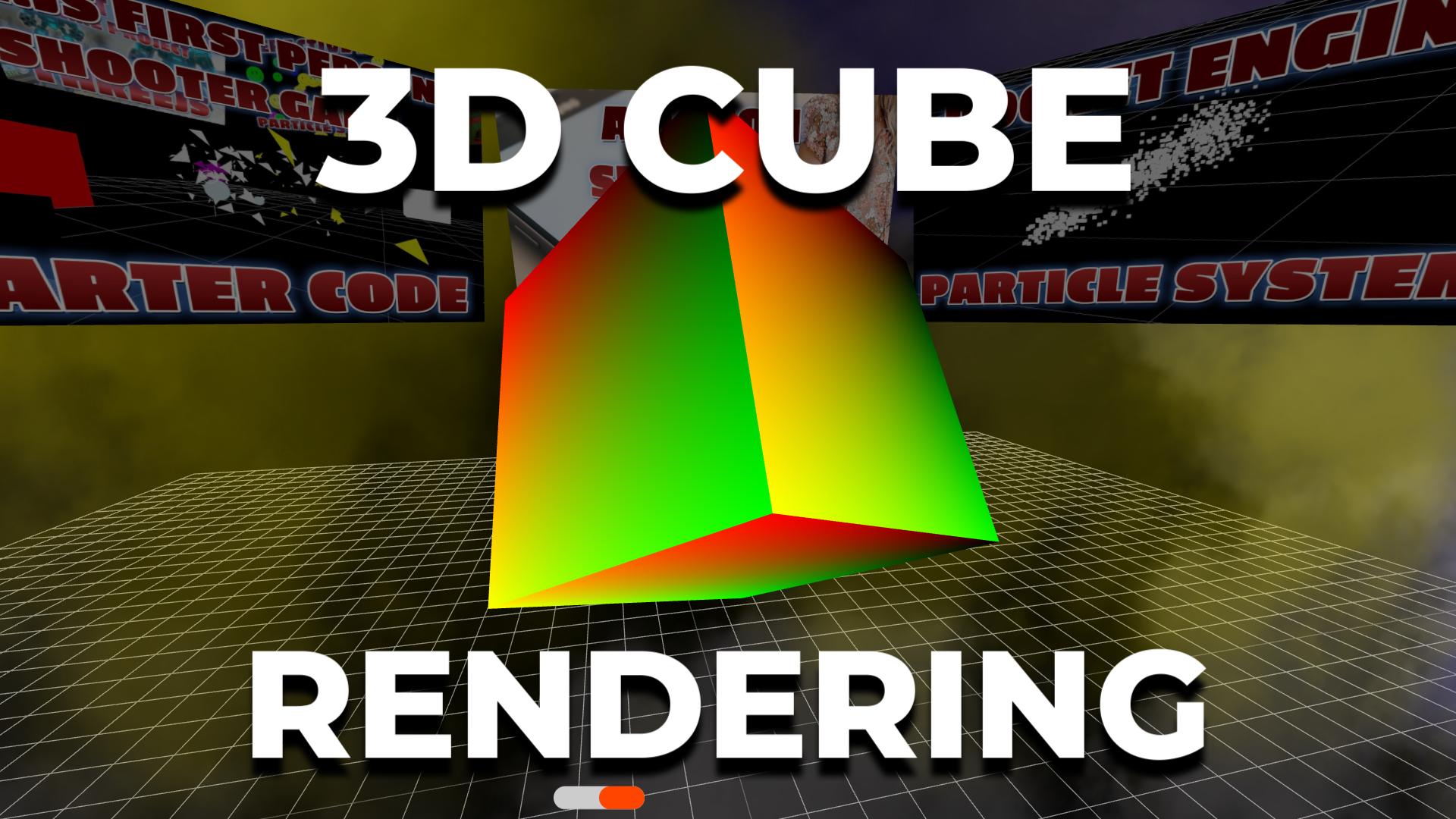
Free Three.js beginner tutorial: render a rotating 3D cube in the browser. Set up a scene, camera, renderer, lighting, and the animation loop in under 50 lines. Live demo, copy-pas…
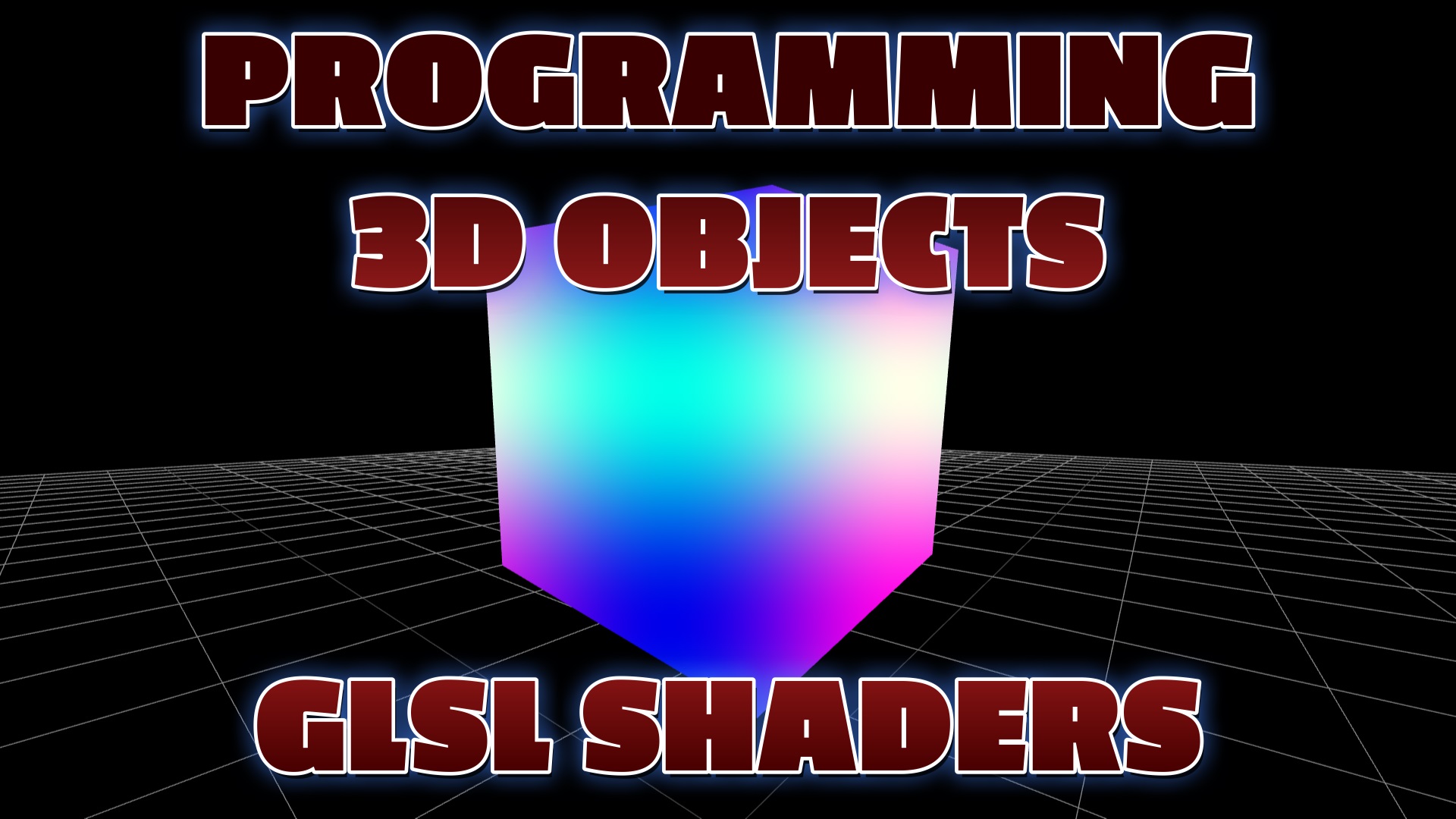
Learn how to create your very first 3D scene with Three.js. Build a colorful spinning cube with lighting, shadows, and smooth animation in under 100 lines of code.
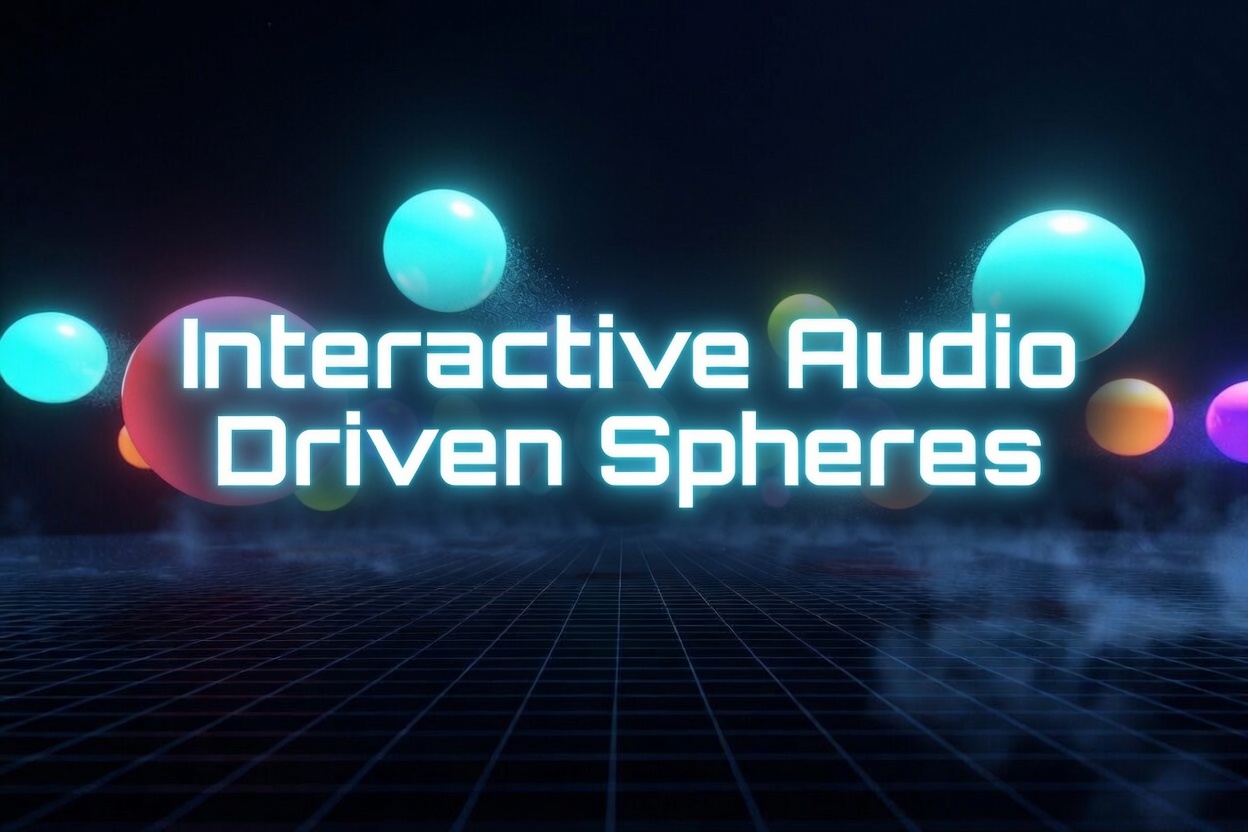
Learn how to create colorful 3D spheres that bounce to music using Three.js AudioAnalyser. Complete interactive tutorial with live demo, OrbitControls, and real-time frequency visu…
Discover the best resources, tutorials, and courses for learning Three.js and game programming for web developers. From beginner to advanced.
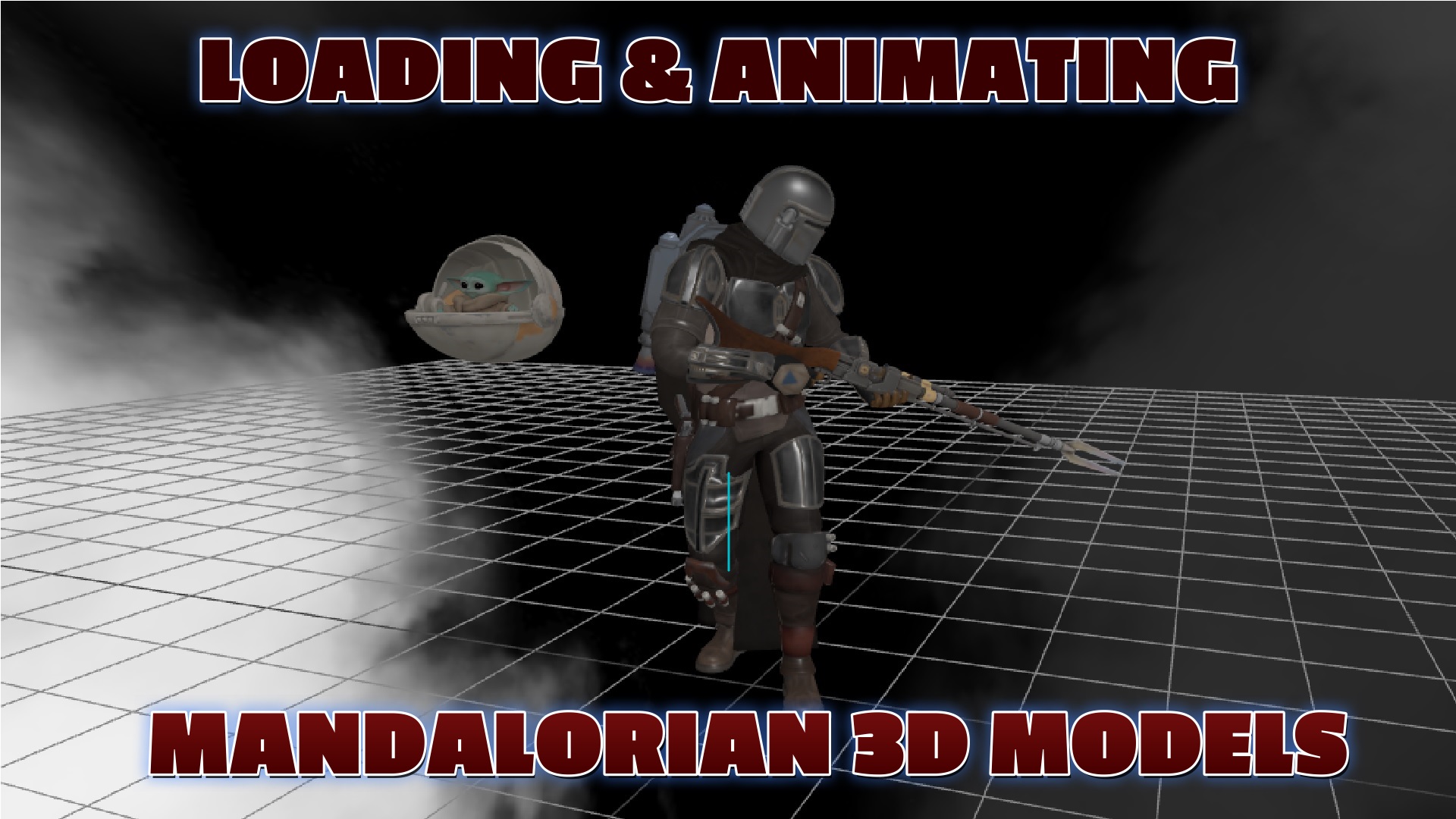
Example code: How to load and animate the Mandalorian character from Star Wars using Three.js and GLTF models.
Learn how to program 3D games and interactive web applications using Three.js. Complete examples, techniques, and best practices for web developers.

Why build 3D interactive menus and websites with Three.js: immersive visuals, real interactivity, realistic WebGL rendering, cross-platform reach, and a huge community. Includes a …
Learn how to implement smooth first-person controls in 3D browser games using Three.js Pointer Lock Controls. Complete tutorial with code examples and best practices.
Learn how to create powerful online 3D browser games using Three.js. Complete guide with examples, controls, performance tips, and best practices.
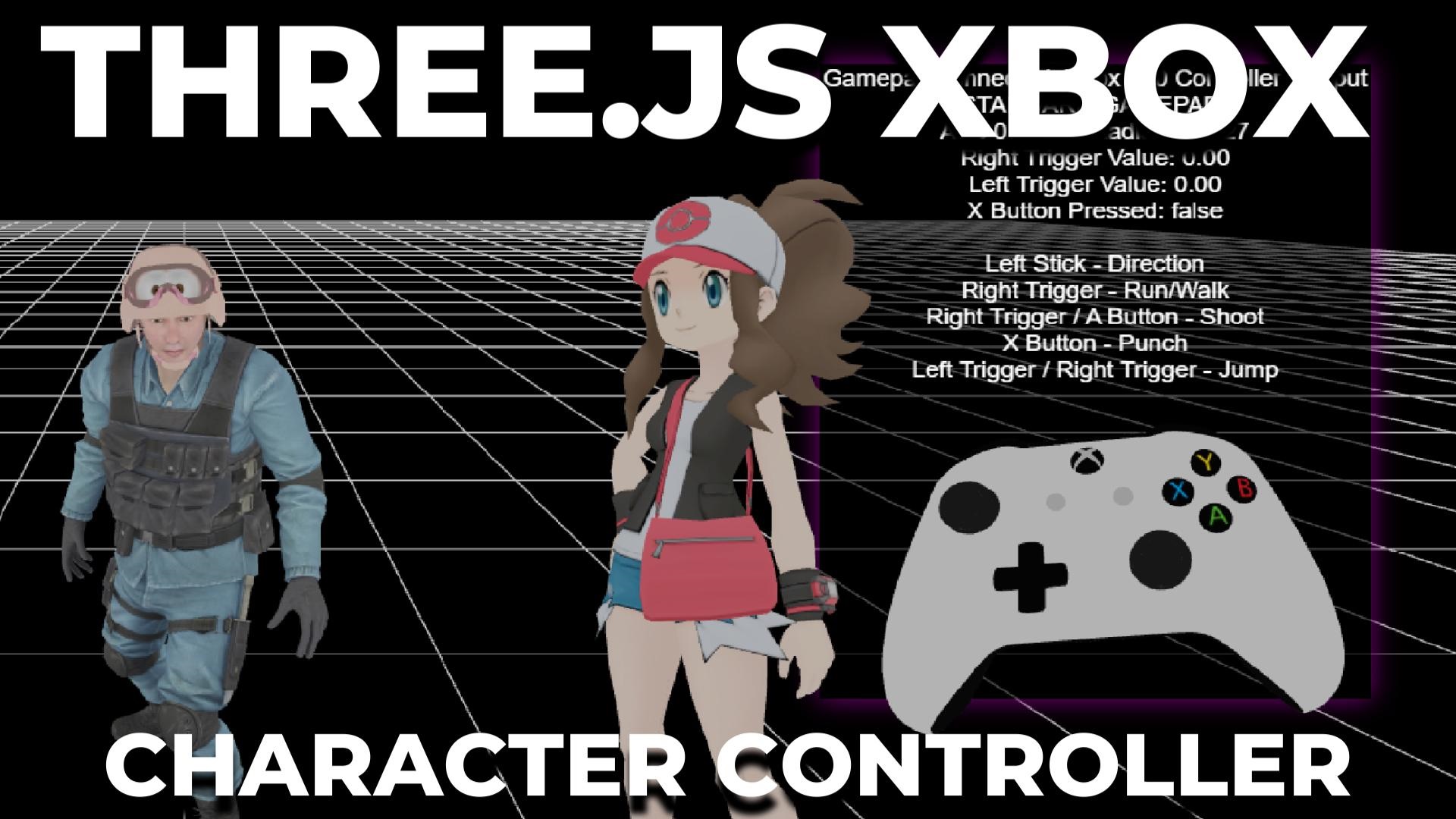
Shane Brumback — Professional Three.js developer and founder of Indie Forge Studio. Play free no-download browser games including Endless Sky Battle, Zombie Attack, and Super Sol…
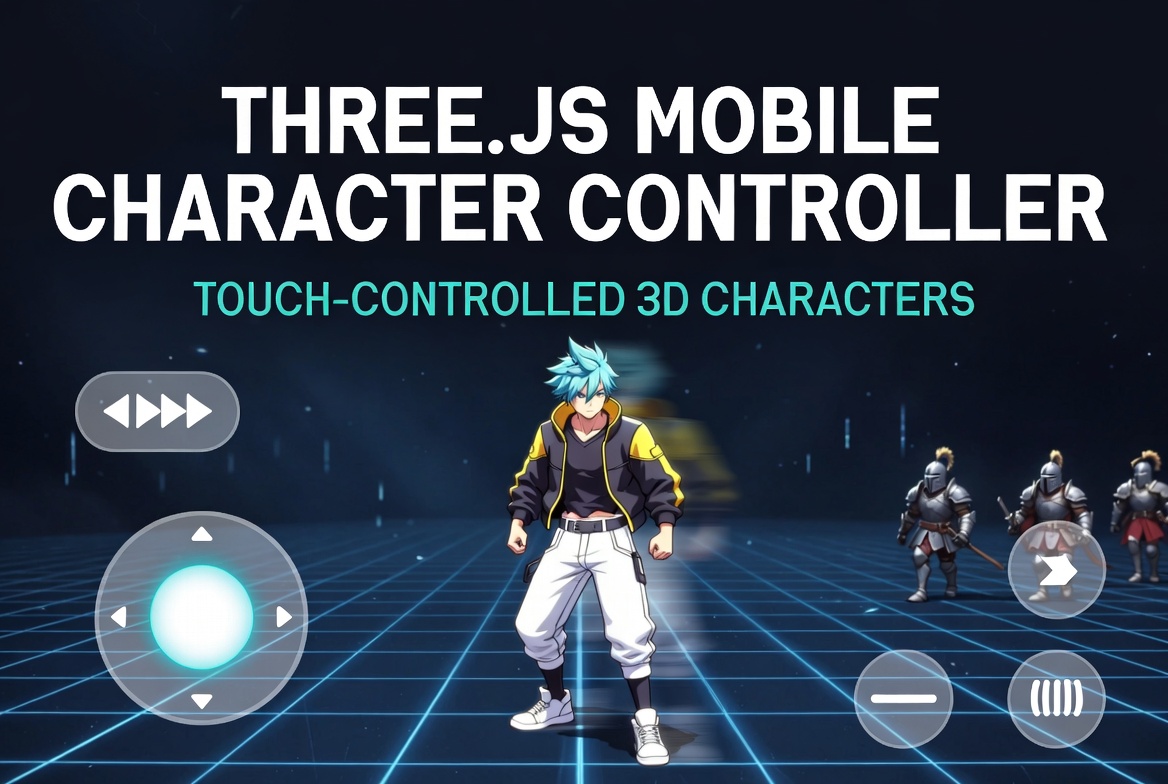
A mobile on-screen game controller is a virtual interface displayed on the screen of a mobile device that allows users to interact with and control games, typically through touch i…
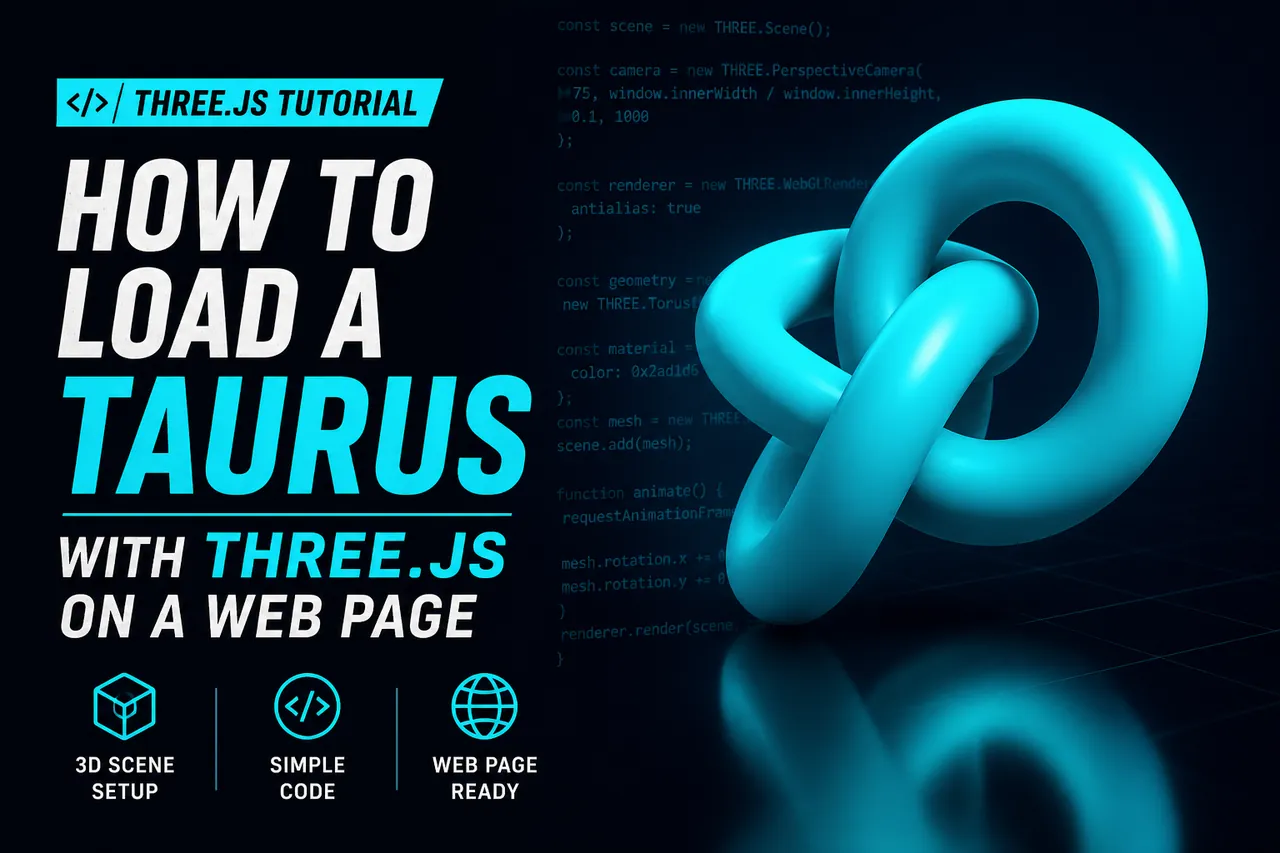
Learn how to load and render a Torus Knot in Three.js on a web page. Includes live demo, step-by-step code, and full copy-paste example.
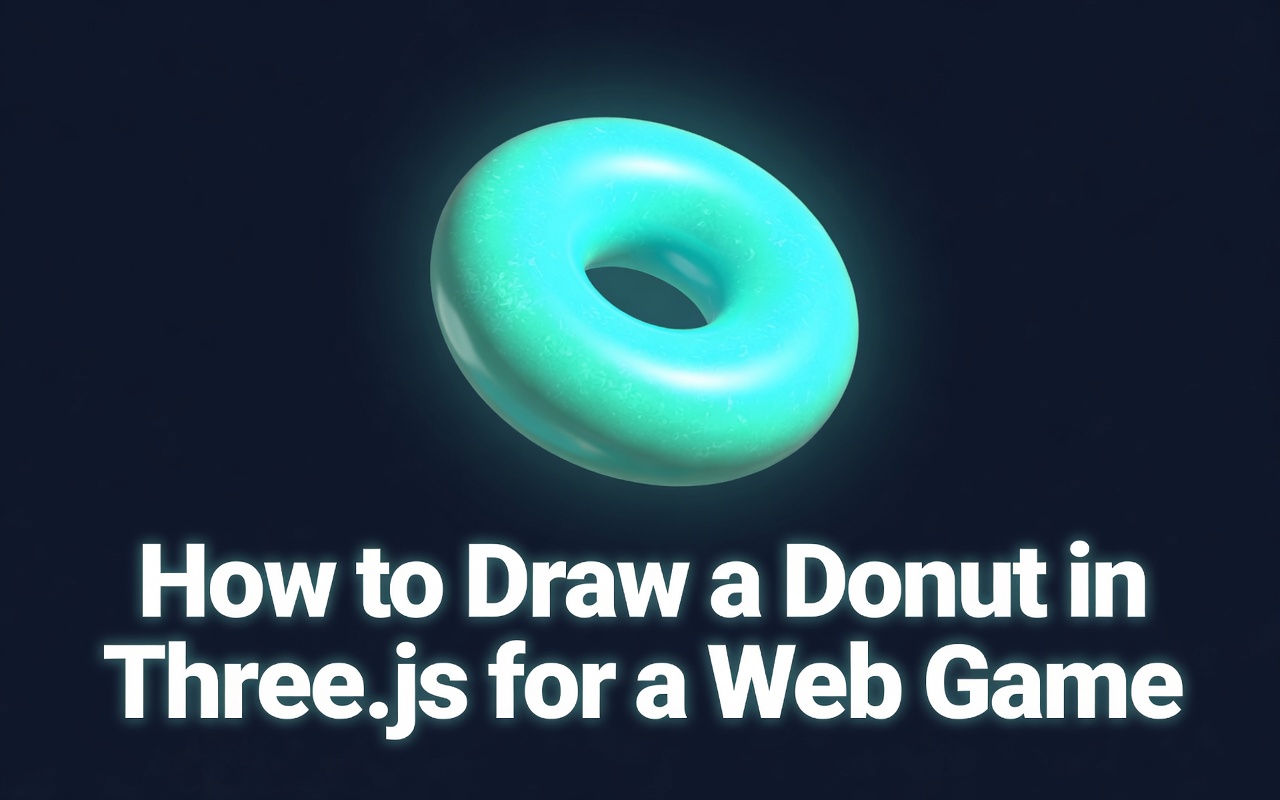
Complete beginner-friendly tutorial: Load a Three.js scene and create a beautiful rotating donut using TorusGeometry. Includes live demo and full working code.
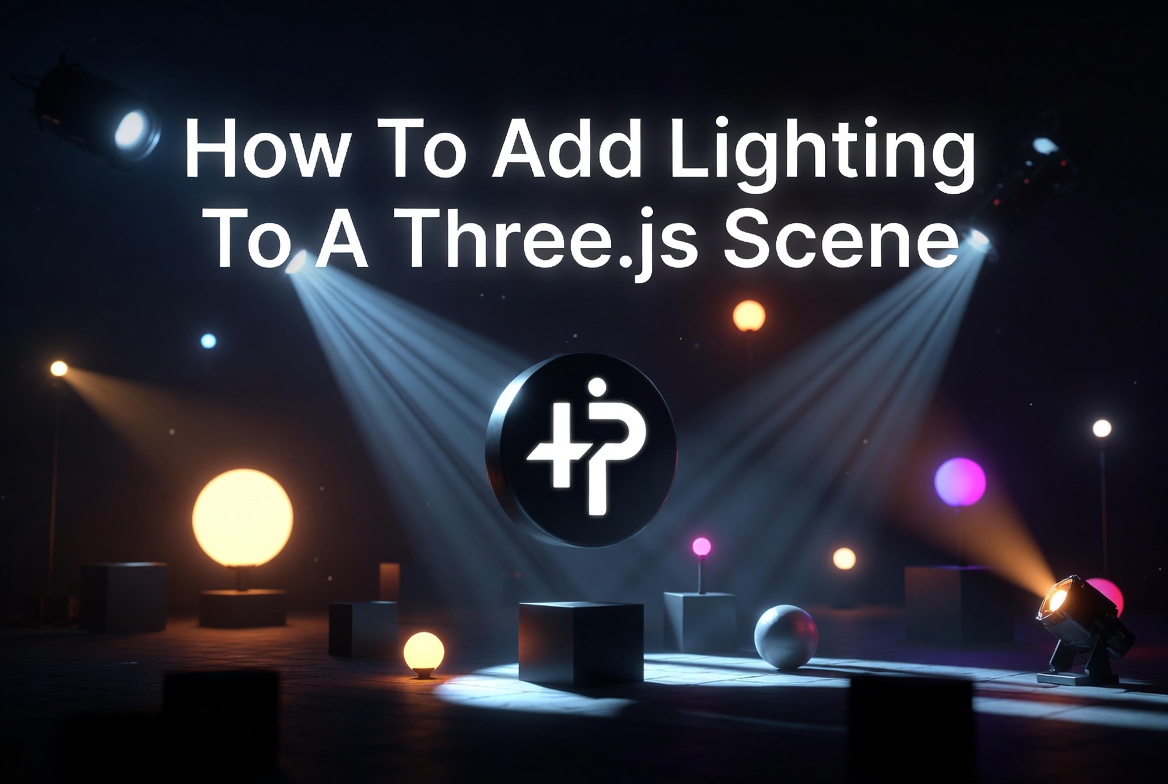
Learn how to add AmbientLight, DirectionalLight, PointLight and SpotLight to a Three.js scene to create realistic and visually stunning 3D environments.
Learn how to add transparent PNG textures to 3D objects in Three.js: alpha blending, alphaTest cutouts, additive glow sprites, depthWrite and a live VFX demo with full free code.
Free Three.js tutorial: build an animated multi-color cloud of smoke-textured particles that drift and rotate in 3D. Live demo, copy-paste code, and step-by-step setup.
Step-by-step Three.js tutorial: build a soft animated cloud effect using rotating smoke-textured planes. Live demo and setup walkthrough are free; the full copy-paste code is a mem…
Code examples and demo for loading and animating GLTF 3d models with Three.js
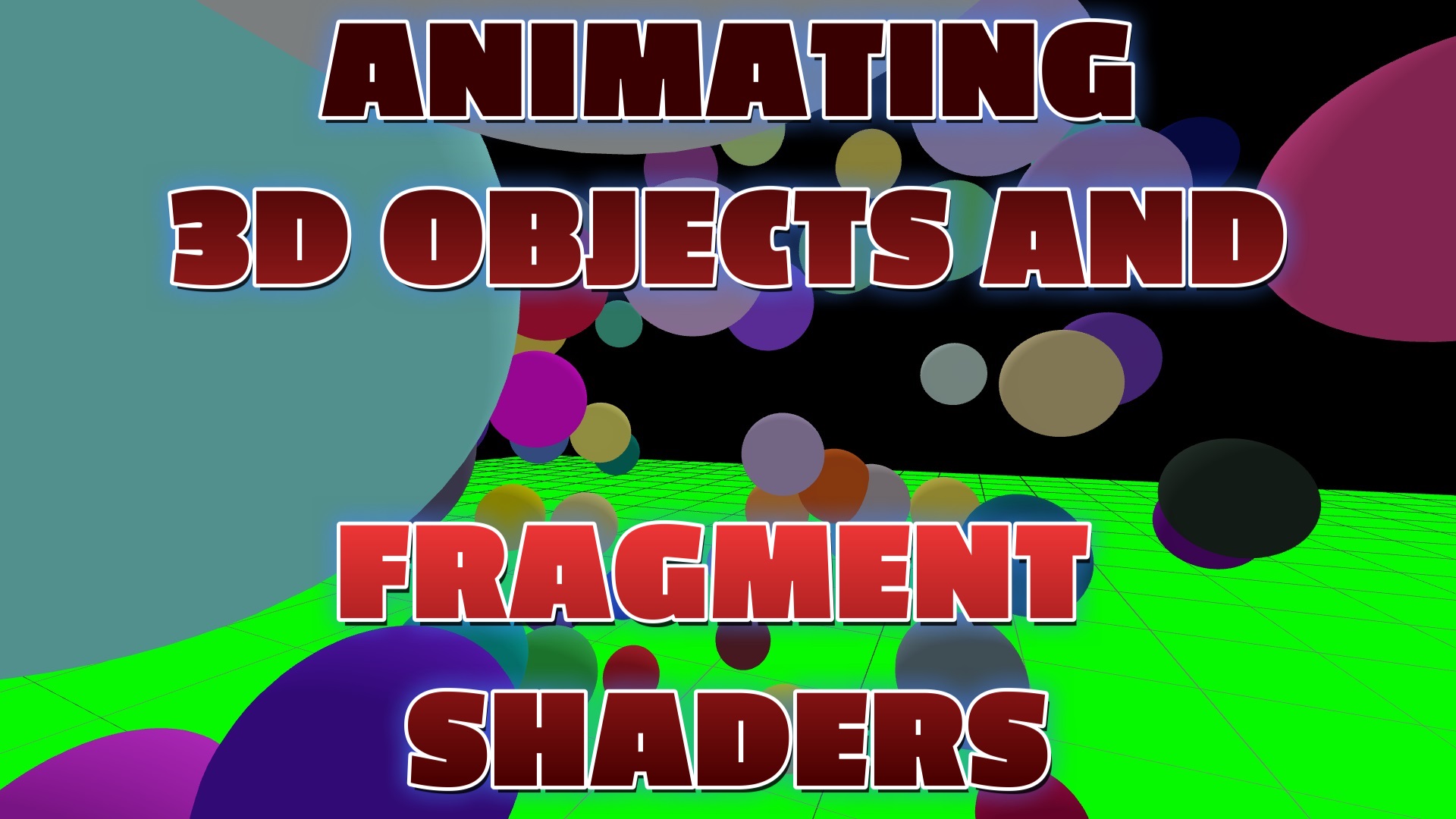
Free Three.js tutorial: animate bouncing 3D spheres and render an animated GLSL fragment shader in the browser. Live demo, copy-paste code, and a full shader walkthrough.
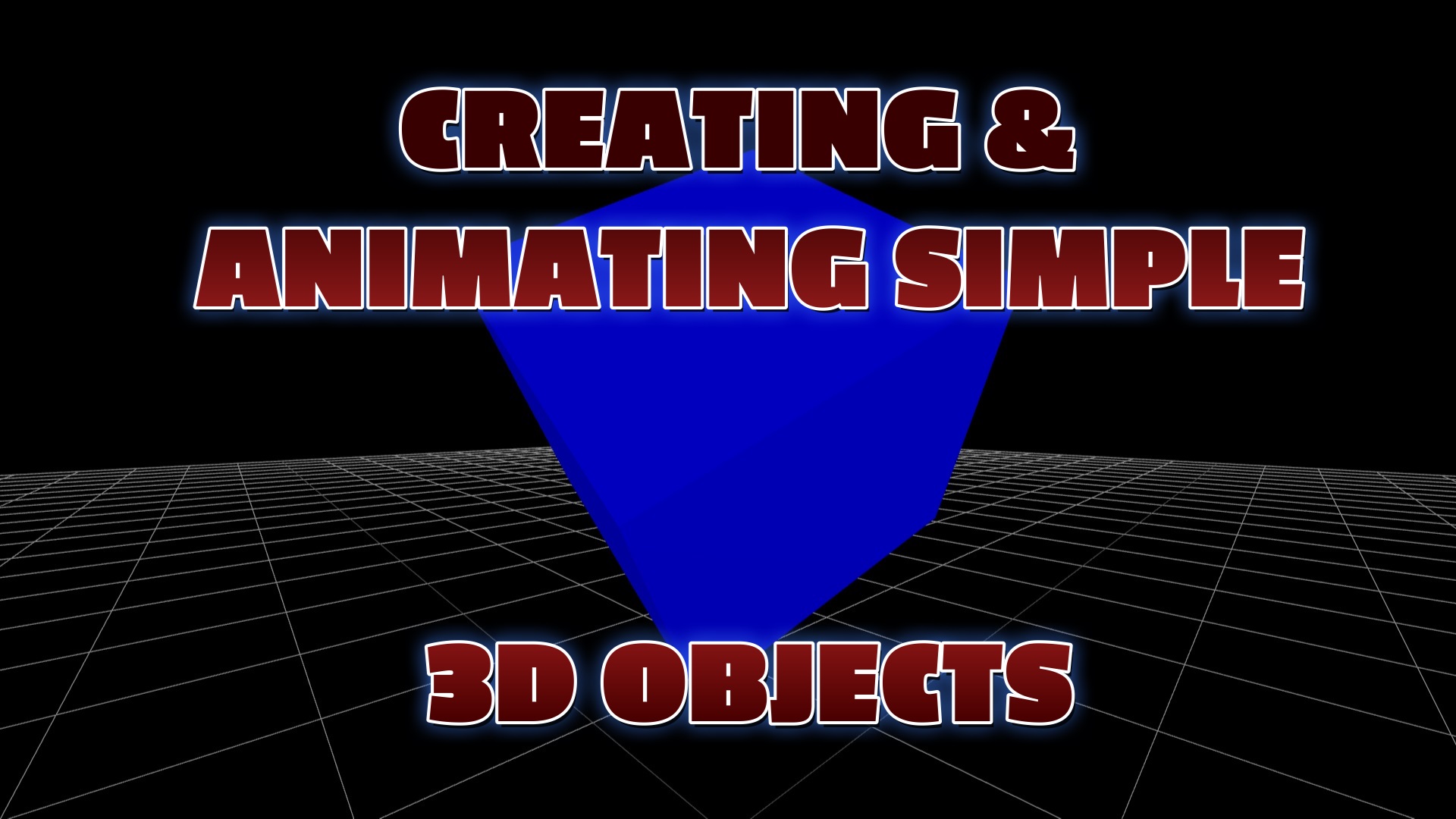
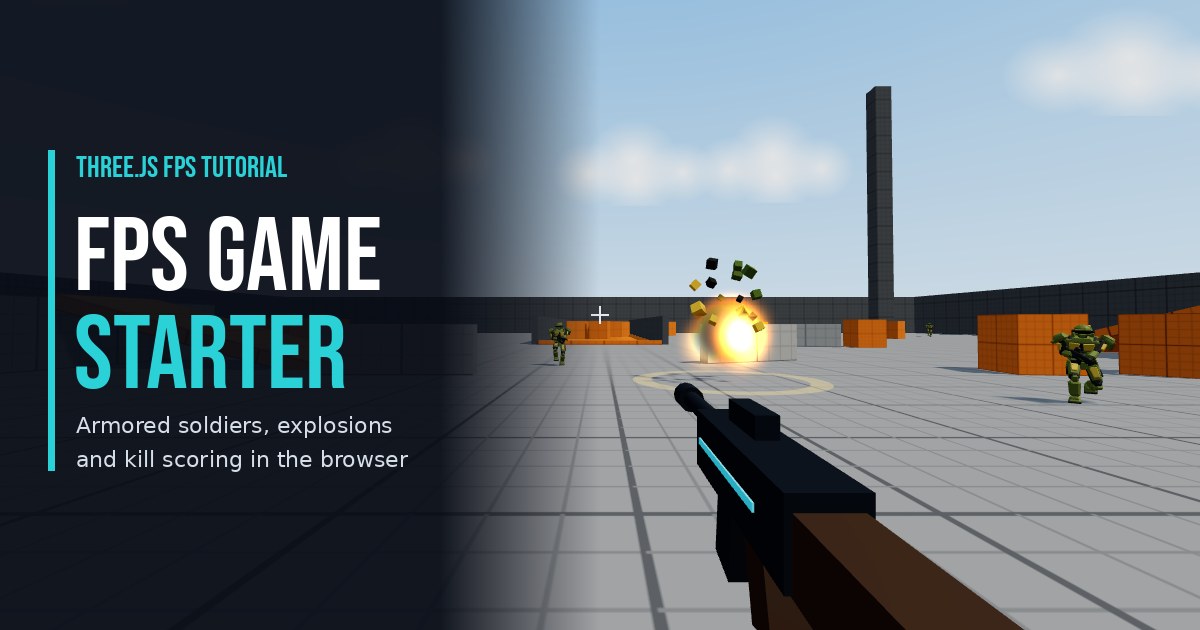
Build a browser FPS game in Three.js step by step: mouse-look, WASD movement, shooting, hit detection and explosions. Play the live demo, then copy the free code.
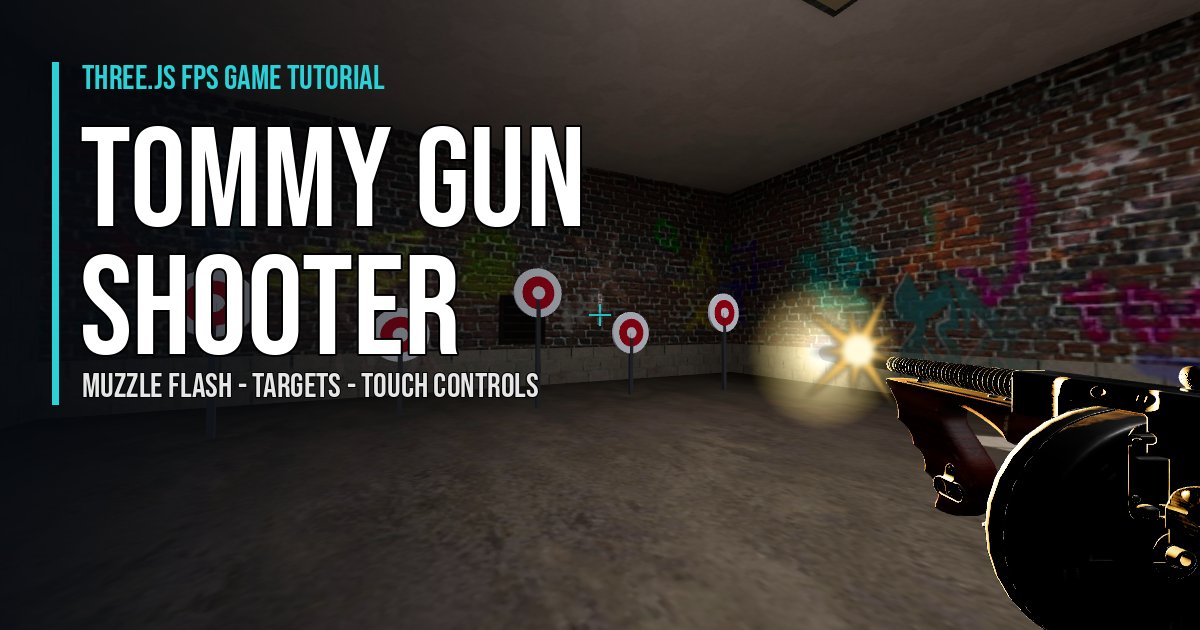
Three.js FPS game tutorial: a Tommy gun shooter with pointer lock, muzzle flash, bullet holes, sparks, recoil, scoring targets, wall collision and mobile touch controls.
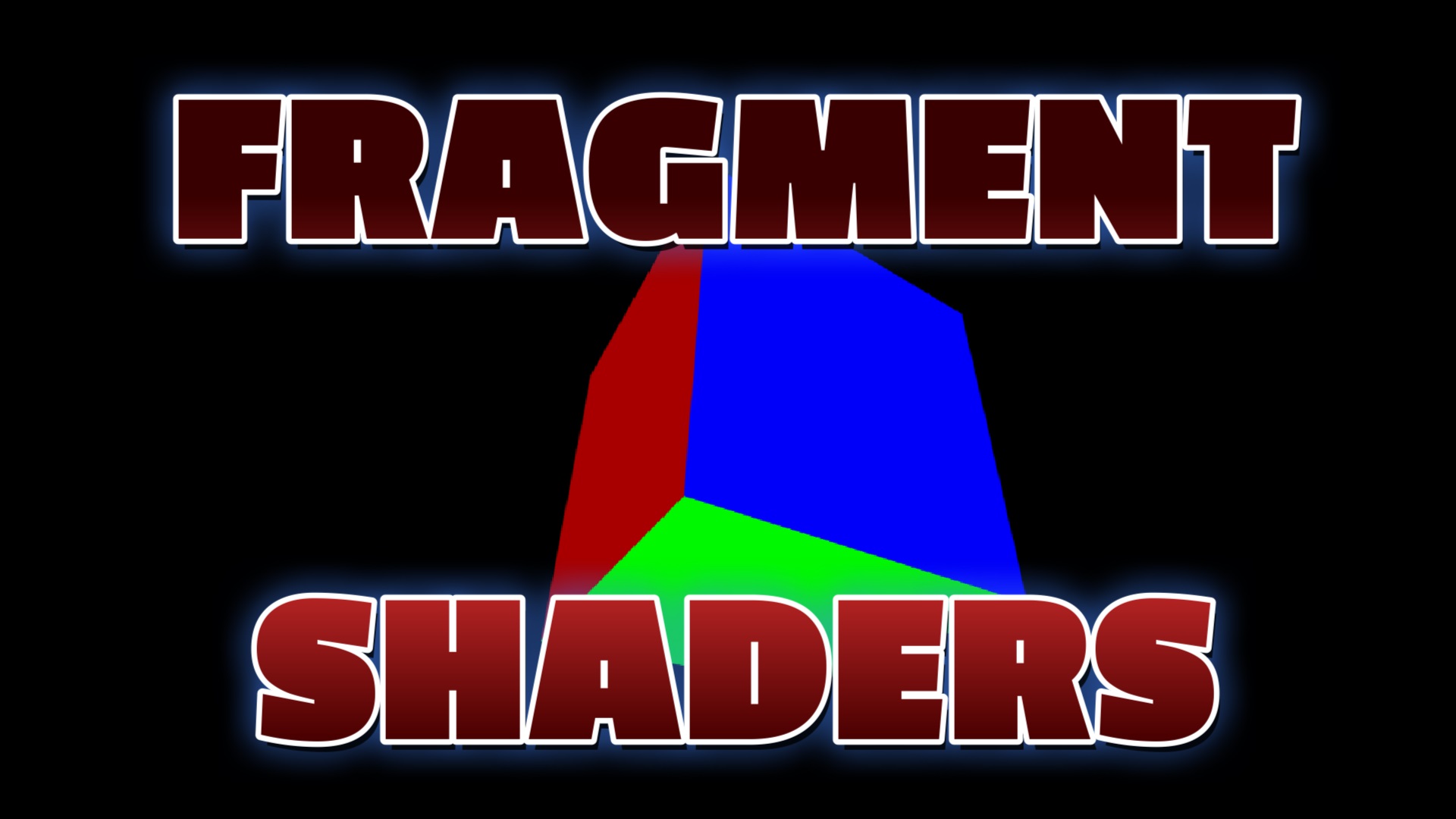
Free Three.js tutorial: program a flashing, pulsing fragment shader effect on a 3D cube using ShaderMaterial and a time uniform. Live demo and copy-paste GLSL code.
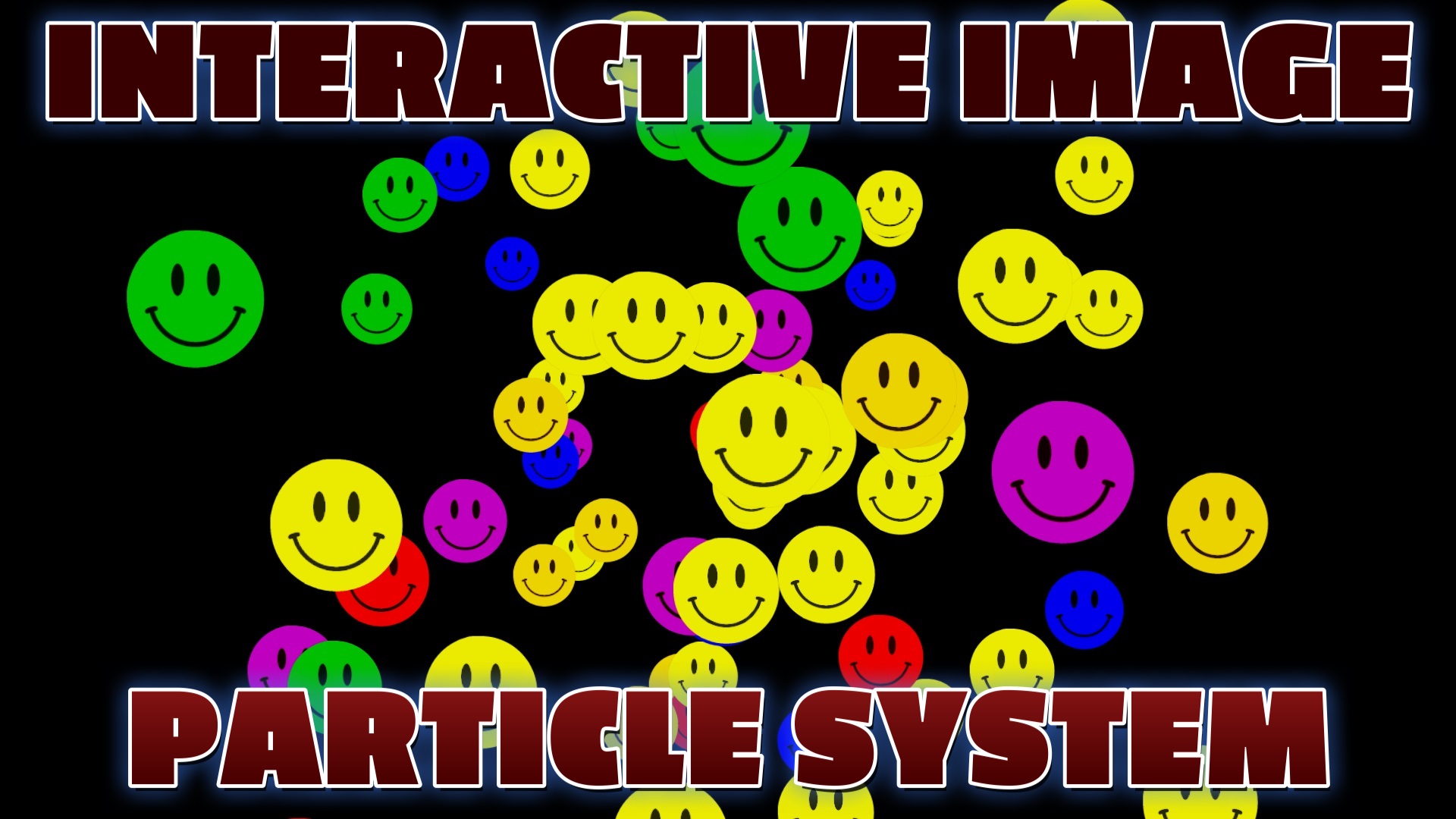
Free Three.js tutorial: build an interactive particle system of smiley-face images that scatter away from your mouse using raycasting. Live demo and copy-paste code.
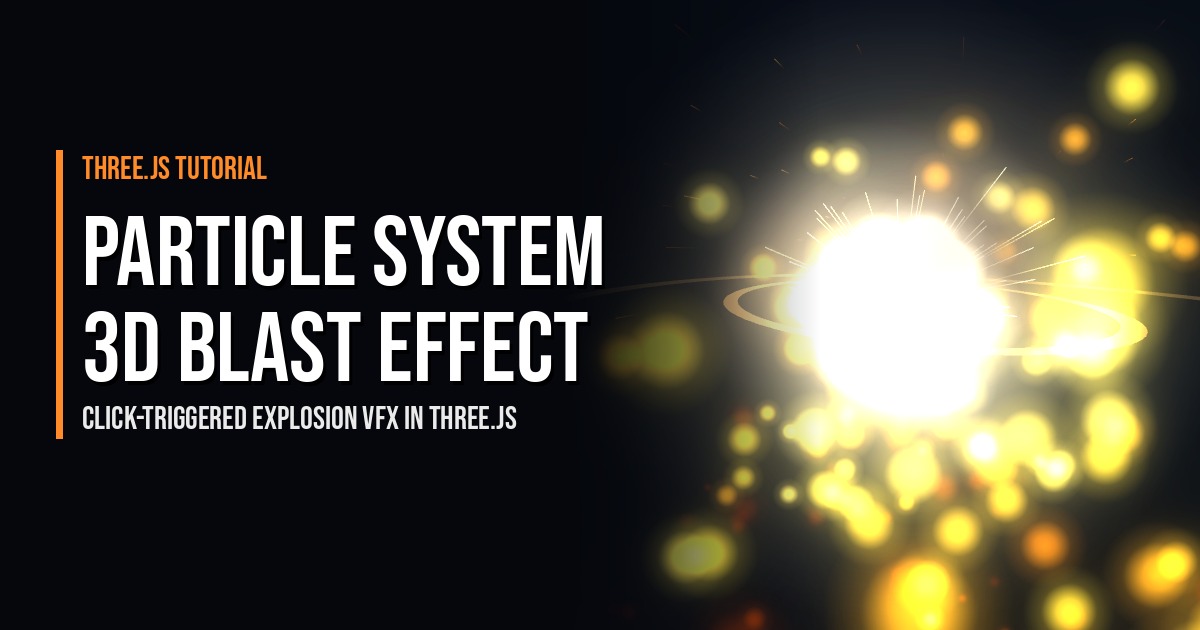
Make a click-to-fire Three.js explosion with a 3D particle blast: velocity, glowing lights and particle lifespans. Live demo plus free copy-paste code for your games.
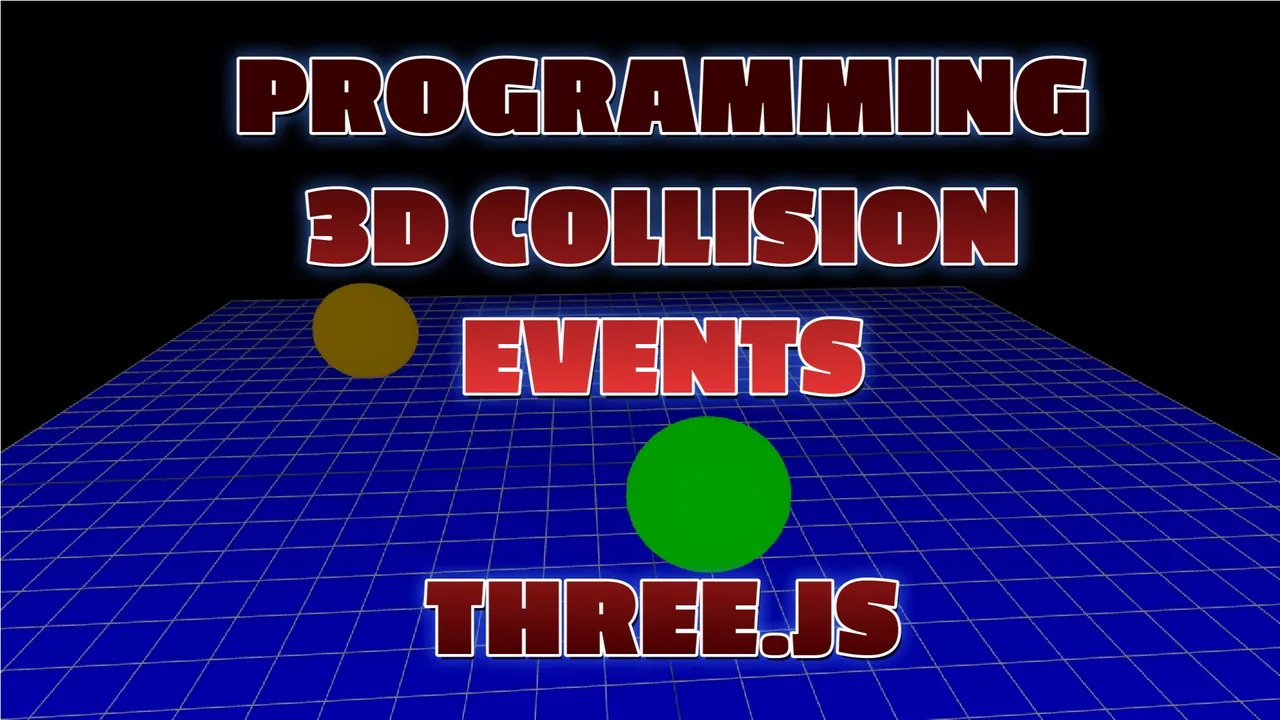
Free Three.js tutorial: detect collisions between 3D spheres using distance checks, bounce them off each other and the walls, and flash random colors on impact. Live demo and copy-…
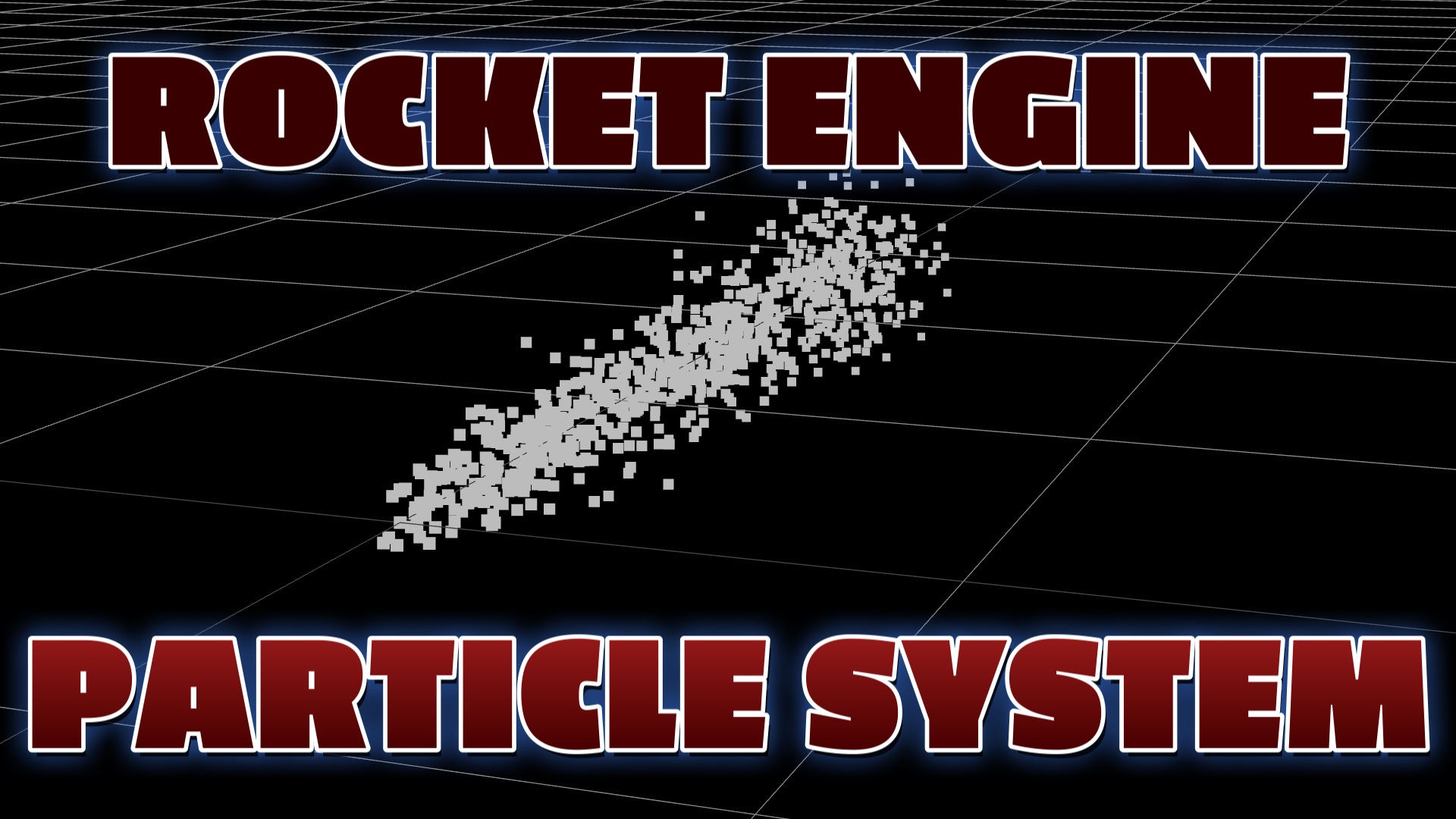
Free Three.js tutorial: build a rocket engine exhaust particle system with BufferGeometry and PointsMaterial. Streaming particles, orbit camera, live demo and copy-paste code.
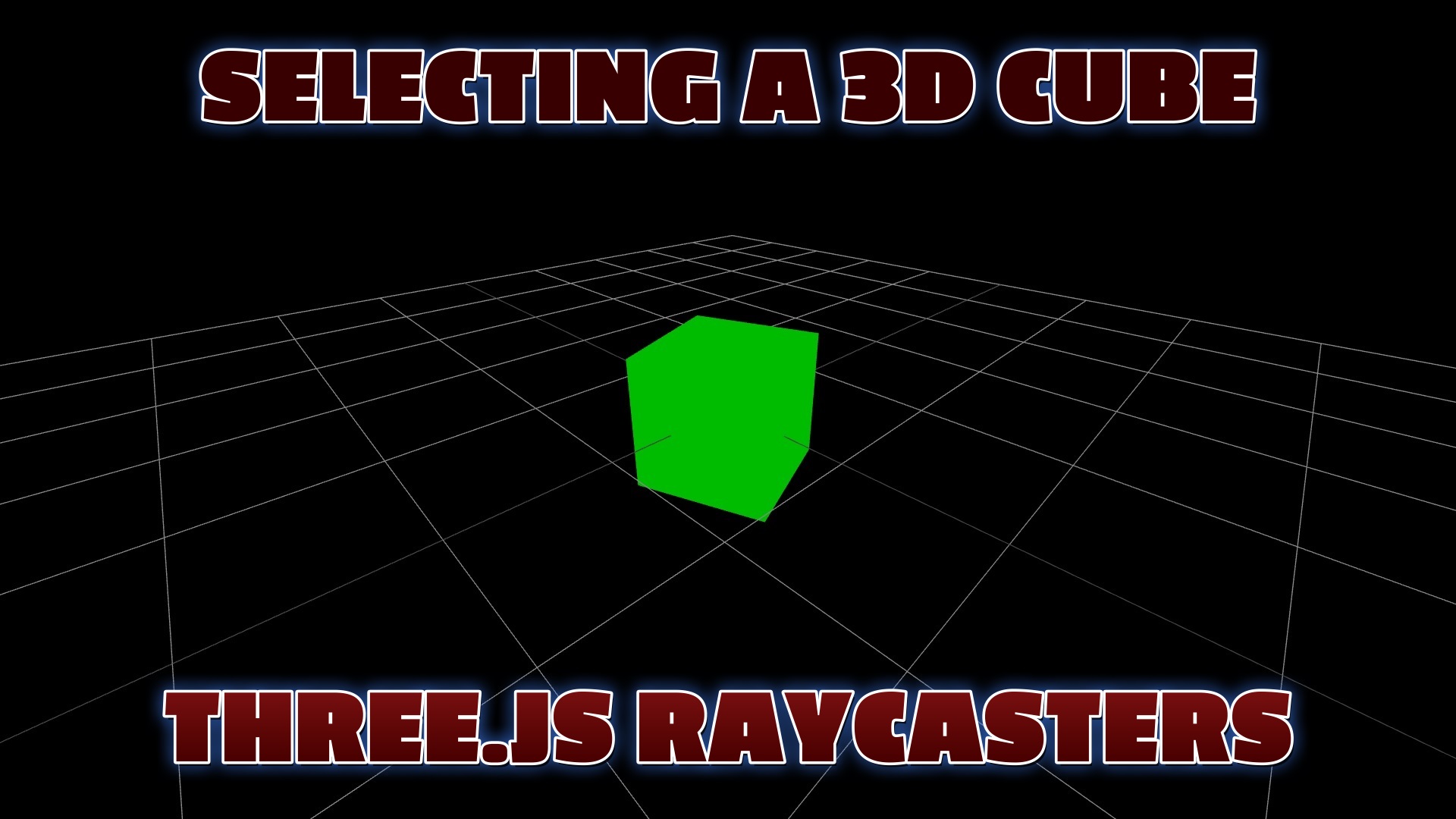
Learn how to select a 3D cube with a Three.js Raycaster and mouse click. Includes a live interactive demo, step-by-step code, and a full copy-paste example.
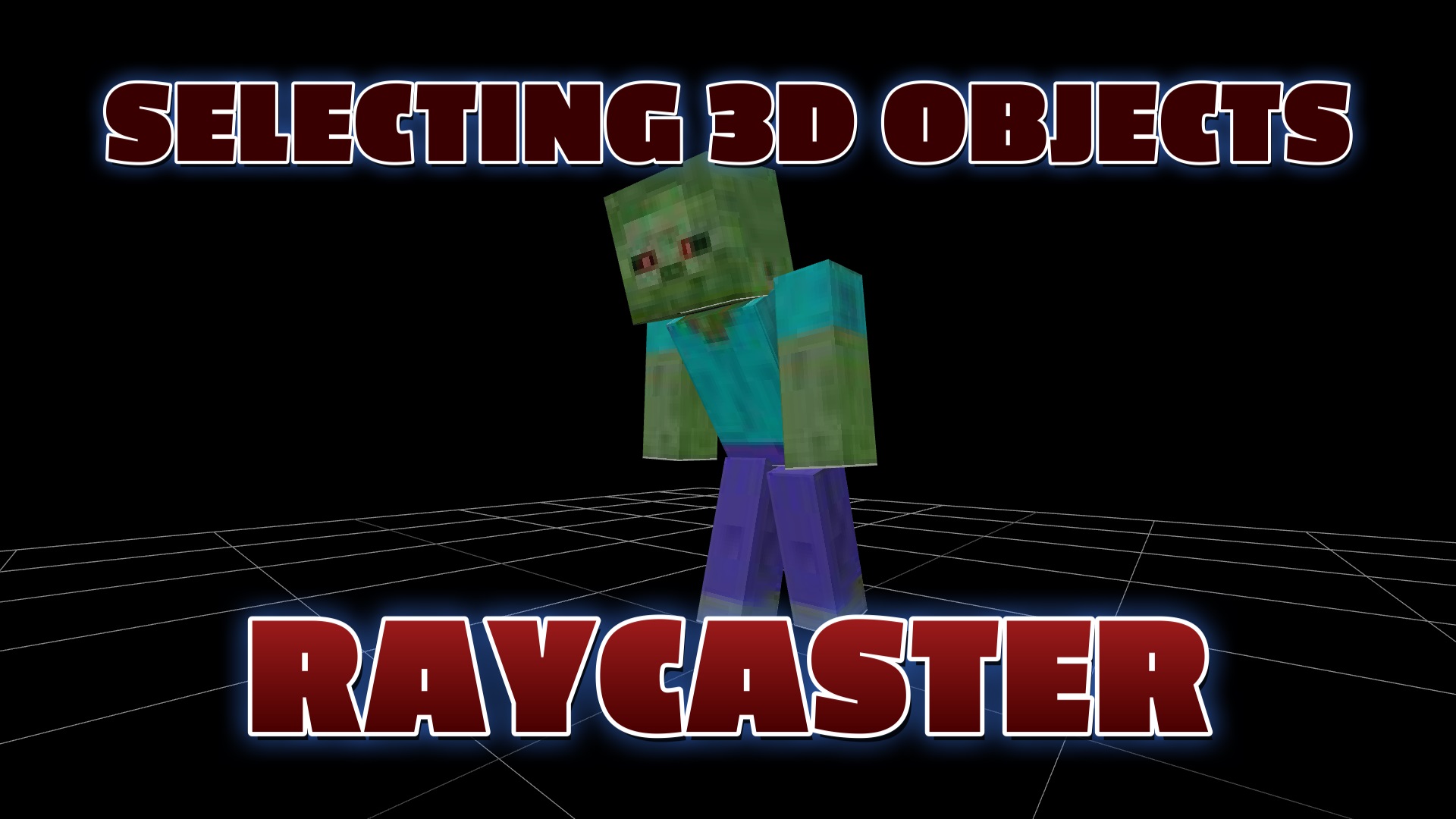
How To Select 3D Minecraft Model With a Raycaster Using Three.js
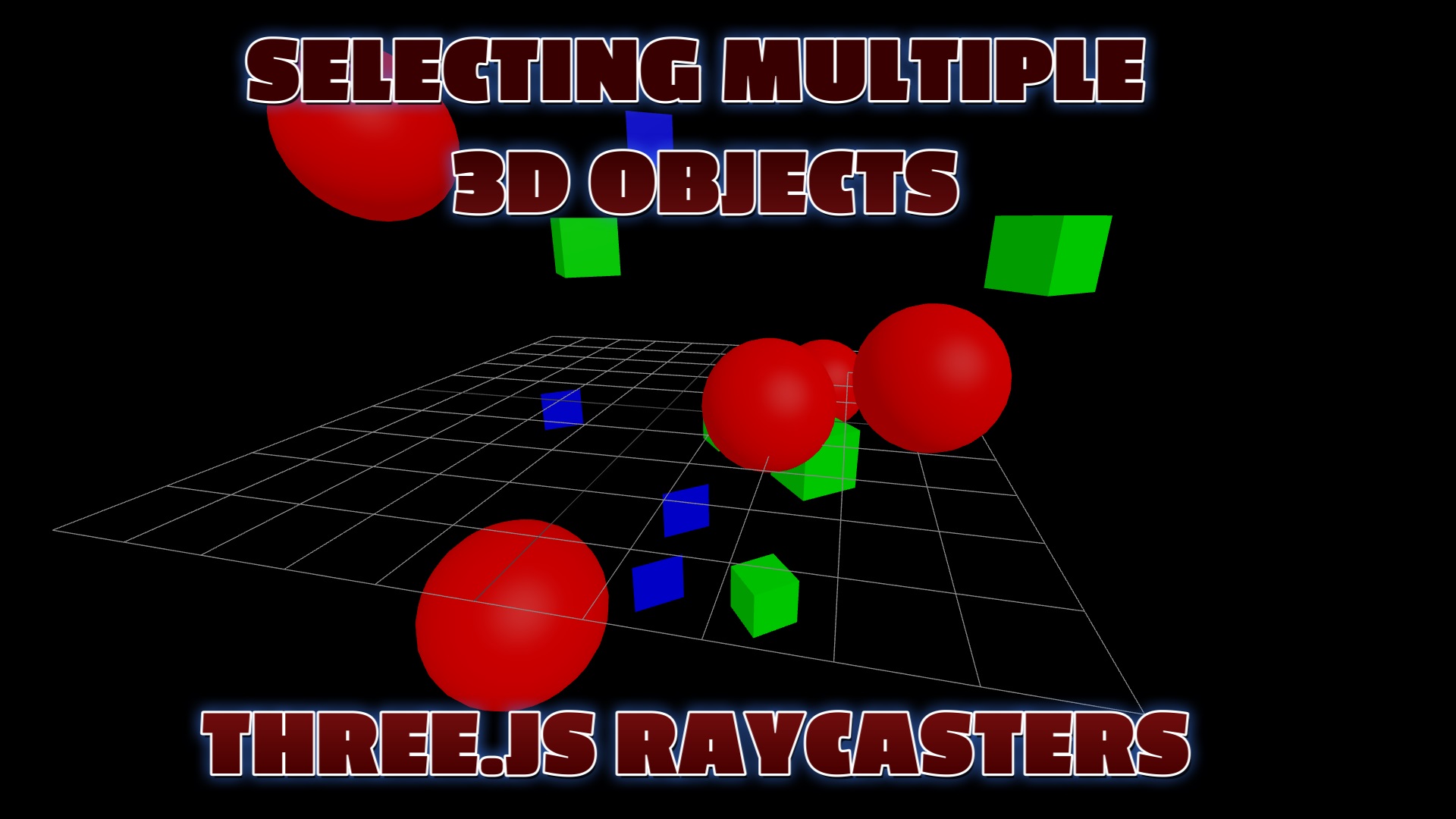
This page demonstrates how a 3d object can be selected using Three.js Raycasters
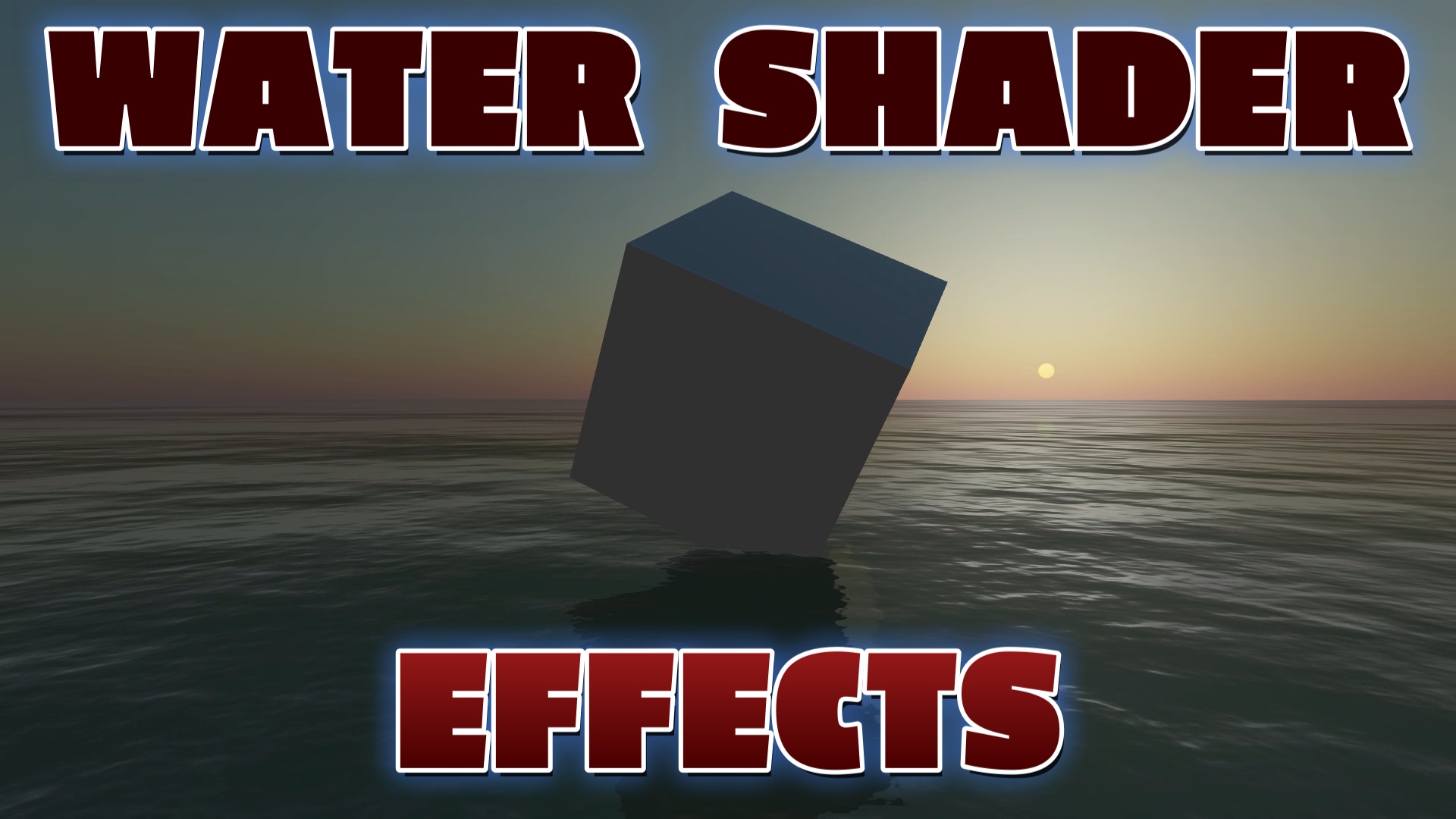
Create a realistic animated ocean in Three.js with the Water and Sky shaders: reflections, rolling waves and a moving sun. Try the live demo and copy the free working code.
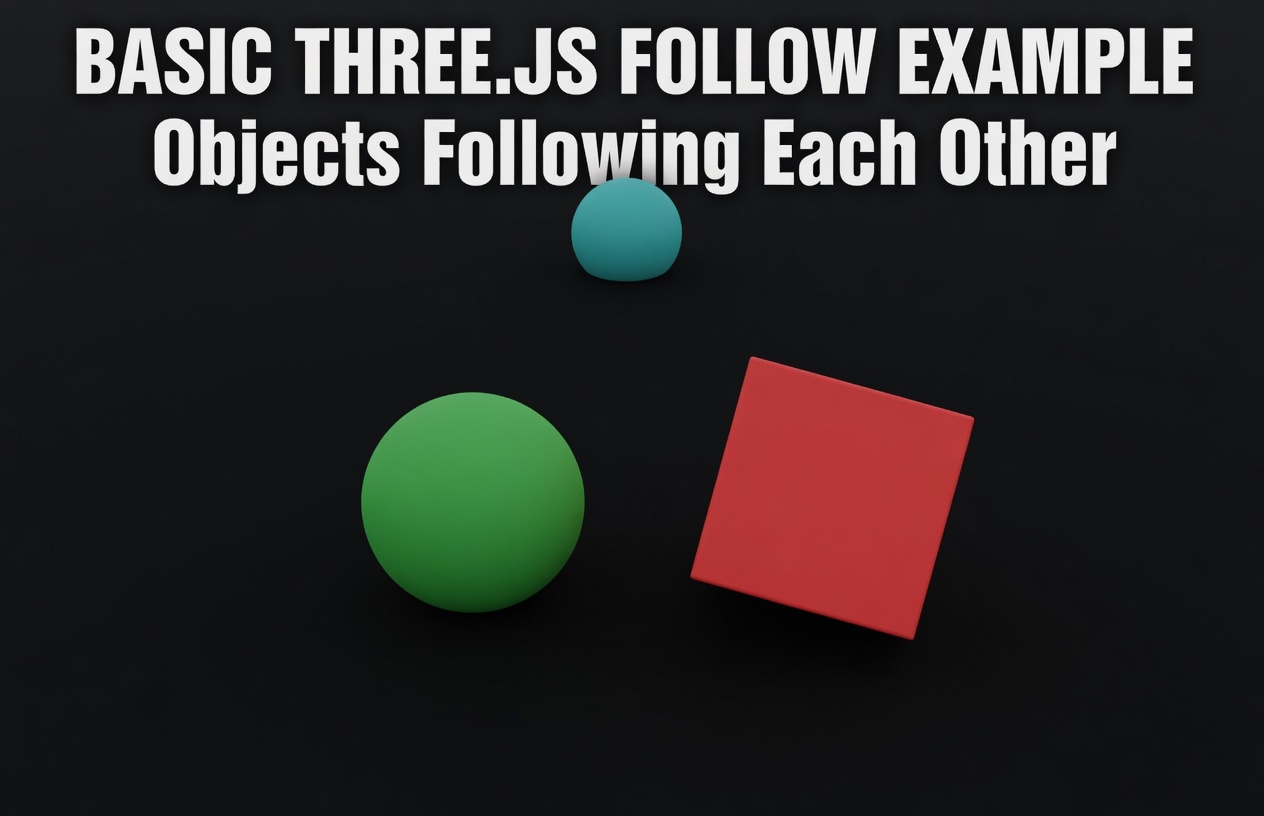
Learn how to implement object following behavior in Three.js. Create realistic camera tracking, enemy AI, and interactive 3D experiences with step-by-step code examples.
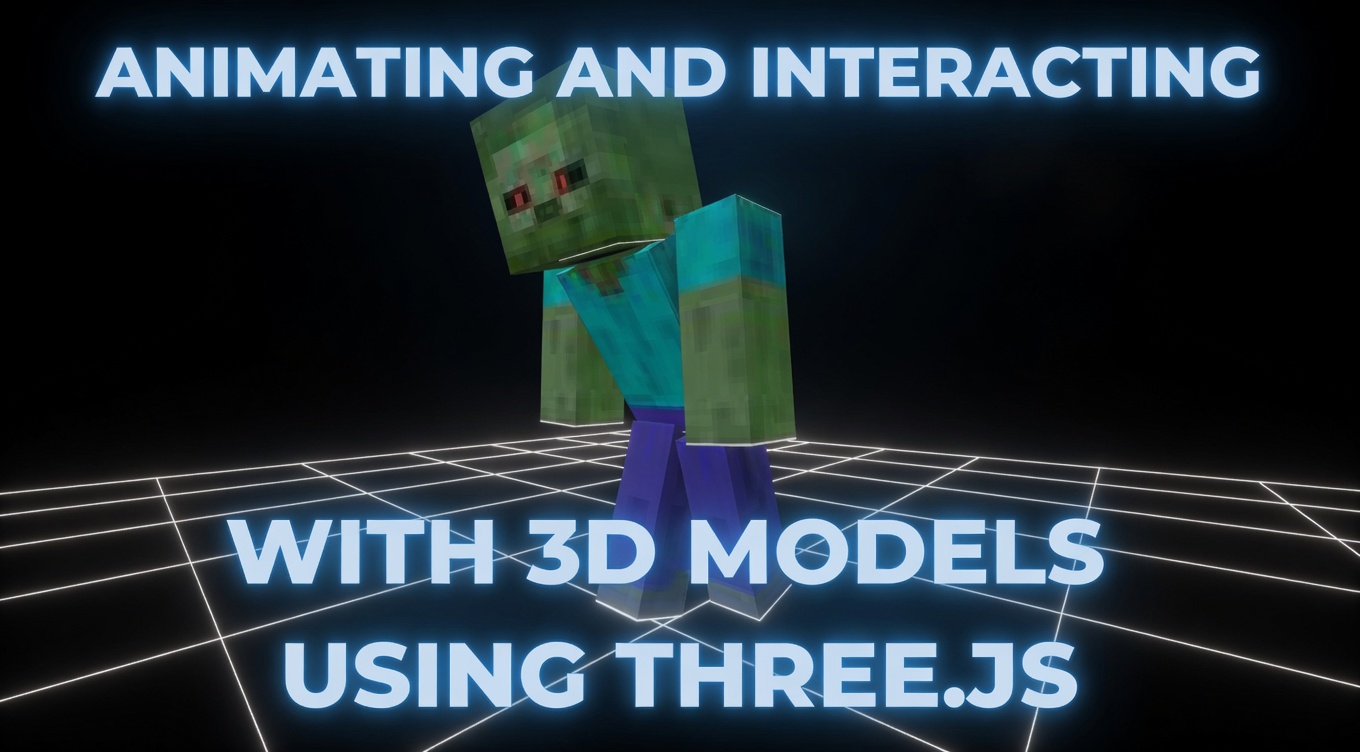
Premium Three.js tutorial: load, animate, and click on a 3D Minecraft model. Covers GLTFLoader, AnimationMixer, Raycaster click detection, OrbitControls, and bounding box camera fr…
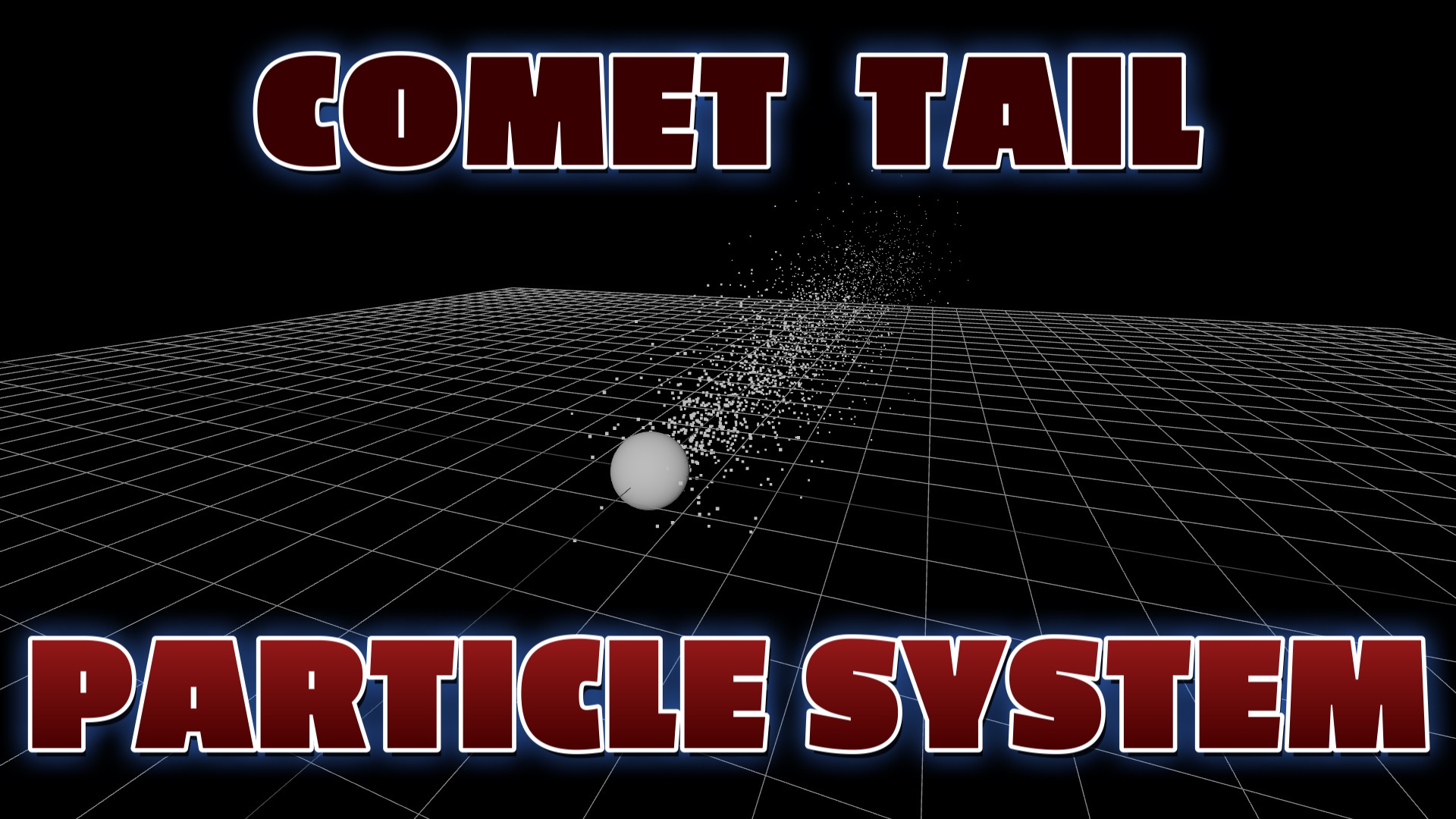
Learn how to create a stunning comet particle system with Three.js. Complete step-by-step guide with custom geometry, materials, animation, and live demo code.
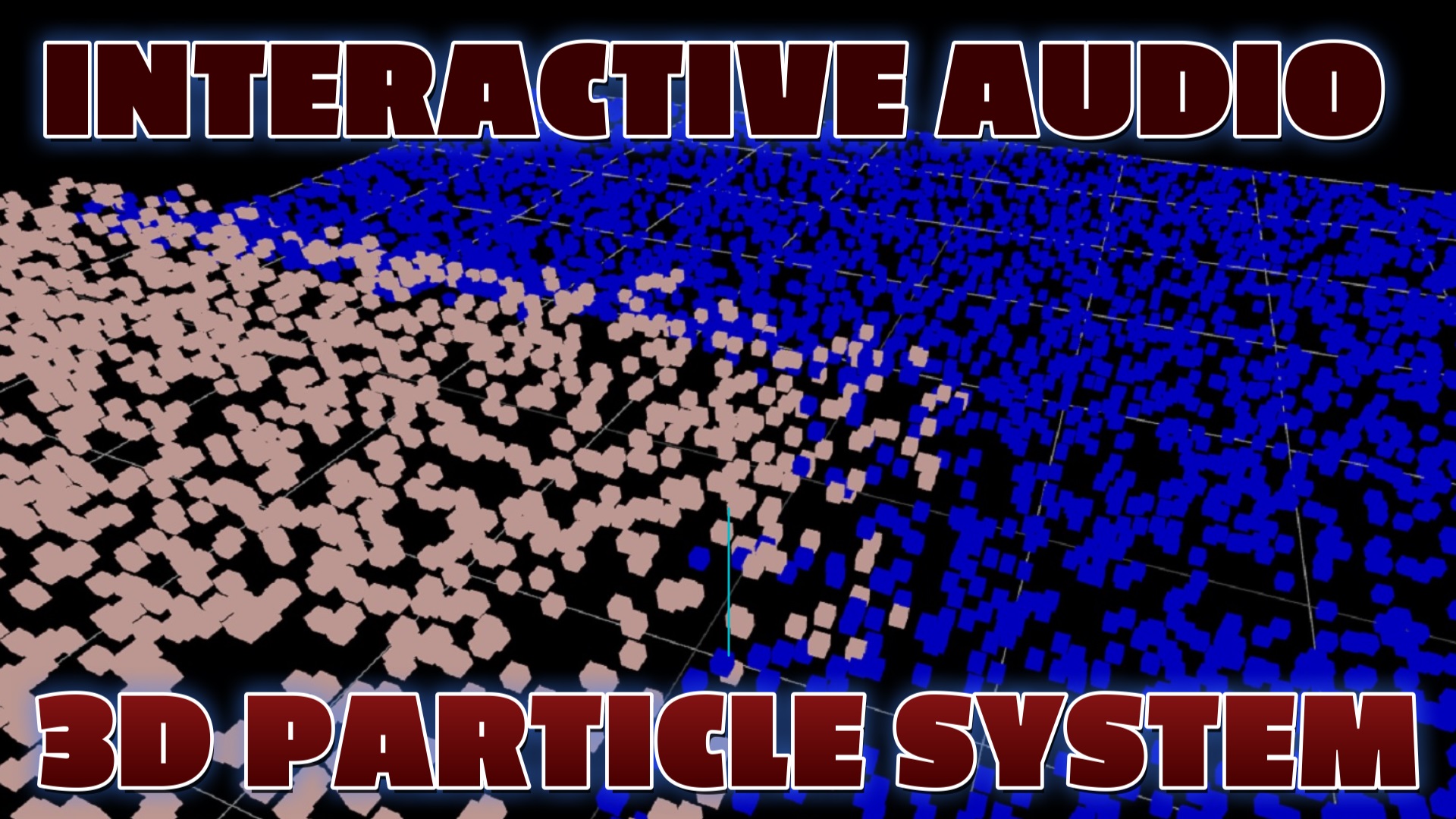
Learn how to create interactive audio-driven particle systems using Three.js AudioAnalyser. Particles react in real-time to music frequency data.
This page demonstrates how to select a 3d cube and move the cube towards the camera using Three.js and Webgl.
Learn how to program keyboard inputs for First Person Shooter games with Three.js.
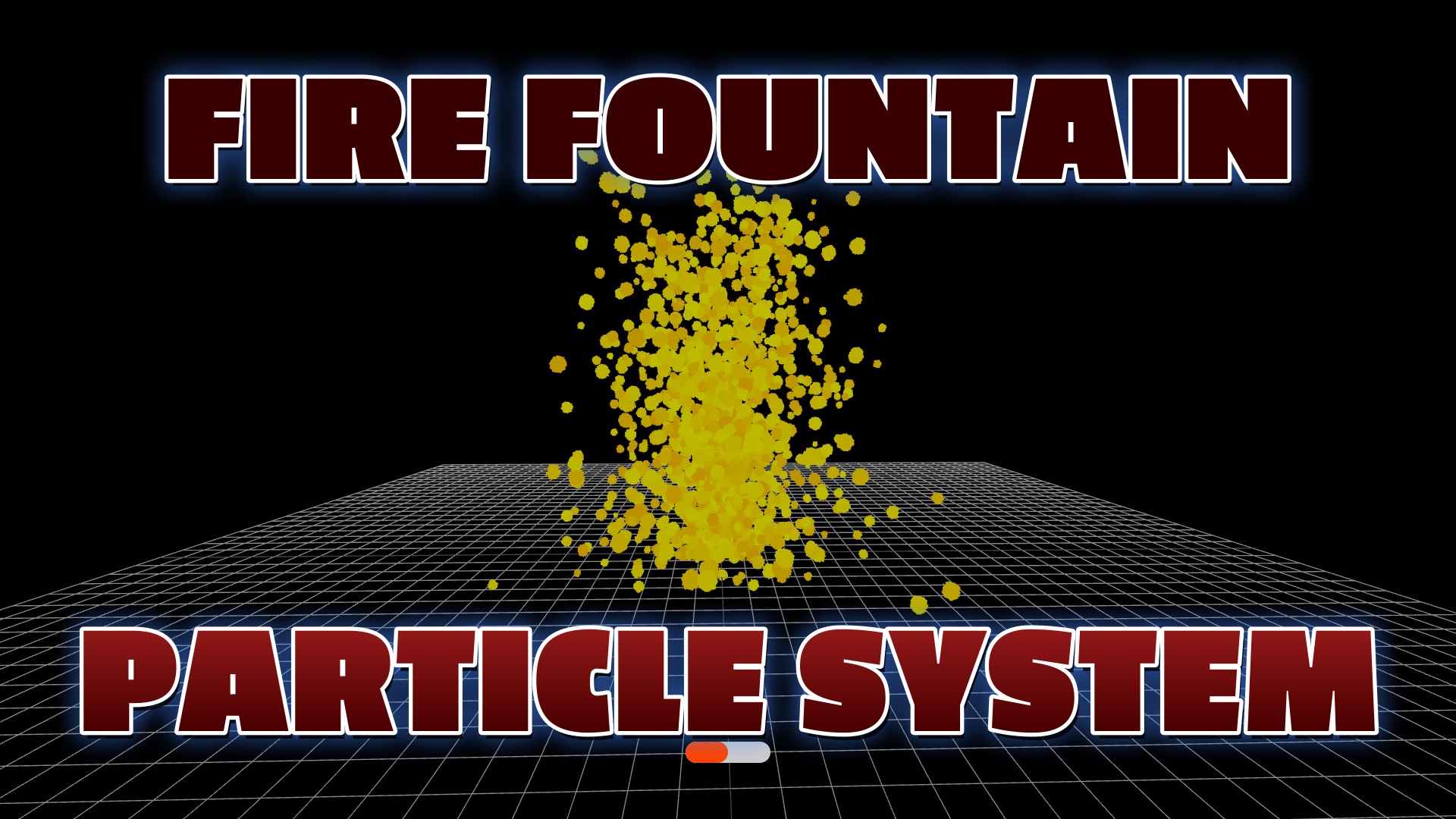
Create a realistic Three.js fire effect with a particle fire fountain: BufferGeometry, additive blending and live sliders, then turn it into glowing lava. Live demo + free code.
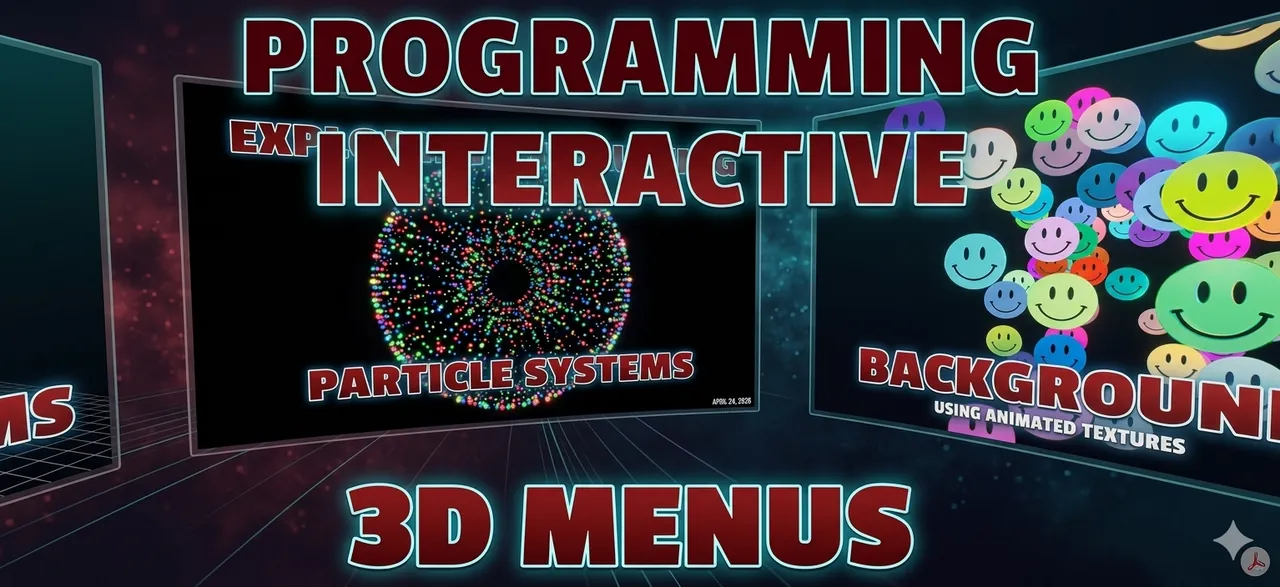
Learn how to program fun interactive particle systems using Three.js. Explore animations, user interactions, and captivating visual effects for websites.
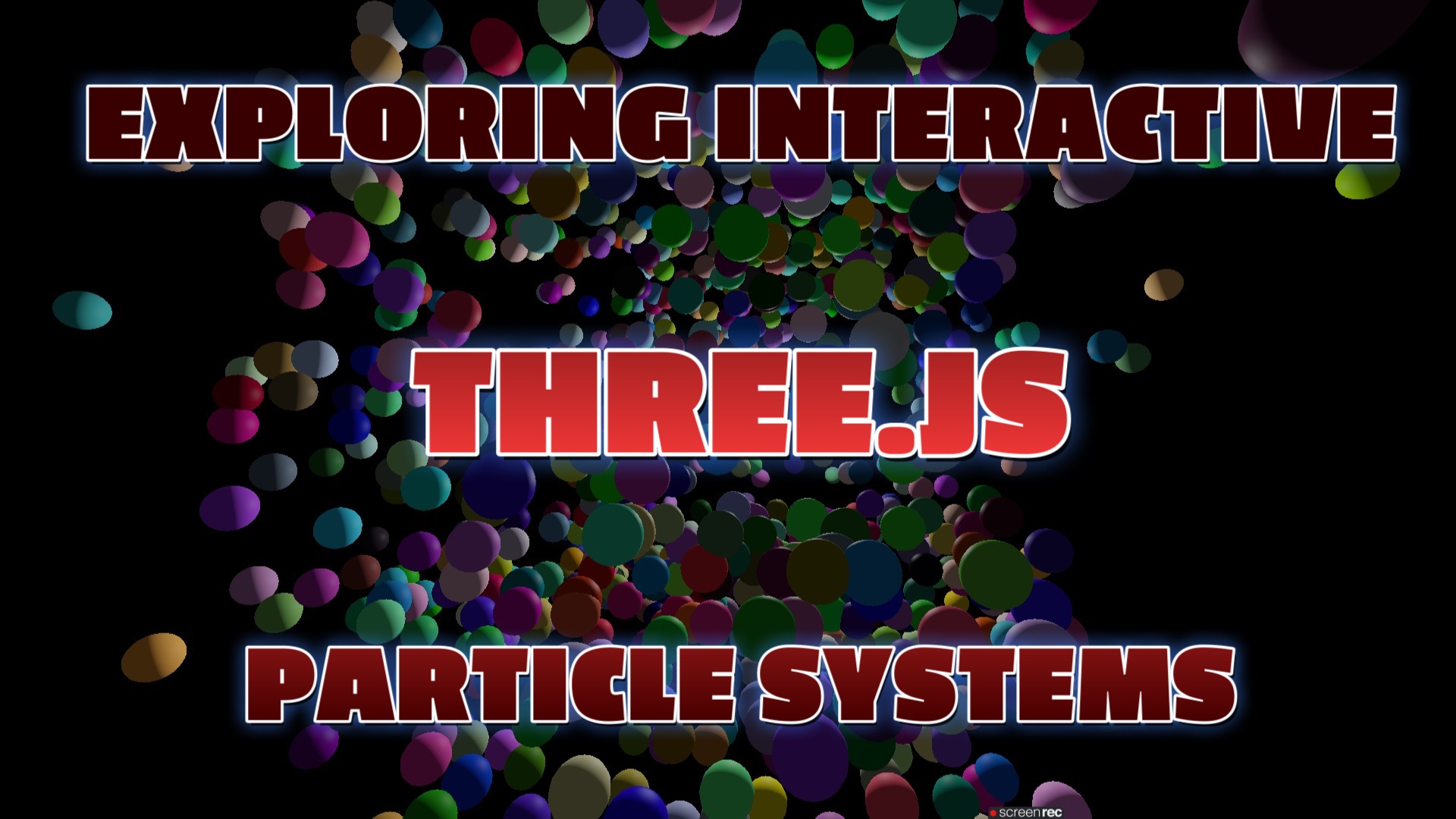
This blog post article contains step by step instructions and code example on how to program interactive visual particle system to enhance website appeal to users.
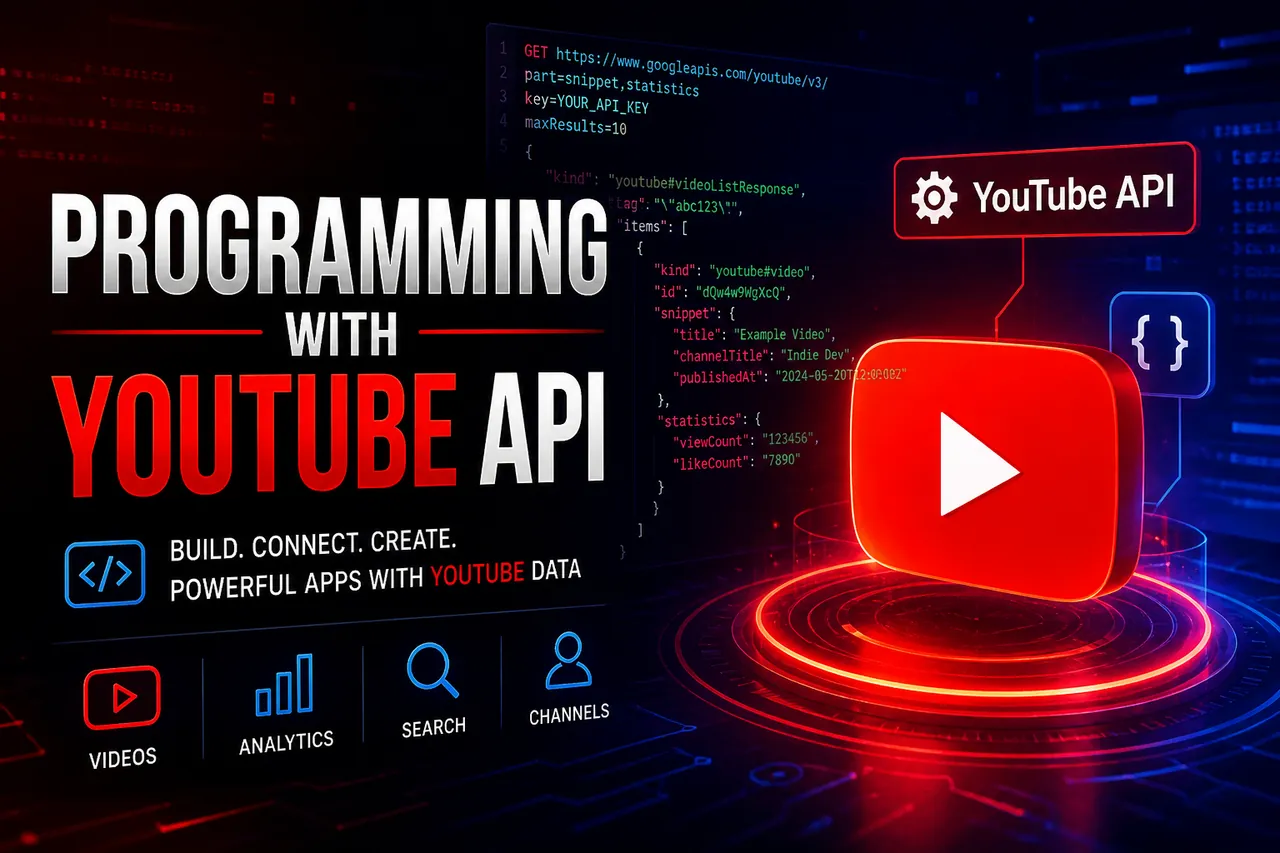
An article with step by step instructions and code examples demonstrating how you can use the YouTube API to load your videos on a web page.
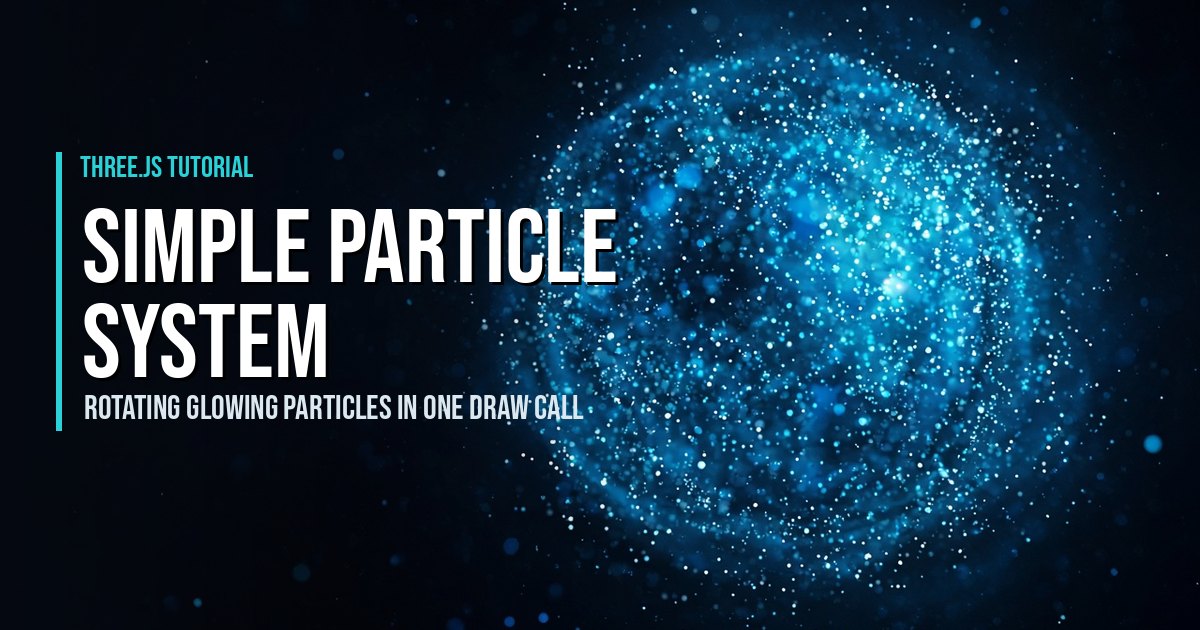
How to program a simple particle system in Three.js: a rotating cloud of 5,000 glowing particles in one draw call, with soft sprites, additive blending, twinkle and fog.
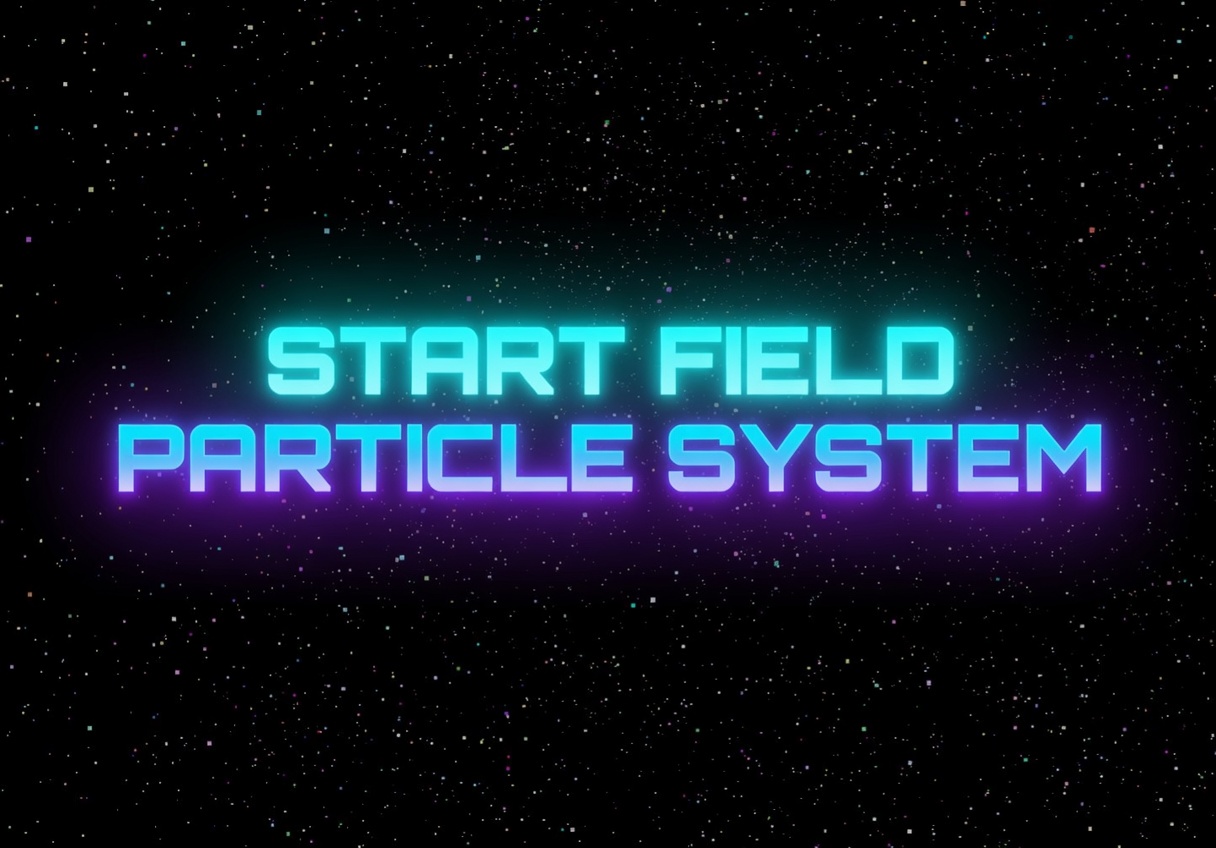
Learn how to create stunning interactive 3D star field particle systems with Three.js. Perfect for website backgrounds, space scenes, and immersive web experiences. Step-by-step tu…
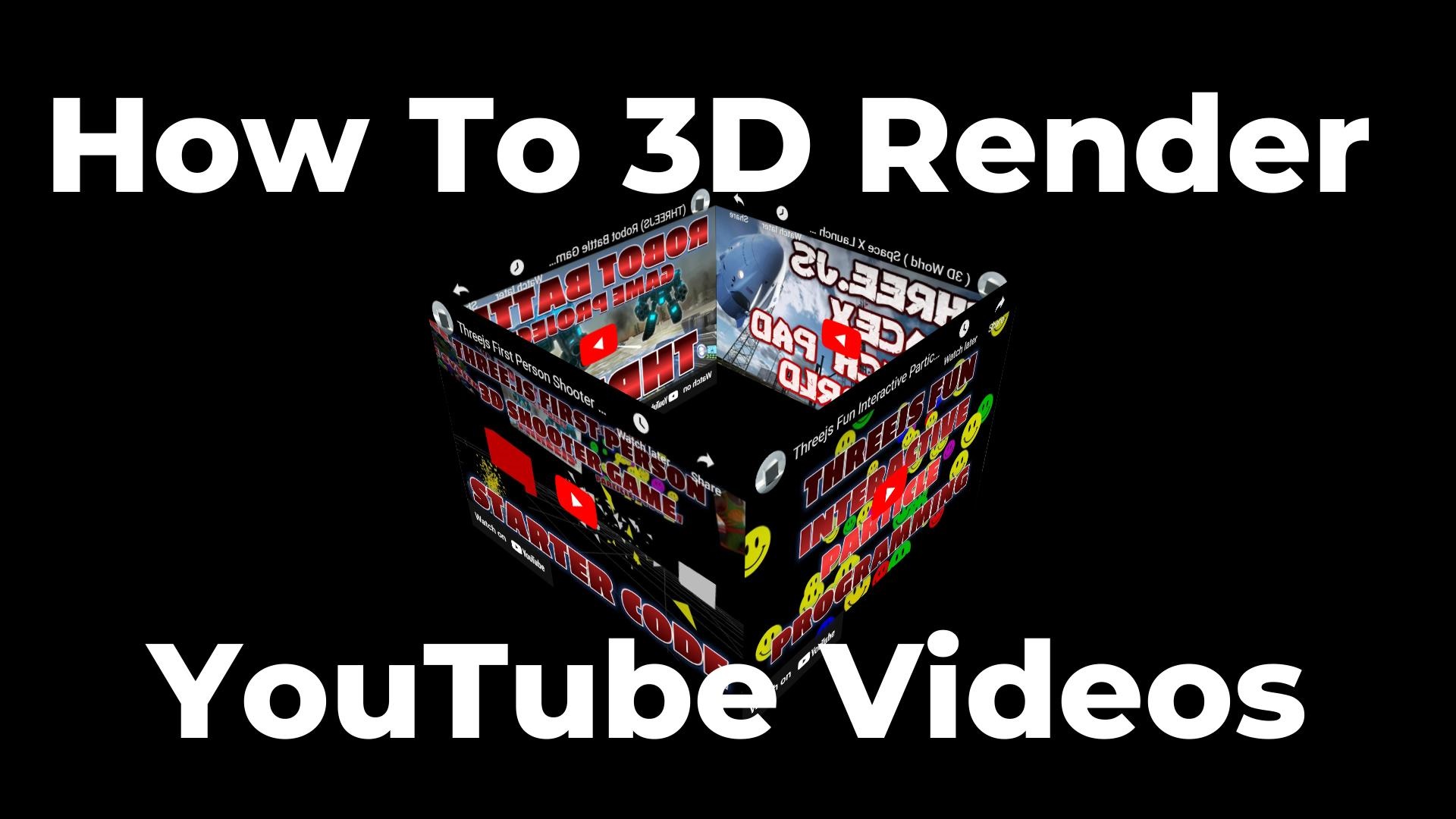
Learn how to render YouTube videos on 3D surfaces using Three.js CSS3DRenderer. Build a rotating video cube with OrbitControls, iframes mapped to 3D planes, and interactive camera …
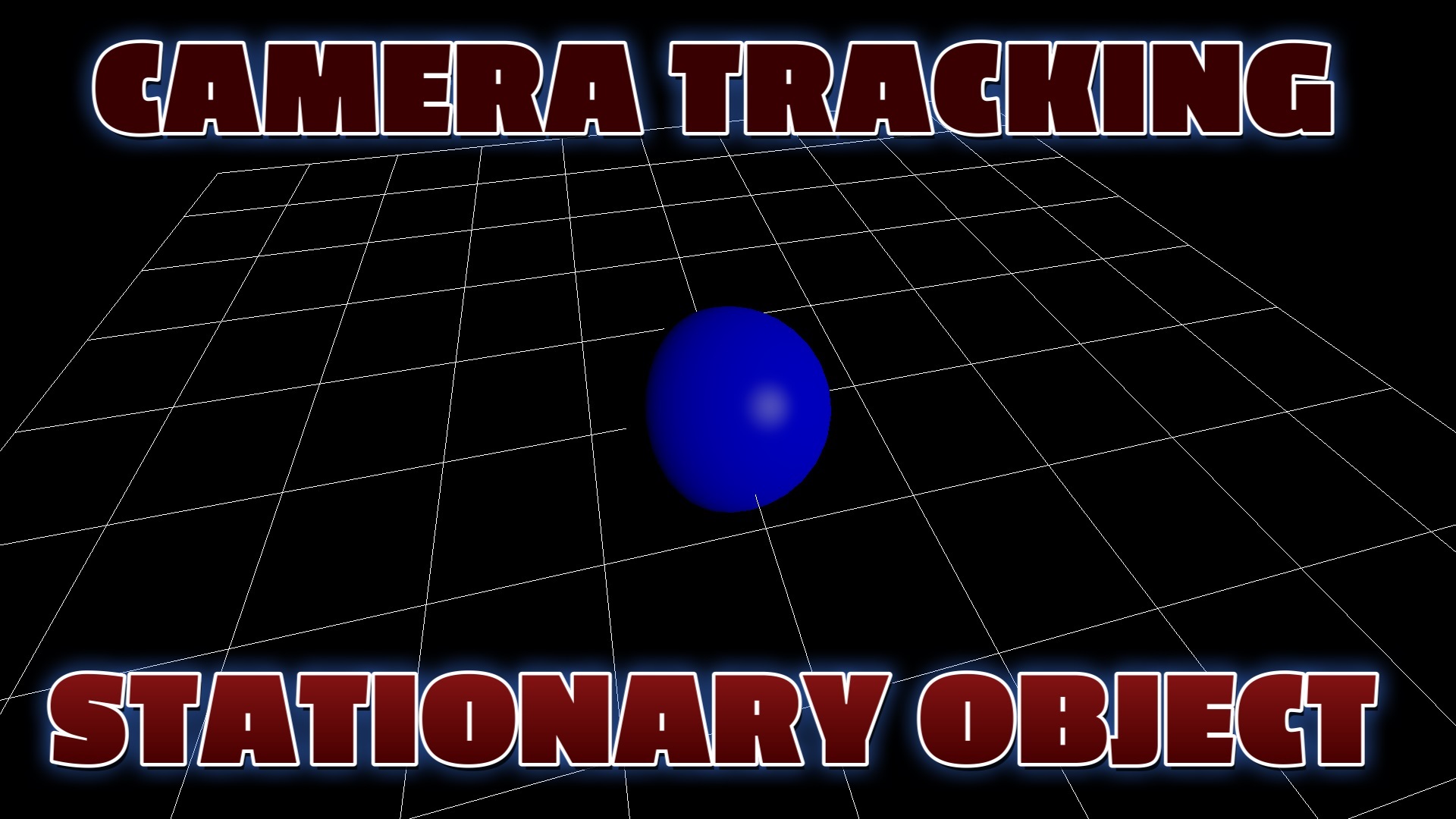
This is a demonstration of Three.je camera tracking stationary object

Discover how to design 3D games using web technology including Three.js, HTML5, and WebGL. A comprehensive guide to creating immersive browser-based 3D games.
This page demonstrates how a 3d object can be selected using Three.js raycasters
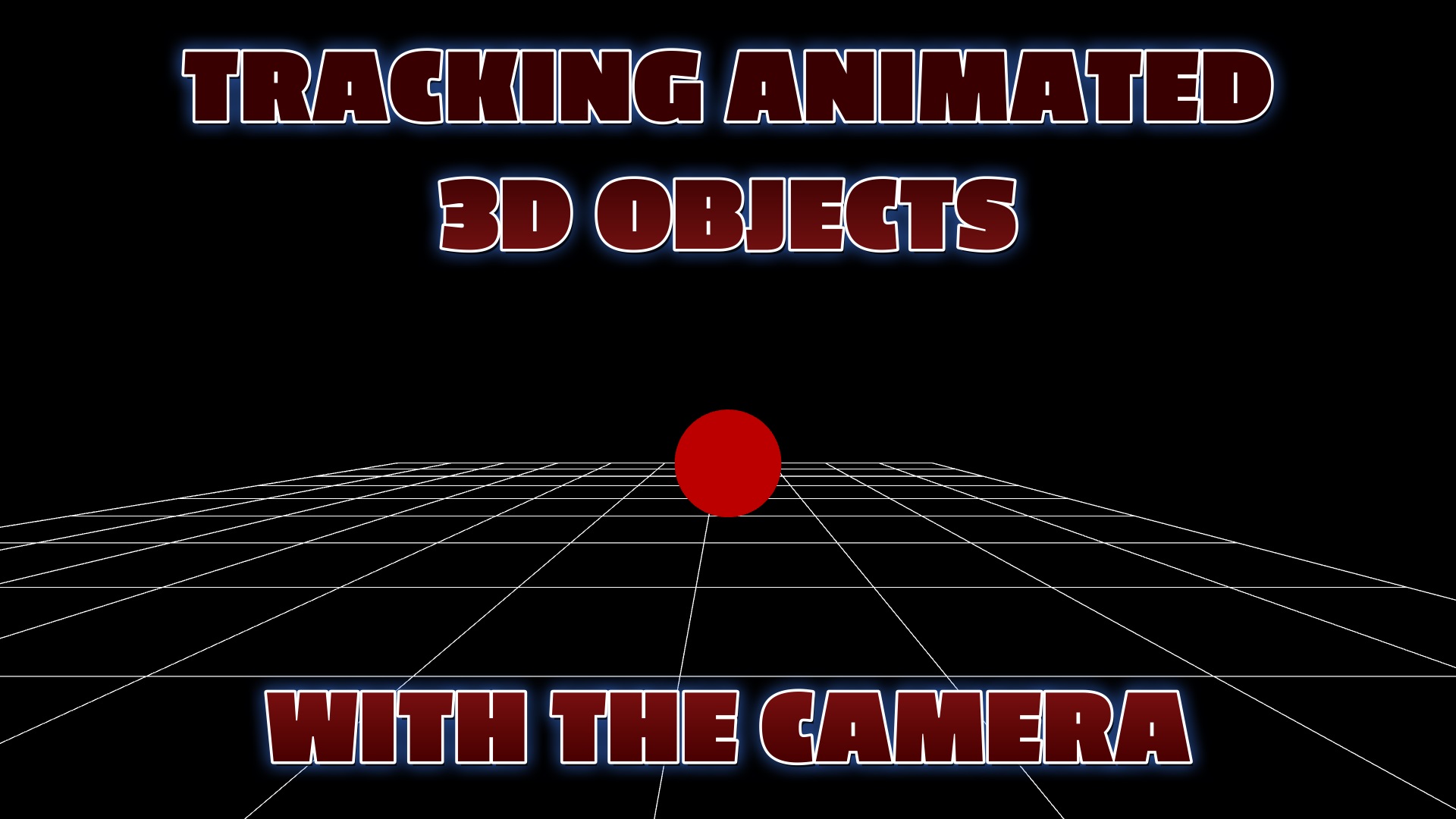
This example demonstrates how a Three.js scene camera can be programmed using webgl to track animated 3d objects.